• $26.99
  • Free 30-day Returns
  • Shipped by BrightMart Shop

    Price alert
    Shop it at NeweggBusiness.

    Meet Your Seller

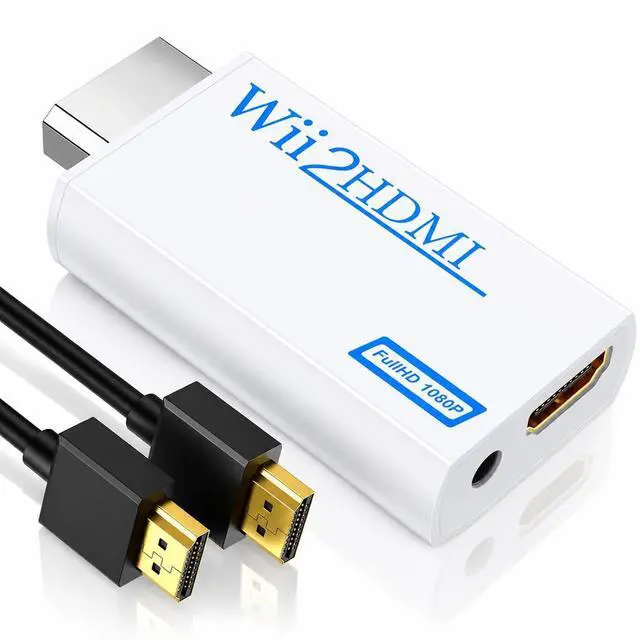
    Wii to HDMI Converter, 1080P Wii HDMI Adapter with 3.5mm Audio Jack

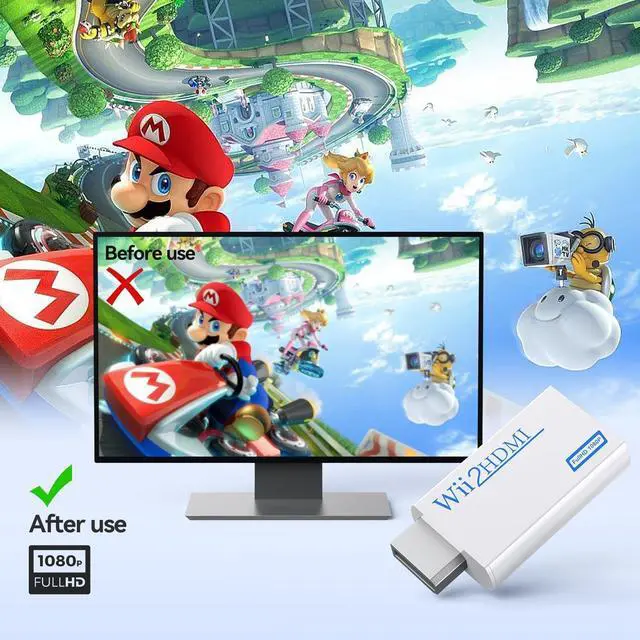
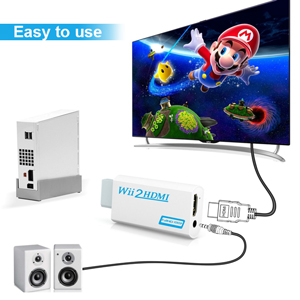
    • STABLE WII TO HDMI CONVERSION: Convert your Wii or Wii U audio and video signal to HDMI for modern HDTVs, monitors and projectors. Designed for stable signal transmission and synchronized sound and picture, it works with 720p and 1080p HDMI displays while preserving the consoles original image quality.
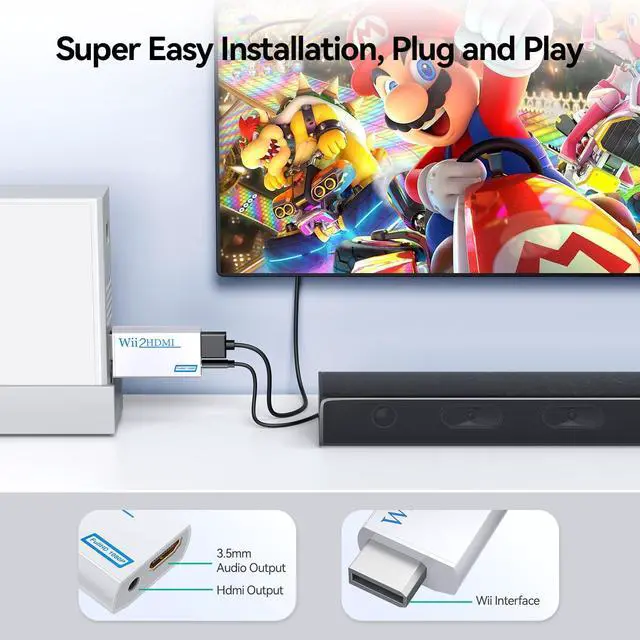
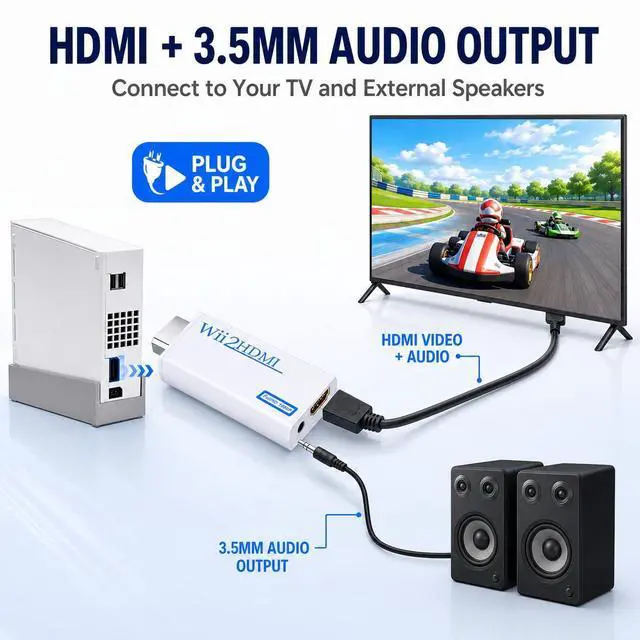
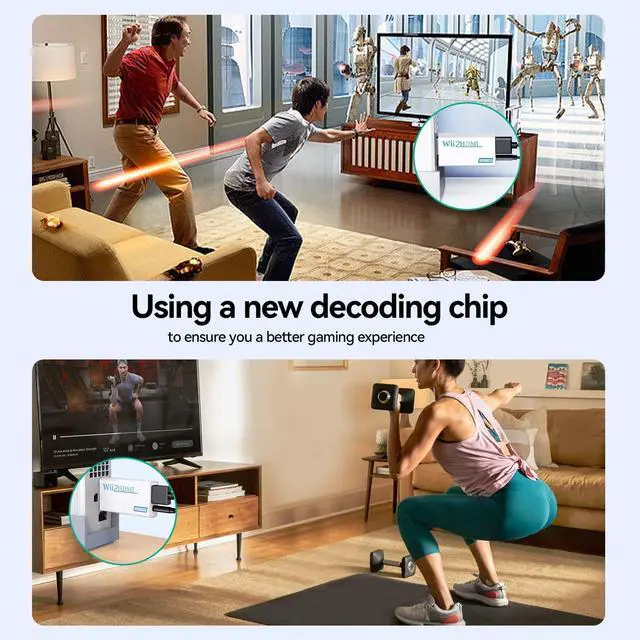
    • SIMPLE PLUG-AND-PLAY SETUP: No drivers, software, settings or external power required. Connect the adapter to your console, attach an HDMI cable, select the correct HDMI input on your display and start playing. For the most reliable connection, plug the adapter directly into the TV, monitor or projector rather than an HDMI switch or splitter.
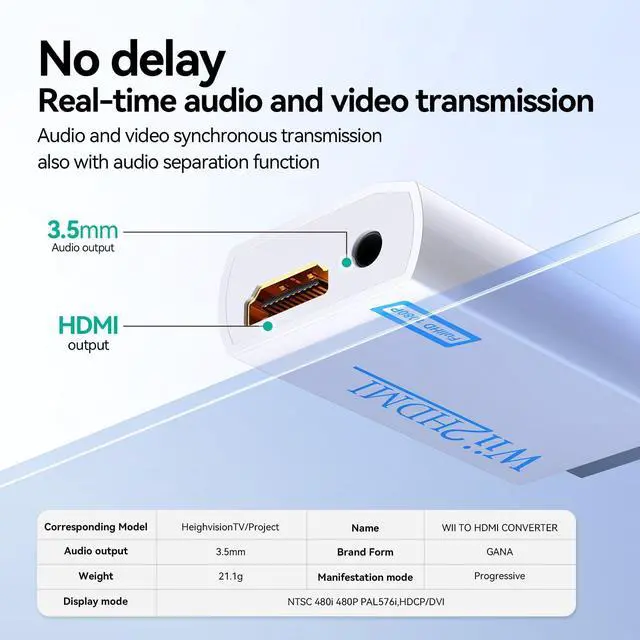
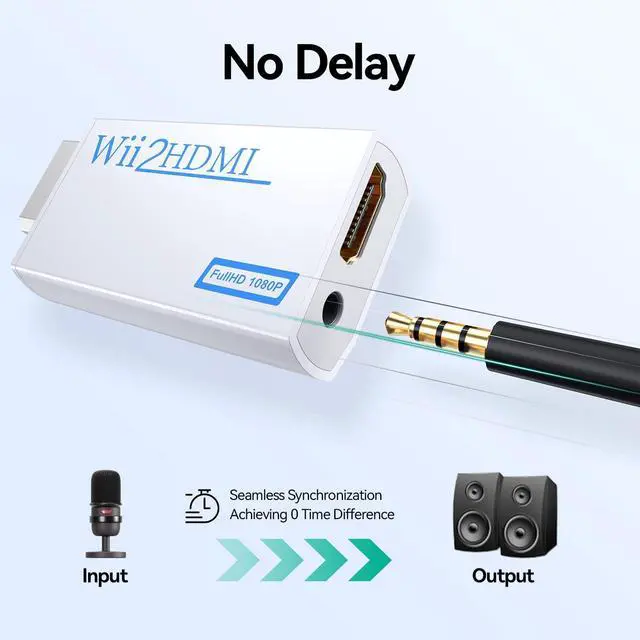
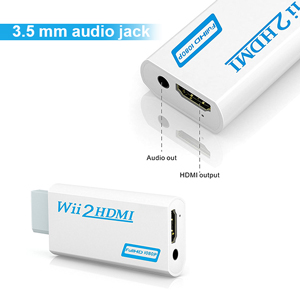
    • HDMI AUDIO PLUS 3.5MM AUDIO JACK: Audio is transmitted through the HDMI connection, while the built-in 3.5mm audio output lets you connect headphones, a headset or external speakers. Enjoy private late-night gaming or send the sound directly to your preferred audio device.
    • SUPPORTS STANDARD WII DISPLAY MODES: Compatible with NTSC 480i, 480p and PAL 576i display modes. Some newer TVs and monitors may not accept certain 240p or 480i game signals through HDMI; if no picture appears, set the Wii display resolution to 480p when the game and console support it.
    +
    +
    Overview
    Specs
    Reviews
    avatar

    Any questions? Our AI mode will help you find out quickly.

    GANA Wii Adapter to Hdmi

    How can we assist you?

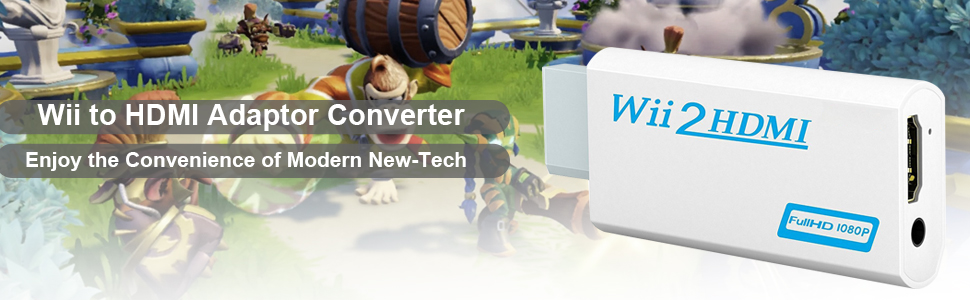
    We can help you make your Wii console compatible with HDMI monitors and TVs, ensuring high-definition picture quality, and simplifying the connection process. Our aim is to provide you with an enhanced gaming and viewing experience.
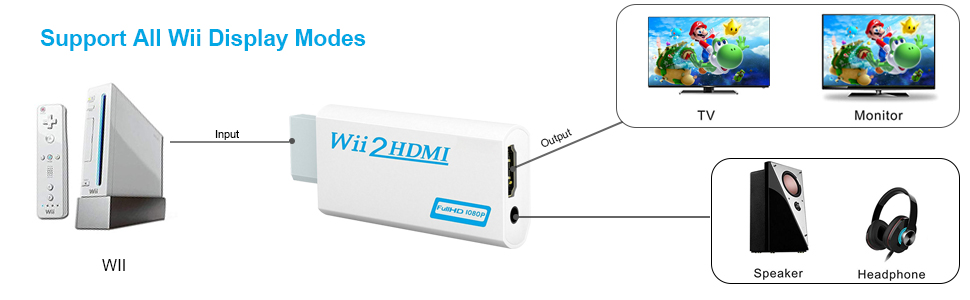
    Wii to Hdmi Converter
    Wii Hdmi Adapter

    Please Note:

    • NOT SUPPORT for wii mini

    • The Wii to HDMI Converter is not an upscaler. The MAXIMUM native resolution of Wii is analog out 480i or 480p depending on the cable you use, which means the converter will NOT magically turn your games into 720p or 1080p. Instead the converter will use the component analog 480p video signal and turn it into digital information to be send through the HDMI cable so as to help Will be functioned in 720/1080p device with better viewing.

    GANA Wii Hdmi Adapter

    Wii Adapter to Hdmi

    Specifications:

    • Supported Video input Mode: Includes all the display modes of the Wii console (NTSC 480i 480p, PAL 576i)

    • Supported HDMI output Mode: Outputs pure digital HDMI video/audio signals

    • Input Connector: Wii AV Multi Out Plug

    • Output Connectors: HDMI Connector & 3.5mm Stereo Audio Jack

    GANA Wii Adapter Hdmi for Smart Tv

    Plug and Play:

    • Using the Wii to HDMI Converter is effortless

    • With no settings or driver installations required

    GANA Wii2hdmi

    Best Game Partner:

    • The additional 3.5 mm audio jack makes you connect speakers or soundbar to enjoy the game better

    • The adapter does not cover other sockets and works well on your device

    • Enjoy your game life right now!

    Note: When you install the device and start it, due to the incompatibility of the device to some terminals, please tell us promptly if the following problems arise.

    1.No picture display, no sound

    2.Have picture but no sound

    3.Have sound but no picture display

    4.If you receive an defective one (like wavy or red lines) or you have any problems with this wii to hdmi adapter, please get back to us for replacement.

    GANA Wii Adapter to Hdmi

    How can we assist you?

    We can help you make your Wii console compatible with HDMI monitors and TVs, ensuring high-definition picture quality, and simplifying the connection process. Our aim is to provide you with an enhanced gaming and viewing experience.

    Wii to Hdmi Converter
    Wii Hdmi Adapter

    Please Note:

    • NOT SUPPORT for wii mini

    • The Wii to HDMI Converter is not an upscaler. The MAXIMUM native resolution of Wii is analog out 480i or 480p depending on the cable you use, which means the converter will NOT magically turn your games into 720p or 1080p. Instead the converter will use the component analog 480p video signal and turn it into digital information to be send through the HDMI cable so as to help Will be functioned in 720/1080p device with better viewing.

    GANA Wii Hdmi Adapter

    Wii Adapter to Hdmi

    Specifications:

    • Supported Video input Mode: Includes all the display modes of the Wii console (NTSC 480i 480p, PAL 576i)

    • Supported HDMI output Mode: Outputs pure digital HDMI video/audio signals

    • Input Connector: Wii AV Multi Out Plug

    • Output Connectors: HDMI Connector & 3.5mm Stereo Audio Jack

    GANA Wii Adapter Hdmi for Smart Tv

    Plug and Play:

    • Using the Wii to HDMI Converter is effortless

    • With no settings or driver installations required

    GANA Wii2hdmi

    Best Game Partner:

    • The additional 3.5 mm audio jack makes you connect speakers or soundbar to enjoy the game better

    • The adapter does not cover other sockets and works well on your device

    • Enjoy your game life right now!

    Note: When you install the device and start it, due to the incompatibility of the device to some terminals, please tell us promptly if the following problems arise.

    1.No picture display, no sound

    2.Have picture but no sound

    3.Have sound but no picture display

    4.If you receive an defective one (like wavy or red lines) or you have any problems with this wii to hdmi adapter, please get back to us for replacement.

    Wii to HDMI Converter, 1080P Wii HDMI Adapter with 3.5 mm Audio Jack

    Warranty & Returns

    Warranty, Returns, And Additional Information

    Warranty

    • Please contact the Seller directly for warranty information. Warranty information may also be found on the Manufacturer's website.
    • CONTACT

    Return Policies

    Manufacturer Contact Info

    LOADING...