




 here!
I’m your shopping assistant for PC builds, upgrades, and everything tech.
Got questions? Ask away!
Start a conversation
here!
I’m your shopping assistant for PC builds, upgrades, and everything tech.
Got questions? Ask away!
Start a conversation
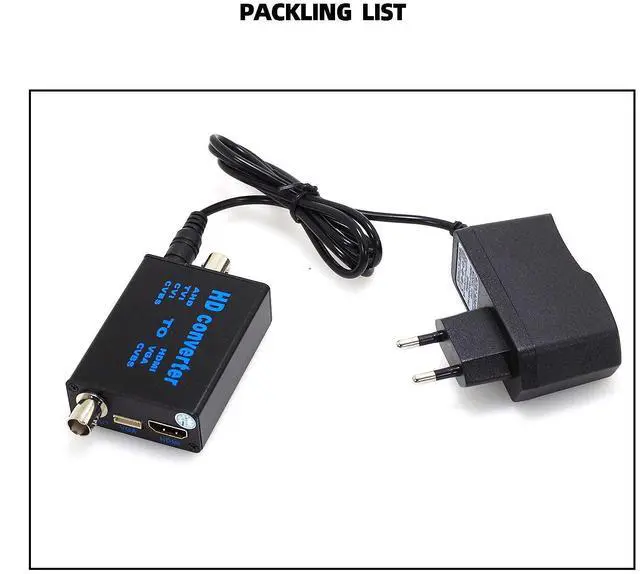
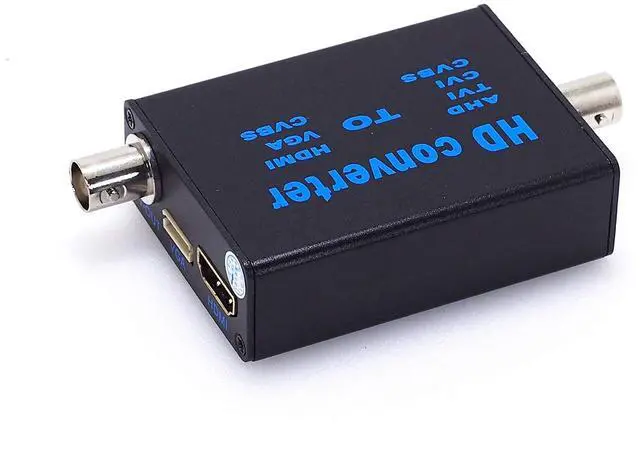



Any questions? Ask CelesteSM will help you find out quickly.
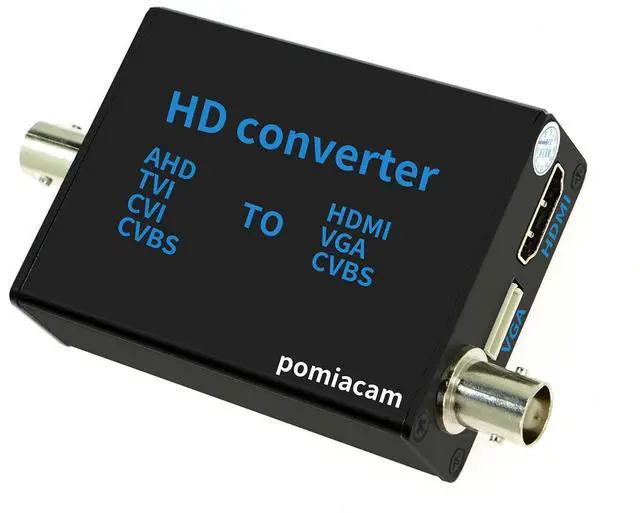
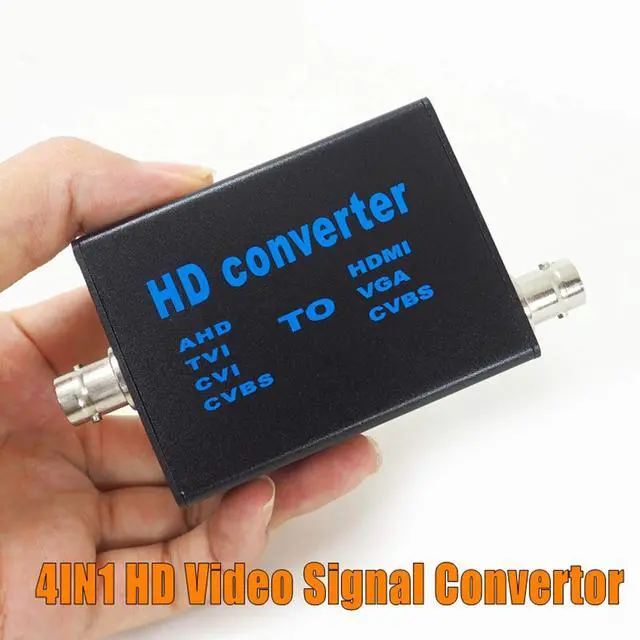
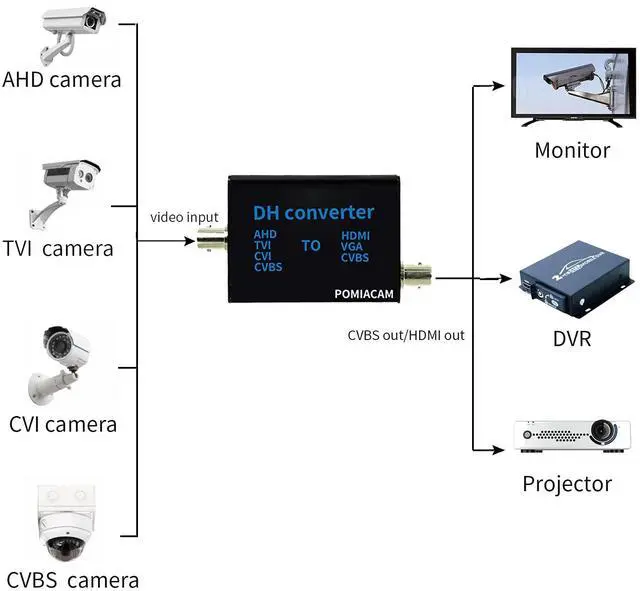
High definition video signal convertor Factory Direct 4-in-1 high definition video signal convertor AHD41, AHD/TVI/CVI/CVBS signal to HDMI/VGA/CVBS signal convertor
How to use:
1. Connect with original 12V power adapter to DC port, after power on, the RED light on;
2. V-IN connect with video signal input, the other side connect with the device which to receive converted video signal;
3. If you connect V-OUT/VGA/HDMI at the same time, press button A to shift different signal to display. The default output signal type is HDMI.
4. When using HDMI output, press button B to shift Video resolution between 1080P or 720P.
5. When using CVBS output, press Button B to shift PAL/NTSC mode.
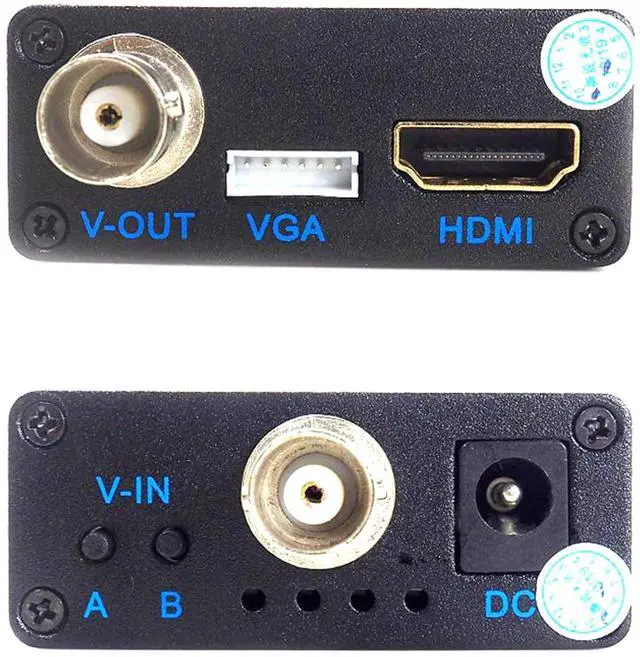
Front panel instruction:
Port/Function:
A: Output signal shift
B: Signal output resolution or TV mode shift
V-IN: Signal input (AHD/TVI/CVI/CVBS
DC: Power input5V-20V
Indicator (From left to right) : VGA signal, CVBS signal, HDMI signal, Power (Red)
Rear panel instruction:
Port/Function
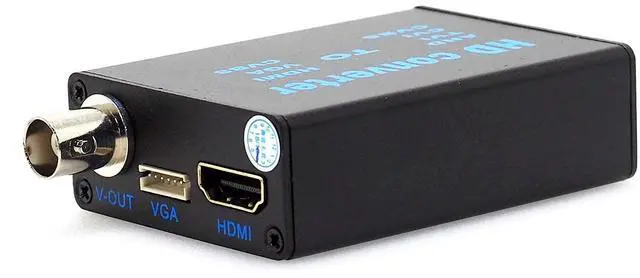
V-OUT: CVBS signal output (NCTS/PAL optional)
VGA: VGA signal output
HDMI: HDMI signal output720P/1080P optional
Specifications
Power: DC 5V-20V
Working Current: 150mAh
Consumption: 2Wat
Signal input: AHD/TVI/CVI/CVBS1080P/960P/720P
Signal output: HDMI / VGA / CVBS(1080P/720P)
Dimension: 66*53*21mm
Net Weight: 73g
Accessories:
Convertor*1
12V Power adapter*1
Manual*1
VGA module*1
FAQ
1. Why there has no video after I connect V-IN and V-OUT?
A. Please confirm if the monitor signal type is same as convertor output type. And please confirm if convertor signal shift to the correct mode.
2. Can I use my own power adapter with convertor
A. Convertor support 5V-20V power input, please use the adapter within this range and good quality.


