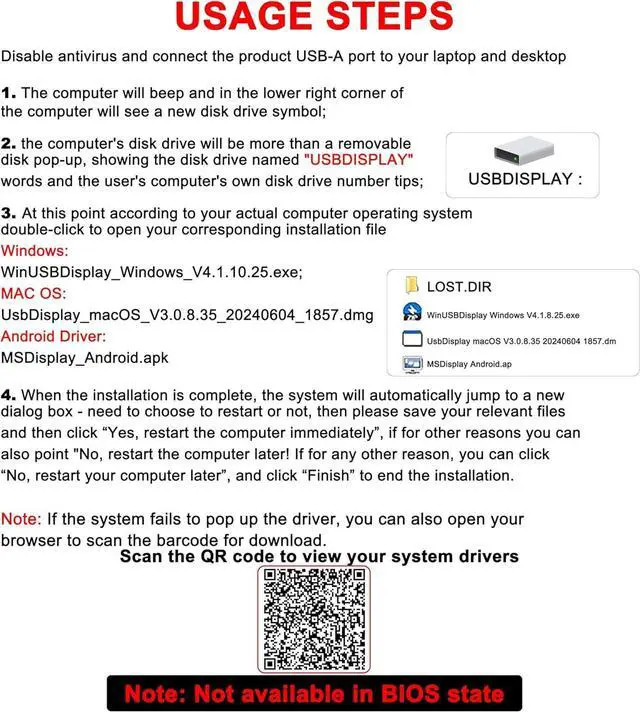
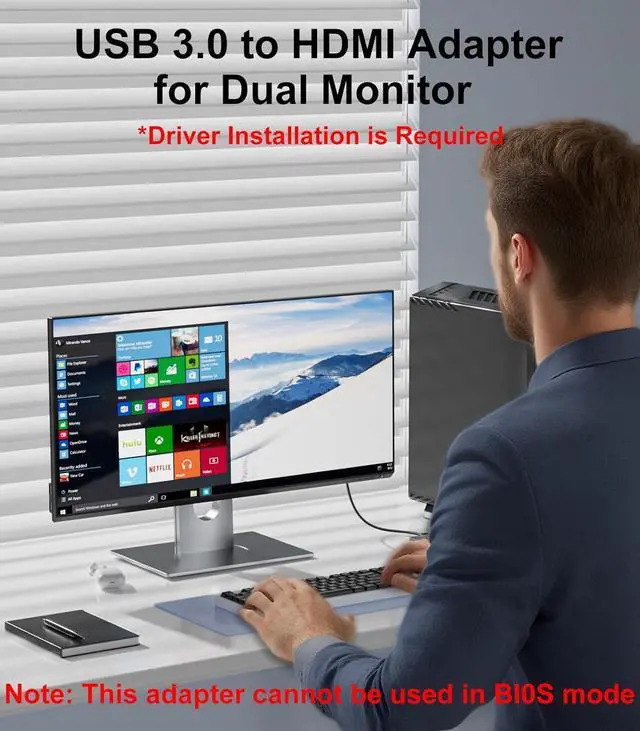
Installation GuideA driver must be installed before using the USB 3.0 to HDMI adapter. A concise illustrated installation guide is included in the package. Driver installation is simple and quick requiring no CD. This adapter is particularly suitable for corporate employees remote workers content creators gamers and students. If the driver does not automatically pop up please contact us promptly or refer to the image annotations.
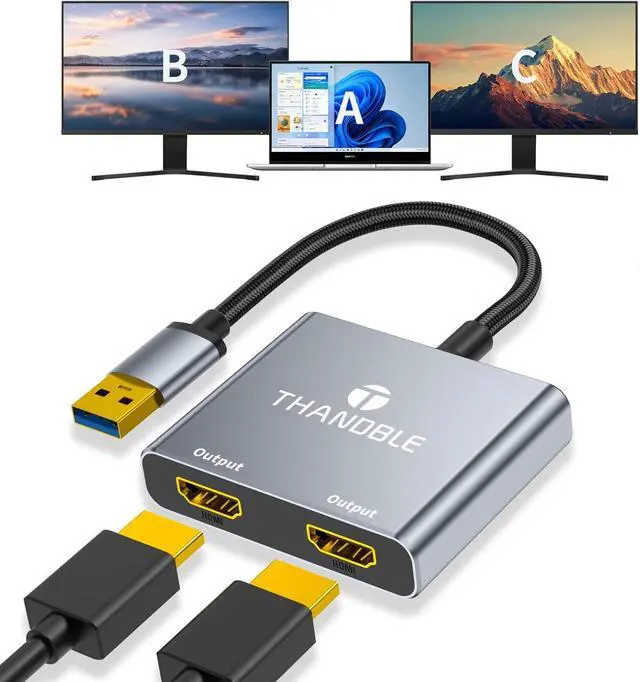
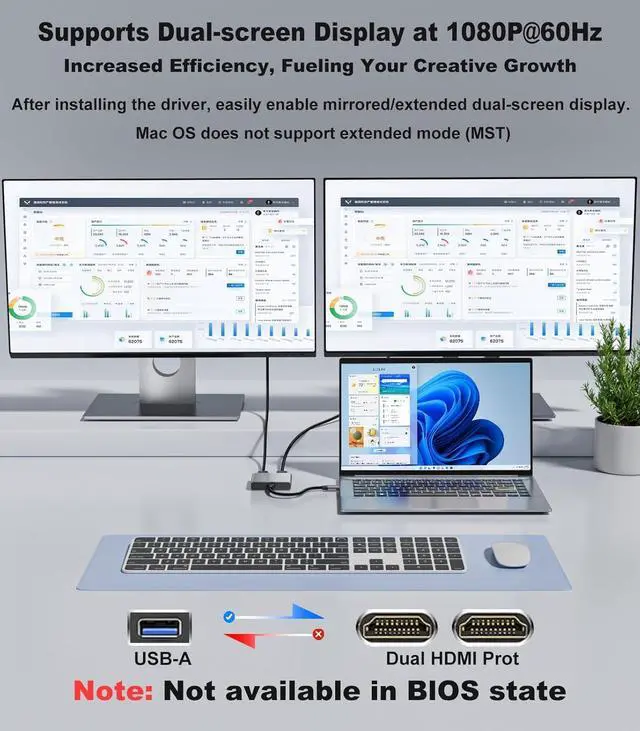
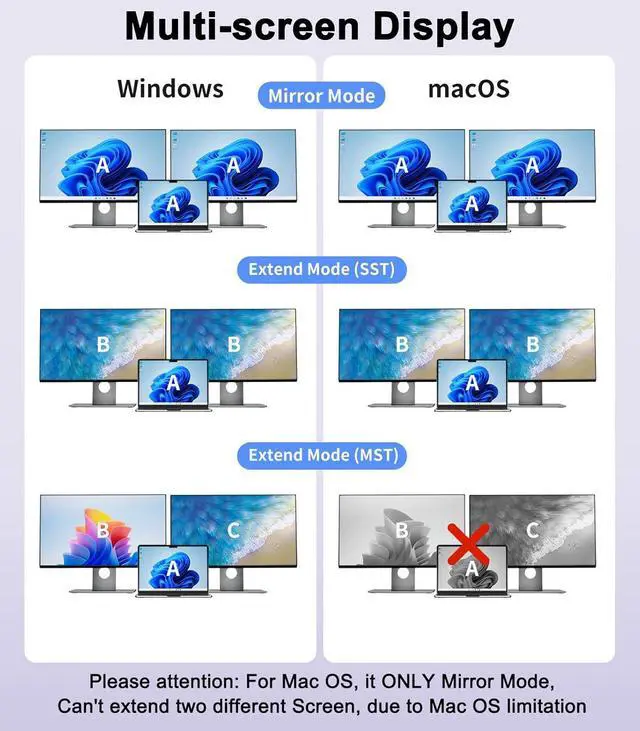
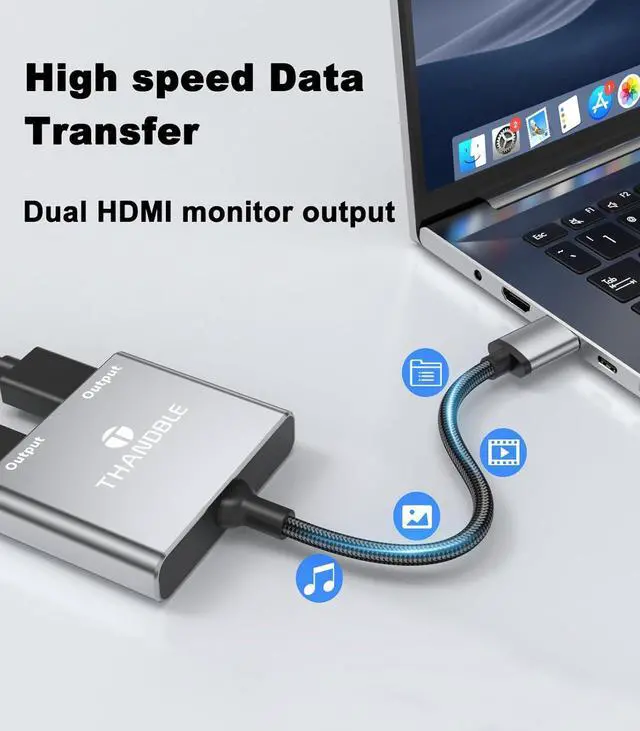
(Note: Disable antivirus software before installation)Dual-Screen HD ExtensionUSB to Dual HDMI adapter effortlessly upgrades your single display to dual HDMI monitors via a USB 3.0 port! Supporting both extended and mirrored modes each port outputs full HD resolution at 1920×1080@60Hz. Ideal for multitasking presentations and entertainment it significantly boosts productivity while delivering an immersive gaming experience. *This adapter cannot be used in BIOS mode and the driver needs to be installed. 1080P 60Hz Full HD DisplayUSB to HDMI Adapter for Dual Monitors supports video output up to 1920×1080 resolution and 60Hz refresh rate delivering crisp and smooth visuals.
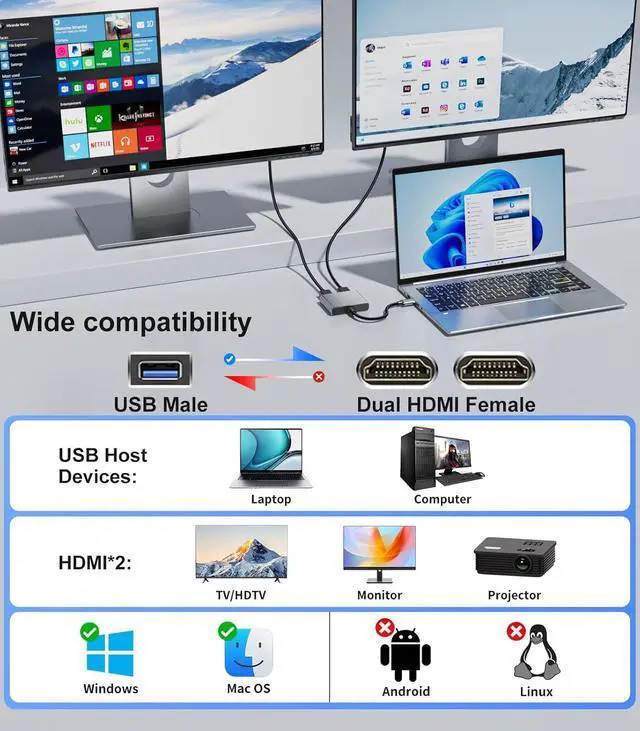
Note: Requires a USB 3.0 port and driver installation for full HD output; when connected to a USB 2.0 port resolution is limited to 800×600. Ideal for daily office tasks multimedia entertainment and light multimedia processingBroad Compatibility with Mainstream SystemsThe USB to Dual HDMI Adapter is fully compatible with Windows 11/10/ 8.1 /7 and macOS 10.15 and above. Windows systems support plug-and-play with automatic driver recognition. Mac OS only supports mirroring mode for presentations or entertainment.
(Note: Does not support Linux/iOS systems; simple driver installation is required before use)Worry-FreeFeaturing an aluminum alloy shell design for efficient heat dissipation it supports sustained operation without throttling delivering a consistently stable connection experience. If you encounter any issues while using our product please contact us promptly. We will respond within 12 hours