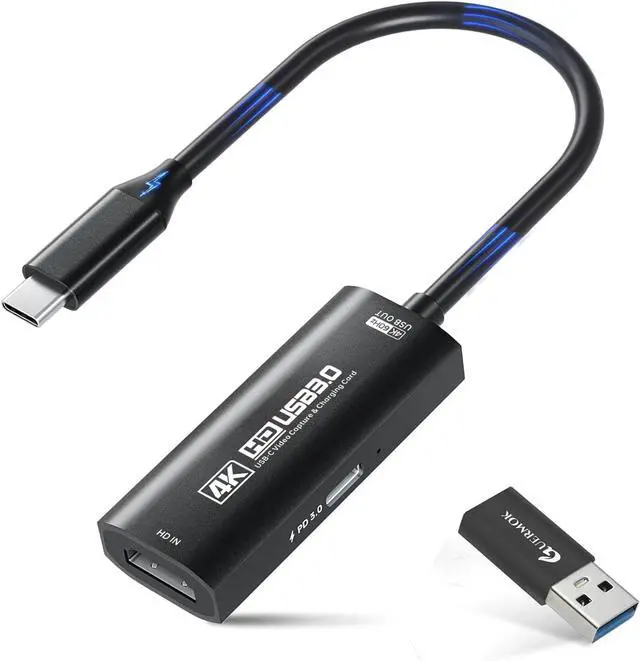
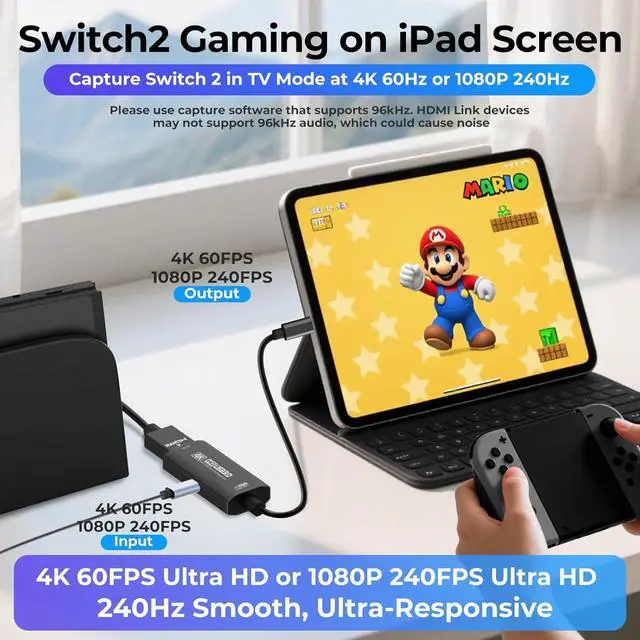
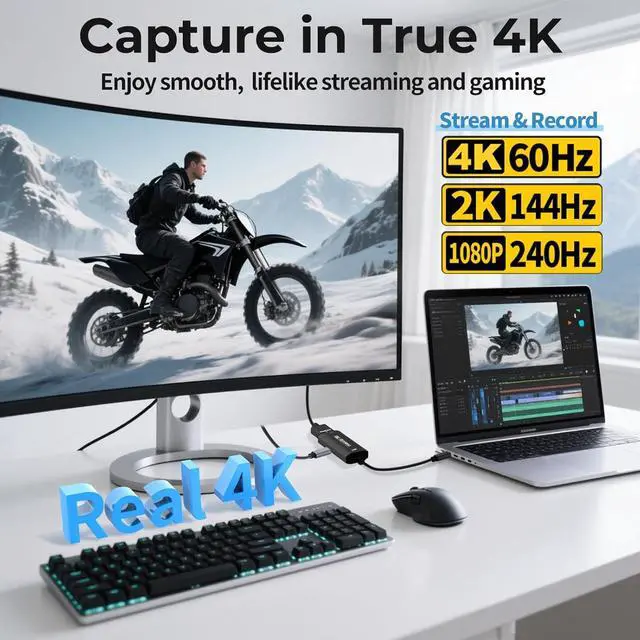
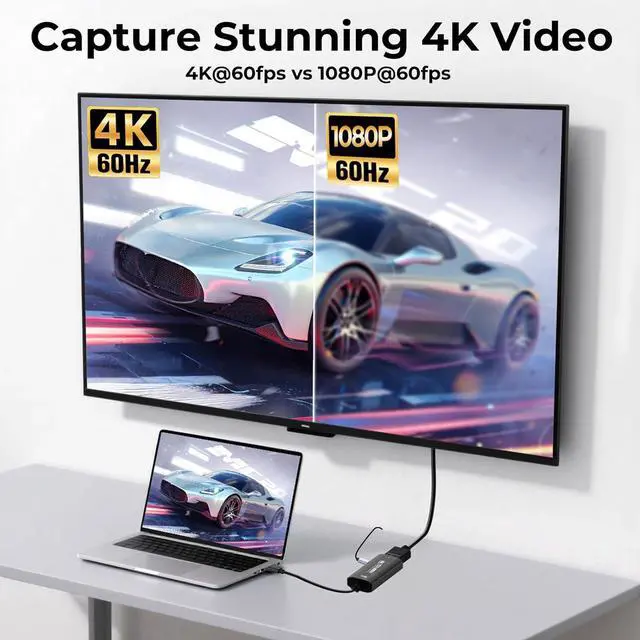
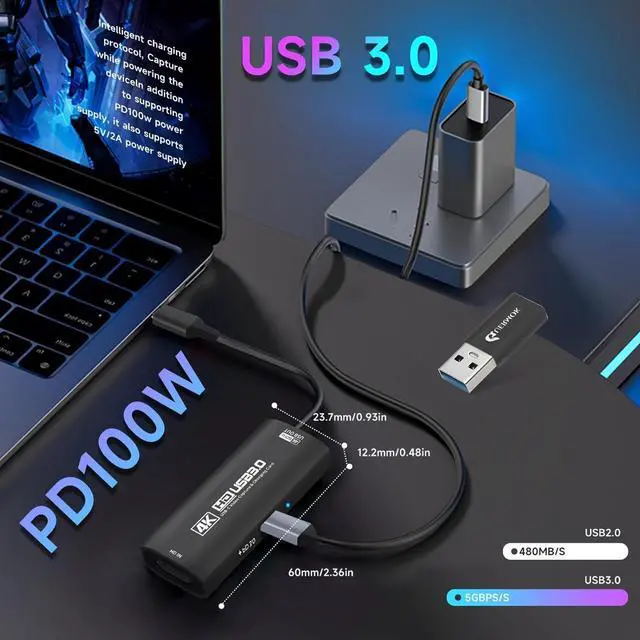
4K Ultra HD 60FPS Capture with PD 100W ChargingSupports stunning 4K Ultra HD video capture at 60FPS via USB 3.0 delivering crystal-clear vibrant and highly detailed footage. This HDMI Video Capture Card features PD 100W USB-C charging passthrough to keep tablets pads and VR devices powered for uninterrupted long-duration streaming and gameplay.
MJPEG: 4K/60HZ YUY 2:4
K/25HZ XRGB: 1080P/60HZ.
Note: For capture use only; requires capture software to function and is not intended for direct screen casting to a monitor or
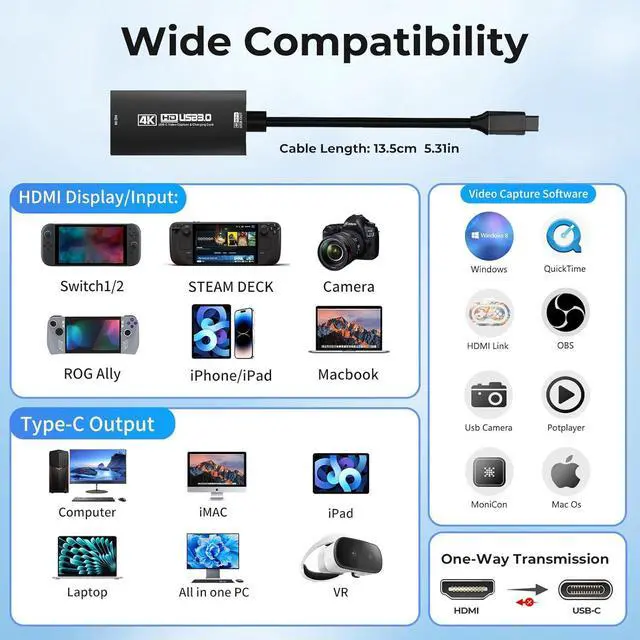
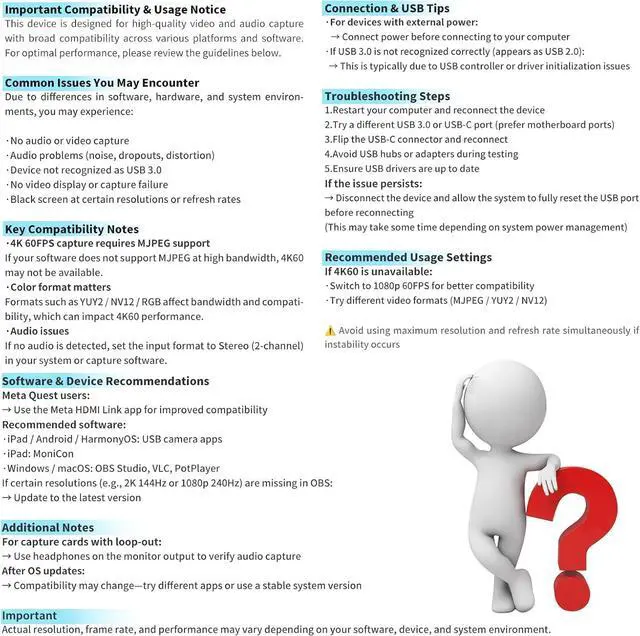
TVHigh Refresh Rate Input: 2K@144FPS & 1080P@240FPSHandles high-frame-rate video input including 2560×1440@144FPS and 1920×1080@240FPS. Supports MJPEG YUY2 NV12 and XRGB formats providing smooth detailed video capture for fast-paced games and dynamic content using a reliable HDMI to USB-C capture card. Please use a USB 3.0 or higher port to connect the device. USB 2.0 ports only support up to 1080P resolution. If the device still outputs 1080P when connected to a USB 3.0 or higher port please rotate the capture cards USB-C connector 180° and reconnectPlug-and-Play with Wide OS CompatibilityNo drivers or external power requiredjust connect and start capturing. Compatible with Windows 7/8/10/11 macOS Linux Android 5.0 + and PadOS 17+. Includes USB-A male to USB-C female adapter for flexible connectivityVersatile Device Support Optimized for Live StreamingWorks seamlessly with Pad tablet MacOS laptops Switch 2/1 PC DSLR cameras and VR headsets making it the ideal 4K Switch capture card for live streaming. Whether youre broadcasting gameplay hosting virtual events or creating real-time content this capture card ensures smooth high-quality video capture to engage your audience with stunning visuals and minimal latencyBroad Software CompatibilityCompatible with popular streaming and recording apps like OBS Studio Streamlabs Zoom VLC PotPlayer YouTube Twitch Vmix HDMI Link MoniCon QuickTime and moresuitable for live streaming online meetings and video productionNoteThis capture card supports one-way transmission (HDMI to USB-C).
Video input via USB-C to HDMI conversion may cause signal loss due to cable protocol differences. If the PS5 shows a black screen please disable HDCP. Use a USB 3.0 port whenever possible to ensure bandwidth and resolution. The capture card works through video decoding which introduces millisecond-level latency and different video formats (MJPEG YUY2) support different resolutions. Signal loss may occur if the device disconnects; reconnect or restore default settings. To check if the capture card is functioning properly connect the USB port to a computer or tablet and open your capture software to confirm detection