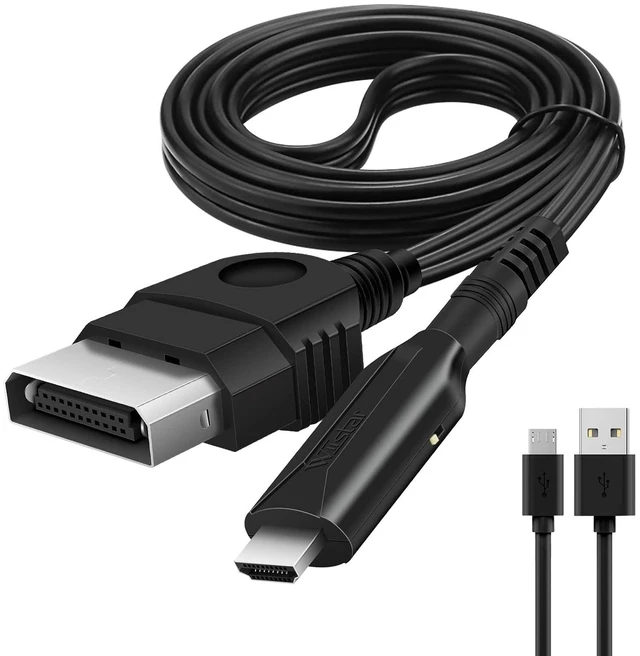
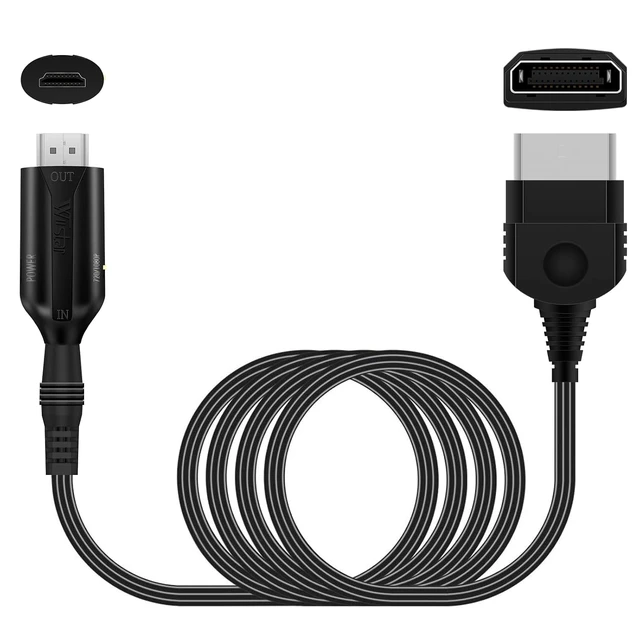
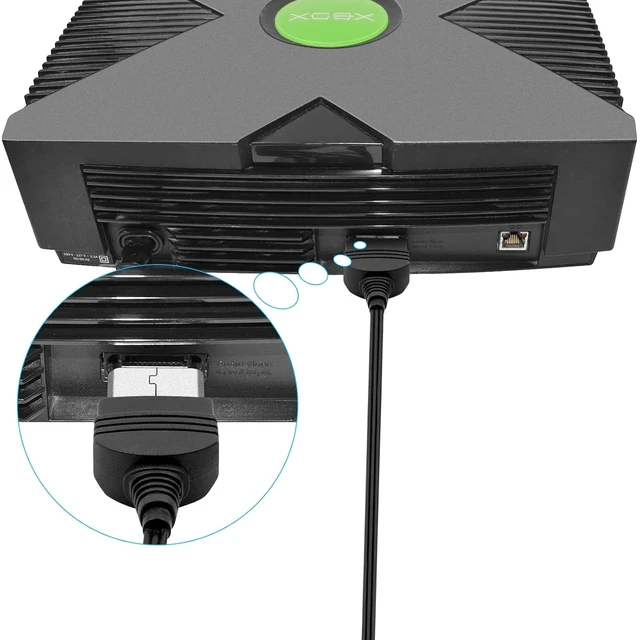
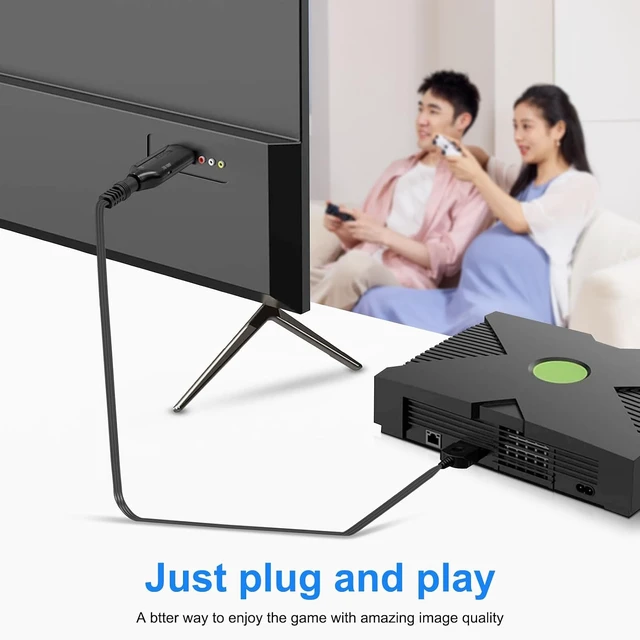
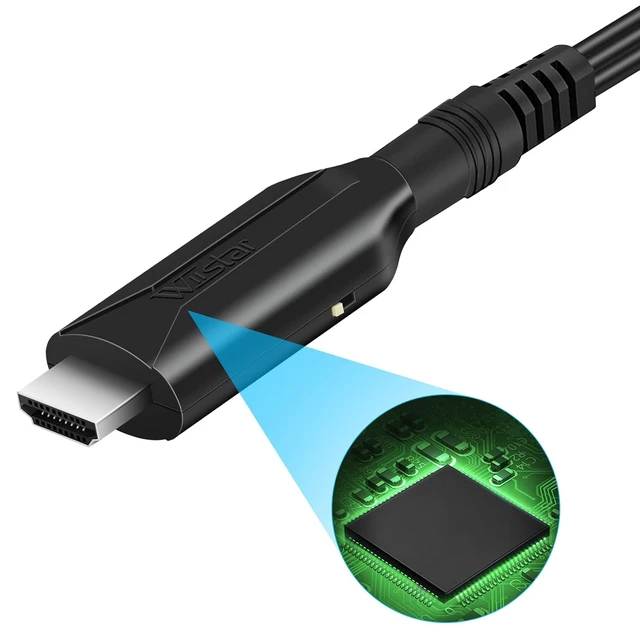
Original Xbox to HDMI Converter Cable 1m/3.2ft
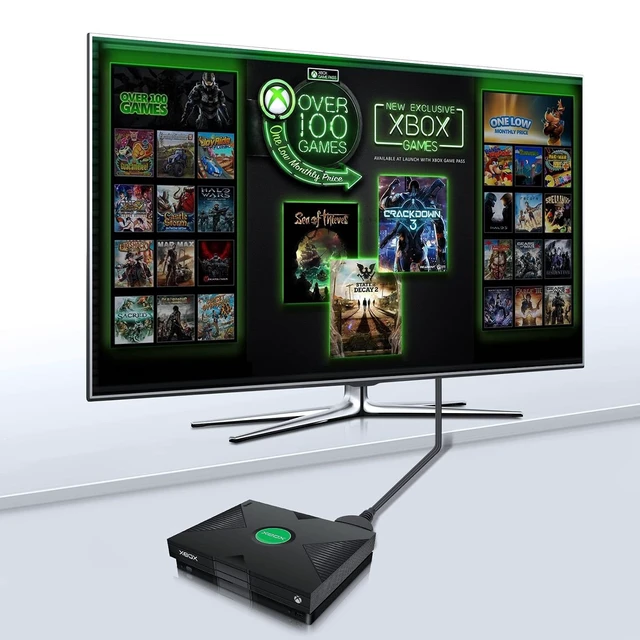
- The Wiistar Original Xbox to HDMI converter cable is a good choose if you want to keep using your older devices with your new HD TV/ HDMI monitor. It can Provide You a Fantastic Home Theater Experience.
NOTE:
- Video signal transfer only. CAN NOT improve the video quality.
- Only converter Original Xbox to HDMI, Other game consoles is not supported.
 Features:
- * Original Xbox to HDMI adapter Support HDMI 1080p/ 720p output.
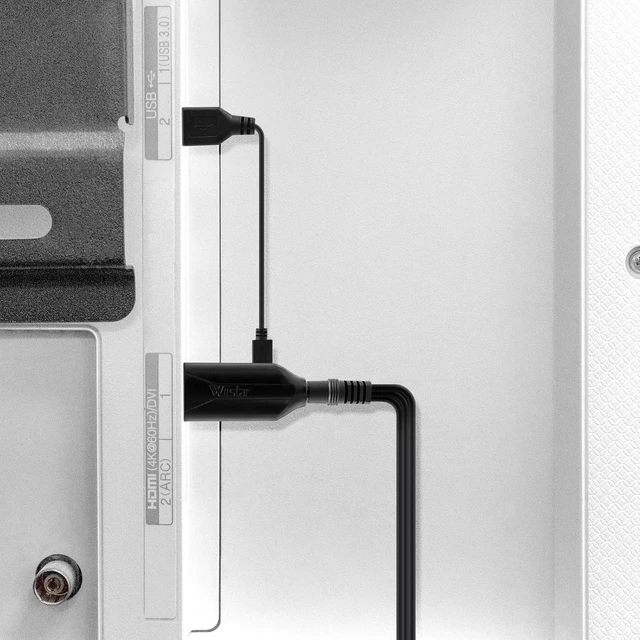
- * Male to male connector, plug and play. Don't need extra hdmi cable.
- * No need to install drivers, portable and flexible.
- * Compatible with original Xbox.
- * Support NTSC 3.58, NTSC 4.43 standard TV formats input.
 Q&A
Q&AQ: The screen only shows blue screen
- 1: Reinsert the Xbox head end
- 2: Rotate the HDMI main body and cable connection, and re-plug it
- 3: Set the output resolution of the source device to 480I/576I
- 4: If none of the above works, please provide the brand and model of the HDMI display device.
Q2: The screen has a picture but no sound or the sound has noise
- 1: Reinsert the Xbox head end
- 2: Rotate the HDMI main body and cable connection, and re-plug
Q3: Screen without picture and sound
- 1: Reinsert the Xbox head end
- 2: Rotate the HDMI main body and cable connection
- 3: You can toggle the 720P/1080P switch on the product(on the side of the HDMI port), set to 720P output mode, can improve the compatibility of the product.





 here!
here!