here!
I’m your shopping assistant for PC builds, upgrades, and everything tech.
Got questions? Ask away!
Start a conversation
here!
I’m your shopping assistant for PC builds, upgrades, and everything tech.
Got questions? Ask away!
Start a conversation



Any questions? Ask CelesteSM will help you find out quickly.
What’s different about this new Proteus Controller Kit & Proteus Builder V2.0?
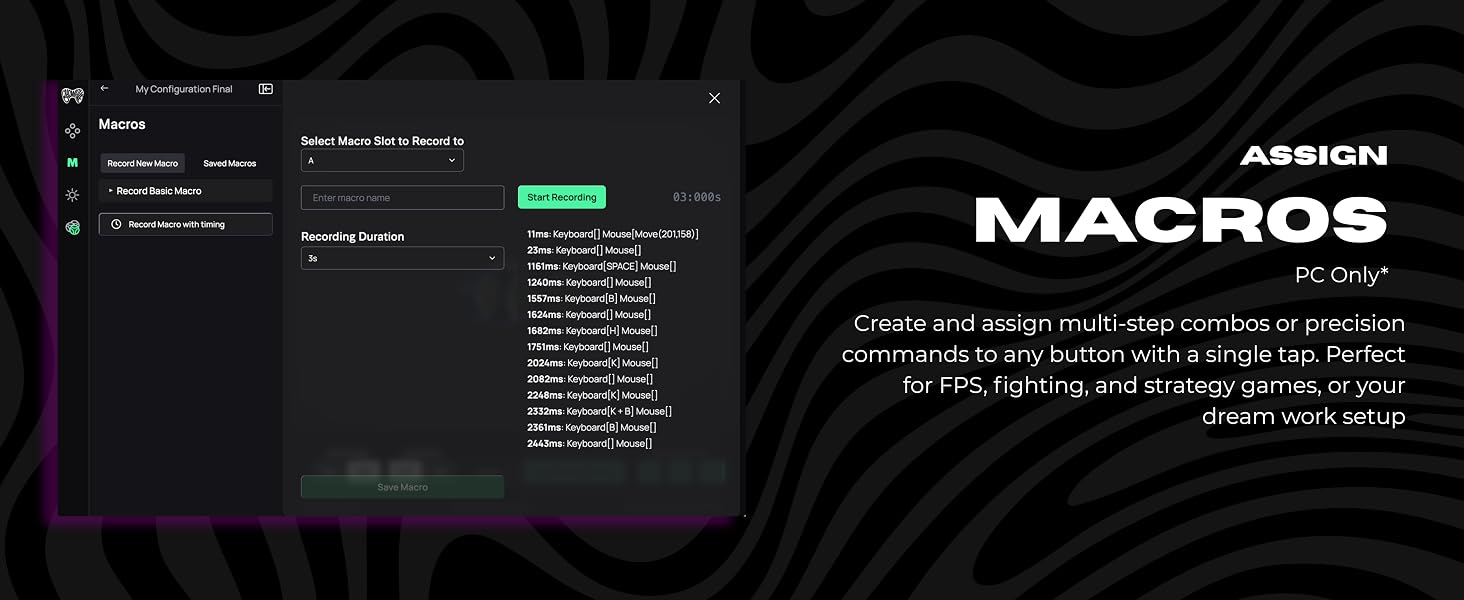
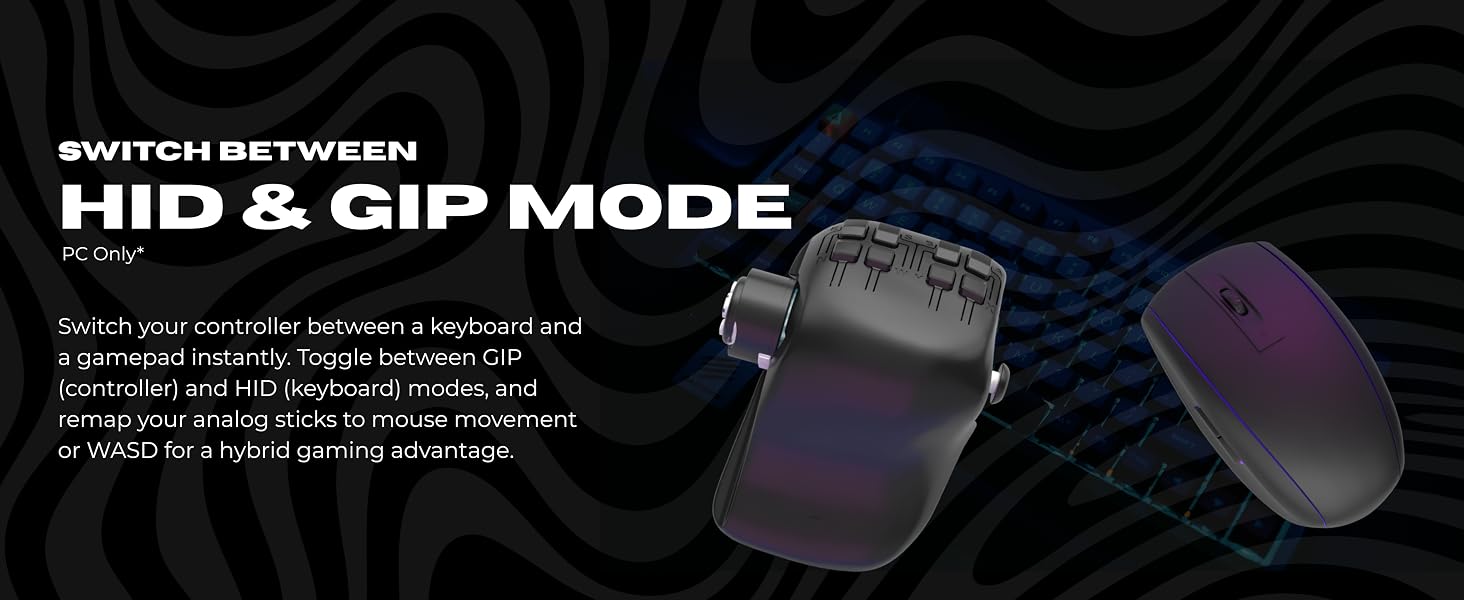
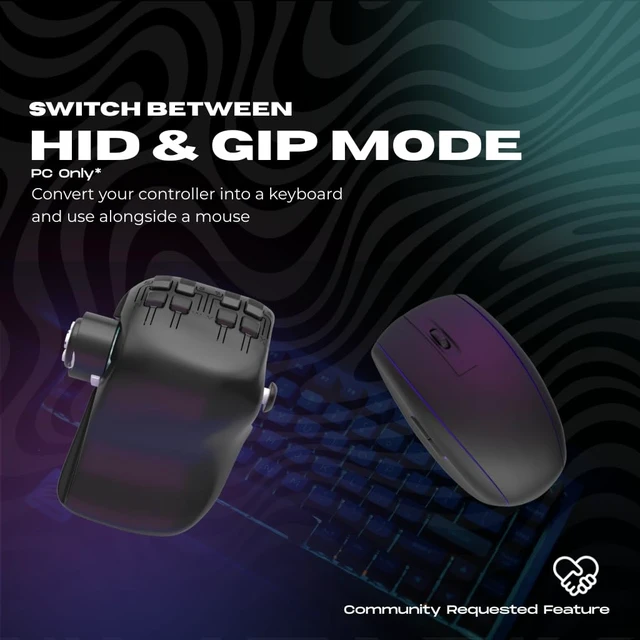
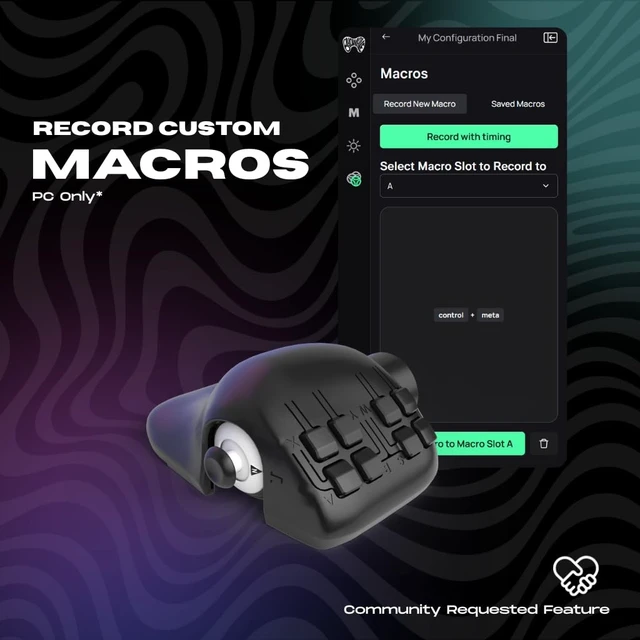
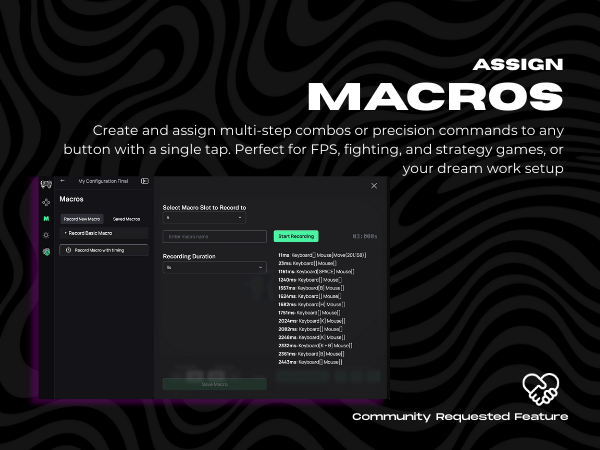
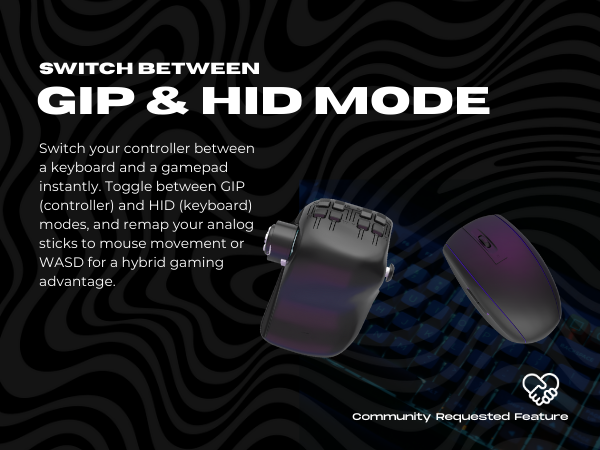
It adds HID mode, macro support, and improved hardware + firmware for a more stable, responsive experience. Lets you switch between gamepad and keyboard-style controls.
Can I use the Proteus Builder 3D Printed Shell Left and Right Handed?
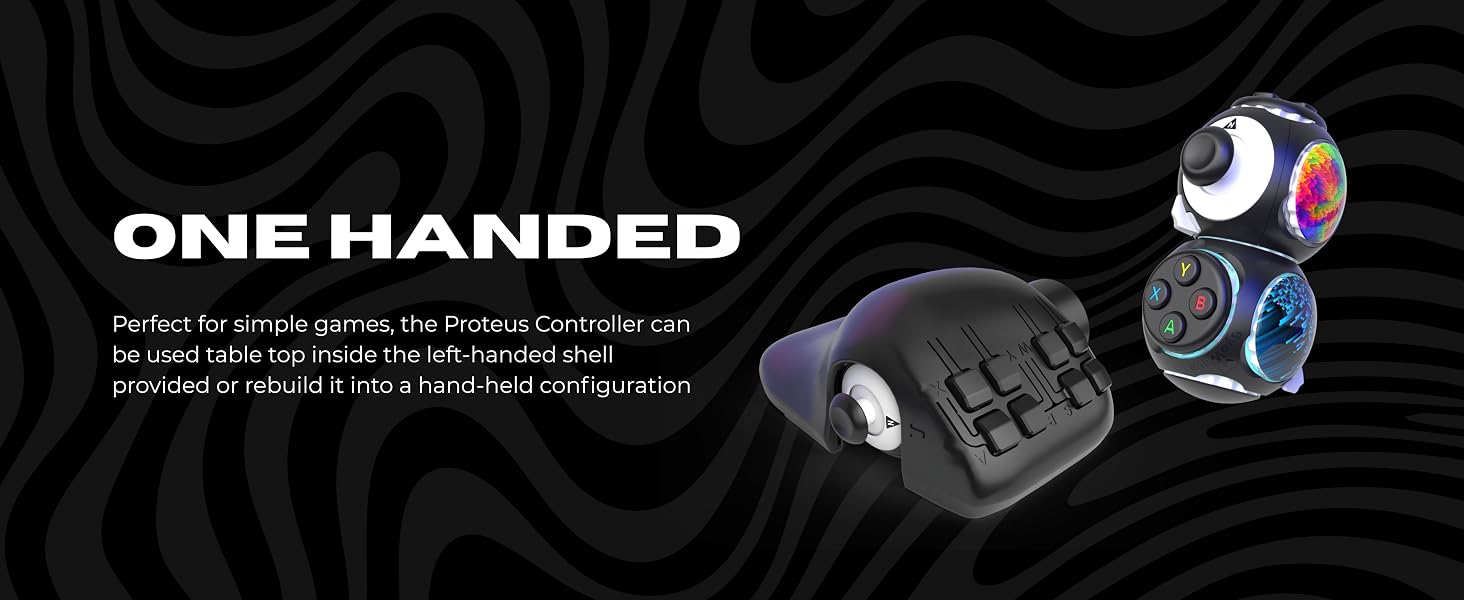
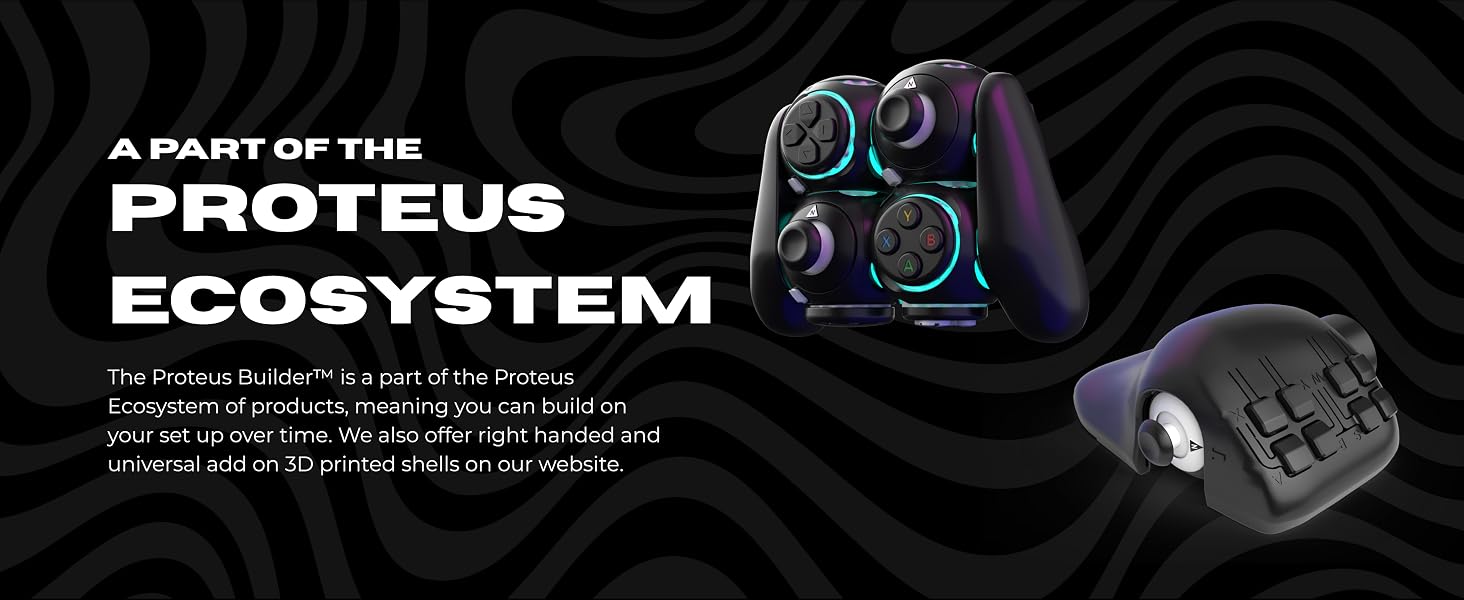
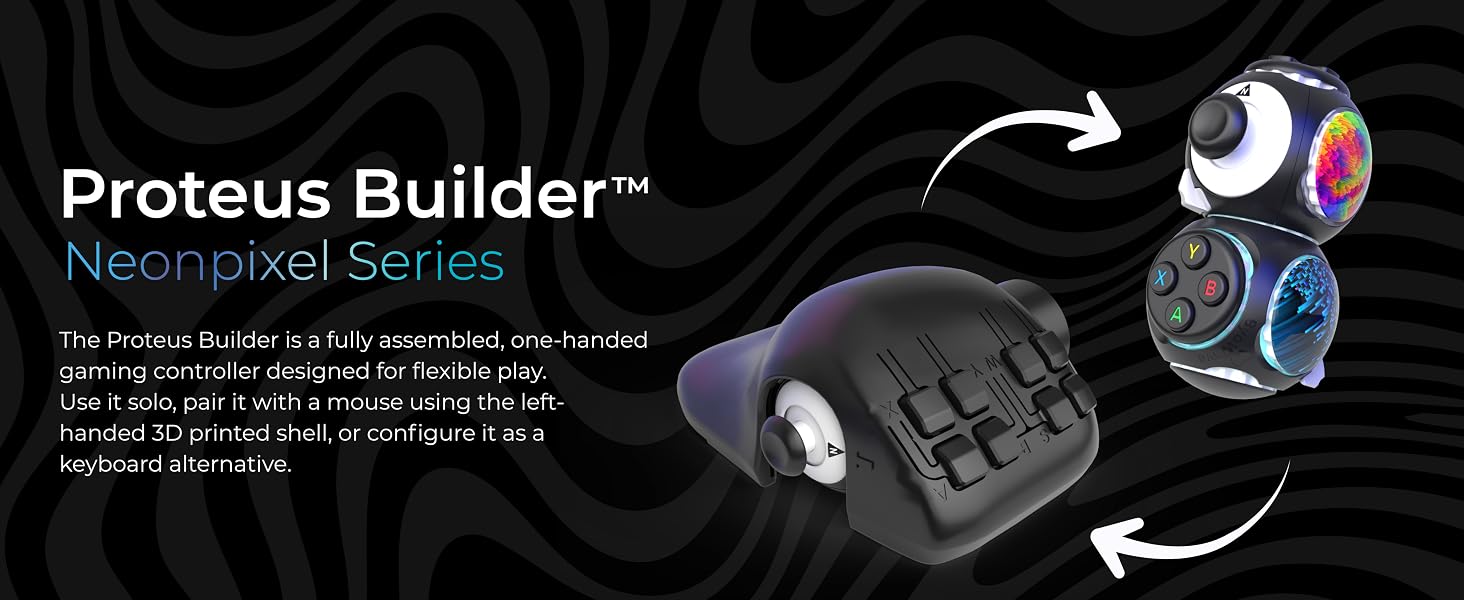
It comes with a Left Handed 3D Printed Shell. If you want to play right handed you can visit ByoWave.com to purchase a 3D Printed Right Handed Shell. DO NOT attempt to use the Left Handed Shell right handed or it may break.
What devices are supported?
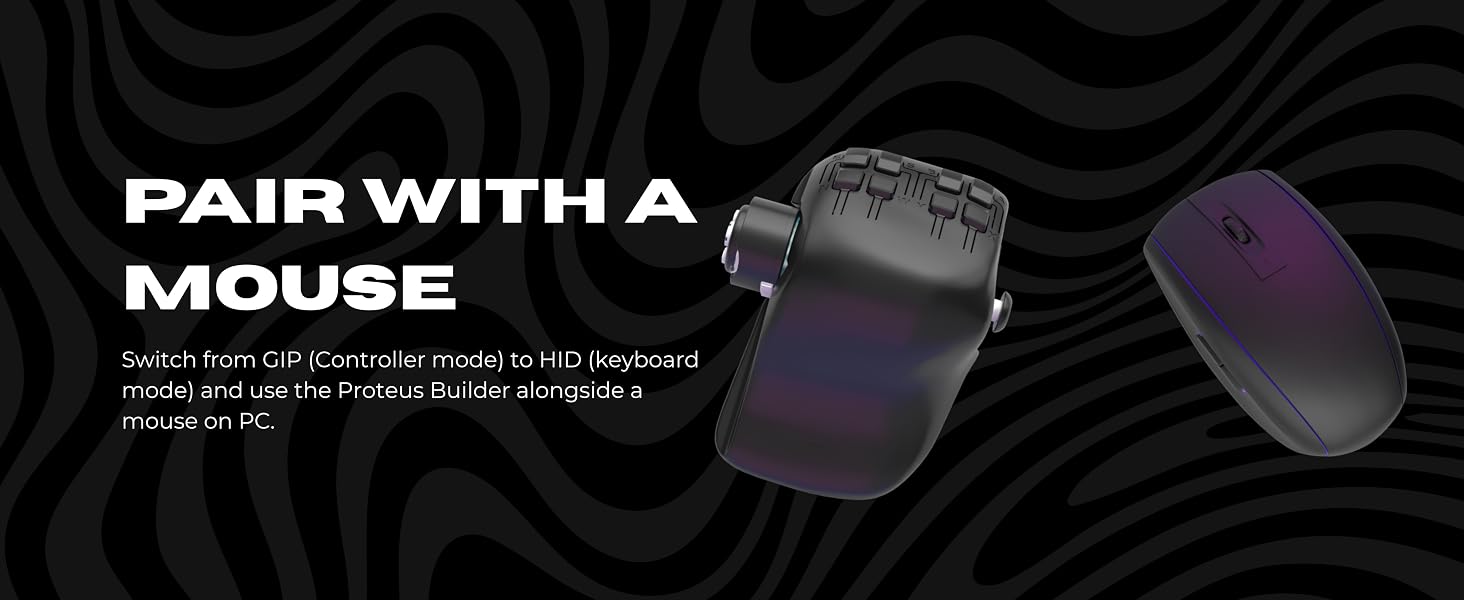
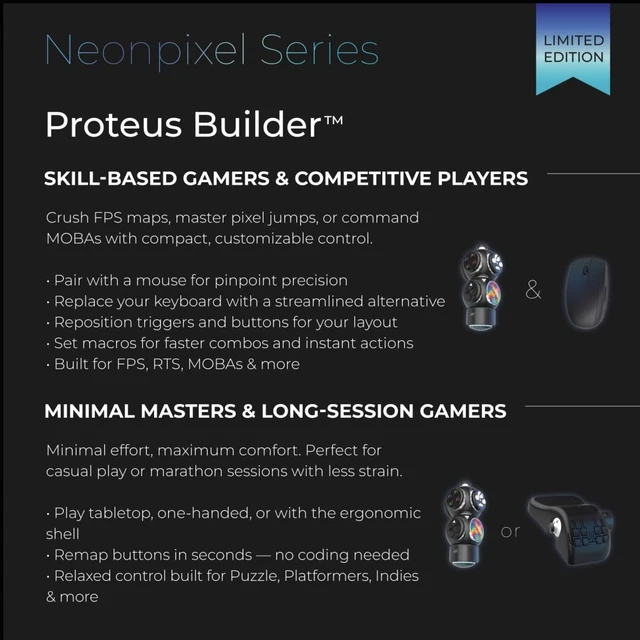
Compatibile with Xbox Series X|S, Xbox One, Windows 10/11, and Steam Deck. It is highly recommended to pair the Proteus Builder alongside a mouse and to remap the controller in order to play most games. On its own only simple games are possible.
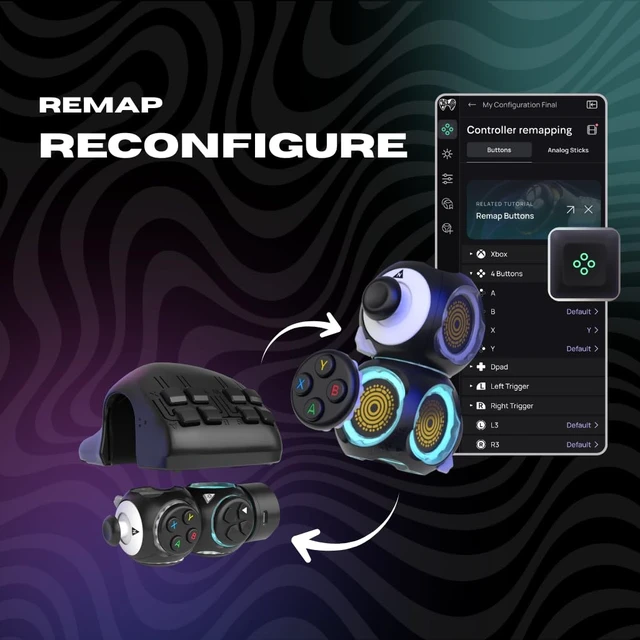
How do I remap buttons?
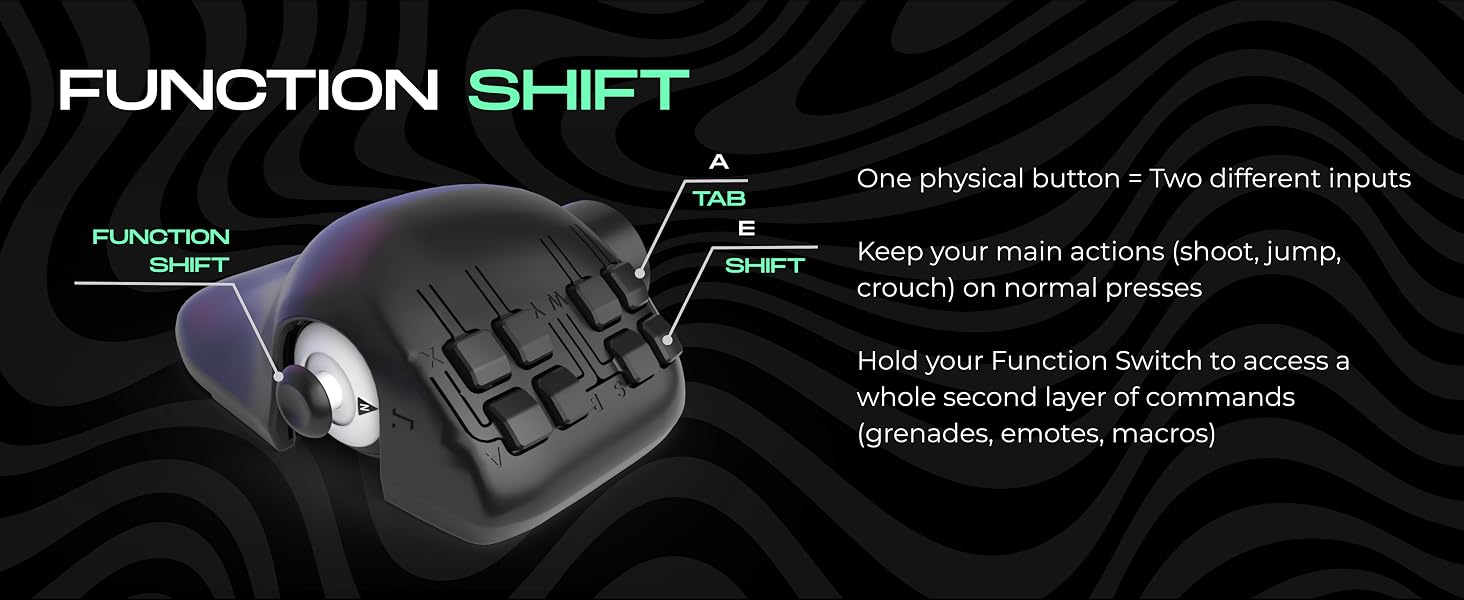
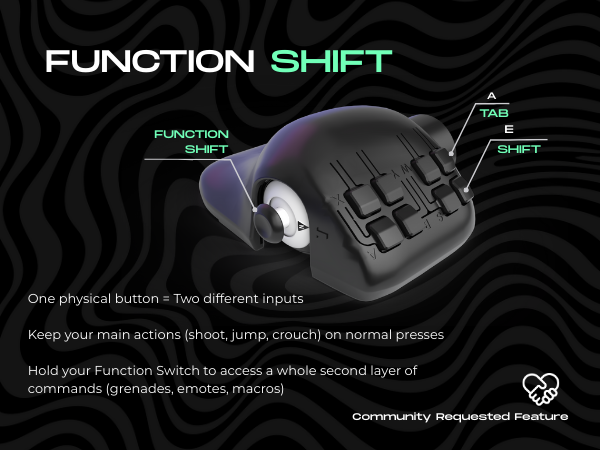
1. Use our free software to add another input layer. Map one button as a "Funtion Shift" key to double other buttons' functions. Download & tutorials: byowave.com/pages/software
2. Use the software to switch to HID and pair alongside a mouse
Can I play both wired and wireless?
The Proteus Controller is wireless only via the wireless Dongle provided.


We build modular controllers that adapt to you — your hands, your playstyle, your world.

Rebuild your controller to match every game, every play style.
Two unique controllers, two ways to play:
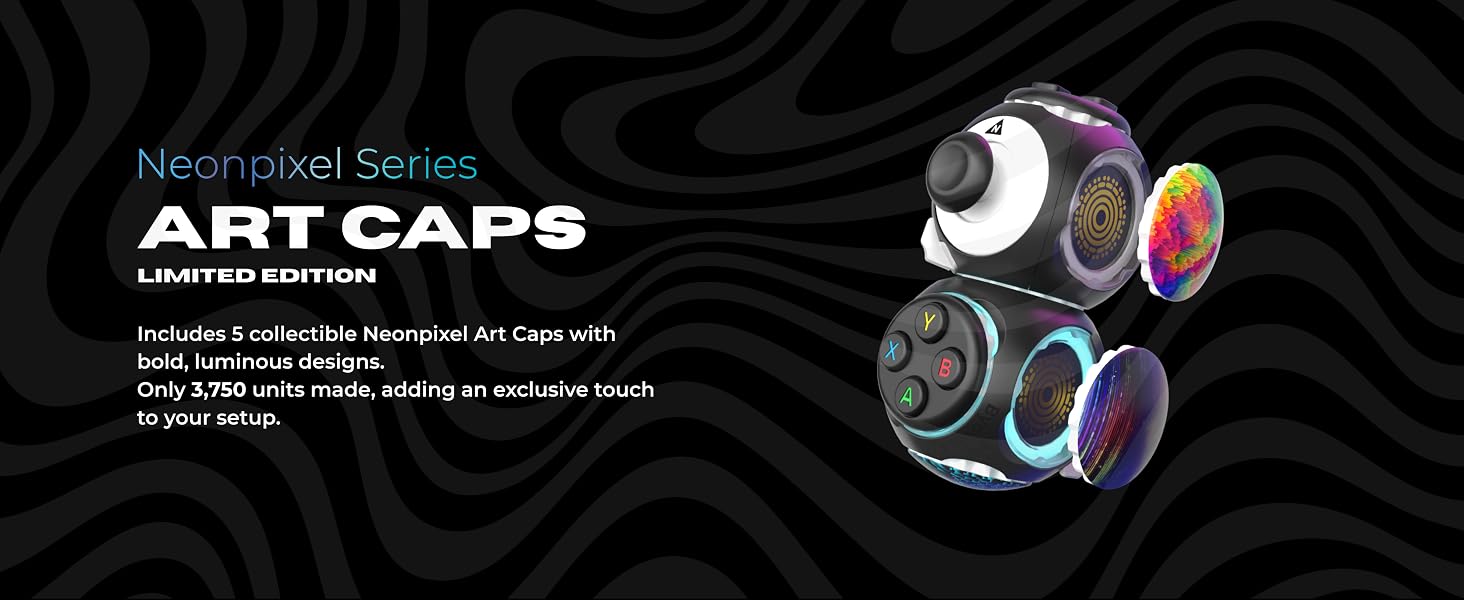
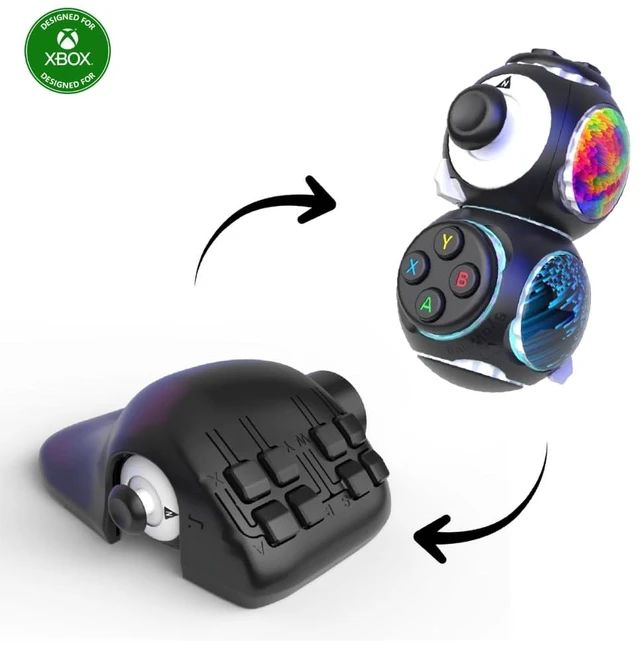
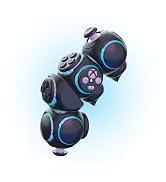
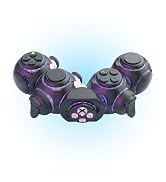
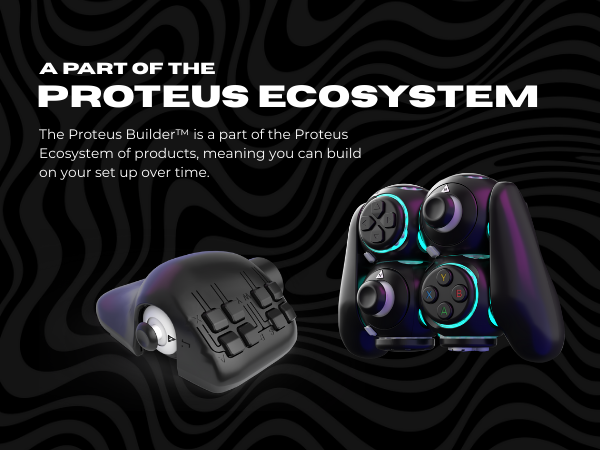
The Proteus Controller Kit lets you snap modular cubes together to create layouts that fit the way you play.
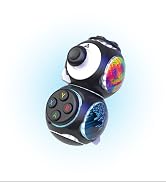
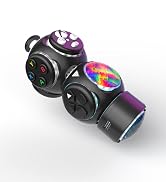
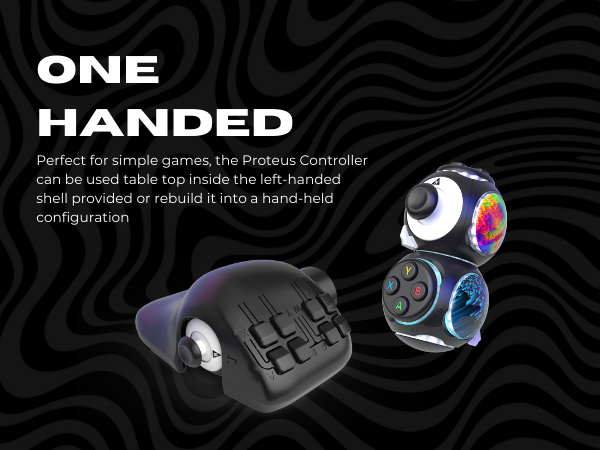
The Proteus Builder delivers full control in a compact, one-handed form built for speed and precision.
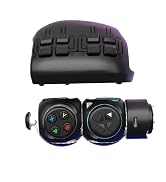
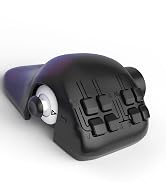
ByoWave began to solve a simple problem: standard controllers didn’t work for everyone. So we built a modular controller that’s easier to shape to different needs and play styles.
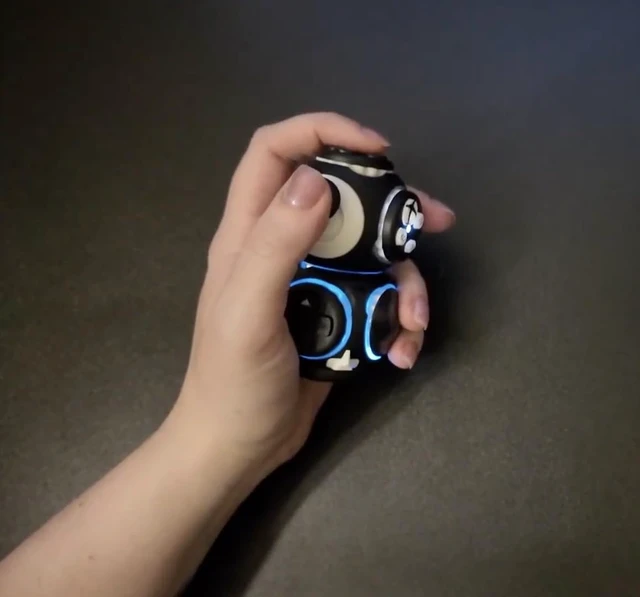
The Proteus uses snap-together cubes so players can rebuild the shape and layout of the controller itself—tabletop, one-handed, or two-handed—without tools.
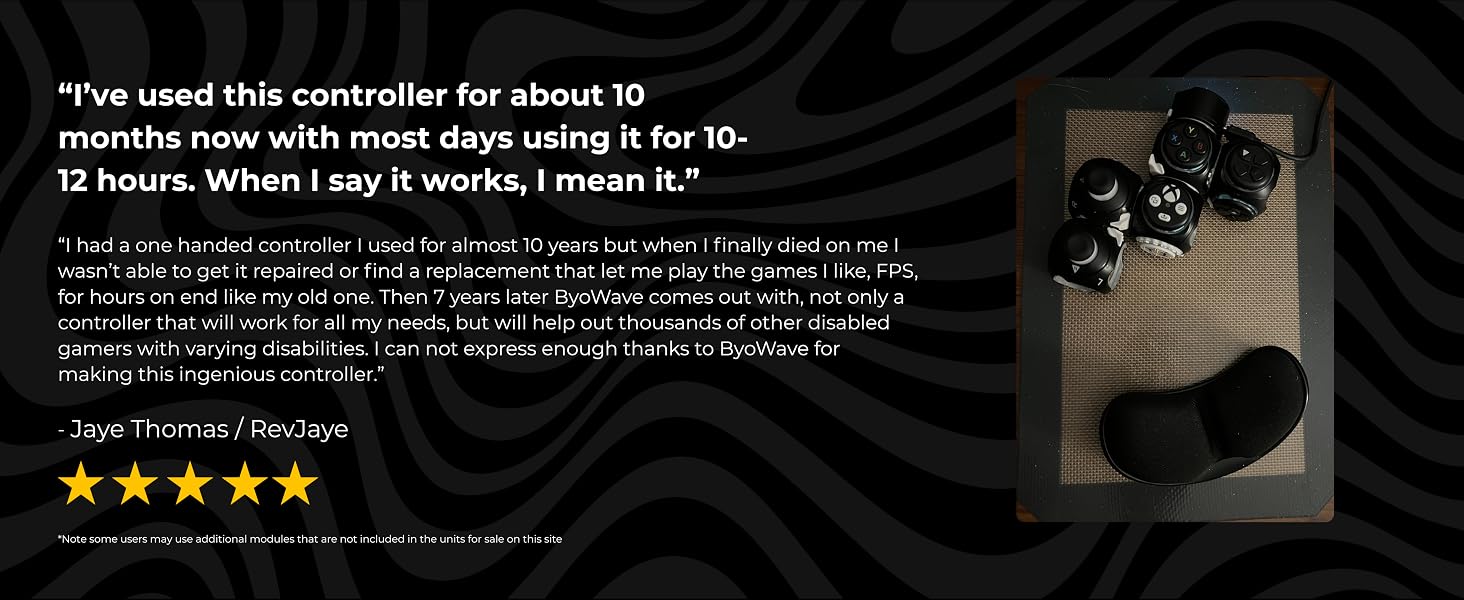
Hundreds of millions can’t comfortably use a standard controller. The Proteus Controller Kit bridges the gap, giving players a more flexible, ergonomic way to play.
We build modular controllers that adapt to you — your hands, your playstyle, your world.
Rebuild your controller to match every game, every play style.
Two unique controllers, two ways to play:
The Proteus Controller Kit lets you snap modular cubes together to create layouts that fit the way you play.
The Proteus Builder delivers full control in a compact, one-handed form built for speed and precision.
ByoWave began to solve a simple problem: standard controllers didn’t work for everyone. So we built a modular controller that’s easier to shape to different needs and play styles.
The Proteus uses snap-together cubes so players can rebuild the shape and layout of the controller itself—tabletop, one-handed, or two-handed—without tools.
Hundreds of millions can’t comfortably use a standard controller. The Proteus Controller Kit bridges the gap, giving players a more flexible, ergonomic way to play.
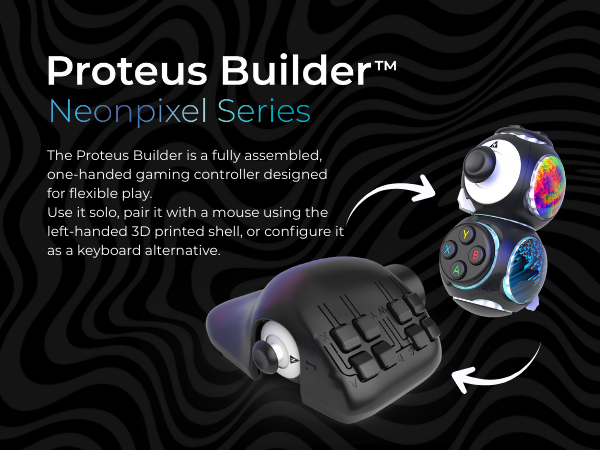
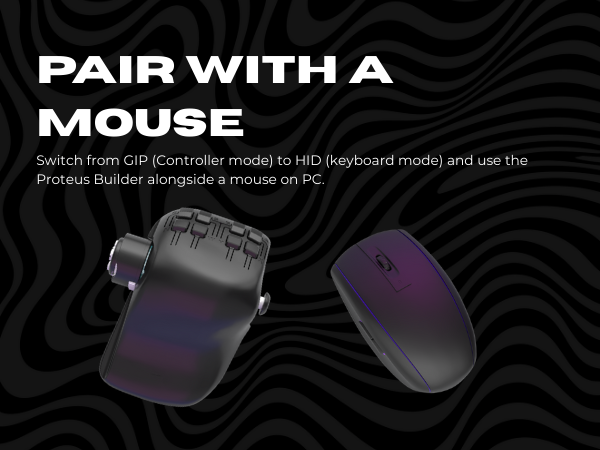
What’s different about this new Proteus Controller Kit & Proteus Builder V2.0?
It adds HID mode, macro support, and improved hardware + firmware for a more stable, responsive experience. Lets you switch between gamepad and keyboard-style controls.
Can I use the Proteus Builder 3D Printed Shell Left and Right Handed?
It comes with a Left Handed 3D Printed Shell. If you want to play right handed you can visit ByoWave.com to purchase a 3D Printed Right Handed Shell. DO NOT attempt to use the Left Handed Shell right handed or it may break.
What devices are supported?
Compatibile with Xbox Series X|S, Xbox One, Windows 10/11, and Steam Deck. It is highly recommended to pair the Proteus Builder alongside a mouse and to remap the controller in order to play most games. On its own only simple games are possible.
How do I remap buttons?
1. Use our free software to add another input layer. Map one button as a "Funtion Shift" key to double other buttons' functions. Download & tutorials: byowave.com/pages/software
2. Use the software to switch to HID and pair alongside a mouse
Can I play both wired and wireless?
The Proteus Controller is wireless only via the wireless Dongle provided.

| Compatible Devices | PC, Xbox Series X, Xbox Series S, Steam Deck |
| Controller Type | Gamepad |
| Connectivity Technology | USB |
| Additional Features | Accessible and Adaptive Design, Adaptable for Various Play Styles, Compatible with Mouse Setup, Ergonomic One-Handed / Left Handed Design, Left Handed 3D Printed Shell with alternative options available to purchase, Limited Buttons, Modular and Customizable Setup, Perfect for Extended Sessions, Plug-and-Play Adaptability, Proteus Ecosystem Hardware V2 |
| Button Quantity | 16 |
| Hardware Platform | PC, Steam Deck, Xbox Series S, Xbox Series X |
| Compatible Video Game Console Models | Microsoft Xbox SERIES S, Microsoft Xbox SERIES X, Valve Steam Deck |
| Package Quantity | 1 |
| Item Dimensions | 6.3 x 6.3 x 1.18 inches |
| Brand Name | ByoWave |
| Model Name | Proteus Builder |
| Manufacturer | Byowave |
| Item Type Name | Video Game Controller |
| Manufacturer Part Number | snh-7629 |
| Color | Black |