

Your Browsing History
Ships from China.
Most customers receive within 10-17 days.

Meet Your Seller



Visit Hetai Store
FOLLOW
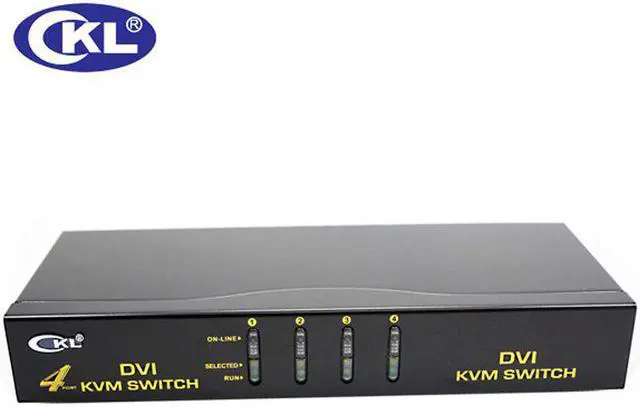
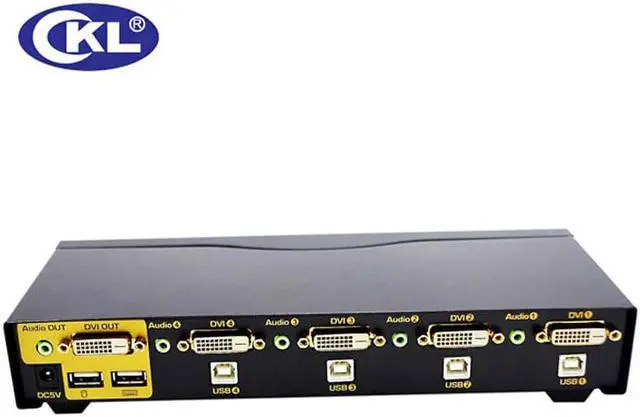
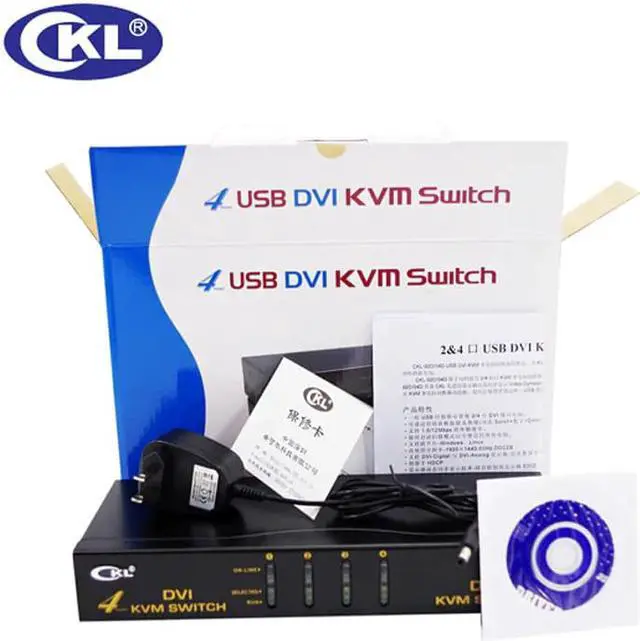
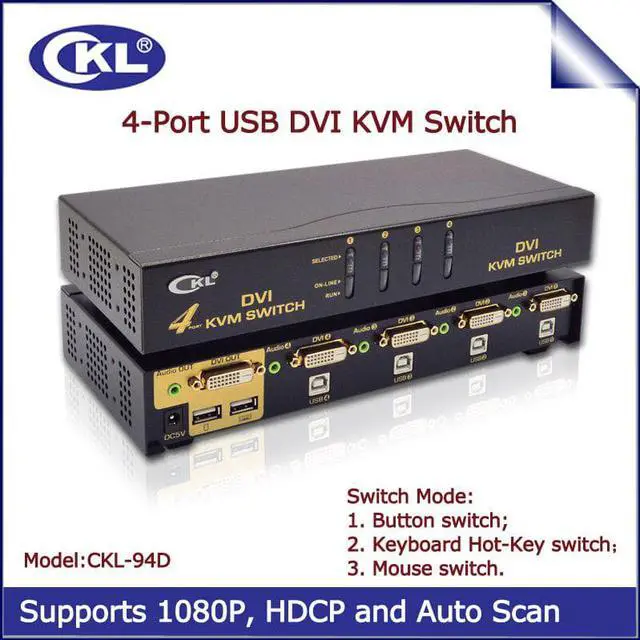
-94D 4 Port USB DVI KVM Switch Switcher with Audio and Auto Scan Function Metal
- Good Quality
Overview
Specs
Reviews

Any questions? Our AI mode will help you find out quickly.
Try me now
Description
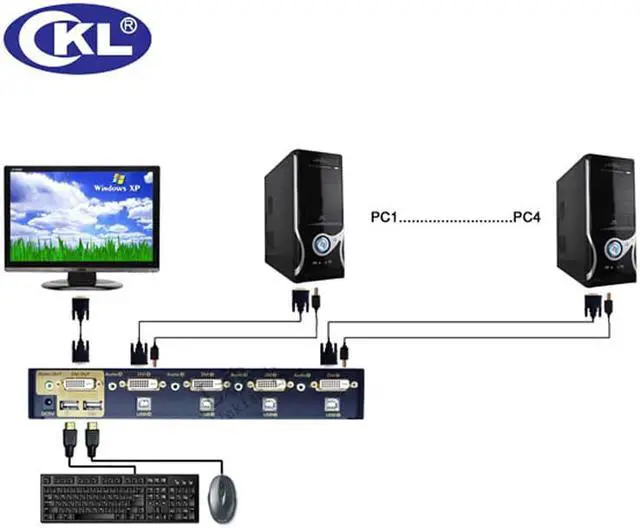
The DVI KVM Switch with built-in sound effect function is specially designed for users of PC and Mac with built-in DVI interfaces and loyal fans of SOHO environment and technology, which is well-suited for DVI. This unique type of KVM switch can easily control two computers, which have built-in DVI interfaces, via a DVI display and either a PC or Mac keyboard and mouse. Image distortion due to conversion of analog and digital signals will not be a problem anymore.
Key Features
1. One USB console controls 2/4 DVI computers;
2. Fully compliant with the DVI-Digital and DVI-Analog specification;
3. DVI interface technology to ensure crisp and clean digital display;
4. Switch Mode: a. button push b. Keyboard Hot-Key switch c. Mouse switch(need install software);
5. With 3.5 Audio interface;
6. Superior video quality - up to 1920*1200,DDC2B;
7. OS support - Windows, Linux,DOS and most others;
8. HDCP compliant.
Switching Operation Instructions
1.Push Button: Simply press the appropriate port selection switch on the front panel. After you press the switch, the select LED lighting indicate that the port is selected currently.
2.Hot Key: Hot Key allows you to conveniently access connected PCs directly from the keyboard, instead of having to manually select them by pressing port selection switches. To select a port with the hot key method, do the following:
Scroll Lock] + [Scroll Lock]+ 1/2/3/4/5/6/7/8 +[Enter]
Auto Scan function: [Scroll Lock] + [Scroll Lock]+S+[Enter]
Warranty & Returns
Warranty, Returns, And Additional Information
Warranty
- Please contact the Seller directly for warranty information. Warranty information may also be found on the Manufacturer's website.
- CONTACT
Return Policies
- Return for refund within: 30 days
- Return for replacement within: 30 days
- This item is covered by Hetai Return Policy
Manufacturer Contact Info
- For a directory of all our manufacturers, please click below.
- Manufacturers Directory
LOADING...