

Your Browsing History

Meet Your Seller


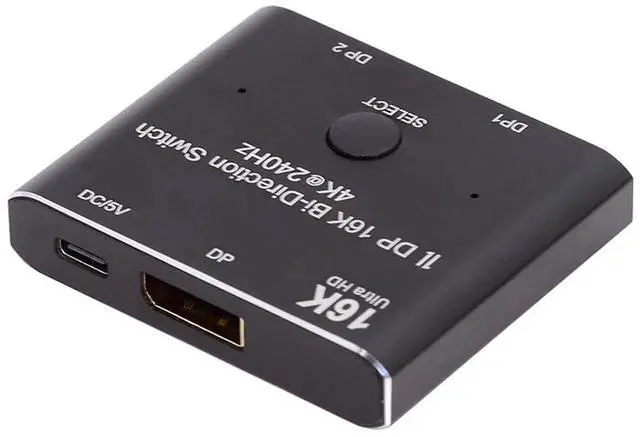
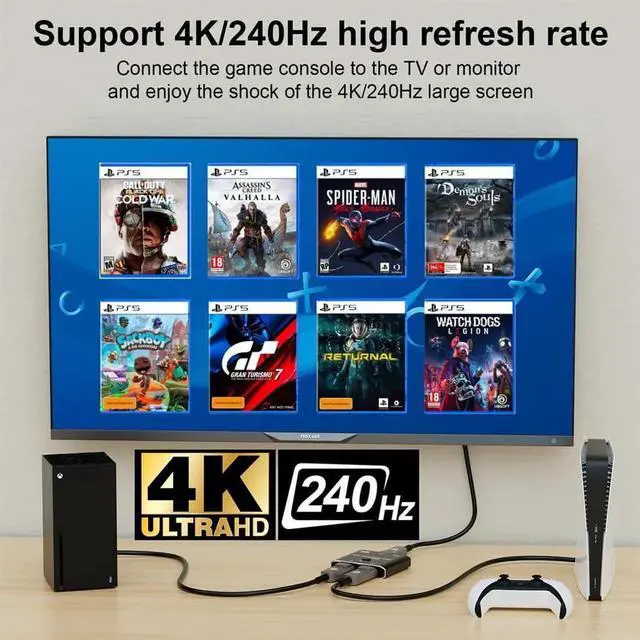
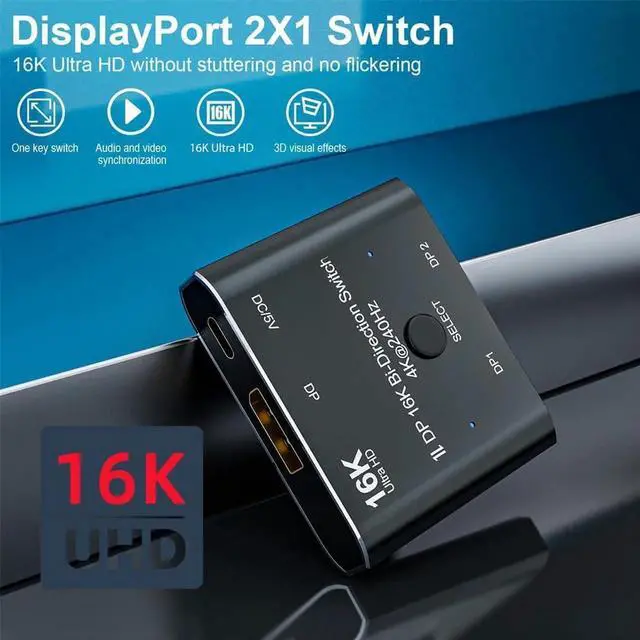


JAENFONG DP Bi-Direction 2x1 Splitter DisplayPort 2.0 Switcher Box Selector Hub Support HDCP SST Extended 16K@60hz 4K@240hz Convertor Compatible with PC Monitor
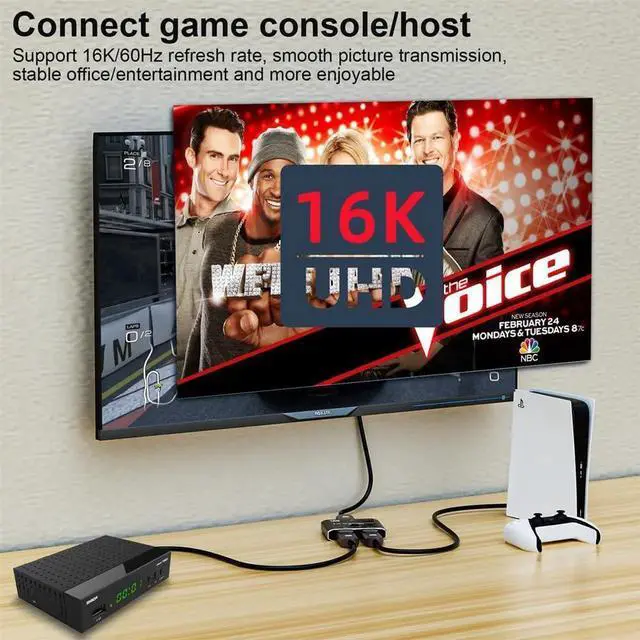
- Bi-Direction DP Switch:The DisplayPort switcher allow you to connect two DP source to one DP display or connect one DisplayPort source to toggle between two displays. (Important Note:Two displays can't display simultaneously)
- 16K DP2.0 Switch: Support 16K@60Hz,8K@60Hz,4K@240Hz,4K@144Hz,1080P@240Hz resolution, provide you with transfer rates up to 80Gbps and backward compatible with all previous DP standards. (You need connect standard DP2.0 cable to enjoy visual effects.)
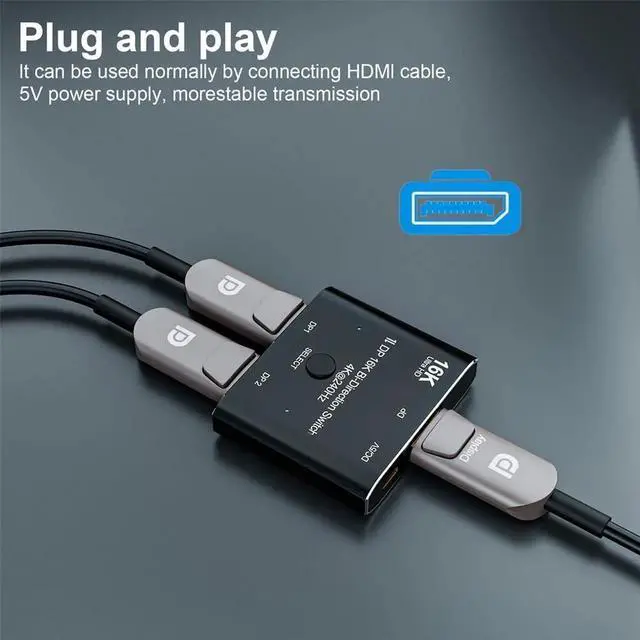
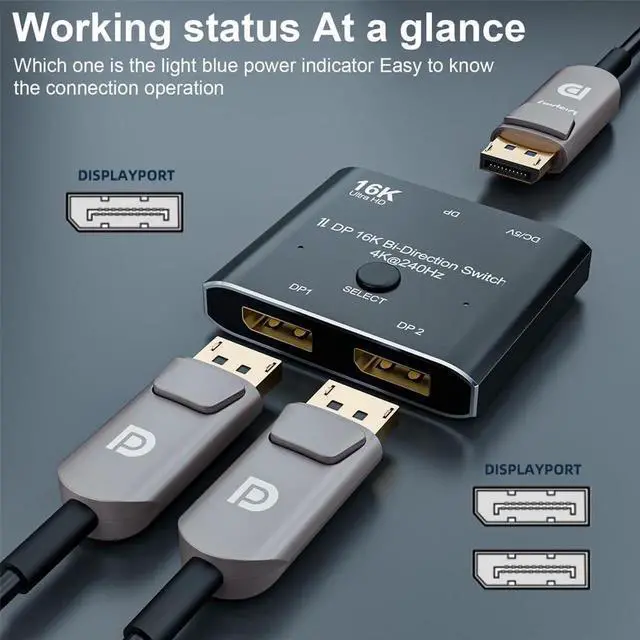
- Plug and Play: External power required,the DP selector box is easy to setup and operate. Simply press the button to swap signal within one second and the indicator lights show the working status.
- Mode one (Splitter):One PC connects two displays.tWO displays can not be displayed at the same time.
- Mode two (Switch):Two PC connects to a single display.Switch one PC, display shows one PC content; Switch other PC, display shows other PC content.
+
+
Overview
Specs
Reviews

Any questions? Our AI mode will help you find out quickly.
Try me now
- Bi-Direction DP Switch:The DisplayPort switcher allow you to connect two DP source to one DP display or connect one DisplayPort source to toggle between two displays. (Important Note:Two displays can't display simultaneously)
- 16K DP2.0 Switch: Support 16K@60Hz,8K@60Hz,4K@240Hz,4K@144Hz,1080P@240Hz resolution, provide you with transfer rates up to 80Gbps and backward compatible with all previous DP standards. (You need connect standard DP2.0 cable to enjoy visual effects.)
- Plug and Play: External power required,the DP selector box is easy to setup and operate. Simply press the button to swap signal within one second and the indicator lights show the working status.
- Mode one (Splitter):One PC connects two displays.tWO displays can not be displayed at the same time.
- Mode two (Switch):Two PC connects to a single display.Switch one PC, display shows one PC content; Switch other PC, display shows other PC content.
Warranty & Returns
Warranty, Returns, And Additional Information
Warranty
- Please contact the Seller directly for warranty information. Warranty information may also be found on the Manufacturer's website.
- CONTACT
Return Policies
- Return for refund within: 45 days
- Return for replacement within: 30 days
- This item is covered by LumiNova Tech Return Policy
Manufacturer Contact Info
- For a directory of all our manufacturers, please click below.
- Manufacturers Directory
LOADING...