



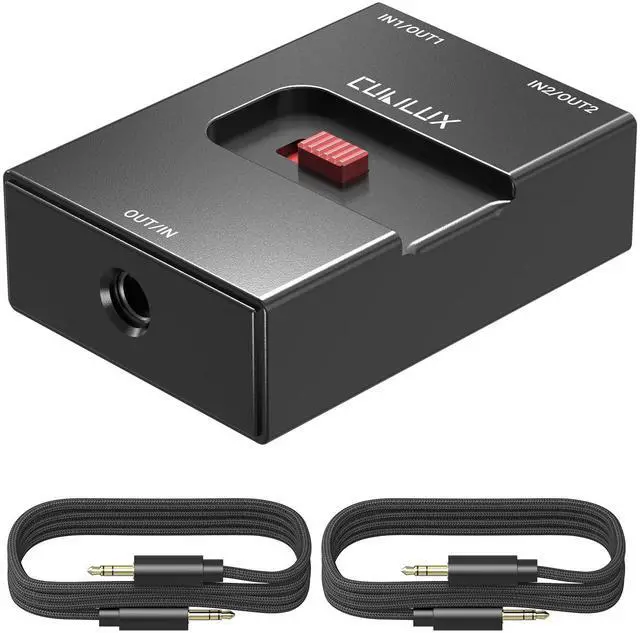
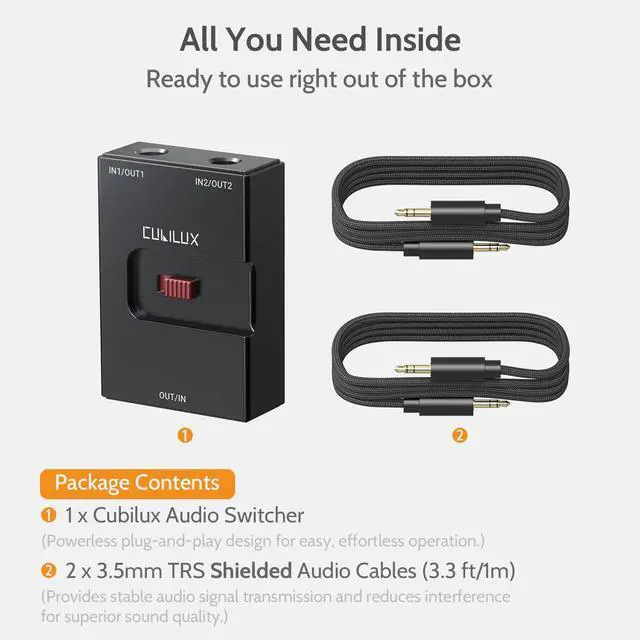
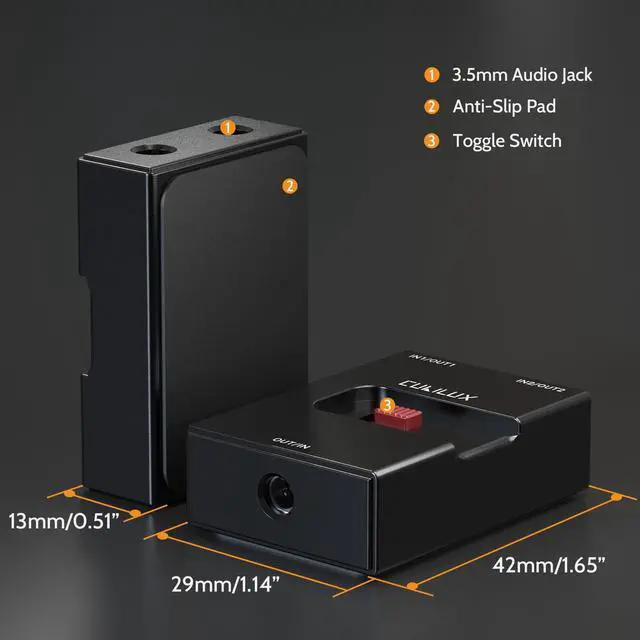


Switch seamlessly between multiple audio sources or outputs with Cubilux 3.5mm Audio Selector. This compact, bidirectional audio switch allows you to easily toggle between two devices—perfect for sharing headphones, switching between PC and console, or managing multiple headset setups.
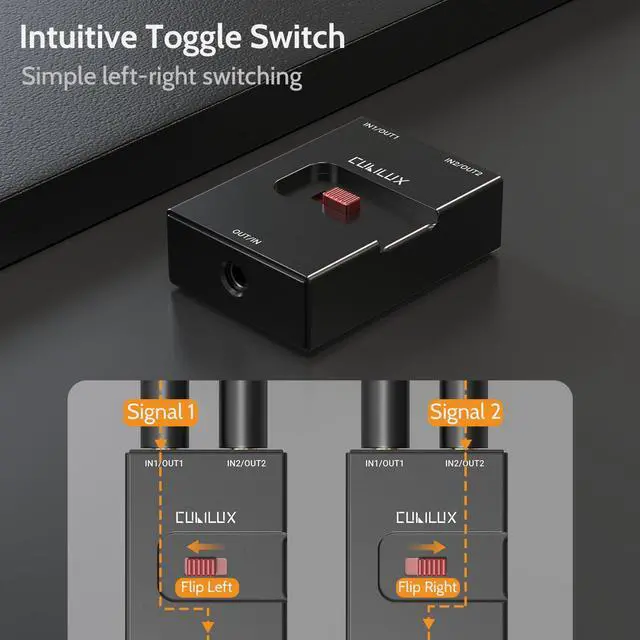
Effortless Control with Toggle Switch
Cubilux Audio Selector features an intuitive toggle switch for effortless one-touch audio source switching. With precise mechanical feedback, you’ll always know which device is active.


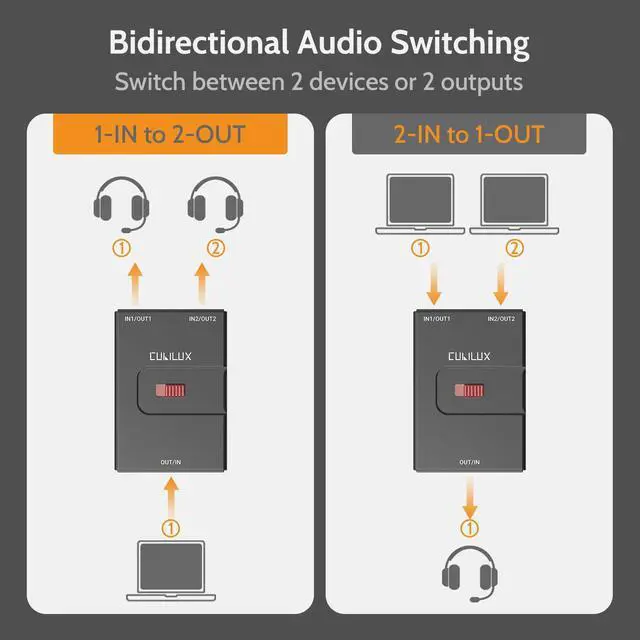
Bidirectional Design for Flexible Use
Supports both 2-input-1-output and 1-input-2-output configurations, letting you easily share one pair of headphones between two devices or route one source to two headphones.
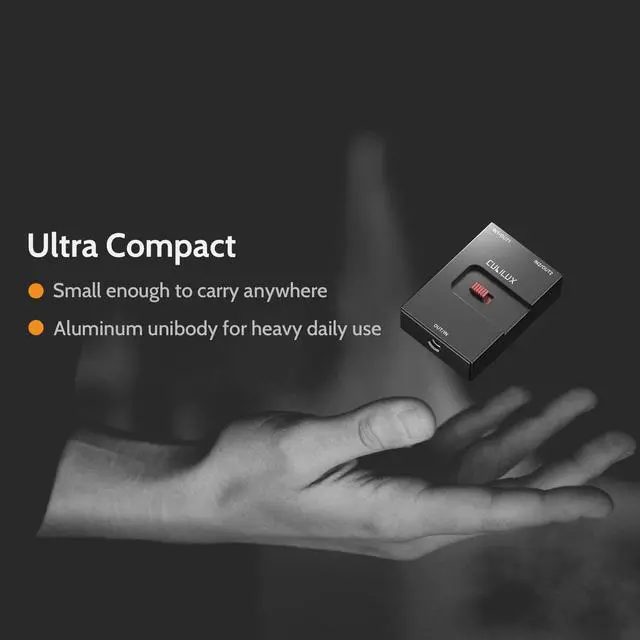
Built to Last. Sized to Go.
Made with a robust aluminum shell and small enough to carry anywhere, this selector is perfect for travel, compact desks, or minimalist setups.

FQA
Q1: Why do I hear noise through the speakers when switching to my headphones while both are connected?
A1: This device is primarily designed for headphone switching. It uses a passive circuit to support 4-pole interfaces (for microphone pass-through). When it's used with a speaker and the speaker is deselected, the speaker input is left in a "floating" state (unconnected/unfiltered). Because powered speakers are highly sensitive, this floating input can pick up interference, which results in the hum noise you hear. This is a characteristic of passive switching when used with powered speakers rather than headphones.
Q2: Is it compatible with TRRS headsets with a microphone?
A2: Yes, the selector can switch TRRS audio signals, including microphone input. However, you’ll need to use TRRS-to-TRRS audio cables (not included) for proper functionality.
Note: Mixing TRS and TRRS connections may cause your computer to prioritize the TRS signal and ignore the microphone input, as TRS devices are typically detected first. To ensure proper recognition, set the switch to TRRS before connecting the cable. Switching to a TRS device afterward may cause the issue to happen again. For best performance, we recommend using the same format—either TRS or TRRS—for both connected devices.
Q3: Can this switcher be used for both input and output switching?
A3: Yes, the selector supports bidirectional use. You can use it as either 2-input-1-output or 1-input-2-output, depending on your setup.
Q4: Does this work with smart devices like phones or tablets?
A4: Yes, as long as the device has a 3.5mm jack or is used with a compatible adapter. However, keep in mind that not all USB C adapters support analog audio passthrough.


Cubilux is committed to creating high-quality products that elevate audio experiences across smartphones, tablets, PCs, and laptops—whether for work or leisure.
By enhancing device capabilities for recording, vlogging, and livestreaming, we empower creators to bring their ideas to life with greater ease.
We welcome customer feedback and continually refine our designs to truly meet your needs.
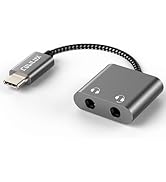
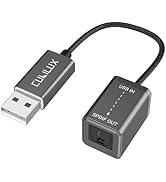
Audio Converters
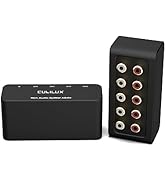
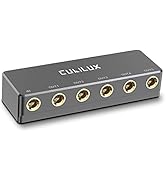
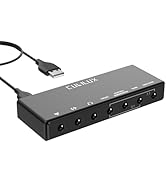
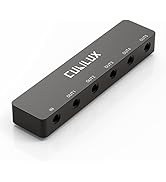
Audio Splitters
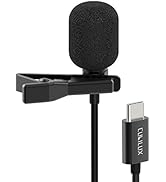
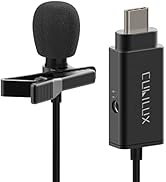
Microphones & Accessories
![Cubilux AM-K4 6.35mm Audio Mixer [Ultra-Low Noise, HiFi AMP] 4-Channel Line-In 1/4” Mini AUX Mixe...](//c1.neweggimages.com/sellingpilot/modules/product/a-plus/0f8c76dac55161b55d1cbcf15acac8a95e07baaff20ba1c153cb85b5e1f9cc63.jpg)
Mixers & AMPs
![Cubilux AM-K4 6.35mm Audio Mixer [Ultra-Low Noise, HiFi AMP] 4-Channel Line-In 1/4” Mini AUX Mixe...](http://c1.neweggimages.com/sellingpilot/modules/product/a-plus/0f8c76dac55161b55d1cbcf15acac8a95e07baaff20ba1c153cb85b5e1f9cc63.jpg)

Switch seamlessly between multiple audio sources or outputs with Cubilux 3.5mm Audio Selector. This compact, bidirectional audio switch allows you to easily toggle between two devices—perfect for sharing headphones, switching between PC and console, or managing multiple headset setups.
Effortless Control with Toggle Switch
Cubilux Audio Selector features an intuitive toggle switch for effortless one-touch audio source switching. With precise mechanical feedback, you’ll always know which device is active.
Bidirectional Design for Flexible Use
Supports both 2-input-1-output and 1-input-2-output configurations, letting you easily share one pair of headphones between two devices or route one source to two headphones.
Built to Last. Sized to Go.
Made with a robust aluminum shell and small enough to carry anywhere, this selector is perfect for travel, compact desks, or minimalist setups.
FQA
Q1: Why do I hear noise through the speakers when switching to my headphones while both are connected?
A1: This device is primarily designed for headphone switching. It uses a passive circuit to support 4-pole interfaces (for microphone pass-through). When it's used with a speaker and the speaker is deselected, the speaker input is left in a "floating" state (unconnected/unfiltered). Because powered speakers are highly sensitive, this floating input can pick up interference, which results in the hum noise you hear. This is a characteristic of passive switching when used with powered speakers rather than headphones.
Q2: Is it compatible with TRRS headsets with a microphone?
A2: Yes, the selector can switch TRRS audio signals, including microphone input. However, you’ll need to use TRRS-to-TRRS audio cables (not included) for proper functionality.
Note: Mixing TRS and TRRS connections may cause your computer to prioritize the TRS signal and ignore the microphone input, as TRS devices are typically detected first. To ensure proper recognition, set the switch to TRRS before connecting the cable. Switching to a TRS device afterward may cause the issue to happen again. For best performance, we recommend using the same format—either TRS or TRRS—for both connected devices.
Q3: Can this switcher be used for both input and output switching?
A3: Yes, the selector supports bidirectional use. You can use it as either 2-input-1-output or 1-input-2-output, depending on your setup.
Q4: Does this work with smart devices like phones or tablets?
A4: Yes, as long as the device has a 3.5mm jack or is used with a compatible adapter. However, keep in mind that not all USB C adapters support analog audio passthrough.
Cubilux is committed to creating high-quality products that elevate audio experiences across smartphones, tablets, PCs, and laptops—whether for work or leisure.
By enhancing device capabilities for recording, vlogging, and livestreaming, we empower creators to bring their ideas to life with greater ease.
We welcome customer feedback and continually refine our designs to truly meet your needs.
Audio Converters
Audio Splitters
Microphones & Accessories
Mixers & AMPs