






Alxum 4K HDMI Display KVM Switch - Two Computers to Two Monitors
The Optimal Choice for Multi-Host Workstations
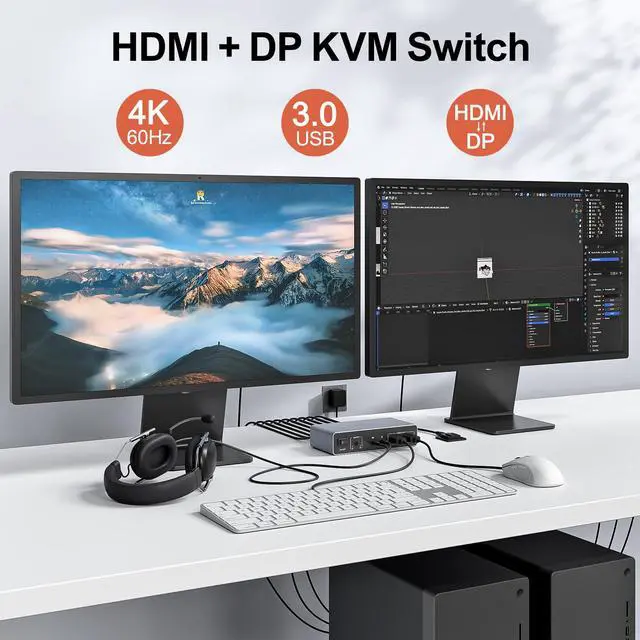
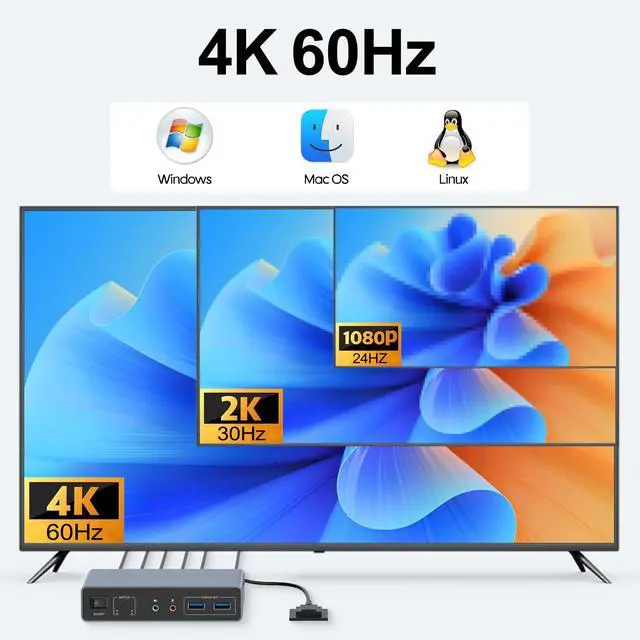
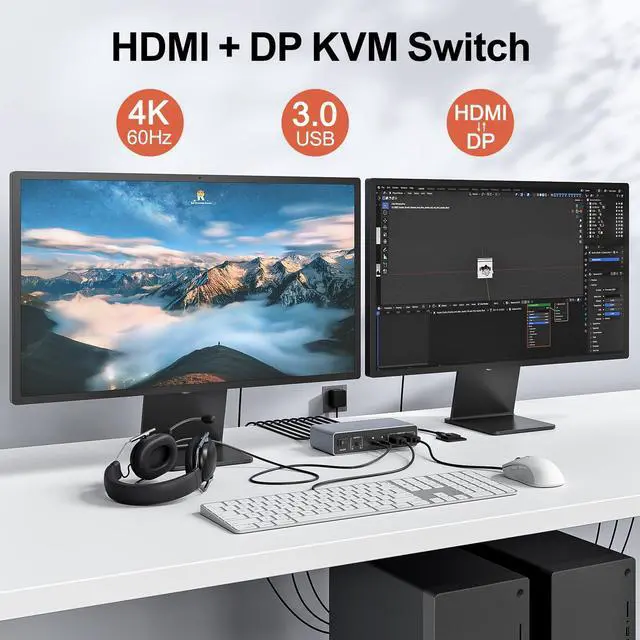
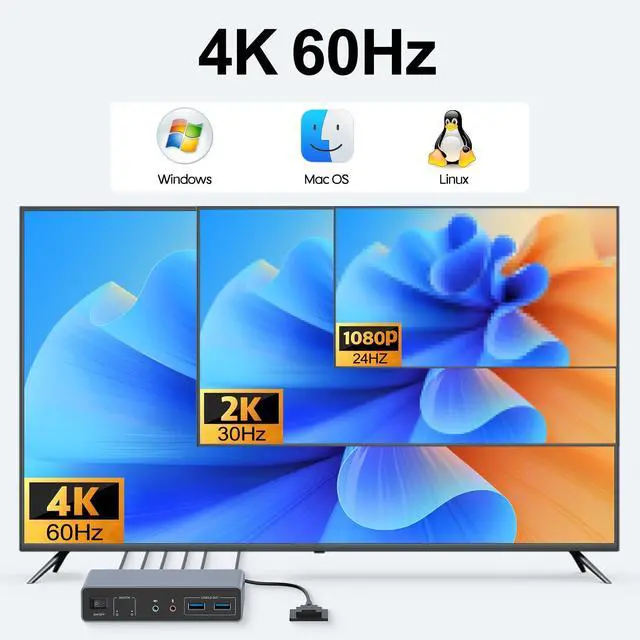
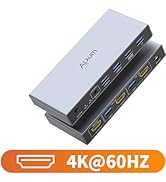
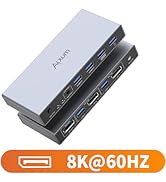
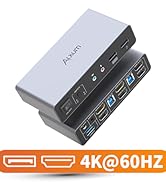
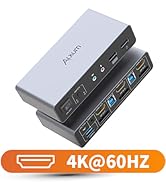
- Supports Ultra HD video resolution up to 3840×2160@60Hz
- Supports HDMI 2.0 with backward compatibility to HDMI 1.4
- Supports 3.5mm stereo audio output
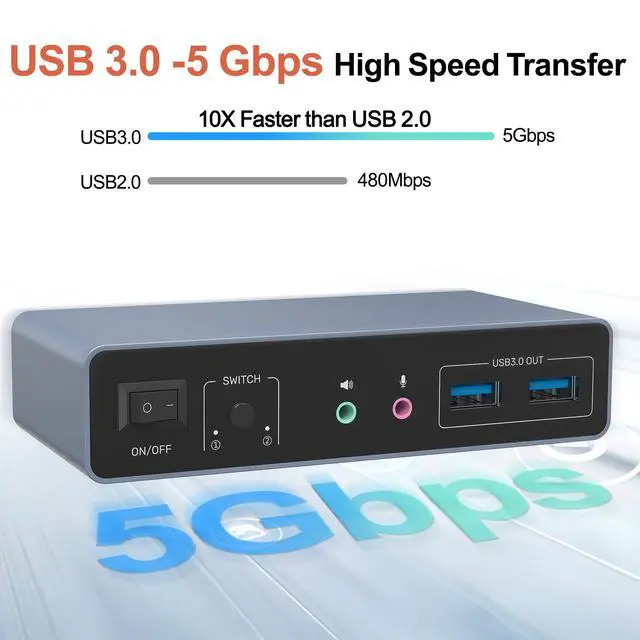
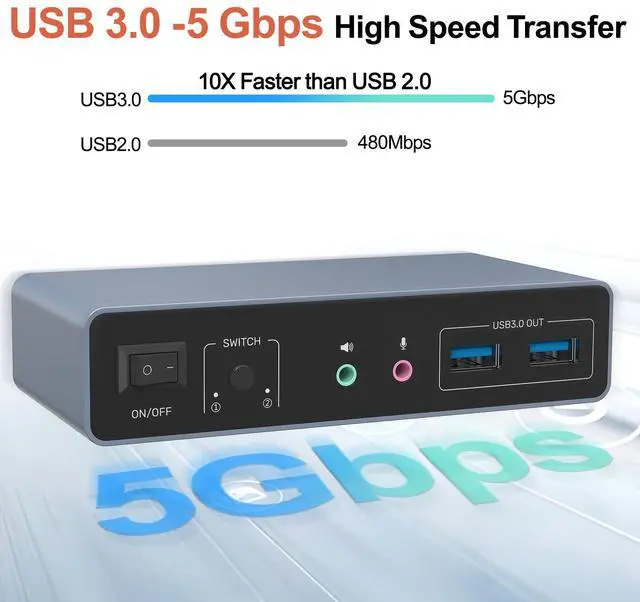
- Supports 5Gbps High-Speed Data Transfer (backward compatible with USB 2.0/1.1)
- Supports microphone input
- Supports HDCP 2.3
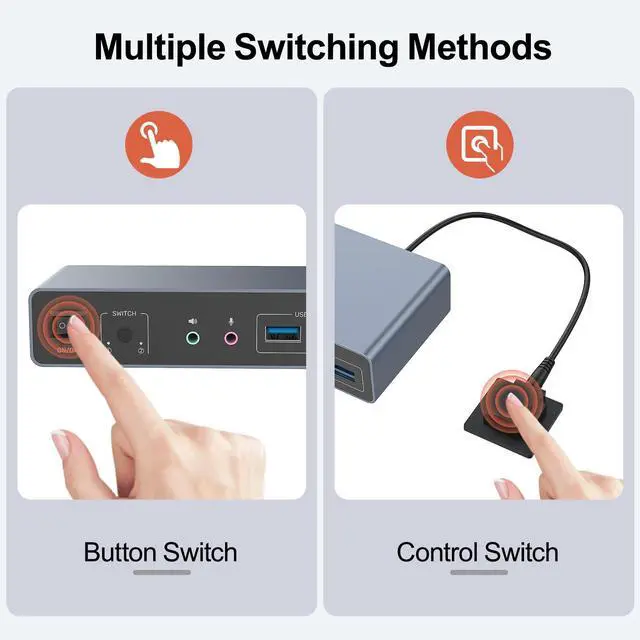
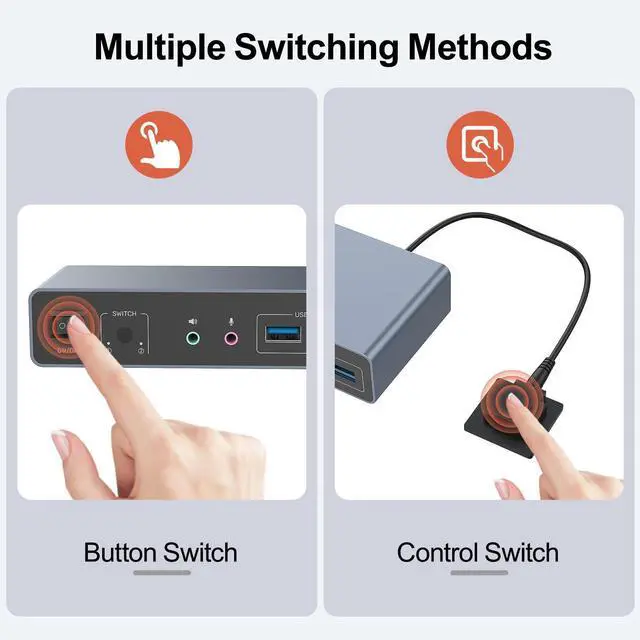
- Dual switching modes (button/IR remote control)
- Plug-and-play operation (no drivers required)

KVM Switching Usage Guidelines
1.Not recommended for laptop connections when driving dual displays simultaneously.
2.Generally not advised for laptop usage scenarios.
3.It is not recommended to use HDMI to DP conversion cable, or DP to HDMI conversion cable.
4.Please keep the 5V power adapter connected during use. Don't use any over 5V power adapter
5.For protection during transportation, KVM Switcher is covered with a clear protective film. You can remove the protective film before use.
The HDMI ports of the KVM switch need to achieve a resolution of 4K@60Hz. It's essential to ensure that the cables in use, the connected display screens, and the host are all compatible with and support 4K@60Hz


Notes:
- For Dual-Screen Setup:
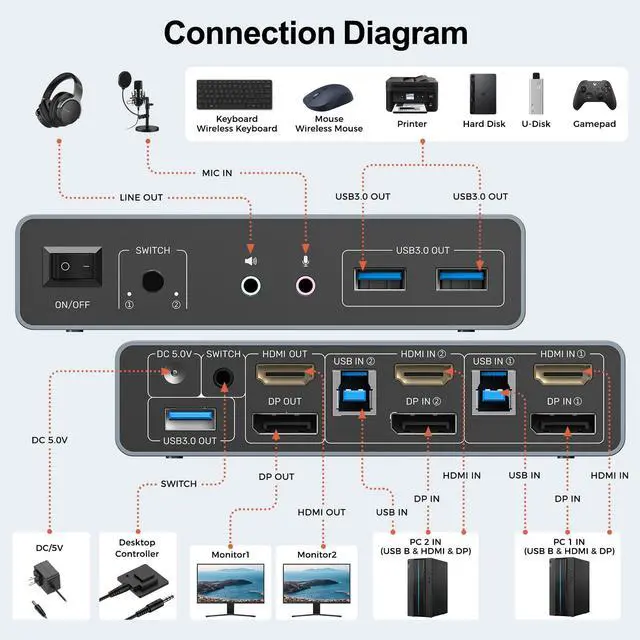
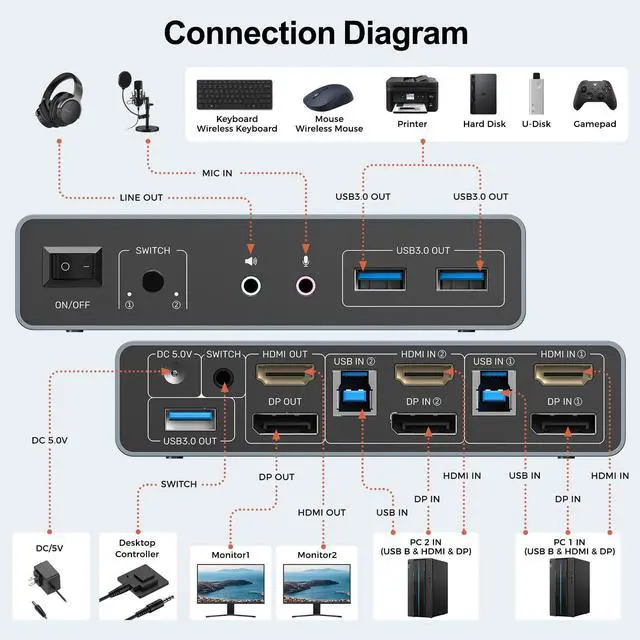
Each computer must connect to USB IN, HDMI IN+DP IN;
HDMI OUT+DP OUT to two monitors respectively.
- Example:
PC 1: USB IN+DP IN+HDMI IN(the ports on the same host)+HDMI OUT
PC 2 :USB IN+DP IN+HDMI IN(the ports on the same host)+DP OUT
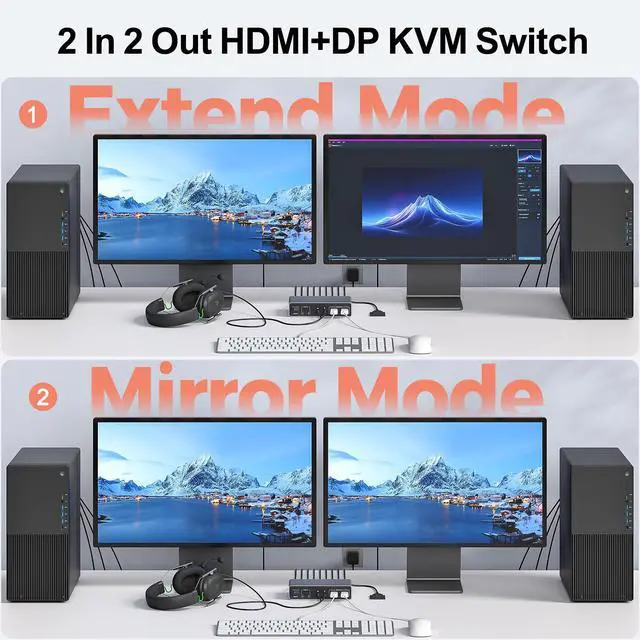
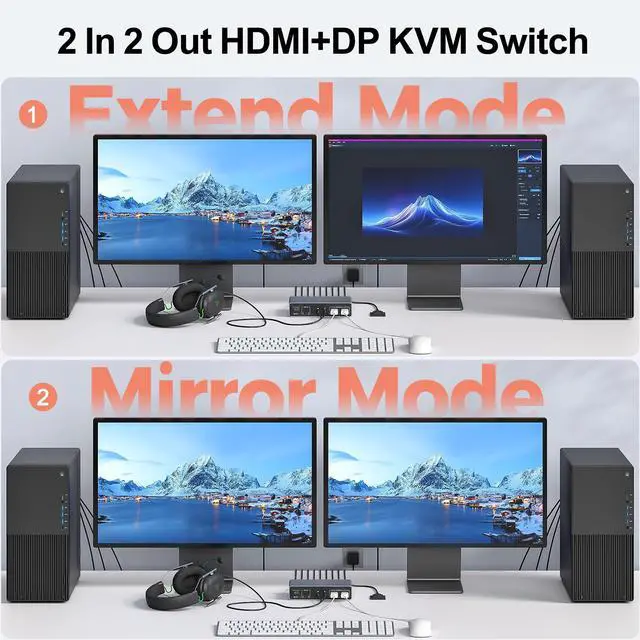
- Two Display Modes
Mirror Mode: Both monitors display the same image;
Extended Mode: Use two monitors to show separate screens from one PC.
Package Content


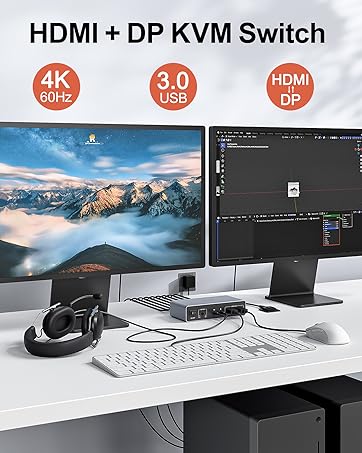

Alxum 4K HDMI Display KVM Switch - Two Computers to Two Monitors
The Optimal Choice for Multi-Host Workstations
- Supports Ultra HD video resolution up to 3840×2160@60Hz
- Supports HDMI 2.0 with backward compatibility to HDMI 1.4
- Supports 3.5mm stereo audio output
- Supports 5Gbps High-Speed Data Transfer (backward compatible with USB 2.0/1.1)
- Supports microphone input
- Supports HDCP 2.3
- Dual switching modes (button/IR remote control)
- Plug-and-play operation (no drivers required)

KVM Switching Usage Guidelines
1.Not recommended for laptop connections when driving dual displays simultaneously.
2.Generally not advised for laptop usage scenarios.
3.It is not recommended to use HDMI to DP conversion cable, or DP to HDMI conversion cable.
4.Please keep the 5V power adapter connected during use. Don't use any over 5V power adapter
5.For protection during transportation, KVM Switcher is covered with a clear protective film. You can remove the protective film before use.
The HDMI ports of the KVM switch need to achieve a resolution of 4K@60Hz. It's essential to ensure that the cables in use, the connected display screens, and the host are all compatible with and support 4K@60Hz
2 PC 2 Monitor KVM Switcher-The Executive's Choice for Seamless Remote Meetings
Dual Mode
4K High Resolution
5Gbps High-Speed Transmission
Two Switching Methods
Flexible Ways to Connect


Notes:
- For Dual-Screen Setup:
Each computer must connect to USB IN, HDMI IN+DP IN;
HDMI OUT+DP OUT to two monitors respectively.
- Example:
PC 1: USB IN+DP IN+HDMI IN(the ports on the same host)+HDMI OUT
PC 2 :USB IN+DP IN+HDMI IN(the ports on the same host)+DP OUT
- Two Display Modes
Mirror Mode: Both monitors display the same image;
Extended Mode: Use two monitors to show separate screens from one PC.
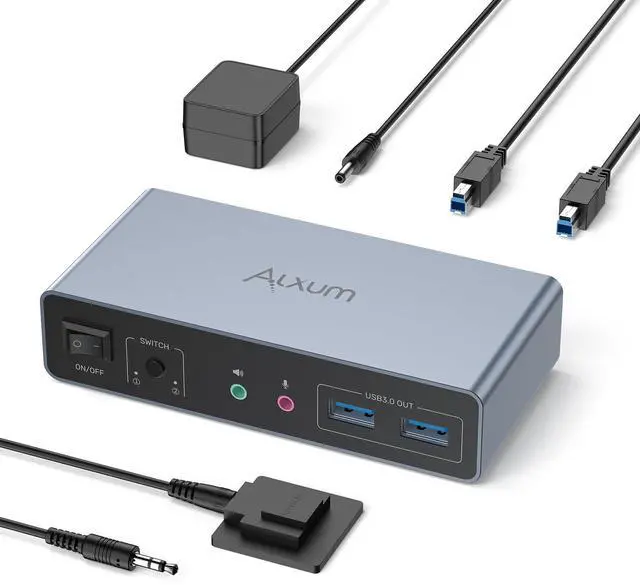
Package Content

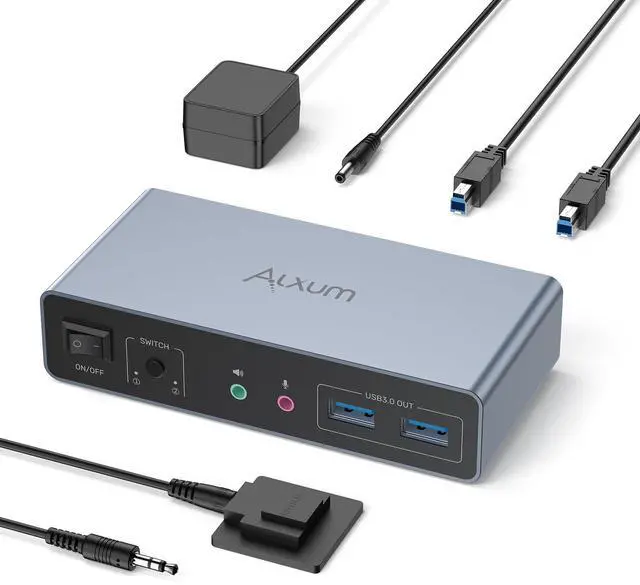
Alxum KVM Switch
