








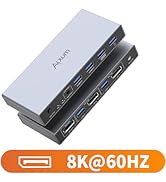
ALXUM USB 3.0 A HDMI KVM VIDEO SWITCHING
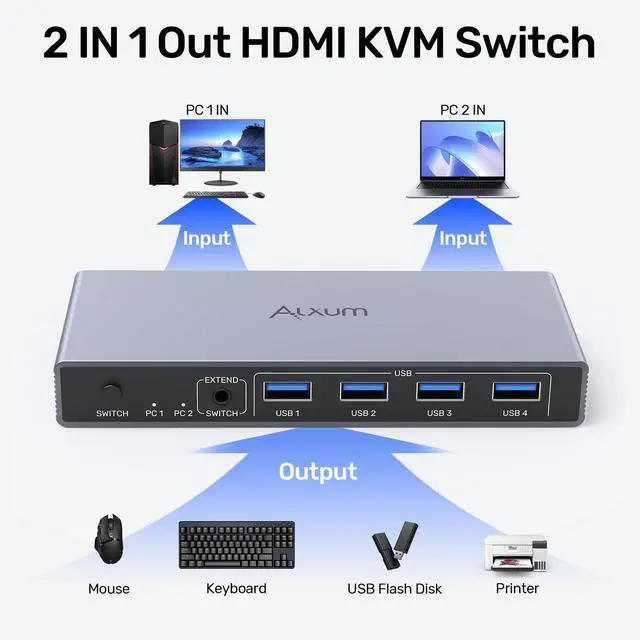
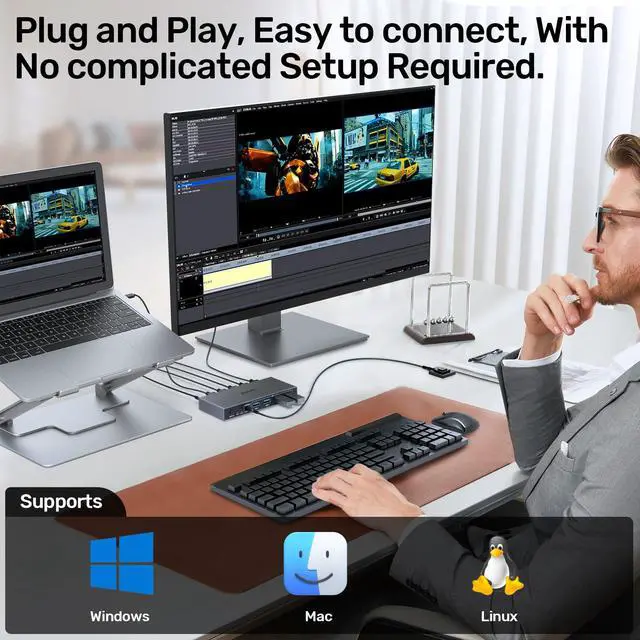
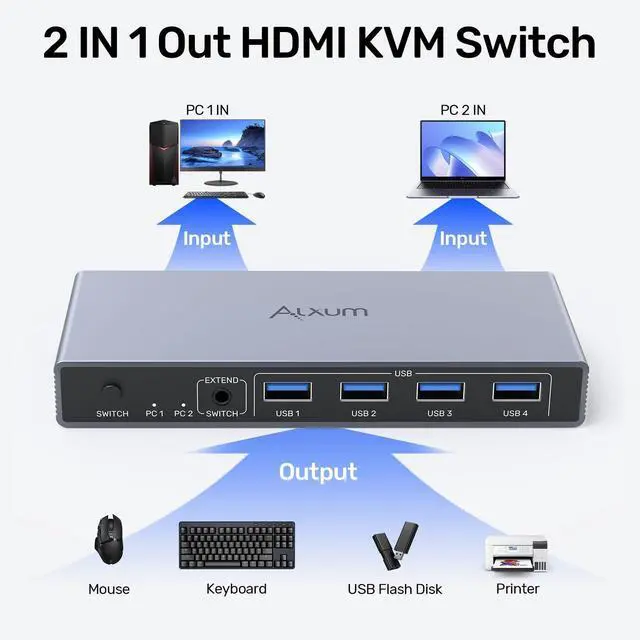
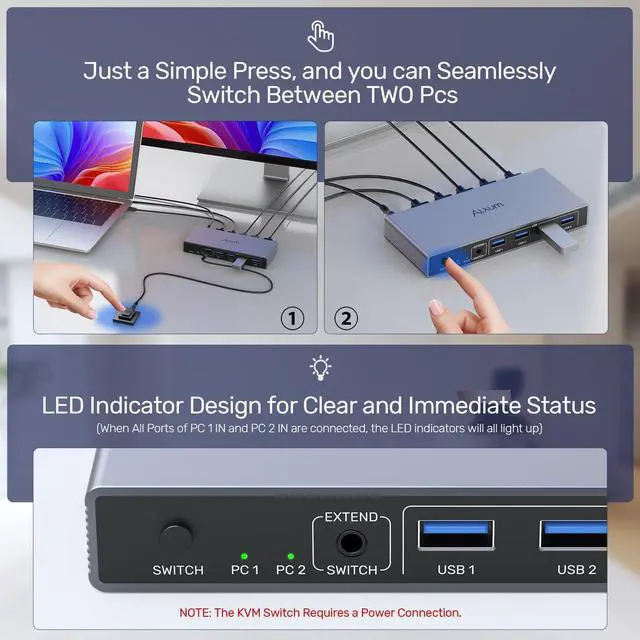
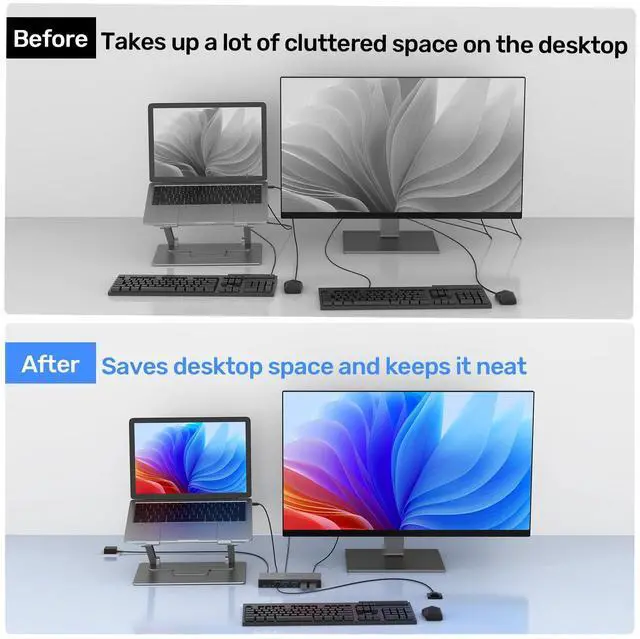
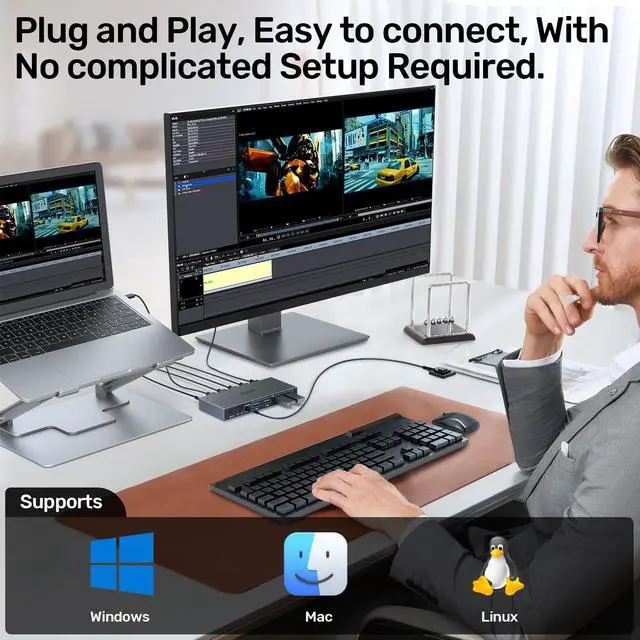
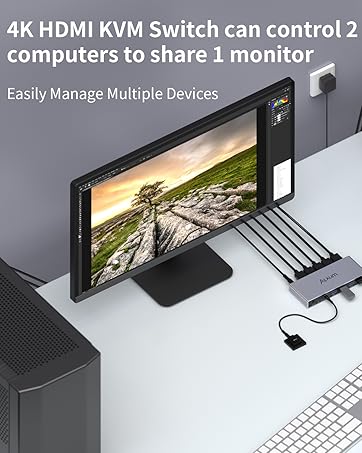
With a set of USB keyboard and mouse, you can easily control one monitor and two hosts with HDMI interfaces, and freely switch between them synchronously.
NOTE:
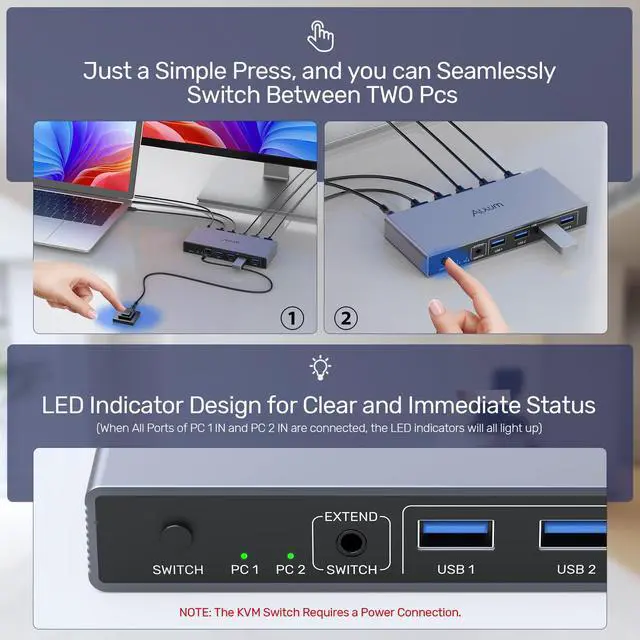
1. When Using the HDMI KVM Switch, Please Connect the Included Power Adapter.(Please keep the 5V power adapter connected during use. Don't use any over 5V power adapter.)
2. This HDMI switch only supports the HDMI interface and does not support the DP interface.
3. For protection during transportation, the product is covered with a clear protective film. You can remove the protective film before use.
4.The KVM Switches do not come with a USB-A to USB-C converter. You need to prepare your own adapter when connecting a USB-C laptop
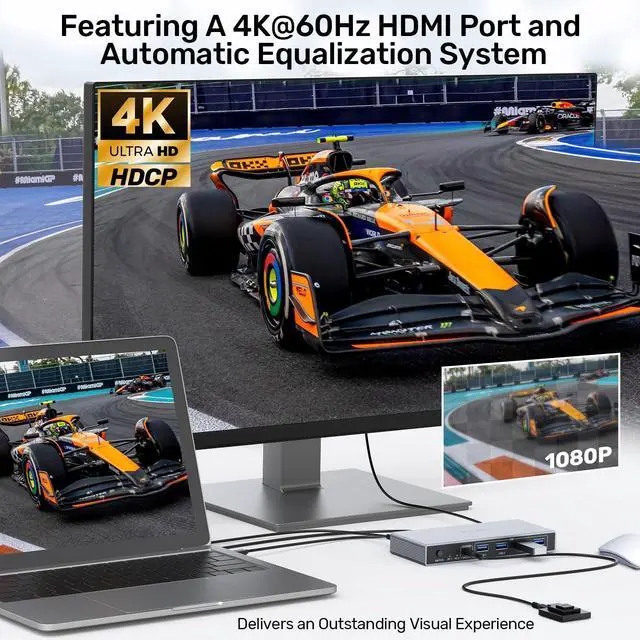
5.The 4K HDMI KVM Switch supports HDMI 2.0/1.4 standards.


ALXUM KVM Switch - Multi-port, Enjoy Seamless Switching

NOTE:
If you are connecting desktop computers, please note the following:
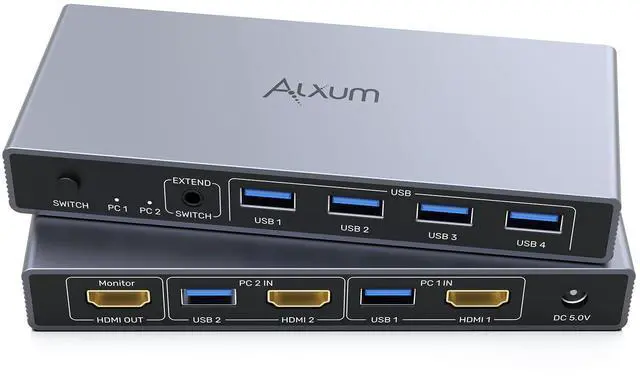
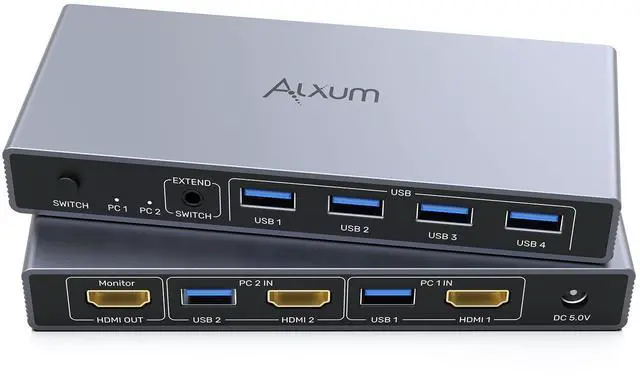
The PC 1 IN USB 3.0 A+ HDMI ports need to be connected to Host 1 (the ports on the same host).
The PC 2 IN USB 3.0 A+ HDMI ports need to be connected to Host 2 (the ports on the same host).
The 2 - input 1 - output function can only be achieved when all ports are fully connected.
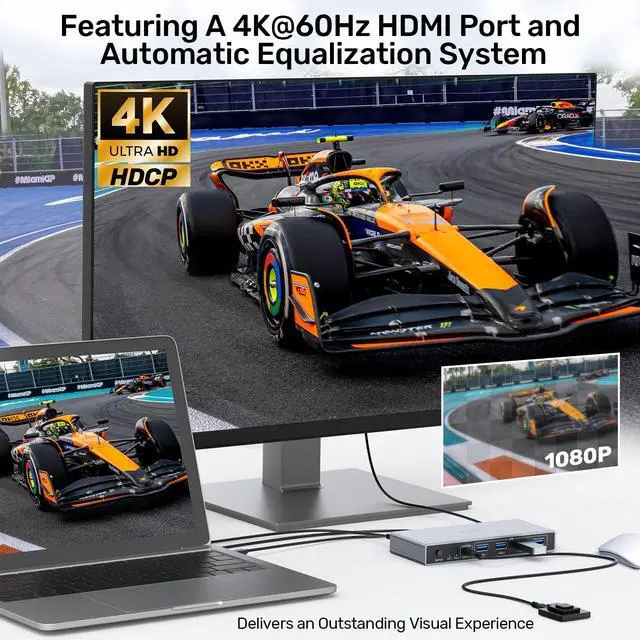
The HDMI ports of the KVM switch need to achieve a resolution of 4K@60Hz. It's essential to ensure that the cables in use, the connected display screens, and the host are all compatible with and support 4K@60Hz.




ALXUM USB 3.0 A HDMI KVM VIDEO SWITCHING
With a set of USB keyboard and mouse, you can easily control one monitor and two hosts with HDMI interfaces, and freely switch between them synchronously.
NOTE:
1. When Using the HDMI KVM Switch, Please Connect the Included Power Adapter.(Please keep the 5V power adapter connected during use. Don't use any over 5V power adapter.)
2. This HDMI switch only supports the HDMI interface and does not support the DP interface.
3. For protection during transportation, the product is covered with a clear protective film. You can remove the protective film before use.
4.The KVM Switches do not come with a USB-A to USB-C converter. You need to prepare your own adapter when connecting a USB-C laptop
5.The 4K HDMI KVM Switch supports HDMI 2.0/1.4 standards.


ALXUM KVM Switch - Multi-port, Enjoy Seamless Switching

NOTE:
If you are connecting desktop computers, please note the following:
The PC 1 IN USB 3.0 A+ HDMI ports need to be connected to Host 1 (the ports on the same host).
The PC 2 IN USB 3.0 A+ HDMI ports need to be connected to Host 2 (the ports on the same host).
The 2 - input 1 - output function can only be achieved when all ports are fully connected.
The HDMI ports of the KVM switch need to achieve a resolution of 4K@60Hz. It's essential to ensure that the cables in use, the connected display screens, and the host are all compatible with and support 4K@60Hz.


Alxum 4K HDMI KVM Switches
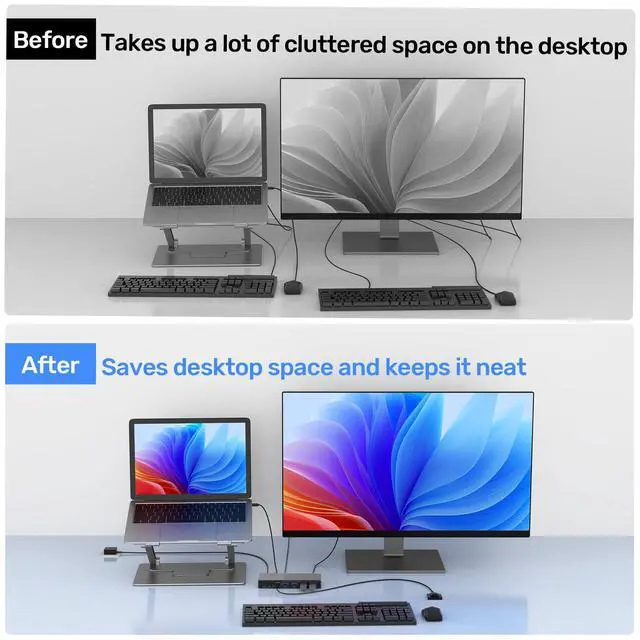
Two Computers Sharing One Monitor
4*USB A
Two Mode Switching
ALXUM KVM SWITCH
