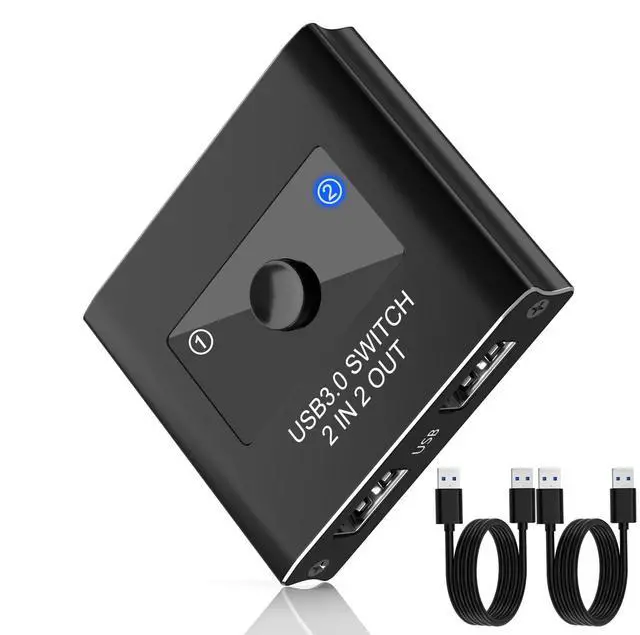
USB Switch, USB 3.0 Switcher 2 in 2 Out, USB 3.0 KVM Switch Selector, USB Switcher 2 Computers Sharing 2 Device for Printer, Keyboard, Scanner, Mouse, Compatible with Mac/Win/Linux
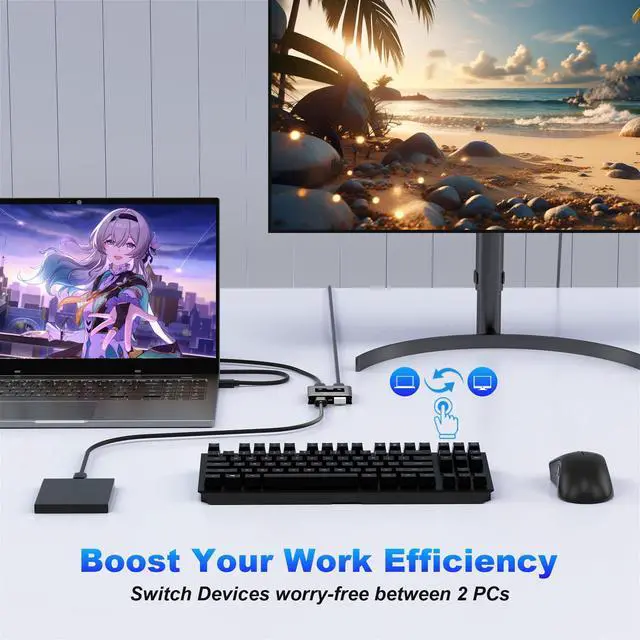
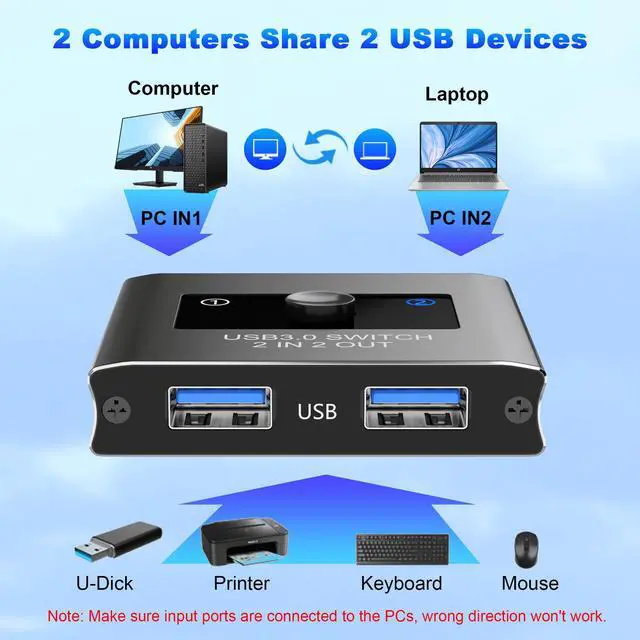
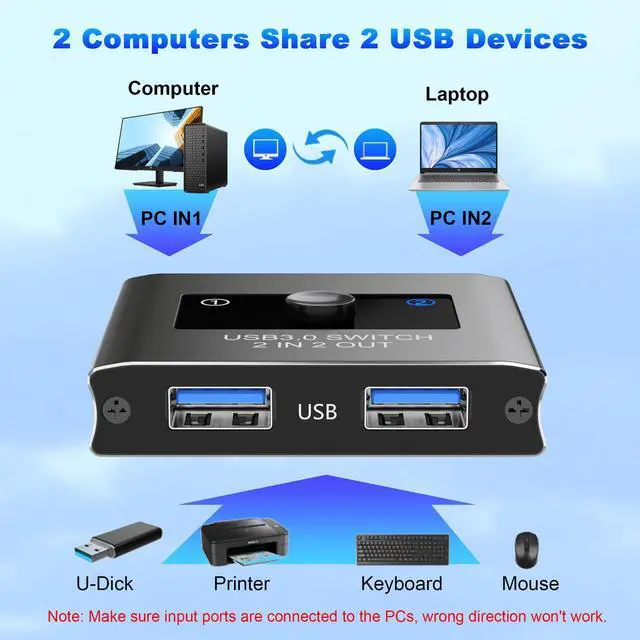
USB SwitchEasily share USB devices between two computers with our USB 3.0 2-in 2-out switch. Designed for convenience and efficiency, this USB 3.0 switch allows you to share two USB devices between two computers. Whether you are managing printers, scanners, or other USB devices, this switch allows you to do it easily and quickly. Note: USB Switch will always stay connected when only one computer is turned on
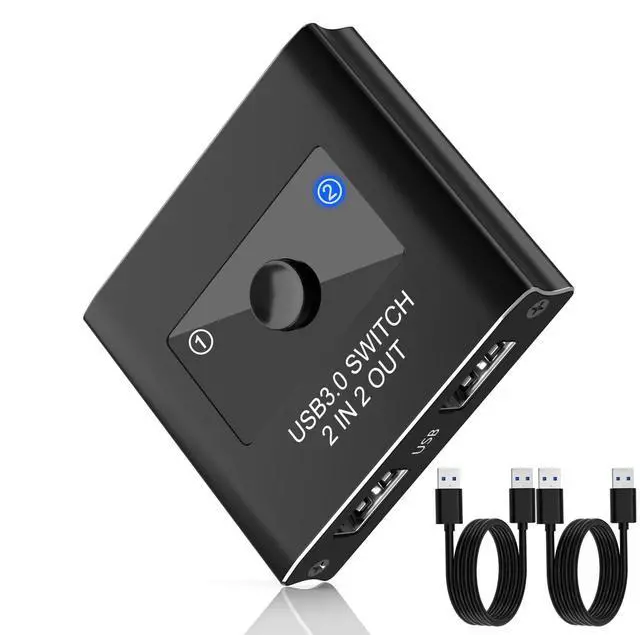
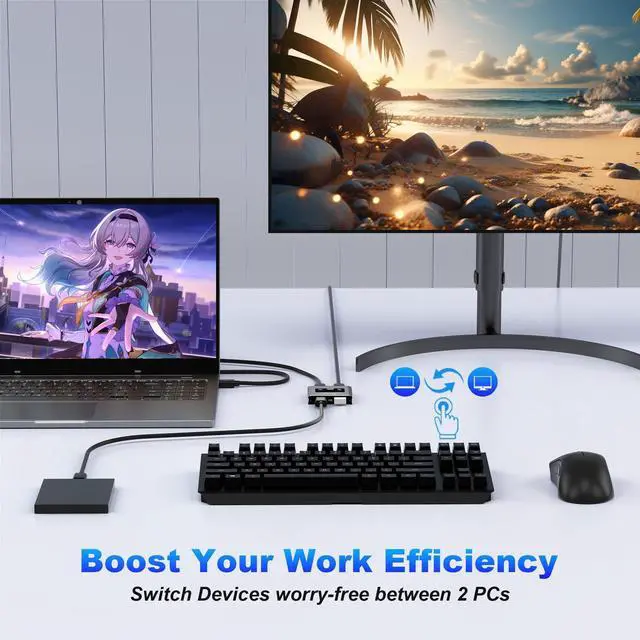
USB Switcher 2 ComputersThis USB 3.0 switch allows you to seamlessly share up to two USB devices (such as a keyboard, mouse, printer, or external hard drives) between two computers. Perfect for home offices, workstations, or dual-PC setups, this switch makes multitasking easy and efficient. (NOTE: This package comes with two high-quality USB A to A cables, ensuring you have everything you need to get started right away.)
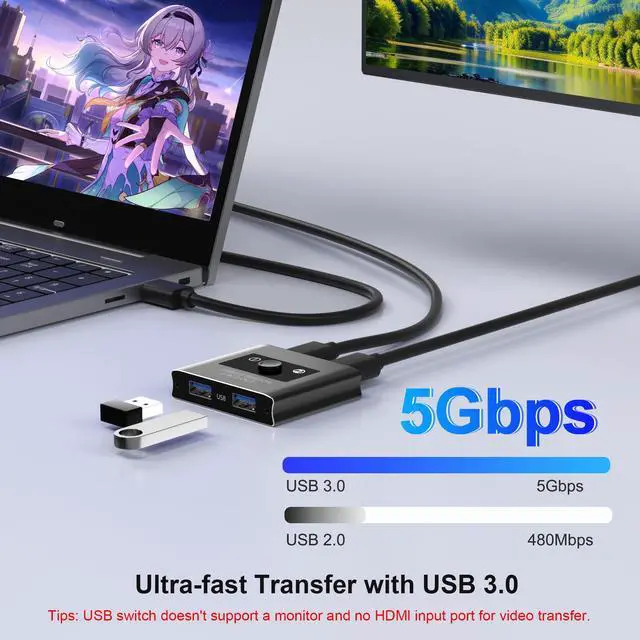
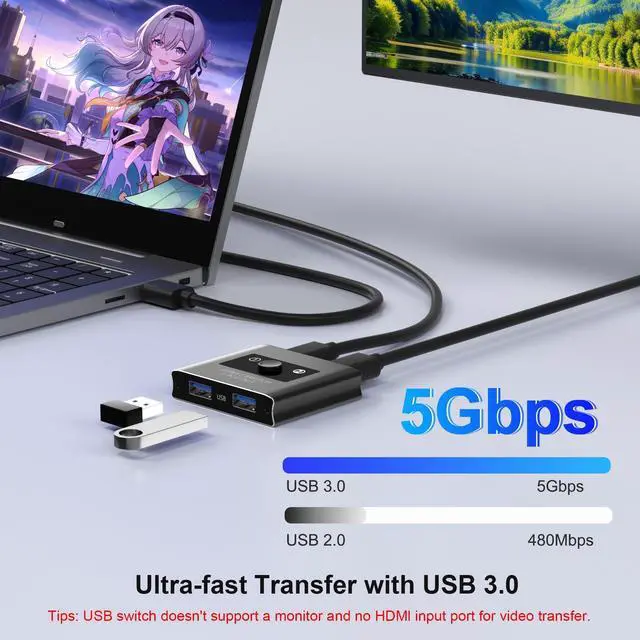
High-Speed USB 3.0Featuring USB 3.0 kvm switch technology, youll enjoy fast data transfer speeds up to 5Gbps, ensuring quick and reliable performance. The switch is also backward compatible with USB 2.0 and USB 1.1 devices, making it versatile for various setups.
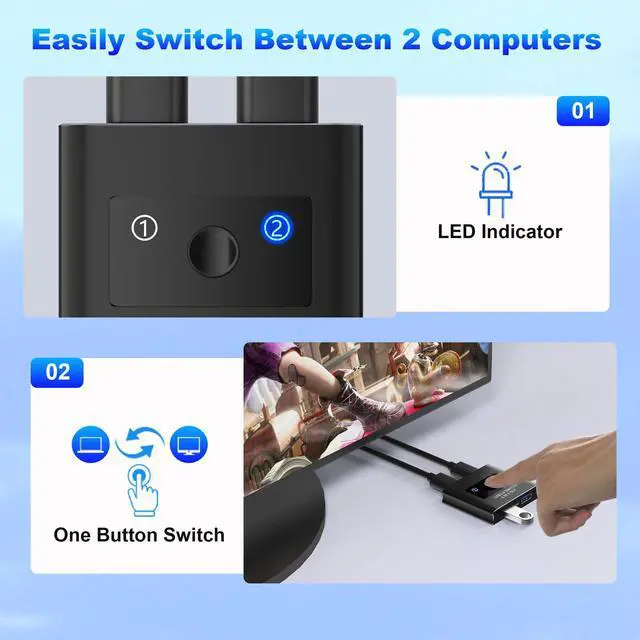
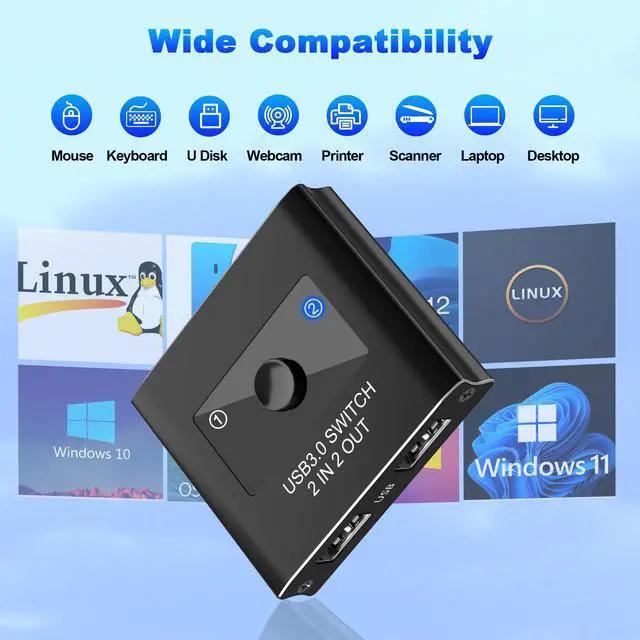
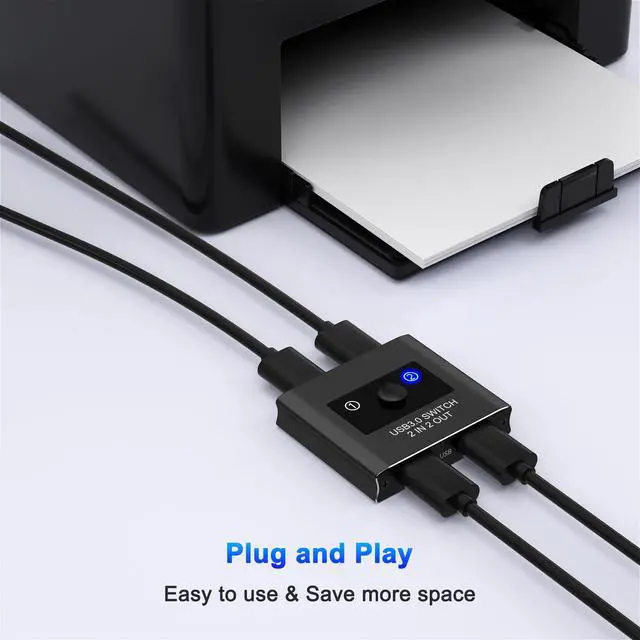
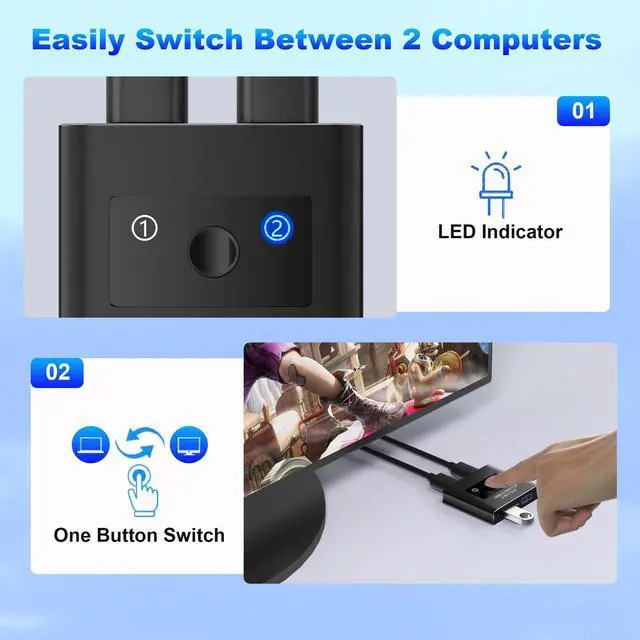
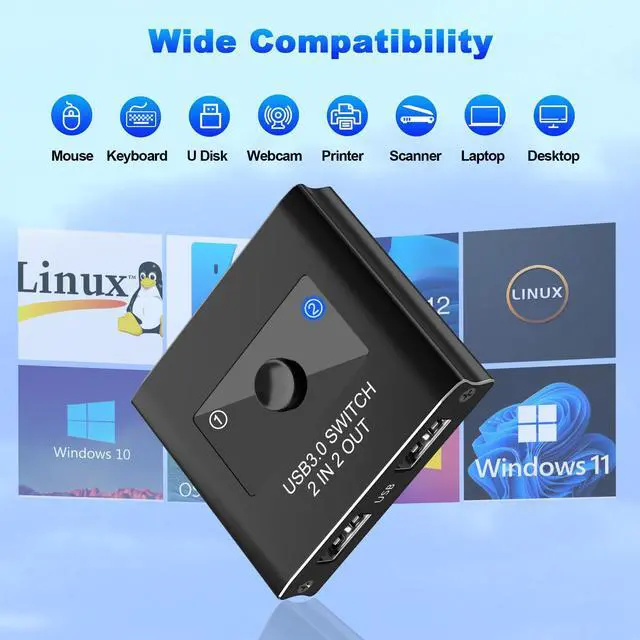
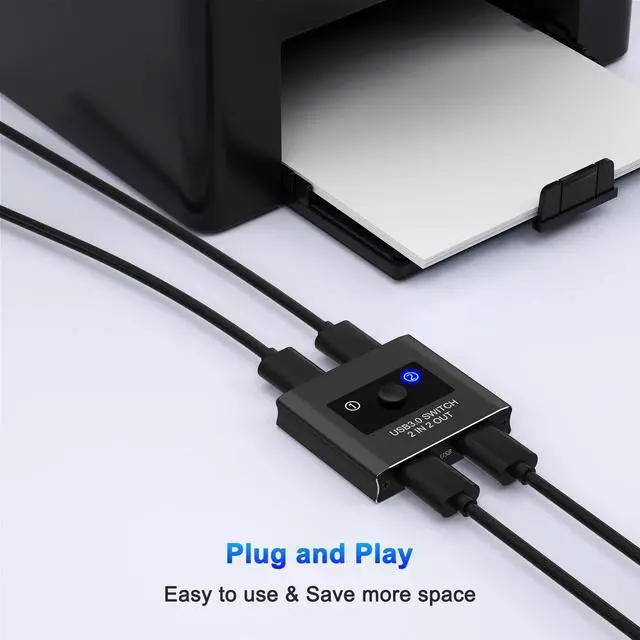
One-Click Switching for ConvenienceThe LED indicator lights provide a clear indication of which device is currently active, making operation intuitive and straightforward. Simply plug in the switch and enjoy hassle-free operation across for Windows, Mac, and Linux systems.
+
+
Overview
Specs
Reviews
Any questions? Our AI beta will help you find out quickly.
Try me now
USB Switch, USB 3.0 Switcher 2 in 2 Out, USB 3.0 KVM Switch Selector, USB Switcher 2 Computers Sharing 2 Device for Printer, Keyboard, Scanner, Mouse, Compatible with Mac/Win/Linux
Learn more about the Detailed Specifications
Additional Information
First Listed on Newegg
March 24, 2026
There are no reviews yet.
Do you own this product?
Warranty & Returns
Warranty, Returns, And Additional Information
Warranty
Please contact the Seller directly for warranty information. Warranty information may also be found on the Manufacturer's website.