







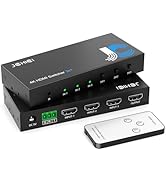
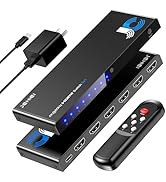
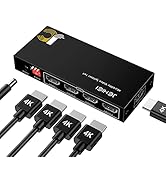
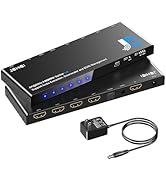
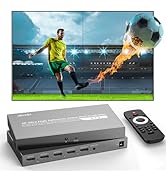
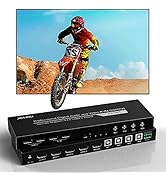


Power light is off and product is not working. How can I fix this?
Please check these two points first:
• Make sure the product is properly plugged into a power outlet and turned on.
• Verify that your TV or display is set to the correct HDMI input source.
My display flickers when I use the switcher. What could be causing this?
Quick Fixes:
• Check connections – Ensure all cables are secure.
• Use a short, HDMI 2.1 cable (under 1.5m) for 8K/60Hz 4:4:4 signal.
4K@60Hz can reach 4m in and 4m out.
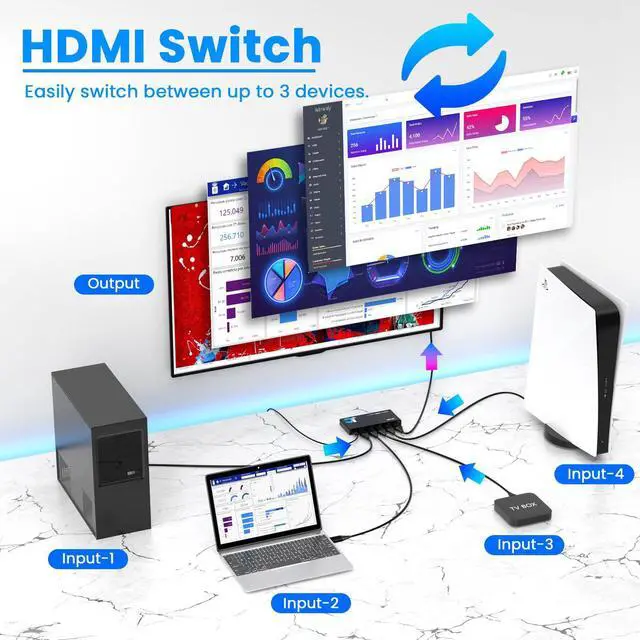
• Try a different port on the switcher.
The switcher Auto switch function can`t work normally. What could be causing this?
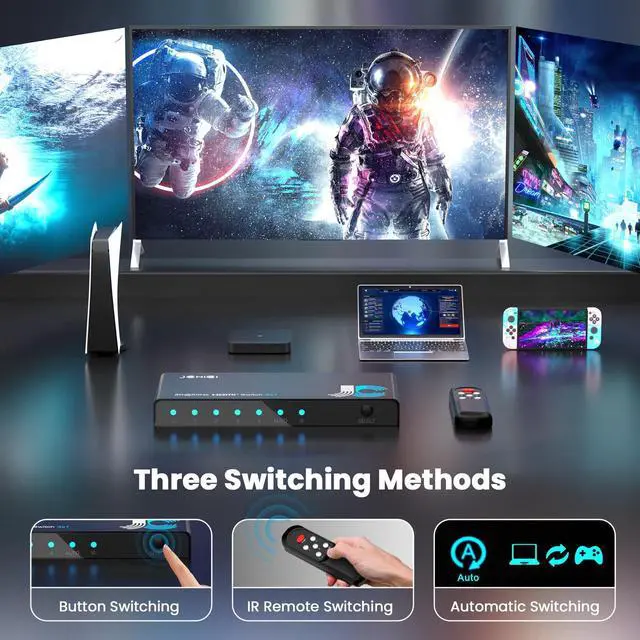
• The HDMI source must be newly connected or powered on from a complete shutdown.
• Note that if the source is in standby mode (still sending a signal), the switcher may recognize it as connected but fail to output a picture or auto-switch properly.
The remote control is no working.
If the remote is unresponsive:
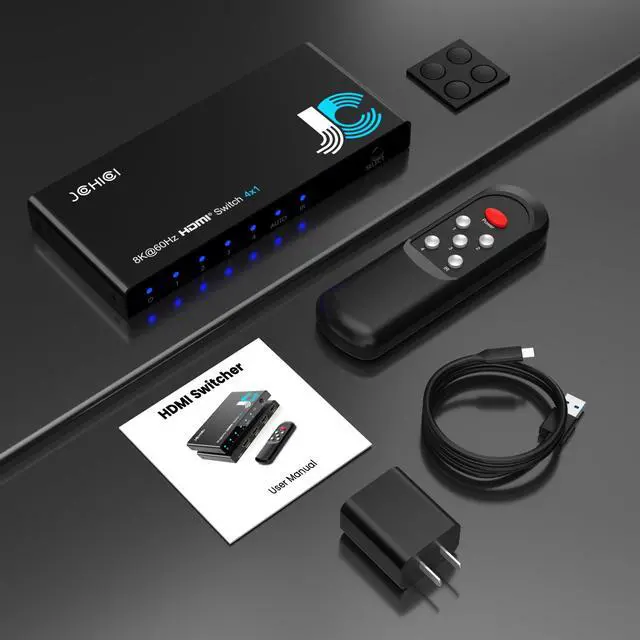
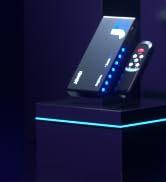
Remove the plastic insulator strip from the battery compartment.
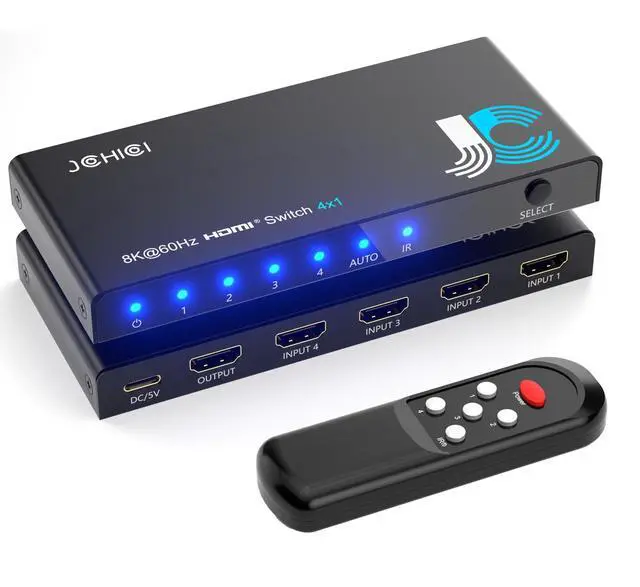
Check the IR receiver indicator.
If it is off, long-press the power button for 6 seconds to enable the IR function.
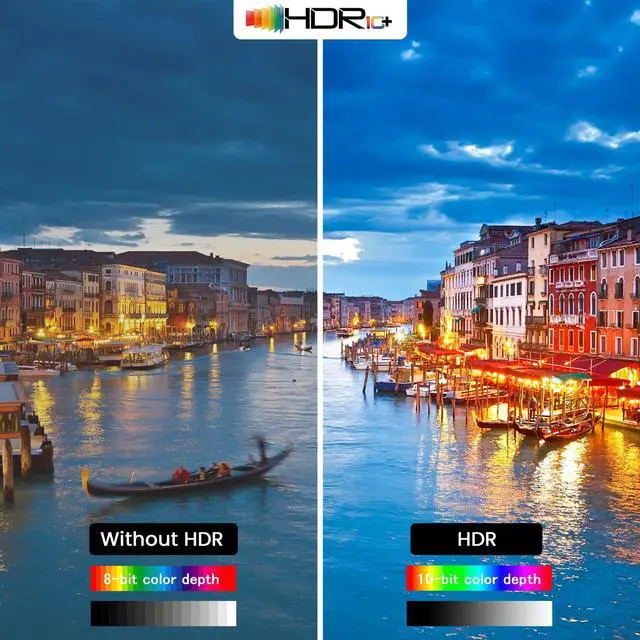
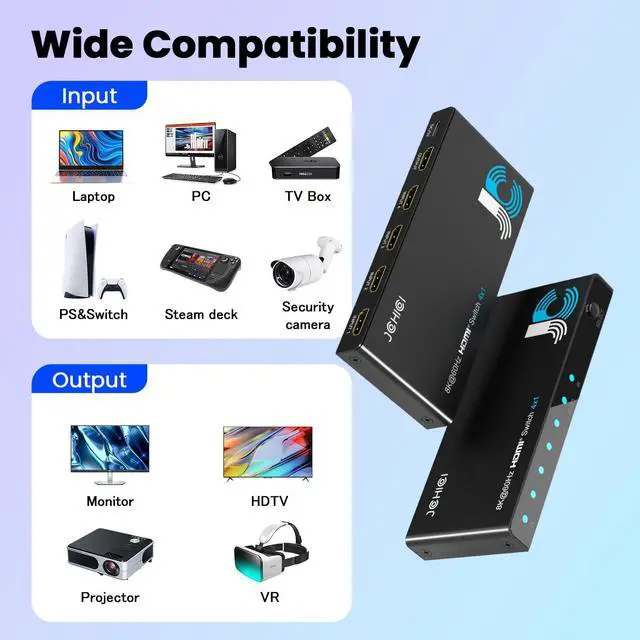
Does it support HDR?
Yes! For optimal performance, use a high-quality, standard HDMI 2.1 cable and keep it as short as possible.
Supported HDR Formats:
4K@120Hz YCbCr 4:4:4 8/10bit HDR
4K@120Hz YCbCr 4:2:0 10/12bit HDR
8K@ 60Hz YCbCr 4:4:4 8/10/12bit HDR (with DSC)


Power light is off and product is not working. How can I fix this?
Please check these two points first:
• Make sure the product is properly plugged into a power outlet and turned on.
• Verify that your TV or display is set to the correct HDMI input source.
My display flickers when I use the switcher. What could be causing this?
Quick Fixes:
• Check connections – Ensure all cables are secure.
• Use a short, HDMI 2.1 cable (under 1.5m) for 8K/60Hz 4:4:4 signal.
4K@60Hz can reach 4m in and 4m out.
• Try a different port on the switcher.
The switcher Auto switch function can`t work normally. What could be causing this?
• The HDMI source must be newly connected or powered on from a complete shutdown.
• Note that if the source is in standby mode (still sending a signal), the switcher may recognize it as connected but fail to output a picture or auto-switch properly.
The remote control is no working.
If the remote is unresponsive:
Remove the plastic insulator strip from the battery compartment.
Check the IR receiver indicator.
If it is off, long-press the power button for 6 seconds to enable the IR function.
Does it support HDR?
Yes! For optimal performance, use a high-quality, standard HDMI 2.1 cable and keep it as short as possible.
Supported HDR Formats:
4K@120Hz YCbCr 4:4:4 8/10bit HDR
4K@120Hz YCbCr 4:2:0 10/12bit HDR
8K@ 60Hz YCbCr 4:4:4 8/10/12bit HDR (with DSC)
8K HDMI Switch
HDMI Swither
HDMI Splitter
Other products
Other products