  • $29.99
  • Free 30-day Returns
  • Price alert
    Shop it at NeweggBusiness.

    8K Bi-Directional HDMI Switch 2 in 1 Out, 4K@120Hz 8K@60Hz HDMI Splitter Switch, Supports HDR, 3D, Dolby for PS4/5, HD TV

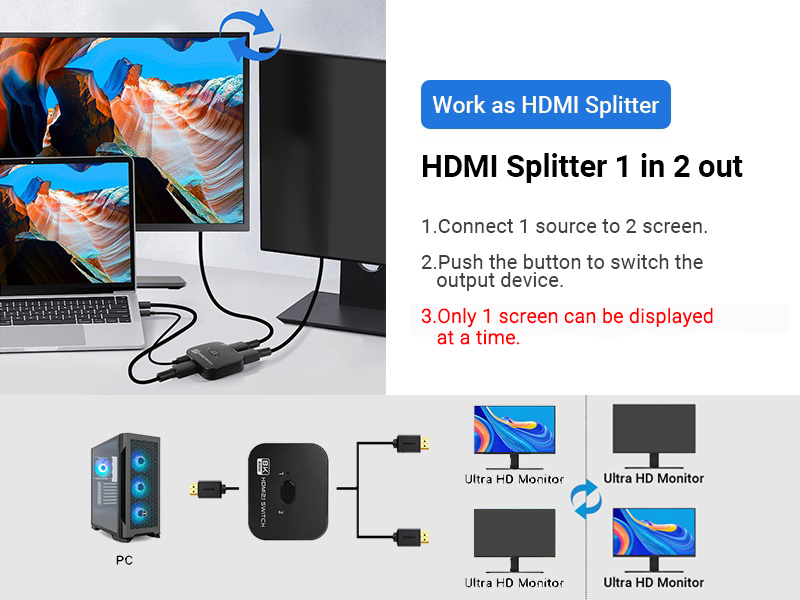
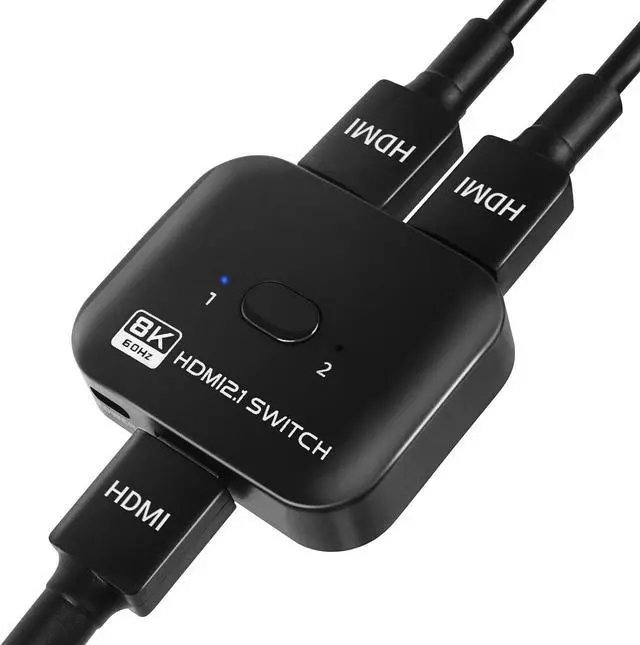
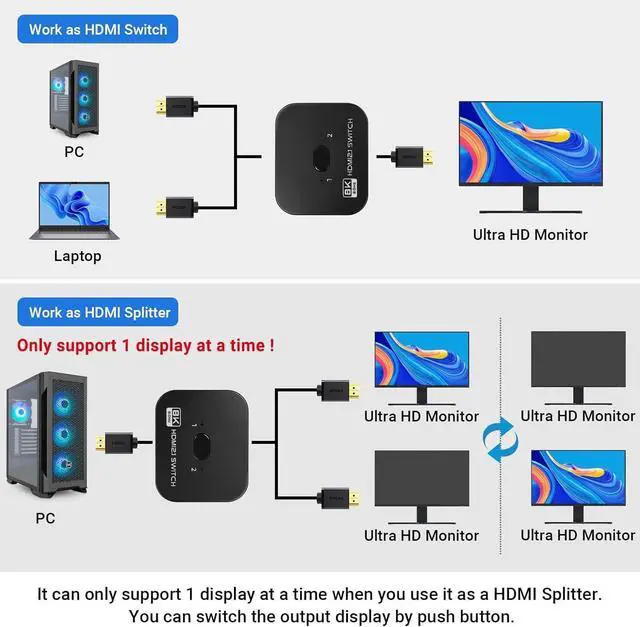
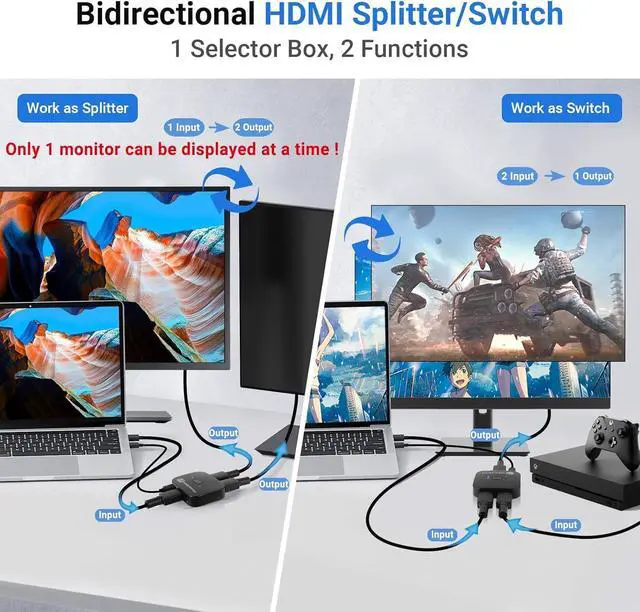
    • Bi-directional HDMI SplitterHDMI Splitter 2 in 1 out has 3 HDMI ports, which allows you to connect two HDMI sources to a single HDMI monitor, or connect one HDMI source to switch between two monitors. (Note: In 1 in 2 out mode, only one monitor can be displayed at a time!) .
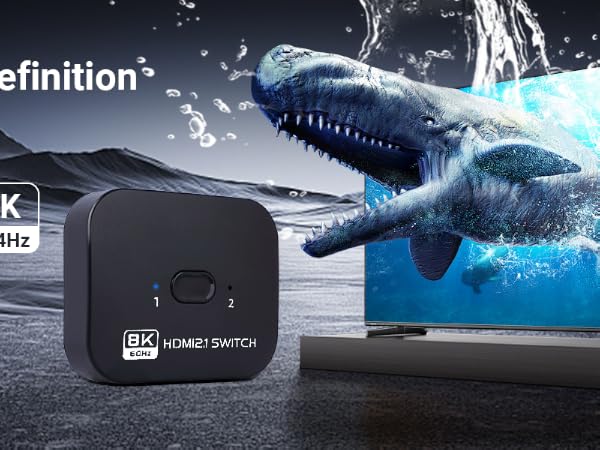
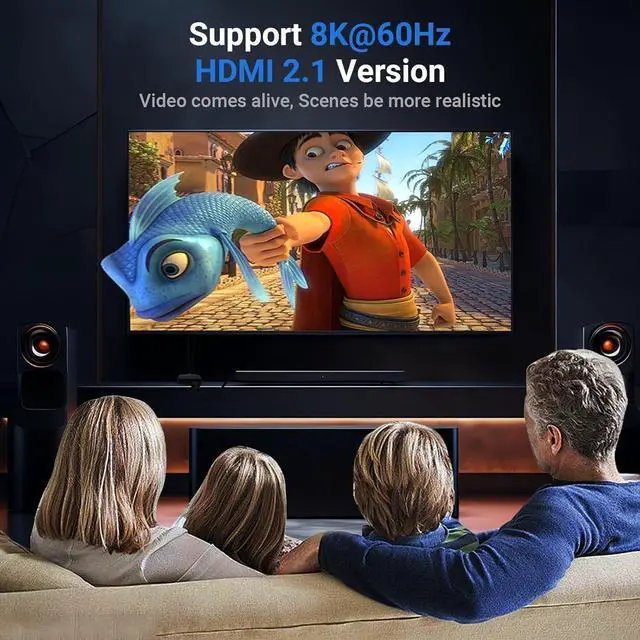
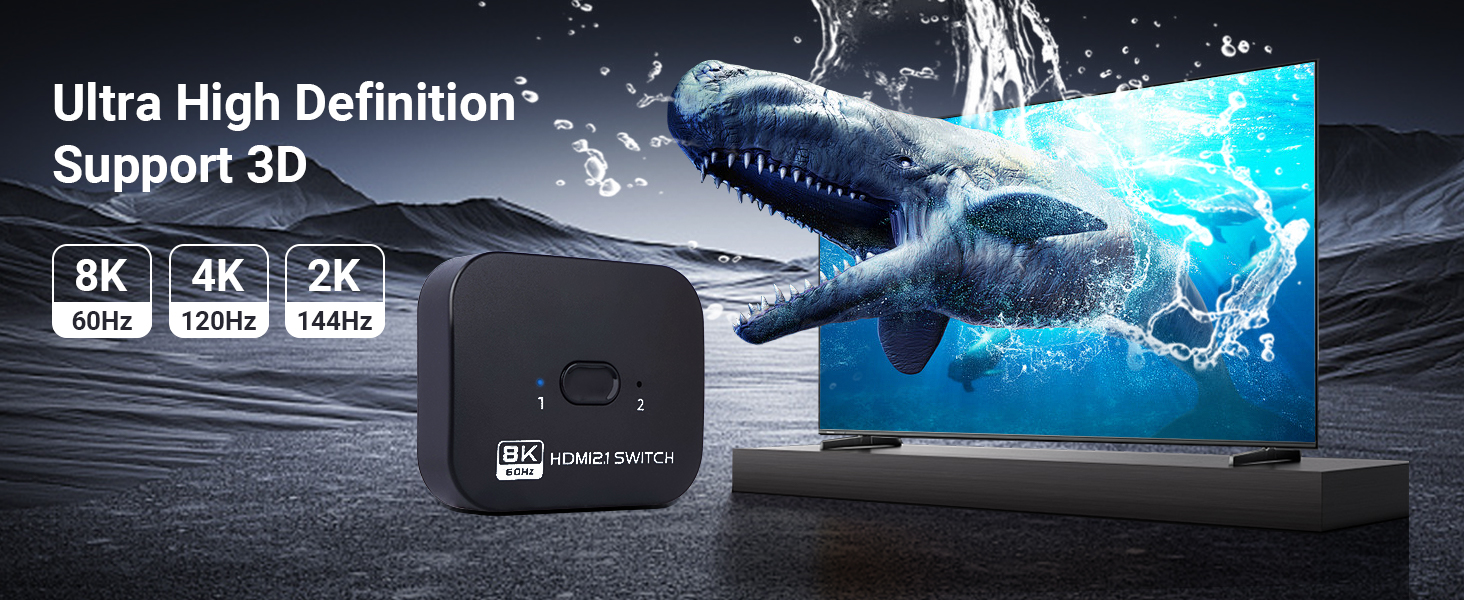
    • Ultra HD 8K8K HDMI Switch supports 8K@60Hz, 4K@120Hz, 1080p 144Hz, 3D and HD Audio.8K high definition allows you to enjoy a more detailed and realistic picture, and 120Hz high refresh rate keeps the frame rate of the picture changing in sync with the game, which makes the picture smoother.Please use a standard HDMI 2.1 cable to connect the HDMI input device (e.g. PS4) to the monitor and HDMI switch.
    • High Speed and Stable TransmissionHDMI 2.1 splitter not only supports high bandwidth data transmission of 48Gbps, but also ensures stable audio and video and high-definition display. Input and output AWG26 HDMI standard cables can be up to 5 meters (16.4 feet) long.
    • Switching ModesYou can easily switch between switchable input or output sources using the switch button. You can switch between high definition images with a single click, so don't worry about plugging and unplugging between devices.
    +
    +
    Overview
    Specs
    Reviews
    avatar

    Any questions? Our AI beta will help you find out quickly.

    TCNEWCL 8K@60Hz Bi-directional HDMI Switch/Splitter 2 in 1 out
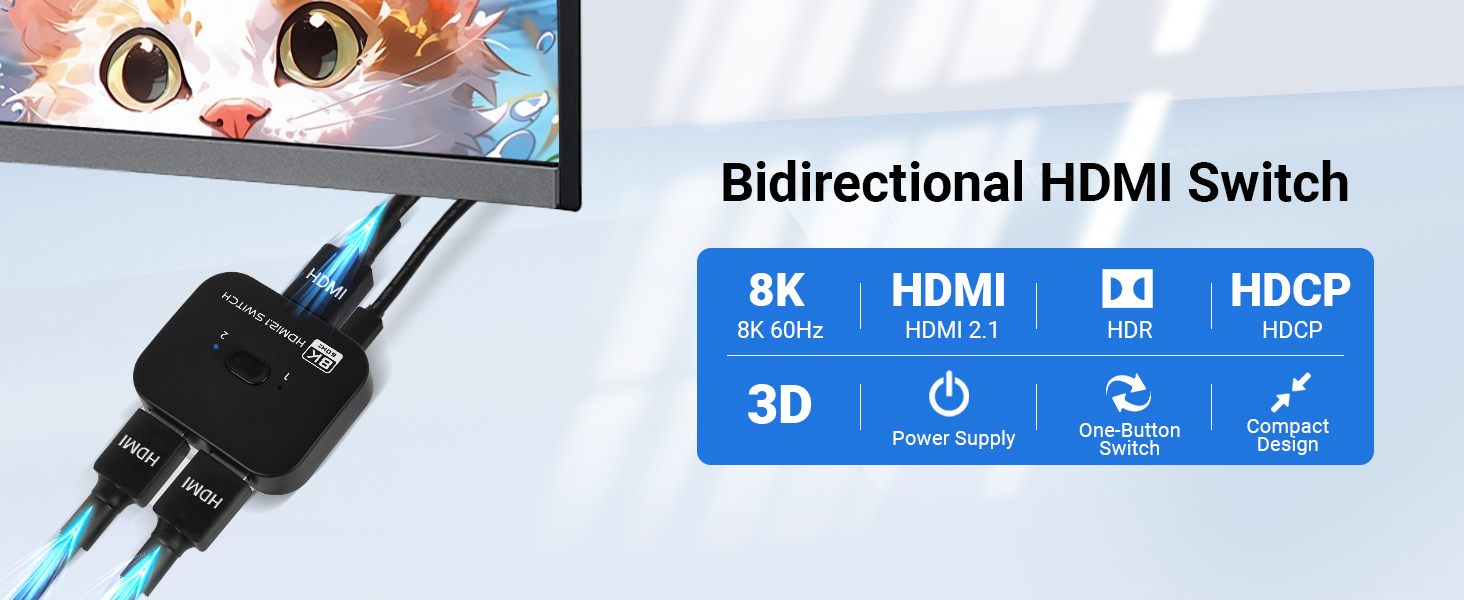
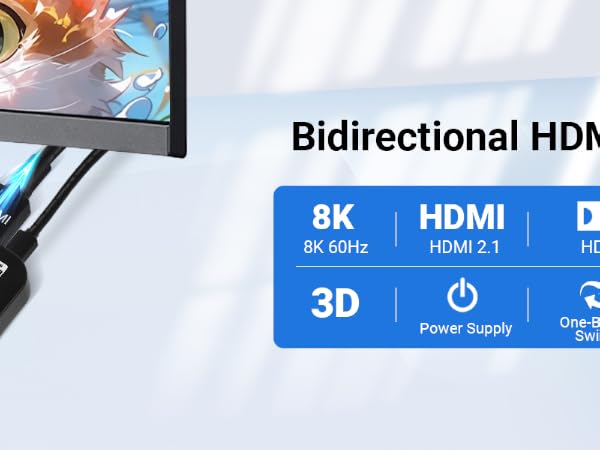
    Bidirectional HDMI switch device with blue indicator icons showing 8K, HDMI, 3D, HDCP compatibility
    Advertisement showing HDMI device capabilities with 8K, 4K, and 2K resolution support icons
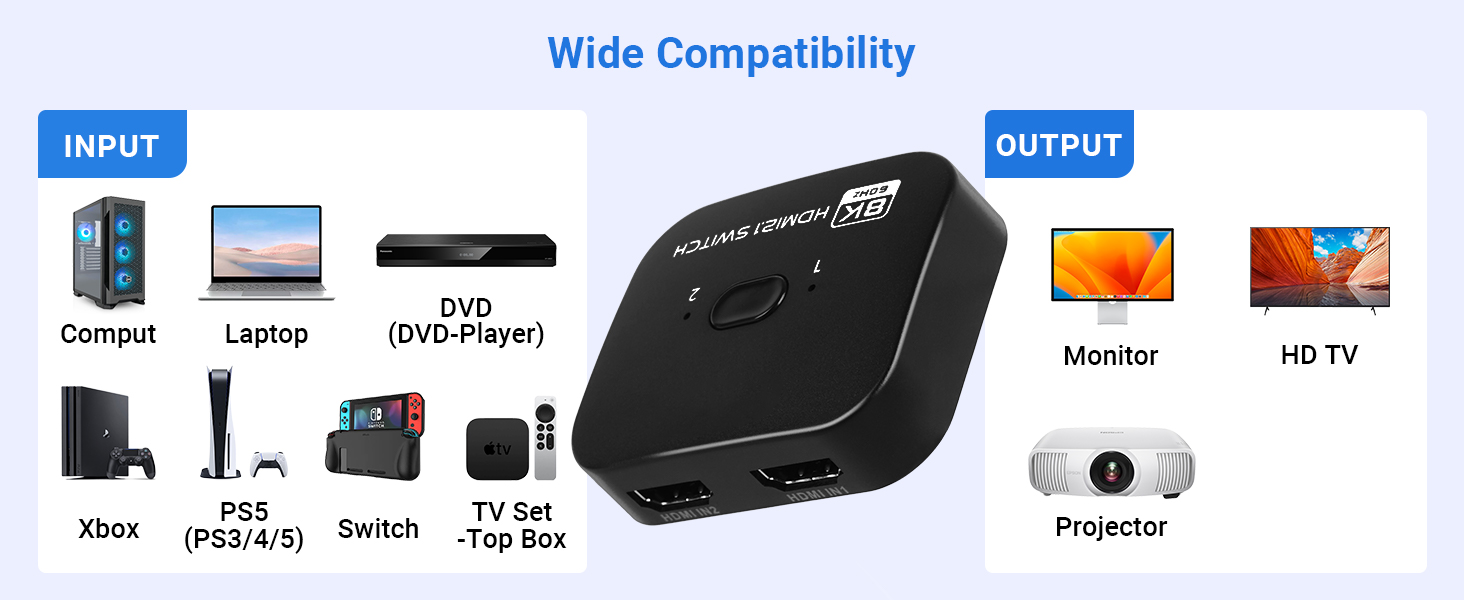
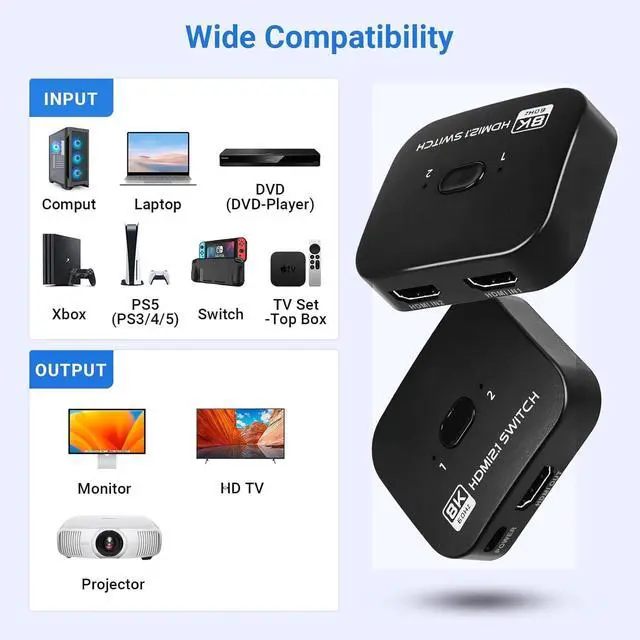
    Diagram showing wide compatibility of HDMI switcher. Input devices include console laptop DVD player
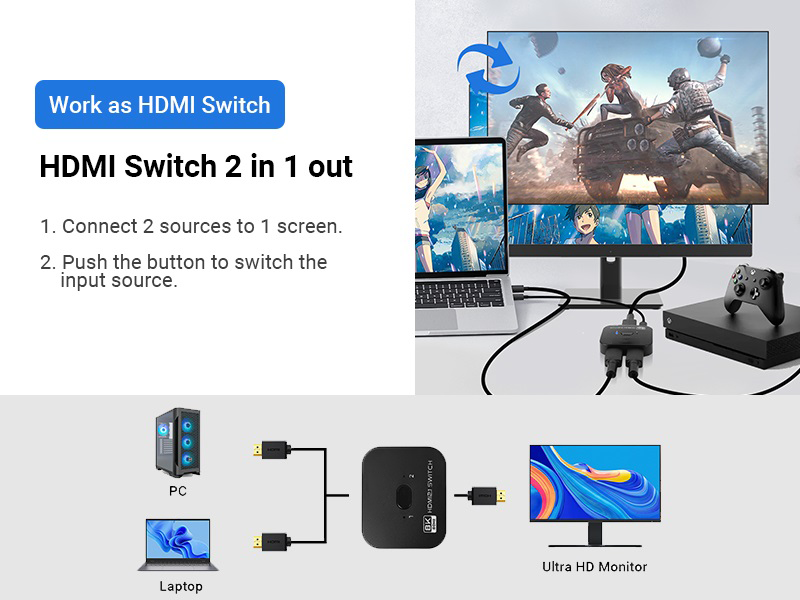
    Mode 1

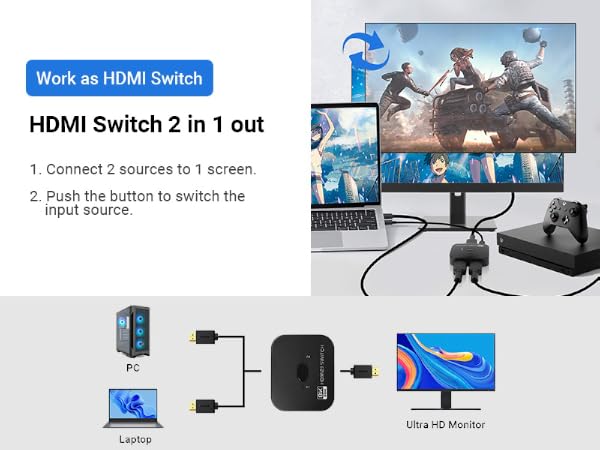
    Work as HDMI Switch

    1. HDMI Switch 2 in 1 out
    2. Connect 2 sources to 1 screen
    3. Push the button to switch the input source

    HDMI switch device diagram showing 2-in-1 connection setup between PC/laptop and monitor with gaming
    TCNEWCL 8K@60Hz Bi-directional HDMI Switch/Splitter 1 in 2 out or 2 in 1 out
    Mode 2

    Work as HDMI Splitter

    1. HDMI Splitter 1 in 2 out
    2. Only 1 screen is displayed at a time
    3. Push the button to switch the output device

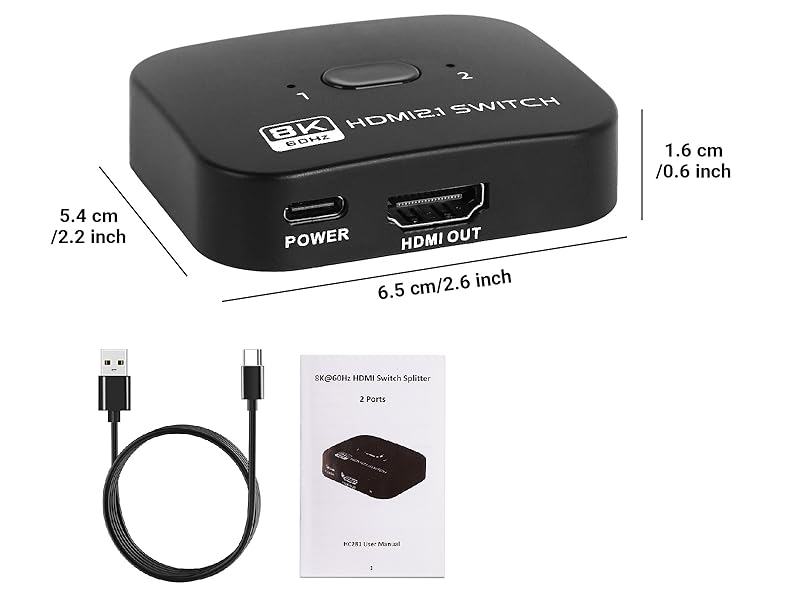
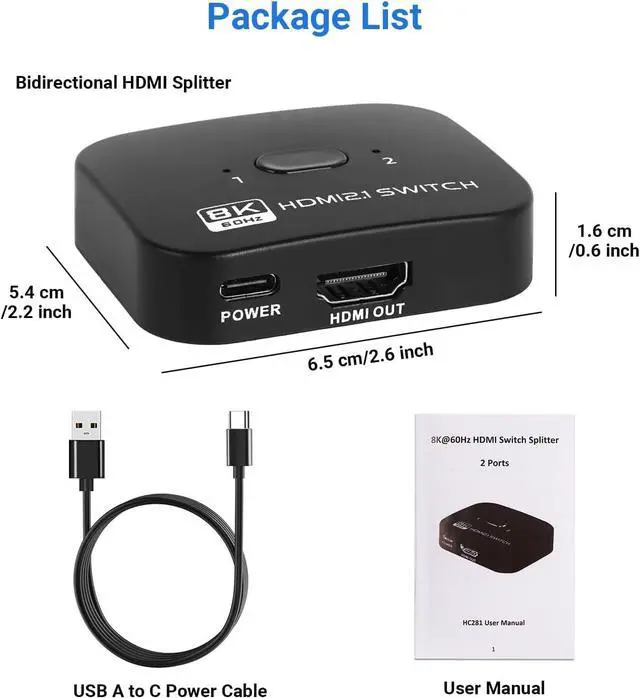
    Package List:

    • Bi-directional HDMI Switch/Splitter *1.
    • Power Cable (USB-C) *1.
    • User Manual *1.

    HC281 HDMI SWITCH

    https://m.media-amazon.com/images/S/aplus-media-library-service-media/140ad6bf-6f1d-48b1-8cff-c6ee962db382.__CR0,0,200,225_PT0_SX200_V1___.png

    HDMI Switch 2 in 1 out

    https://m.media-amazon.com/images/S/aplus-media-library-service-media/56c71337-604d-411f-a059-cd7cbad26915.__CR0,0,200,225_PT0_SX200_V1___.jpg

    HDMI Switch 5 in 1 out

    https://m.media-amazon.com/images/S/aplus-media-library-service-media/45179e38-3993-4997-8bb2-194f1ab7917b.__CR0,0,200,225_PT0_SX200_V1___.jpg

    HDMI Switch 4 in 1 out

    https://m.media-amazon.com/images/S/aplus-media-library-service-media/9c9c7338-3b10-455c-ab97-915e6a9a42df.__CR0,0,200,225_PT0_SX200_V1___.jpg

    HDMI Splitter 1 in 2 Out

    https://m.media-amazon.com/images/S/aplus-media-library-service-media/68ae455c-c969-4c63-8835-2a529edc3f6c.__CR0,0,200,225_PT0_SX200_V1___.jpg

    HDMI Splitter 1 in 4 Out

    Customer Reviews
    Price
    Resolution
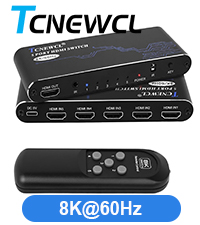
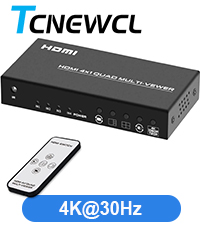
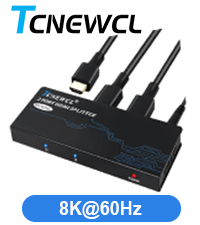
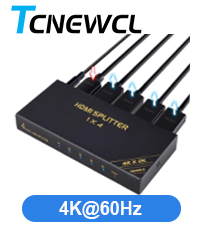
    8K@60Hz 8K@60Hz 4K@30Hz 8K@60Hz 4K@60Hz
    Input
    2 5 1 1 1
    Output
    2 1 4 2 4
    Funtion
    Copy/Mirrior/Switch Switch Switch Copy/Mirrior Copy/Mirrior
    Connect Type
    HDMI HDMI HDMI HDMI HDMI
    Remote Control
    ? ? ? ? ?
    AC Adapter
    ? ? ? ? ?

    TCNEWCL 8K@60Hz Bi-directional HDMI Switch/Splitter 2 in 1 out
    Bidirectional HDMI switch device with blue indicator icons showing 8K, HDMI, 3D, HDCP compatibility
    Advertisement showing HDMI device capabilities with 8K, 4K, and 2K resolution support icons
    HDMI switch device diagram showing 2-in-1 connection setup between PC/laptop and monitor with gaming
    HDMI switch device diagram showing 2-in-1 connection setup between PC/laptop and monitor with gaming

    Mode 1

    Work as HDMI Switch

    1. HDMI Switch 2 in 1 out
    2. Connect 2 sources to 1 screen
    3. Push the button to switch the input source
    TCNEWCL 8K@60Hz Bi-directional HDMI Switch/Splitter 1 in 2 out or 2 in 1 out

    Mode 2

    Work as HDMI Splitter

    1. HDMI Splitter 1 in 2 out
    2. Only 1 screen is displayed at a time
    3. Push the button to switch the output device

    HC281 HDMI SWITCH

    Package List:

    • Bi-directional HDMI Switch/Splitter *1.
    • Power Cable (USB-C) *1.
    • User Manual *1.

    https://m.media-amazon.com/images/S/aplus-media-library-service-media/140ad6bf-6f1d-48b1-8cff-c6ee962db382.__CR0,0,200,225_PT0_SX200_V1___.png

    HDMI Switch 2 in 1 out

    https://m.media-amazon.com/images/S/aplus-media-library-service-media/56c71337-604d-411f-a059-cd7cbad26915.__CR0,0,200,225_PT0_SX200_V1___.jpg

    HDMI Switch 5 in 1 out

    https://m.media-amazon.com/images/S/aplus-media-library-service-media/45179e38-3993-4997-8bb2-194f1ab7917b.__CR0,0,200,225_PT0_SX200_V1___.jpg

    HDMI Switch 4 in 1 out

    https://m.media-amazon.com/images/S/aplus-media-library-service-media/9c9c7338-3b10-455c-ab97-915e6a9a42df.__CR0,0,200,225_PT0_SX200_V1___.jpg

    HDMI Splitter 1 in 2 Out

    https://m.media-amazon.com/images/S/aplus-media-library-service-media/68ae455c-c969-4c63-8835-2a529edc3f6c.__CR0,0,200,225_PT0_SX200_V1___.jpg

    HDMI Splitter 1 in 4 Out

    Customer Reviews
    Price
    Resolution
    8K@60Hz 8K@60Hz 4K@30Hz 8K@60Hz 4K@60Hz
    Input
    2 5 1 1 1
    Output
    2 1 4 2 4
    Funtion
    Copy/Mirrior/Switch Switch Switch Copy/Mirrior Copy/Mirrior
    Connect Type
    HDMI HDMI HDMI HDMI HDMI
    Remote Control
    ? ? ? ? ?
    AC Adapter
    ? ? ? ? ?
    8K Bi-Directional HDMI Switch 2 in 1 Out, 4K@120Hz 8K@60Hz HDMI Splitter Switch, Supports HDR, 3D, Dolby for PS4/5, HD TV

    Warranty & Returns

    Warranty, Returns, And Additional Information

    Warranty

    • Please contact the Seller directly for warranty information. Warranty information may also be found on the Manufacturer's website.
    • CONTACT

    Return Policies

    Manufacturer Contact Info

    LOADING...