here!
here!
I’m your shopping assistant for PC builds, upgrades, and everything tech.
Got questions? Ask away!
Start a conversation
here!
I’m your shopping assistant for PC builds, upgrades, and everything tech.
Got questions? Ask away!
Start a conversation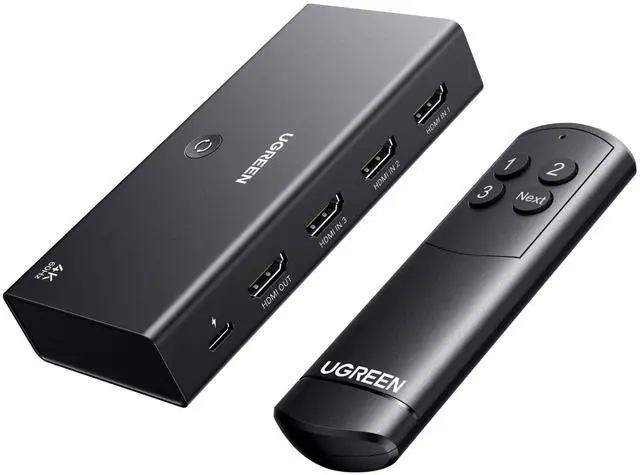
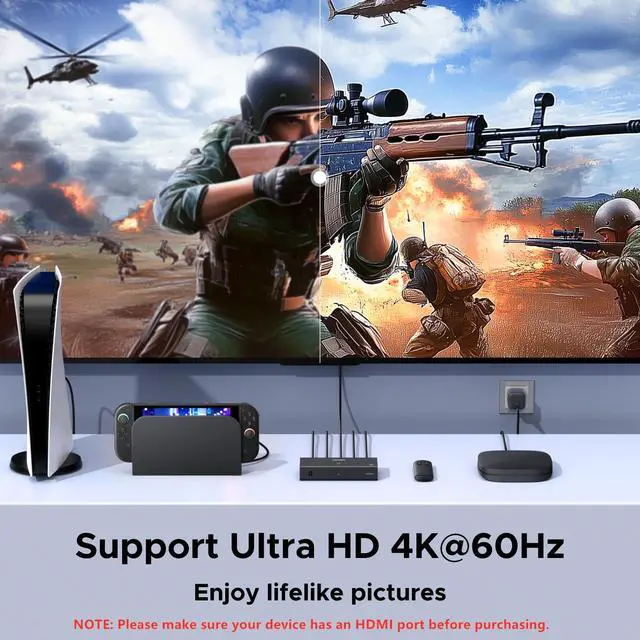
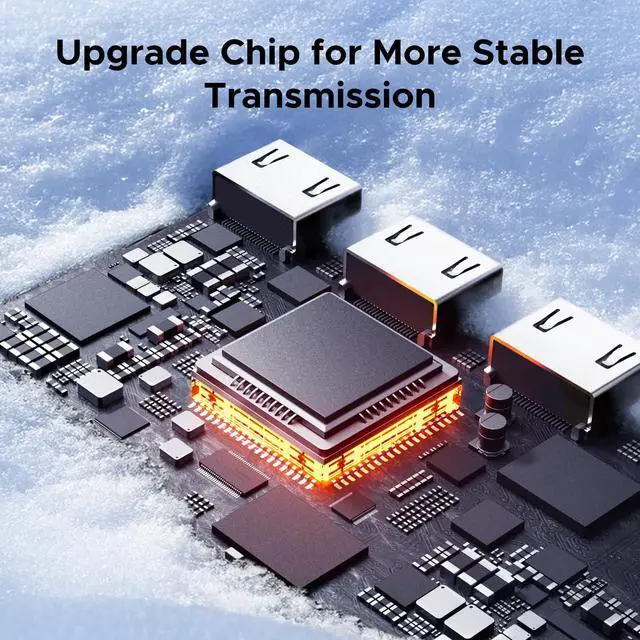
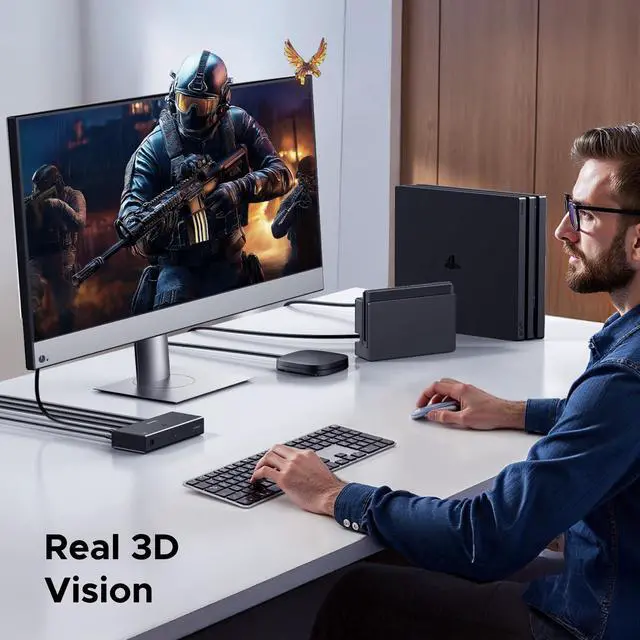



Any questions? Ask CelesteSM will help you find out quickly.
Does it support Automatic Switching?
No, it cannot be automatically switched to the latest activated HDMI port, but only can be switched by buttons or remote control.
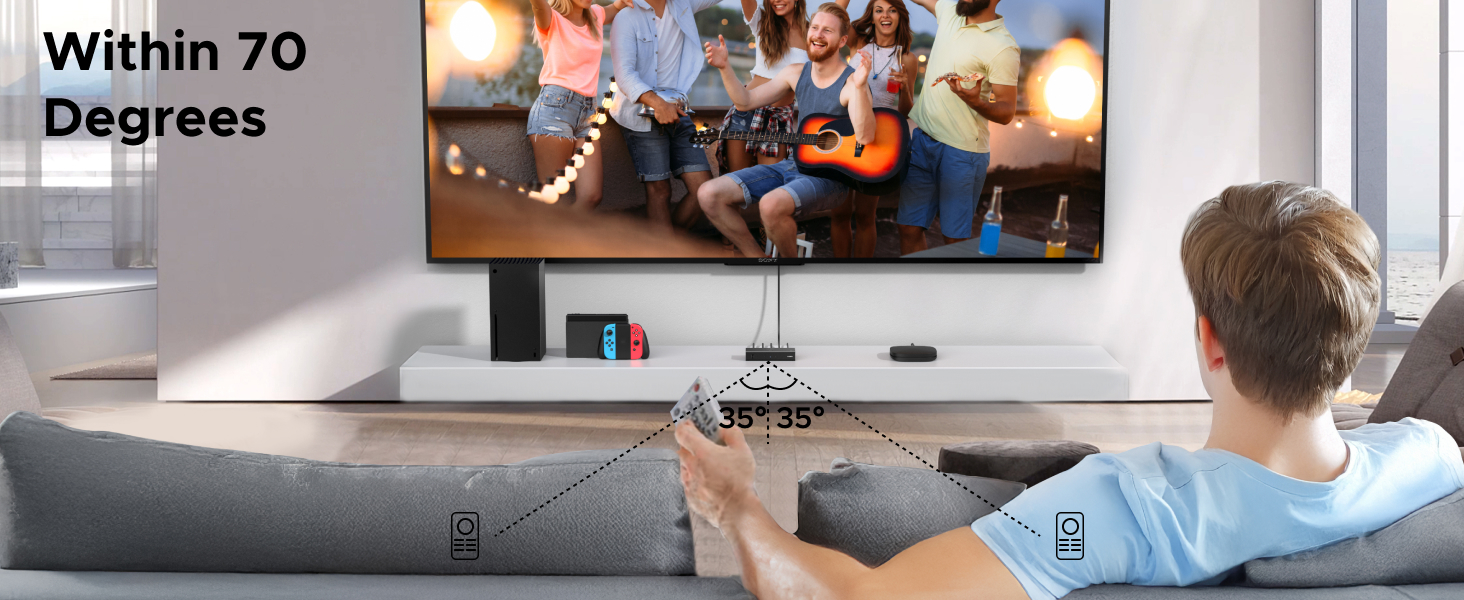
What is the remote control distance?
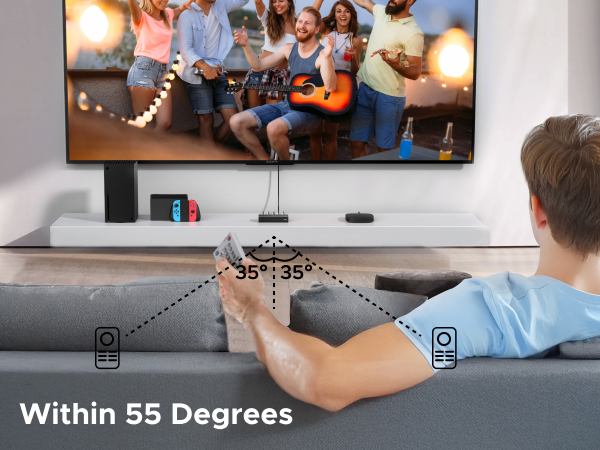
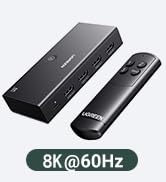
When the remote's battery is sufficient, the distance can reach 33ft if it is straight, and the distance should be within 20ft if the angle is 35 degrees. Do not use the remote with an angle exceeding 35 degrees.
What can I do if there is no signal at all?
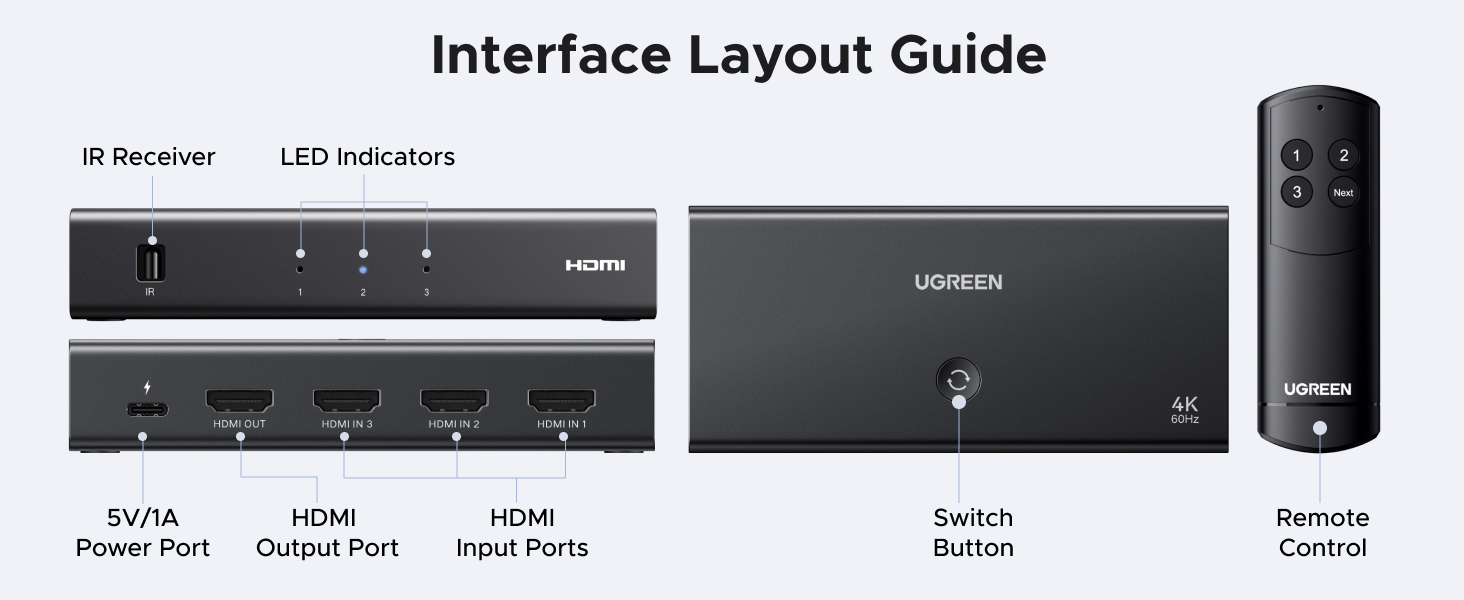
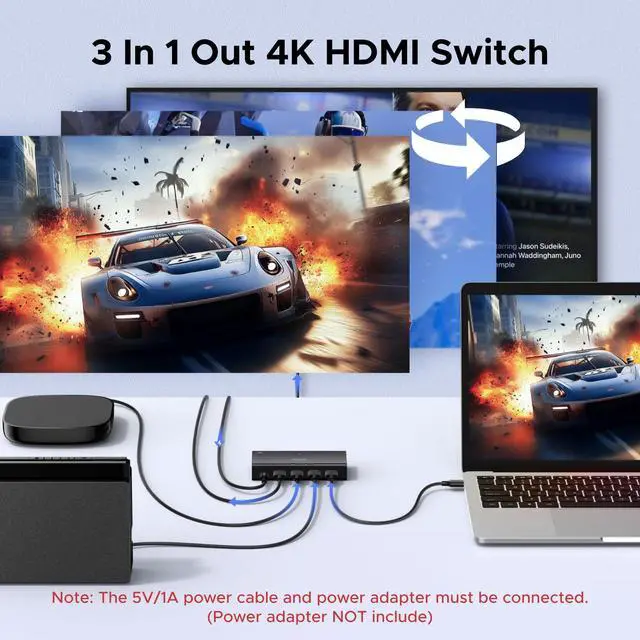
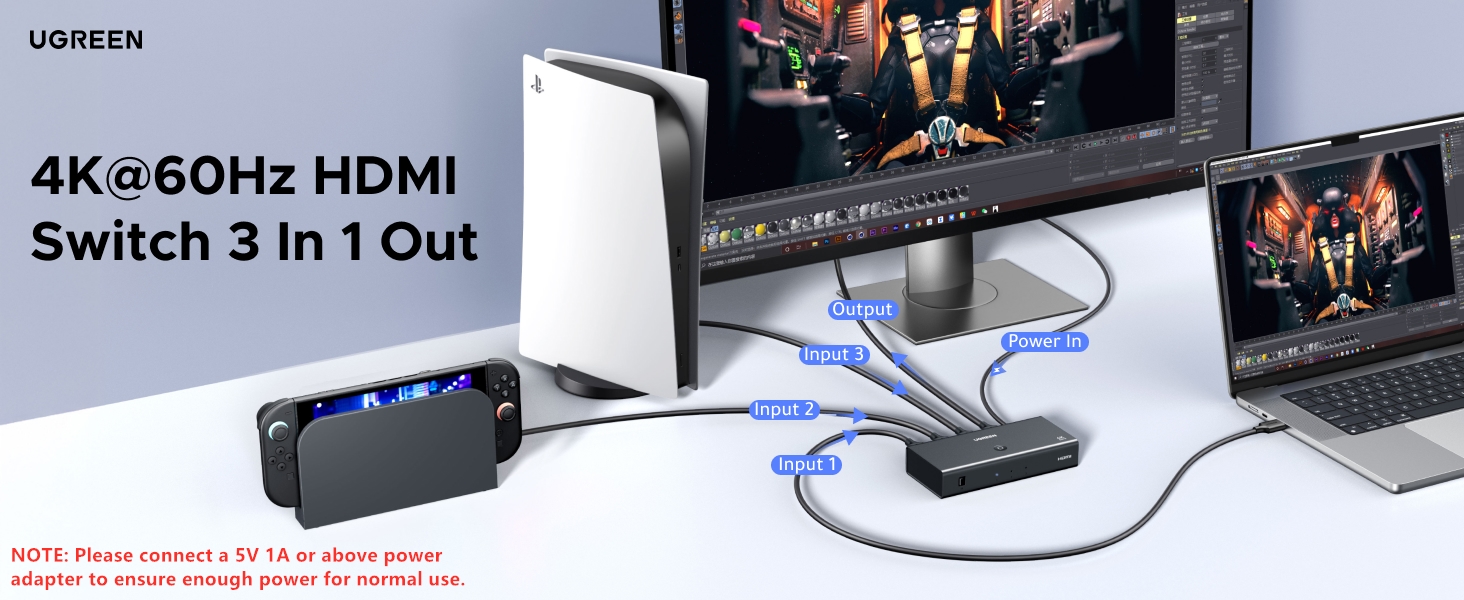
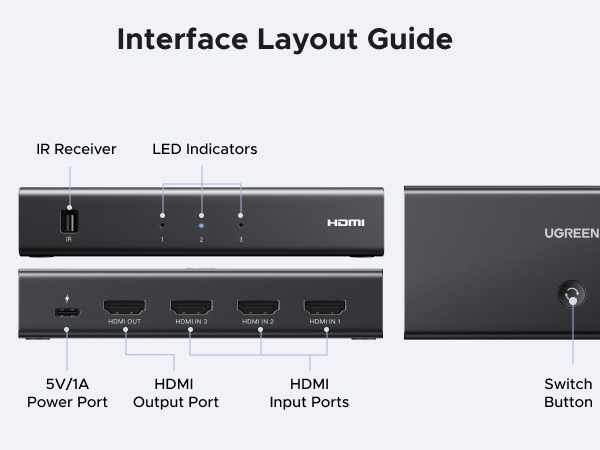
1. Ensure that a 5V power adapter with 1A or above is connected to the switch.
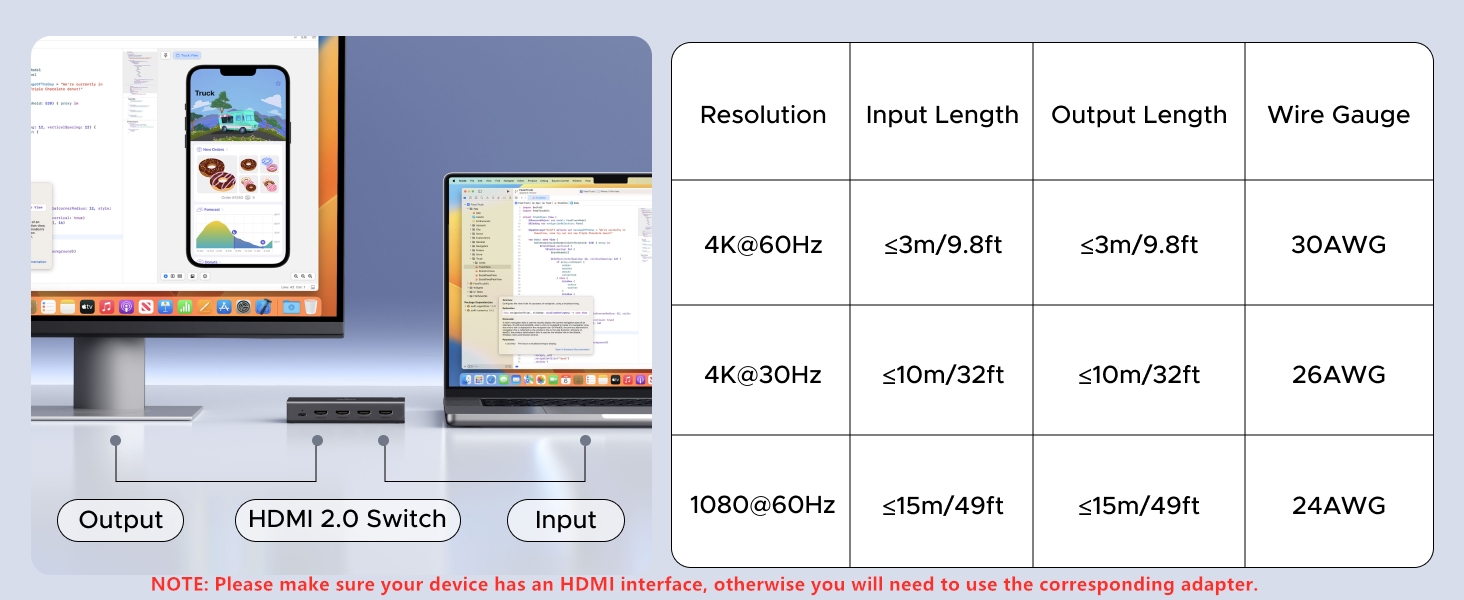
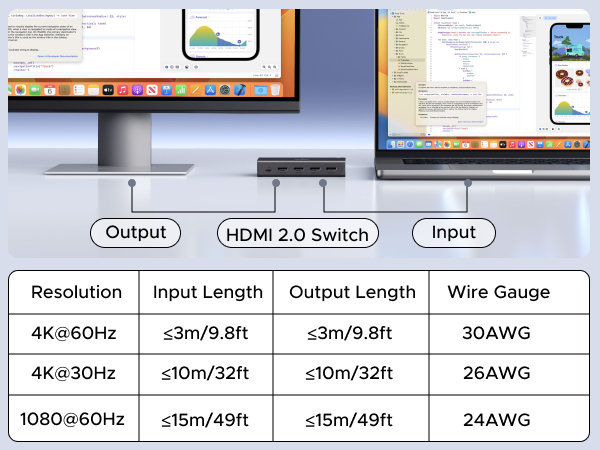
2. To achieve different resolutions, ensure the cable's AWG and length can meet the requirements.
3. To lower the device's resolution to get the stable signal.
What should I do when it suddenly displays a black screen?
If the screen goes black, please check the indicator on the box to confirm whether you have switched to the HDMI source that is not connected to any device by mistake.
Why can't my computer wake up via the HDMI switch?
Devices in deep sleep may disable HDMI signals, which may cause issues.
1. Use the mouse or keyboard.
2. Ensure the computer is Asleep, not Shut Down or in Hibernation.
3. Extend “Screen Timeout” and “Sleep Time” or set to “Never” as needed.
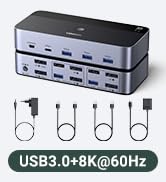
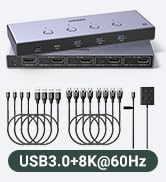
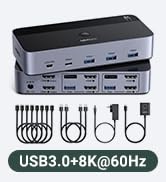
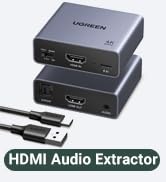
 8K HDMI Switch | 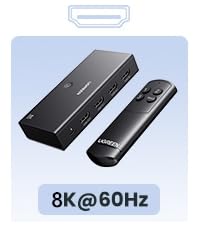 8K HDMI Switch | 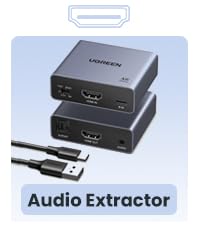 4K HDMI Audio Extractor |  HDMI KVM Switch 2 Out | 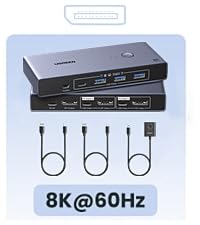 8K DP KVM Switch 1 Out |  DP KVM Switch 2 Out | 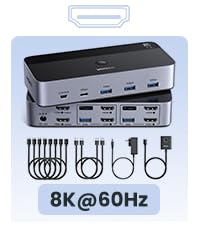 8K HDMI KVM Switch 2 Out | |
|---|---|---|---|---|---|---|---|
Type | HDMI Input & HDMI Output | HDMI Input & HDMI Output | HDMI Input &SPDIF&3.5mm Output | HDMI Input & HDMI Output | DP Input & DP Output | DP Input & DP Output | HDMI Input & HDMI Output |
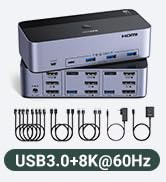
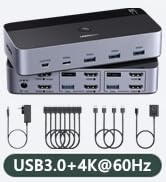
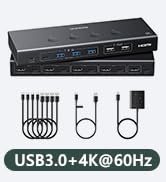
Input & Output | 2 Input 1 Output | 3 Input 1 Output | 1 In 2 out | 2 Computers 2 Monitors | 2 Computers 1 Monitor | 2 Computers 2 Monitors | 2 Computers 2 Monitors |
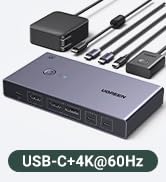
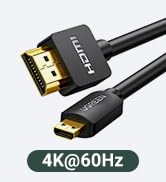
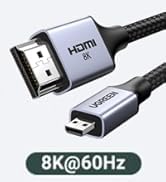
Resolution | 8K@60Hz | 8K@60Hz | 4K@60Hz | 4K@60Hz | 8K@60Hz | 8K@60Hz | 8K@60Hz |
Interface Type | HDMI 2.1 | HDMI 2.1 | HDMI 2.0 | HDMI 2.0 | DP 1.4 & USB 3.0 | DP 1.4 & USB 3.0 | HDMI 2.1 |
Control Way | Button | Button | DIP Switch | Button & Remote | Button & Desktop Controller | Button & Desktop Controller | Button & Remote |
LED Indicator | v | v | × | v | v | v | v |
Connection | Single | Single | Single | Single | Single | Single | Single |
Cable Included | 1*USB Cable | 1*USB Cable | 1*Power Cable | 4*HDMI cable,2*USB A cable etc | 2*USB Cables | 2*USB Cables,1*Power Adapter | 4*HDMI cable,2*USB A cable etc |

Does it support Automatic Switching?
No, it cannot be automatically switched to the latest activated HDMI port, but only can be switched by buttons or remote control.
What is the remote control distance?
When the remote's battery is sufficient, the distance can reach 33ft if it is straight, and the distance should be within 20ft if the angle is 35 degrees. Do not use the remote with an angle exceeding 35 degrees.
What can I do if there is no signal at all?
1. Ensure that a 5V power adapter with 1A or above is connected to the switch.
2. To achieve different resolutions, ensure the cable's AWG and length can meet the requirements.
3. To lower the device's resolution to get the stable signal.
What should I do when it suddenly displays a black screen?
If the screen goes black, please check the indicator on the box to confirm whether you have switched to the HDMI source that is not connected to any device by mistake.
Why can't my computer wake up via the HDMI switch?
Devices in deep sleep may disable HDMI signals, which may cause issues.
1. Use the mouse or keyboard.
2. Ensure the computer is Asleep, not Shut Down or in Hibernation.
3. Extend “Screen Timeout” and “Sleep Time” or set to “Never” as needed.
8K HDMI Switch | 8K HDMI Switch | 4K HDMI Audio Extractor | HDMI KVM Switch 2 Out | 8K DP KVM Switch 1 Out | DP KVM Switch 2 Out | 8K HDMI KVM Switch 2 Out |
|---|---|---|---|---|---|---|
| Type | ||||||
| HDMI Input & HDMI Output | HDMI Input & HDMI Output | HDMI Input &SPDIF&3.5mm Output | HDMI Input & HDMI Output | DP Input & DP Output | DP Input & DP Output | HDMI Input & HDMI Output |
| Input & Output | ||||||
| 2 Input 1 Output | 3 Input 1 Output | 1 In 2 out | 2 Computers 2 Monitors | 2 Computers 1 Monitor | 2 Computers 2 Monitors | 2 Computers 2 Monitors |
| Resolution | ||||||
| 8K@60Hz | 8K@60Hz | 4K@60Hz | 4K@60Hz | 8K@60Hz | 8K@60Hz | 8K@60Hz |
| Interface Type | ||||||
| HDMI 2.1 | HDMI 2.1 | HDMI 2.0 | HDMI 2.0 | DP 1.4 & USB 3.0 | DP 1.4 & USB 3.0 | HDMI 2.1 |
| Control Way | ||||||
| Button | Button | DIP Switch | Button & Remote | Button & Desktop Controller | Button & Desktop Controller | Button & Remote |
| LED Indicator | ||||||
| v | v | × | v | v | v | v |
| Connection | ||||||
| Single | Single | Single | Single | Single | Single | Single |
| Cable Included | ||||||
| 1*USB Cable | 1*USB Cable | 1*Power Cable | 4*HDMI cable,2*USB A cable etc | 2*USB Cables | 2*USB Cables,1*Power Adapter | 4*HDMI cable,2*USB A cable etc |
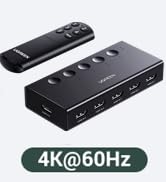
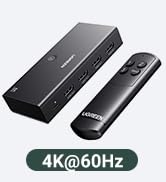
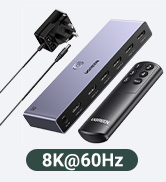
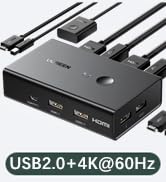




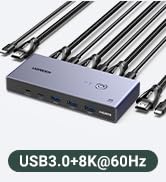
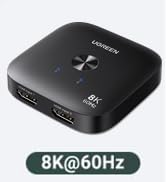
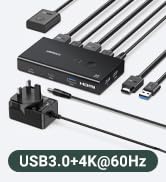

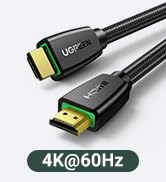
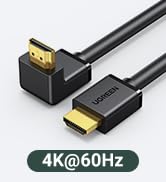
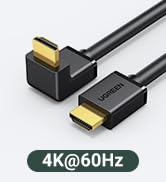
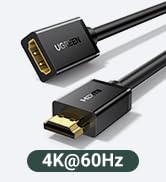


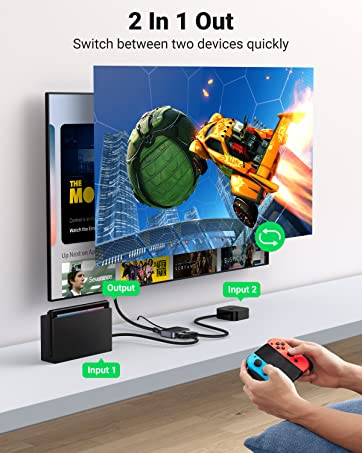
HDMI Switch 2 in 1 Out
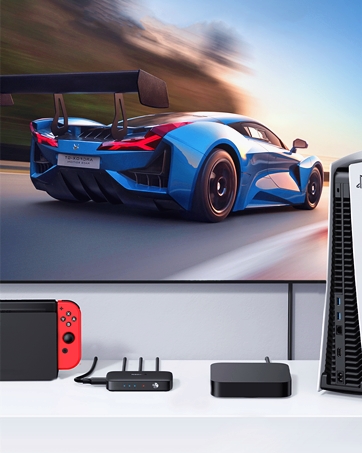
HDMI Switch 3 in 1 Out
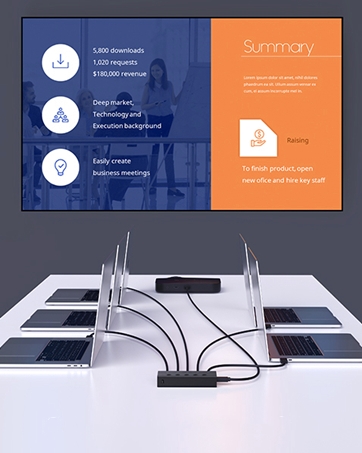
HDMI Switch 5 in 1 Out