

Your Browsing History
- Free 30-day Returns
$46.99
Ships from China.

Meet Your Seller

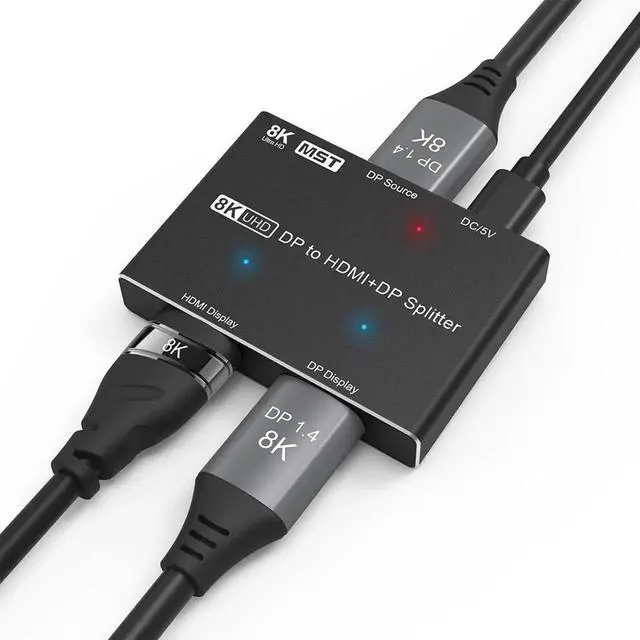
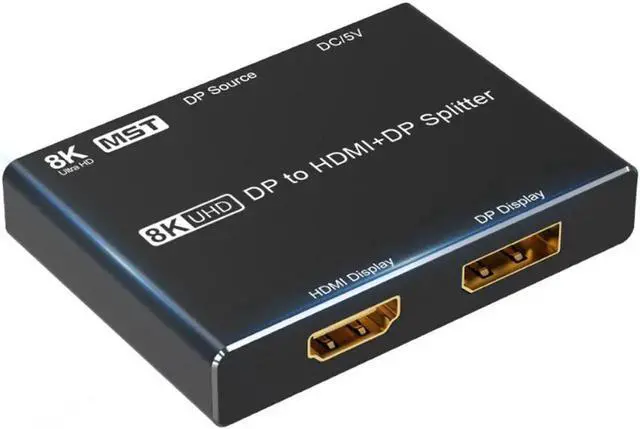
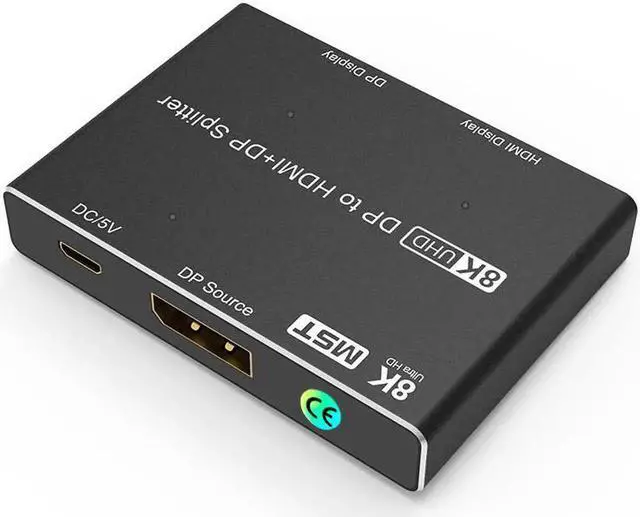
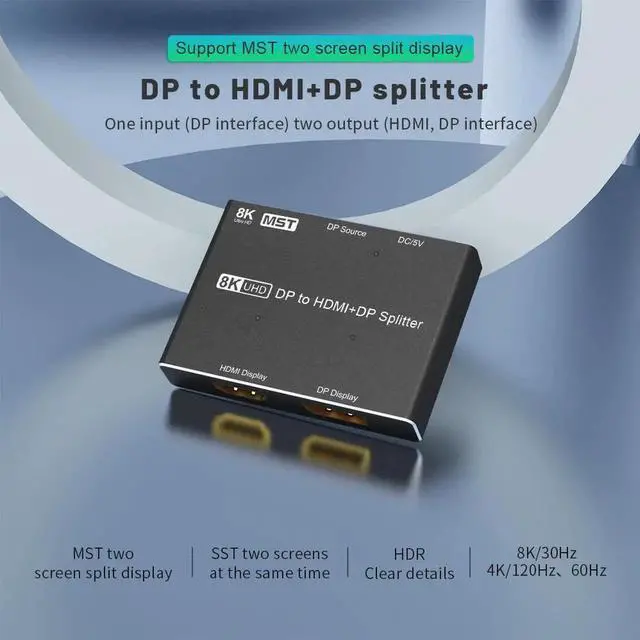
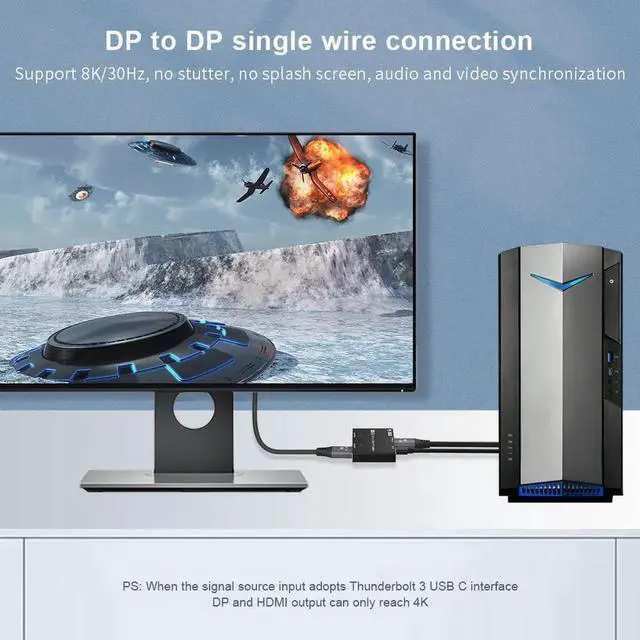


DIXSG DisplayPort HDMI Splitter 8K MST SST 1In 2Out Directional DP 1.4 8K@30Hz 4K@120Hz to DisplayPort HDMI 8K 2.1 1440P@165Hz Directional Converter Switch Multi Screen Transfer
- FEATURES
- 1. Compatible with all DP inputs and HDMI-CompatibleDP outputs.
- 2. Comply with DisplayPort 1.4, 1.3, 1.2 and 1.0 specifications.
- 3. Support Compatible resolution:
- 8K@30Hz 4K@120Hz60Hz 1440P@165Hz 144Hz120Hz60Hz(165hz, 144hz HDMI-Compatible output not supported)
- 1080P@240Hz 165Hz144Hz120Hz60Hz(165hz, 144hz HDMI-Compatible output not supported)
- ((Depends on your graphics card, monitor, TV, operating system and DP cable, HDMI-Compatible cable support))
- 4. Support operating system: IOS system, windows system,Android system
- 5. Support HDR
- 6. Support SST (mirror) and MST (Extended) mode
- 7. Support 4:4:4, 4:2:2, 4:2:0
- SPECIFICATION
- Input Port: 1 x DP Female, 1 x USB Micro B Female
- Output Port: 1 x DP Female, 1 x HDMI-Compatible A Female
- Bandwidth:32.4Gbps
- Operating Temperature:-15~55/5°F~131°F
- Deep Color:8bit/10bit/12bit
- Chroma: 4:2:0 / 4:2:2 / 4:4:4
- Chassis: Aluminium alloy Shell
- Dimension:7.0mm(L)x51.7mm(W)x13.0mm(H)
- Weight:83.0g
+
+
Overview
Specs
Reviews

Any questions? Our AI mode will help you find out quickly.
Try me now
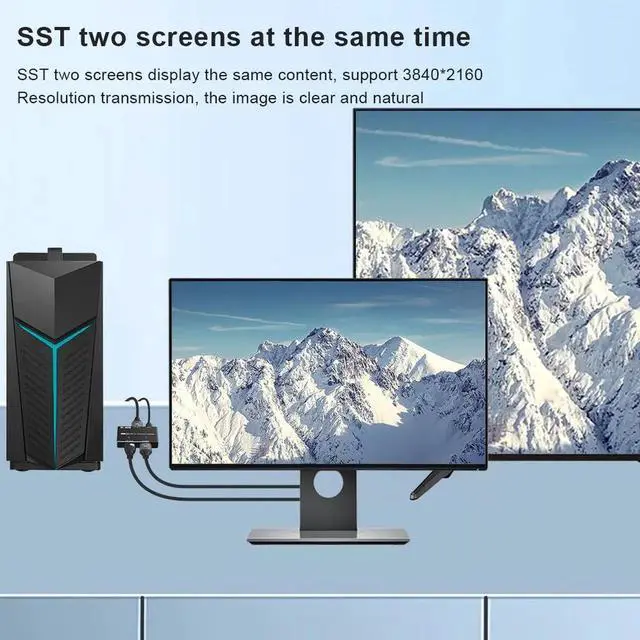
This 8K DP Splitter supports Simultaneously Screen Transfer(SST) and Multi-Screen-Transfer(MST),Using
This new 8K DP to HDMI+DP splitter, compared with other 8K DP splitters on the market, this splitter supports two screens connected to display at the same time (no need to switch), when you connect two (HDMI+ DP)Monitors, It supports two working modes.
1:Simultaneously Screen Transfer(SST):
In this mode, your HDMI+DP monitor displays the same picture. This mode is mainly used for teaching, home theater viewing, and other occasions.
2:Multi-Screen-Transfer(MST):
In this mode, your HDMI+DP monitor displays different images, which are mainly used for work, meetings, and entertainment.
Notes while using:
1:Please remember to choose copy or expand mode on the host or laptop
2:If you use MST mode, please create a task window on the main screen, and then drag it to the screen you want to expand.
3:If you connect with Mac OS Devices,it can only support SST.
8K@30Hz 4K@120Hz in Single Connection Output in your HDMI orDP Displays
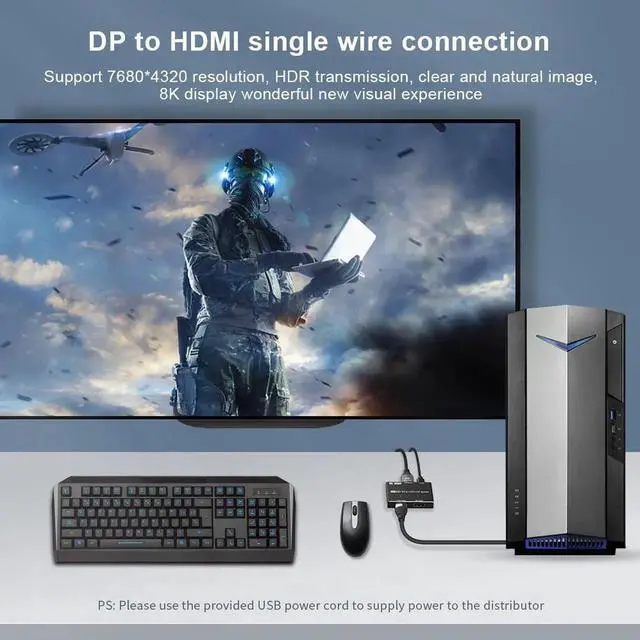
With this DP 8K splitter, you can output 8K@30Hz 4K@120Hz through your external monitor or TV
Connection Guidance:
1:Connect from DP Source's DP Port to your DisplayPort PC or Laptop's DP Port via a DP 8K Cable
2:Connect from HDMI Display and DP Display in the Splitter to your HDMI Display and DisplayPort Monitor's relatively ports.
3:Connect USB DC Power Cable to your USB Device for power.
Please note that if you only connect 1 monitor, you can output up to 8K@30Hz or 4K@120Hz, but if you connect two monitors at the same time, you can only output up to 4K@60Hz
FEATURES
Warranty & Returns
Warranty, Returns, And Additional Information
Warranty
- Please contact the Seller directly for warranty information. Warranty information may also be found on the Manufacturer's website.
- CONTACT
Return Policies
- Return for refund within: 30 days
- Return for replacement within: non-replaceable
- This item is covered by Nexus3C Return Policy
Manufacturer Contact Info
- For a directory of all our manufacturers, please click below.
- Manufacturers Directory
LOADING...