




SHOP ALL DEALS >
8K & 4K HDMI Cables
Audio Cables
Audio Video Cables
Computer Accessories
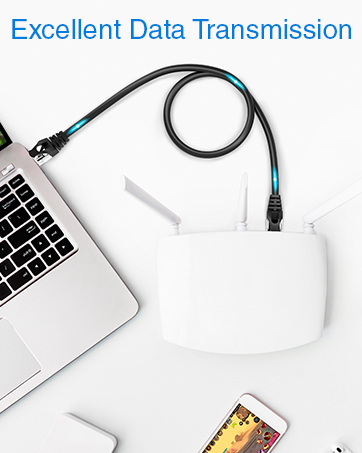
Data Cables
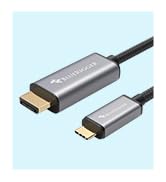
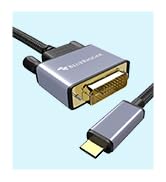
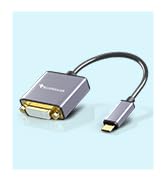
USB Type-C Cables & Adapters

BlueRigger redefines reliability, catering to over 10 million satisfied customers across 60+ countries. Our cables and accessories are the top choices of our valuable customers for their exceptional performance. For more product details and support resources, please visit our storefront. We strive to keep you entertained, so you never miss your favorite shows and stay seamlessly connected with friends!
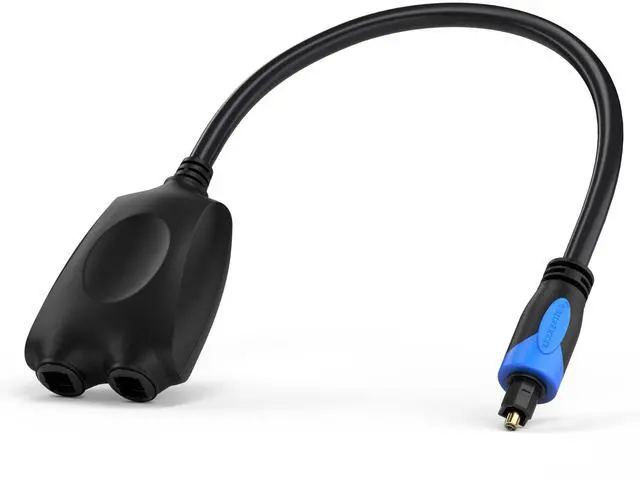
Toslink Passive Splitter installation
Merchant VideoWhy is there no sound or why does the sound keep flickering?
1. Check if all source & target devices are turned on & properly connected
2. Toslink cables are fully inserted & locked into the splitter only when you feel a click
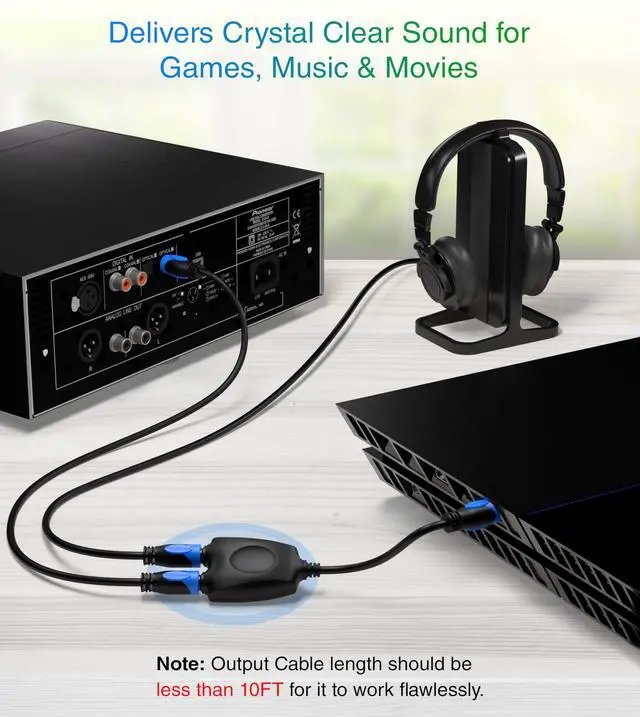
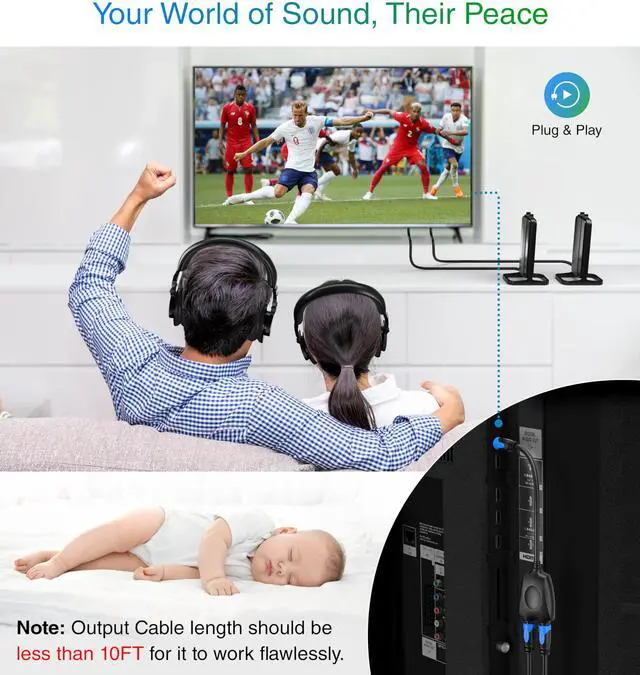
3. Use Toslink cables shorter than 10FT
4. Please get in touch if the issue persists
Why don’t the cables fit?
1. Please remove the transparent cover from the Toslink port of the splitter before inserting into the TV
2. Ensure Toslink cables are fully inserted & locked into the splitter. Note: Most Toslink cables are completely inserted when you feel a click
Why is one of the ports on the splitter not working?
1. If one of the ports does not work, test the other port with the same setup
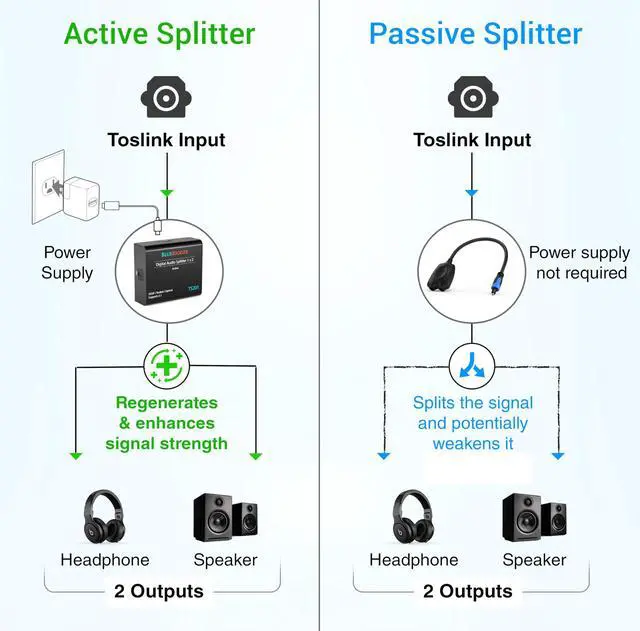
2. Signal sent by passive splitters is not as strong as the active splitter's signal. Therefore, some Toslink output devices may not work. Please refer QRG for more details
What should I do if the product does not work with my setup?
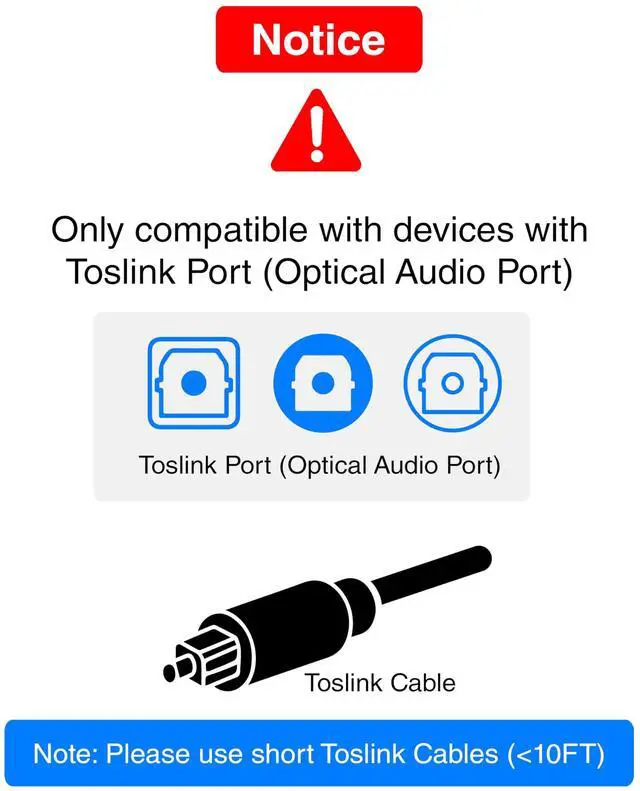
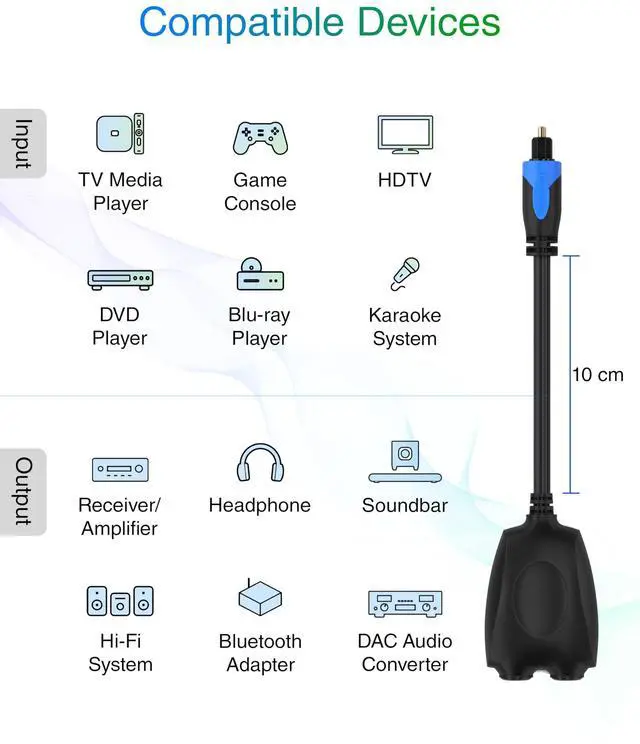
1. Check if all the input & output devices are compatible & have an optical port (Toslink)
2. Ensure that the Toslink cables used are no longer than 10FT
3. If the issue still persists, please reach out to us & we will ship an Active Toslink splitter
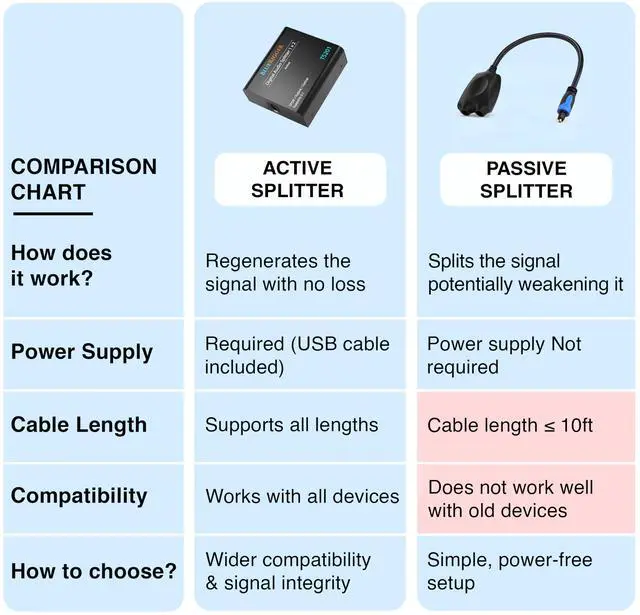
What is the difference between Passive & Active Splitter?
1. Passive splitters send only half the signal to each port. Some Toslink output devices are sensitive and are not able to work at half the signal strength
2. Active splitter sends full signal to each of the ports and will work in ALL scenarios


Toslink Passive Splitter installation
Merchant VideoWhy is there no sound or why does the sound keep flickering?
1. Check if all source & target devices are turned on & properly connected
2. Toslink cables are fully inserted & locked into the splitter only when you feel a click
3. Use Toslink cables shorter than 10FT
4. Please get in touch if the issue persists
Why don’t the cables fit?
1. Please remove the transparent cover from the Toslink port of the splitter before inserting into the TV
2. Ensure Toslink cables are fully inserted & locked into the splitter. Note: Most Toslink cables are completely inserted when you feel a click
Why is one of the ports on the splitter not working?
1. If one of the ports does not work, test the other port with the same setup
2. Signal sent by passive splitters is not as strong as the active splitter's signal. Therefore, some Toslink output devices may not work. Please refer QRG for more details
What should I do if the product does not work with my setup?
1. Check if all the input & output devices are compatible & have an optical port (Toslink)
2. Ensure that the Toslink cables used are no longer than 10FT
3. If the issue still persists, please reach out to us & we will ship an Active Toslink splitter
What is the difference between Passive & Active Splitter?
1. Passive splitters send only half the signal to each port. Some Toslink output devices are sensitive and are not able to work at half the signal strength
2. Active splitter sends full signal to each of the ports and will work in ALL scenarios


SHOP ALL DEALS >
8K & 4K HDMI Cables
Audio Cables
Audio Video Cables
Computer Accessories
Data Cables
USB Type-C Cables & Adapters
BlueRigger redefines reliability, catering to over 10 million satisfied customers across 60+ countries. Our cables and accessories are the top choices of our valuable customers for their exceptional performance. For more product details and support resources, please visit our storefront. We strive to keep you entertained, so you never miss your favorite shows and stay seamlessly connected with friends!