





As fellow gamers and tech enthusiasts, we get the frustration of complicated setups, which is why we're here to make it easy and enjoyable for you.
Come join our community and experience the joy of effortless tech at SHERRIVA, where simplicity meets innovation.

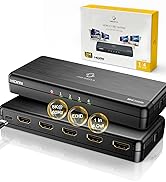
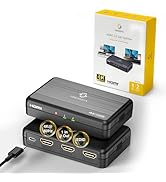
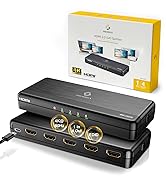
8K 4K HDMI Splitter

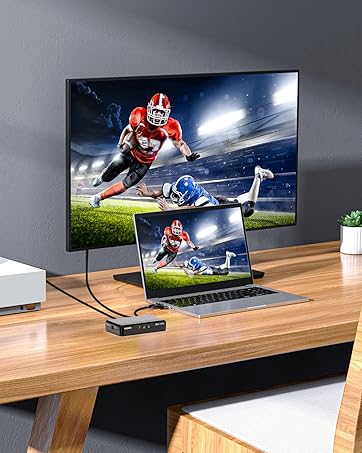
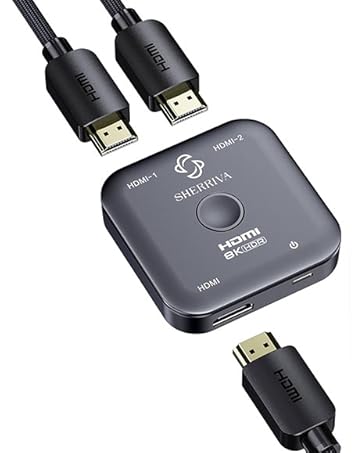
HDMI Bi-directional 8K Switch
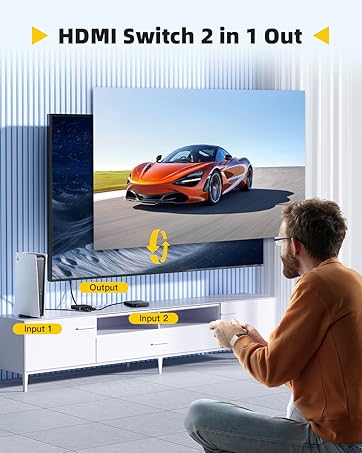
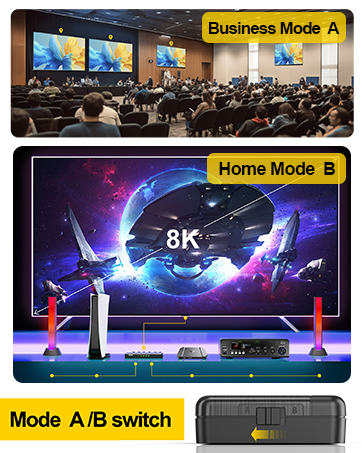
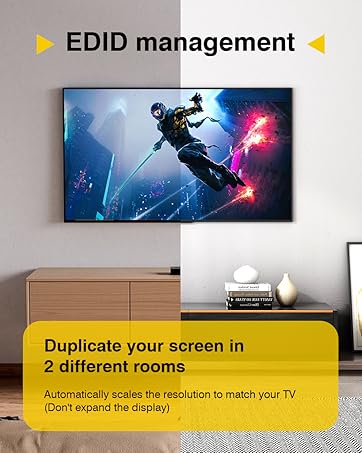
Crystal-Clear 4K Across 4 Screens
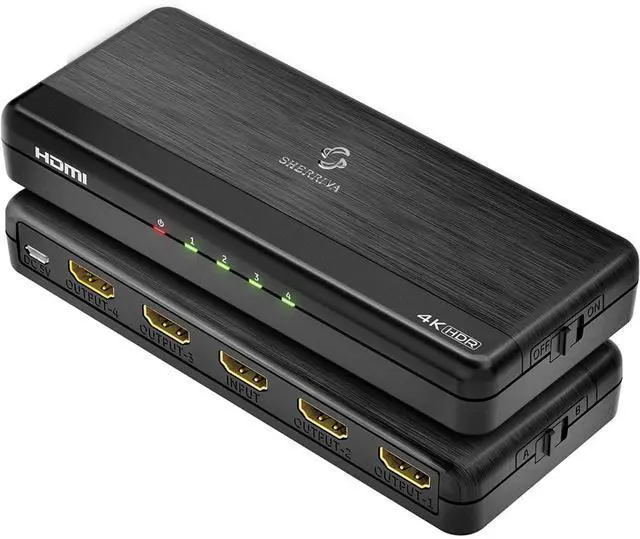
4K HDMI Splitter 1 in 4 Out - HDMI 4 Way Splitter
Merchant VideoEnjoy seamless HDMI splitting with support up to 4K@60Hz and 1080p@240Hz. Features dual EDID modes (A/B), 18Gbps bandwidth, and HDMI 2.0 compatibility. Delivers Dolby TrueHD & DTS-HD audio for vivid visuals and immersive sound on up to 4 mirrored displays.
How to use HDMI SPLITTER 1 in 4 OUT

- Please ensure you are using an UHS certified cable and a DC 5V power adapter for stable operation
- When using the connection, connect one first and then the other to test the use
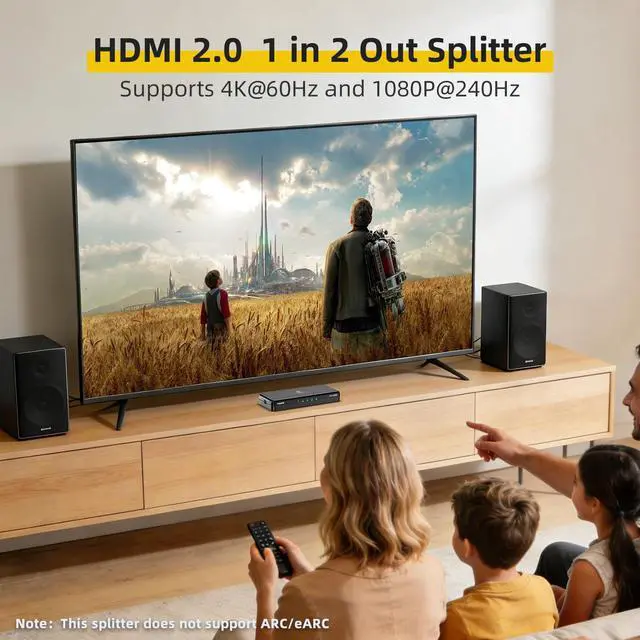
- This product does not support ARC/eARC, frame rate conversion, or downscaling to 720p/480p


Comparison Table
 4K Splitter 1 In 4 Out |  4K Splitter 1 In 2 Out |  8K Splitter 1 in 4 out |  8K Splitter 1 in 2 out |  8K Switch 2 In 1 Out | |
|---|---|---|---|---|---|
Customer Reviews | — | — | — | — | — |
Price | — | — | — | — | — |
Category | Splitter | Splitter | Splitter | Splitter | Switch |
Max Resolution | 4K 60Hz | 4K 60Hz | 8K 60Hz | 8K 60Hz | 8K 60Hz |
Max Bandwidth | 18Gbps (HDMI 2.0) | 18Gbps (HDMI 2.0) | 48Gbps (HDMI 2.1) | 48Gbps (HDMI 2.1) | 240Hz |
Input (HD Source) | 1 HDMI Source | 1 HDMI Source | 1 HDMI Source | 1 HDMI Source | 2 HDMI Sources (Switch) |
Output (Display) | Mirror to 4 Screens | 2Mirror to 2 Screens | Mirror to 4 Screens | Mirror to 2 Screens | 1 Port Output |
Best For | Home theater | Office / Presentation | Gaming 4K 120Hz | Gaming Ready | Switch Between 2 Sources |
Whether to support ARC/eARC?
Soundbar need HDMI In port do not support eARC port. For advanced audio formats via ARC, use a dedicated HDMI audio extractor.
Why is there only picture but no sound?
1.Check the output audio mode if you do not sure the display can support which audio format. Please select the A mode, and reset the HDMI Splitter
2.HDCP may not match very well at first connection. Please reset your HDMI Splitter by power on/off key
Why isn’t the screen displaying anything?
1. Make sure the output resolution setting of source device can be displayed on all connected display devices. (4K@60 or 1080p@60)
2. Reset the HDMI Splitter.
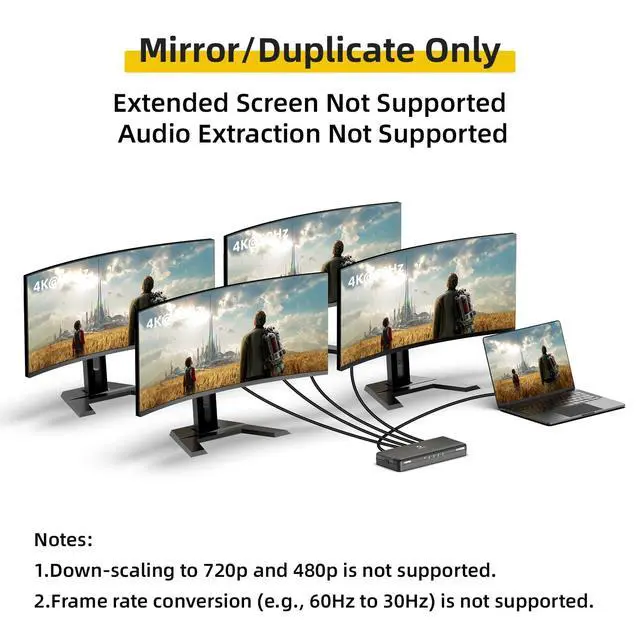
Can this extend to 4 different screens?
No, it can not extend to 4 different screens. All splitter outputs will always have the same screens
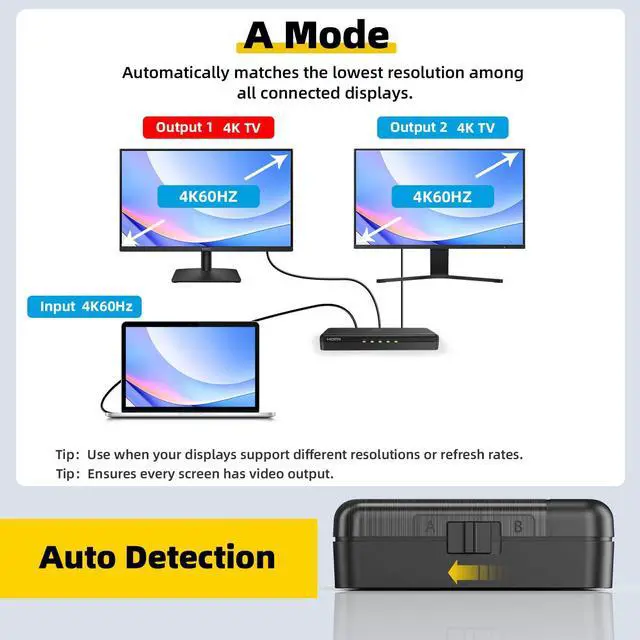
Isn't A/B Mode meant to resolve resolution or compatibility issues?
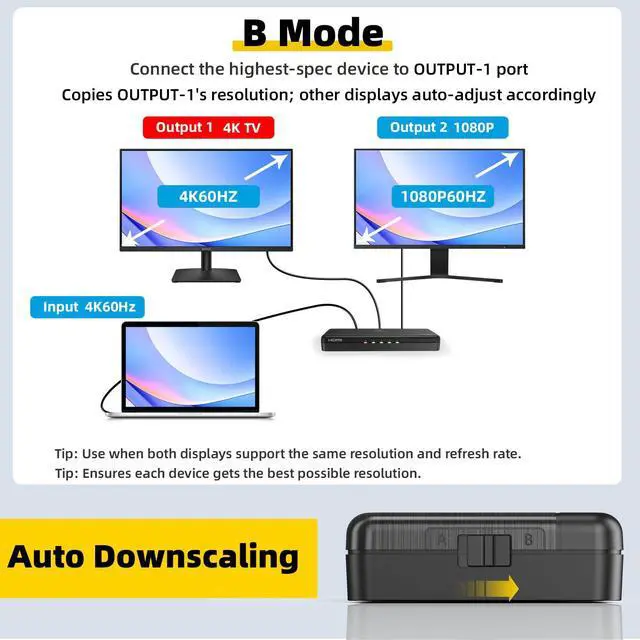
A Mode:auto-detects all displays and outputs the most compatible signal.
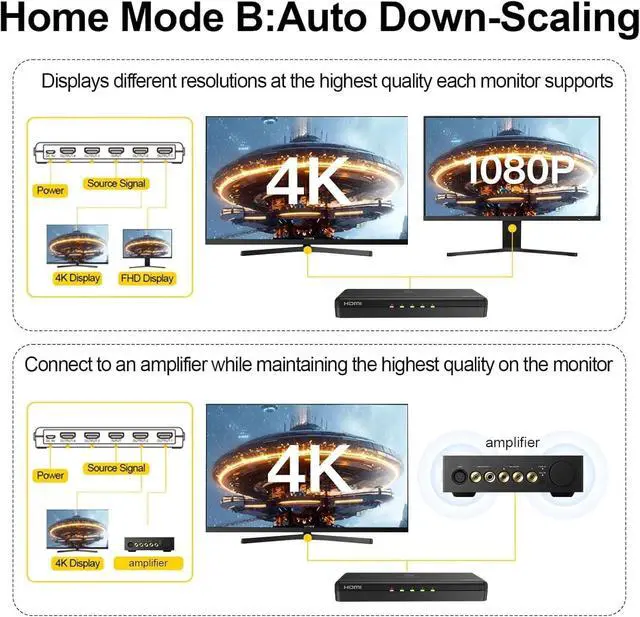
B Mode:copies EDID from Output-1 for consistent output. If you encounter screen flickering, blackouts, or no image, try switching between A/B modes to resolve the issue.
Crystal-Clear 4K Across 4 Screens
4K HDMI Splitter 1 in 4 Out - HDMI 4 Way Splitter
Merchant VideoEnjoy seamless HDMI splitting with support up to 4K@60Hz and 1080p@240Hz. Features dual EDID modes (A/B), 18Gbps bandwidth, and HDMI 2.0 compatibility. Delivers Dolby TrueHD & DTS-HD audio for vivid visuals and immersive sound on up to 4 mirrored displays.
How to use HDMI SPLITTER 1 in 4 OUT

- Please ensure you are using an UHS certified cable and a DC 5V power adapter for stable operation
- When using the connection, connect one first and then the other to test the use
- This product does not support ARC/eARC, frame rate conversion, or downscaling to 720p/480p
About A/B Mode


Switch between Mode A (Auto Detection) for different resolutions/refresh rates and Mode B (Auto Downscaling) for same resolution displays. Ensures optimal output quality, with setup tips for projectors, capture cards, and gaming devices.


Mirror Mode Only
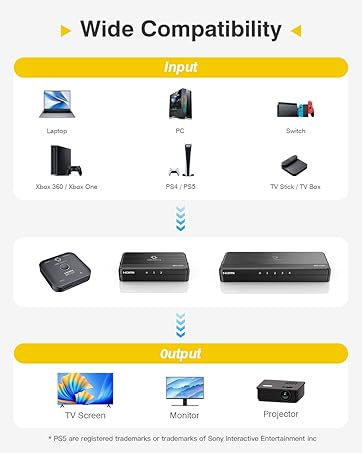
Wide Compatibility
Professional Setup Features
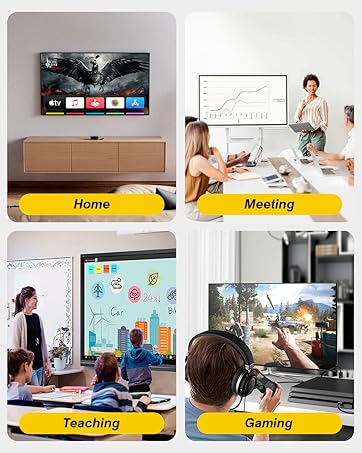
Multiple Usage Scenarios


Comparison Table
4K Splitter 1 In 4 Out | 4K Splitter 1 In 2 Out | 8K Splitter 1 in 4 out | 8K Splitter 1 in 2 out | 8K Switch 2 In 1 Out |
|---|---|---|---|---|
| Customer Reviews | ||||
| — | — | — | — | — |
| Price | ||||
| — | — | — | — | — |
| Category | ||||
| Splitter | Splitter | Splitter | Splitter | Switch |
| Max Resolution | ||||
| 4K 60Hz | 4K 60Hz | 8K 60Hz | 8K 60Hz | 8K 60Hz |
| Max Bandwidth | ||||
| 18Gbps (HDMI 2.0) | 18Gbps (HDMI 2.0) | 48Gbps (HDMI 2.1) | 48Gbps (HDMI 2.1) | 240Hz |
| Input (HD Source) | ||||
| 1 HDMI Source | 1 HDMI Source | 1 HDMI Source | 1 HDMI Source | 2 HDMI Sources (Switch) |
| Output (Display) | ||||
| Mirror to 4 Screens | 2Mirror to 2 Screens | Mirror to 4 Screens | Mirror to 2 Screens | 1 Port Output |
| Best For | ||||
| Home theater | Office / Presentation | Gaming 4K 120Hz | Gaming Ready | Switch Between 2 Sources |
Whether to support ARC/eARC?
Soundbar need HDMI In port do not support eARC port. For advanced audio formats via ARC, use a dedicated HDMI audio extractor.
Why is there only picture but no sound?
1.Check the output audio mode if you do not sure the display can support which audio format. Please select the A mode, and reset the HDMI Splitter
2.HDCP may not match very well at first connection. Please reset your HDMI Splitter by power on/off key
Why isn’t the screen displaying anything?
1. Make sure the output resolution setting of source device can be displayed on all connected display devices. (4K@60 or 1080p@60)
2. Reset the HDMI Splitter.
Can this extend to 4 different screens?
No, it can not extend to 4 different screens. All splitter outputs will always have the same screens
Isn't A/B Mode meant to resolve resolution or compatibility issues?
A Mode:auto-detects all displays and outputs the most compatible signal.
B Mode:copies EDID from Output-1 for consistent output. If you encounter screen flickering, blackouts, or no image, try switching between A/B modes to resolve the issue.
As fellow gamers and tech enthusiasts, we get the frustration of complicated setups, which is why we're here to make it easy and enjoyable for you.
Come join our community and experience the joy of effortless tech at SHERRIVA, where simplicity meets innovation.
8K 4K HDMI Splitter
HDMI Bi-directional 8K Switch