




HDMI Splitter 1 In 2 Out
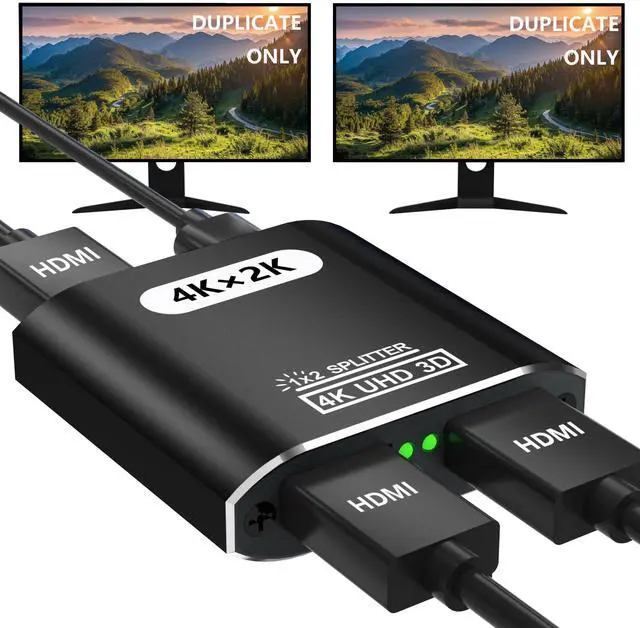
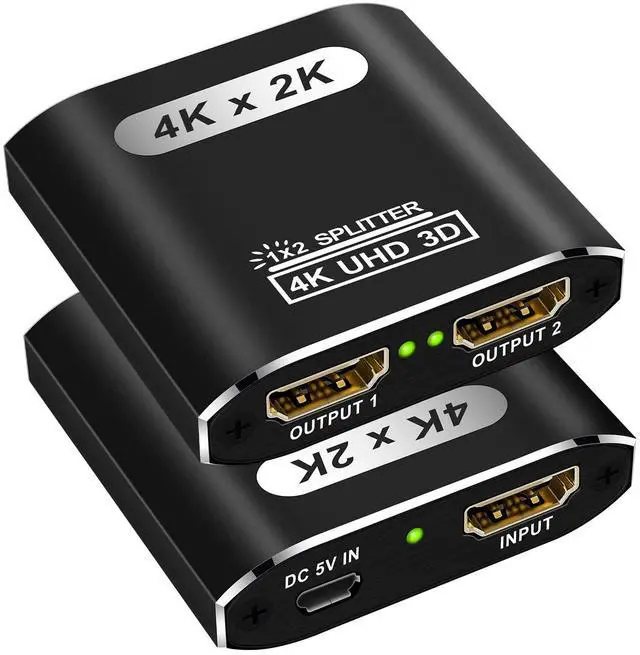
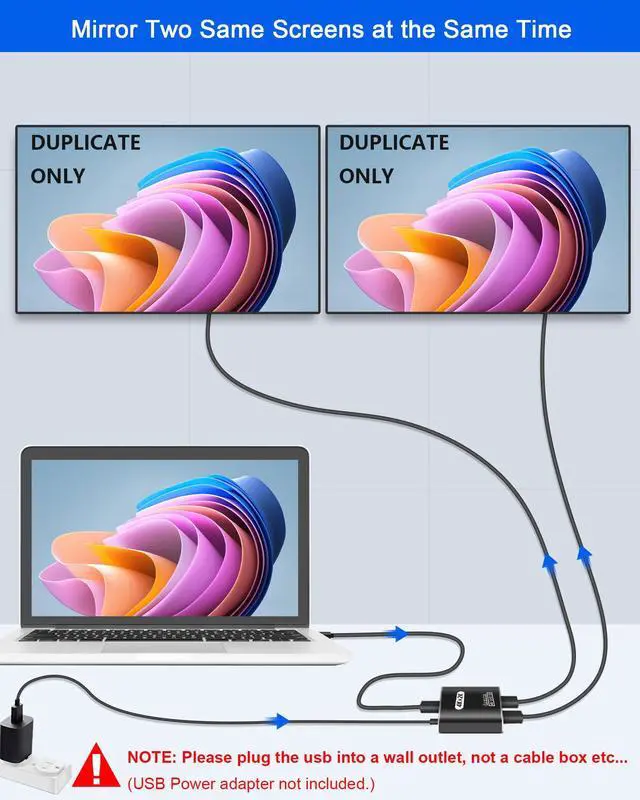
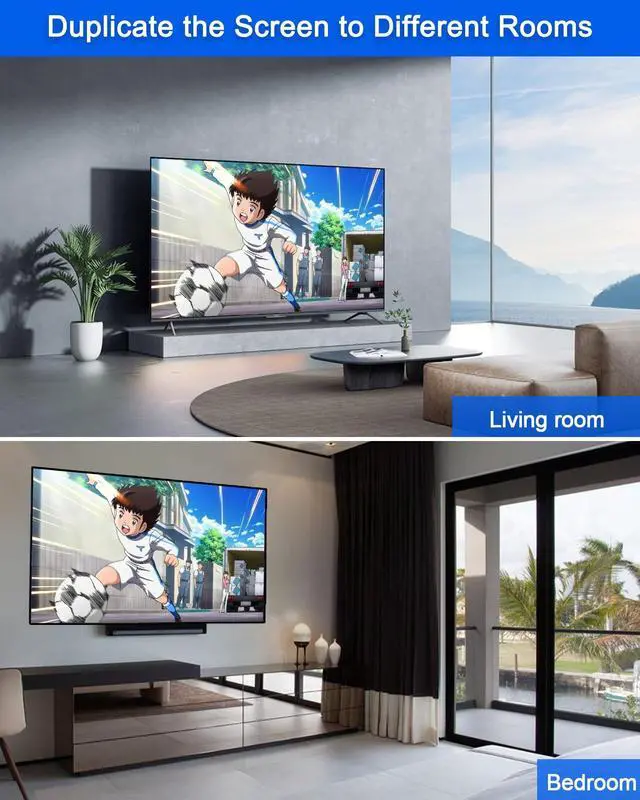
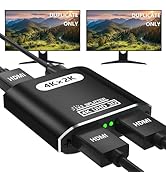
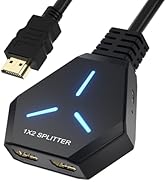
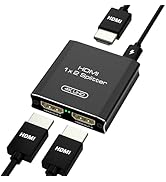
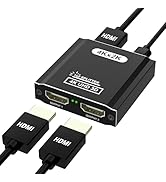
1X2 HDMI splitter can distribute one HDMI input signal (cable box, Roku, Xbox, etc.) to 2 HDMI displays (TV, Monitor, Projector, etc.), duplicating / mirror video and audio simultaneously with no loss, no lag.

Notes:
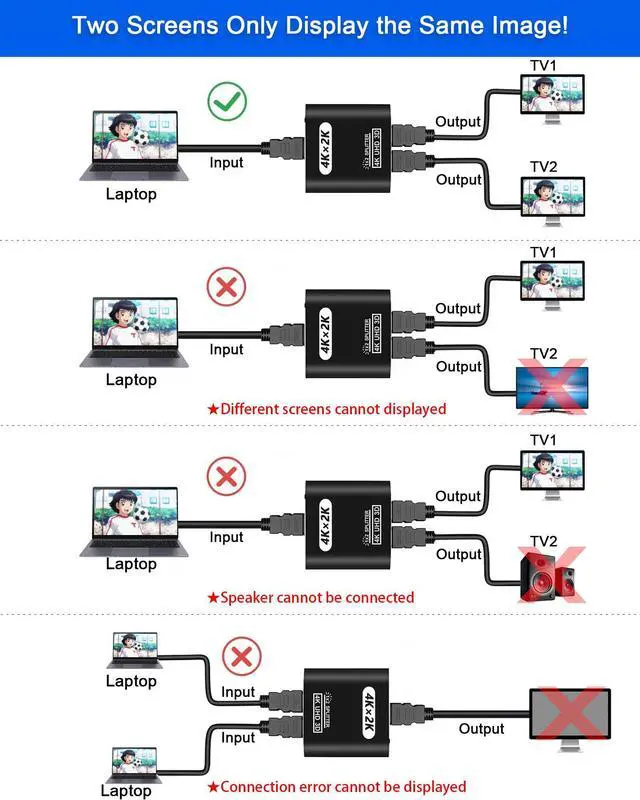
1. This HDMI cable splitter only mirrors the display and DOESN'T SUPPORT EXTEND, each screen will NOT show a different image.
2. The HDMI 4k splitter only supports 1 HDMI source input and 2 HDMI video source output. Do not support switching 2 HDMI sources to 1 display.
3. If your HDMI source device supports 4K, please use HDMI cable 1.4 to connect the 4K HDMI source device and HDMI switch and display, as HDMI cable 1.4 (or below HDMI 1.4) is insufficient for resolution of 4K.
4. If Your HDMI input device (like Xbox One X, or PS4 Pro) supports 4K@30hz, please set the resolution to 4K@30Hz or below to make this HDMI splitter work properly.

Two output with same image
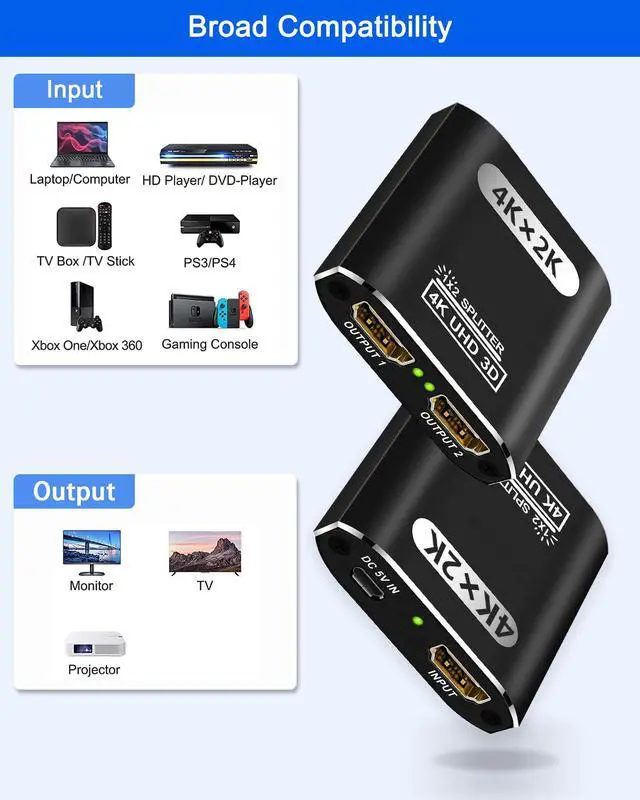
HDMI Input compatible with any HDMI device: such as PS3/4/Roku/Fire TV/Blu-ray players/ TV Box/Xbox/ Ninte-do Switch/PS/4 Pro/ Xbox 360/ Xbox One X/PS3/Beamer/Laptop and other HDMI signal source.
HDMI Output: Monitor, TV, Projector.(Not support HDMI audio device)
Notes:
1. Only mirror/duplicate screen, NOT SUPPORT EXTEND! each screen will shows same pictures.
2. If Your HDMI input device (like XBox one x, PS/4 Pro) supports 4K@60hz, please set the resolution to 4K@30Hz or below to make this HDMI splitter work properly.

Mirror 4K Contents to 2 Screens
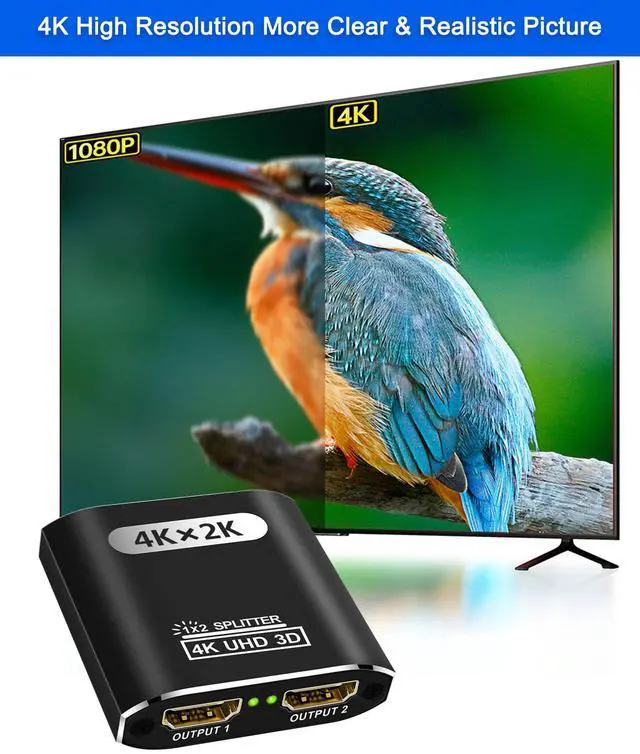
Support 3D, 4K@30Hz, 2K@60Hz, 1080P@30Hz, 1080P@60Hz and FHD 1080P@120Hz. For 4K resolution, the frequency can't be above 30Hz. Not Support HDCP2.2. If you are connecting 2 monitors with different resolutions and refresh rates, the actual resolution and refresh rates will be restricted by the lower one's performance.

4K HD Video
Video format supported DTV/HDTV:Deep Color 480i/ 576i/ 480p/ 576p/ 720p/ 1080i/ 1080P/2k/4k,3D
Supported Audio : LPCM,Dolby-AC3, DTS7.1, DSD/Dolby True HD/DTS-HD master audio.

Widely compatible
Input support: computer, PS3, PS4 Pro, Fire Stick, Blu-Ray DVD player, Satellite Receiver, Route Roku, Chromecast, PC, Projectors etc.
Output support: projectors, Full HDTVs, monitor, etc.

Plug & Play, Easy to set up
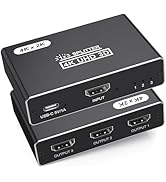
This 4k HDMI splitter is easy to install & operate, Just connect your HDMI devices and the USB charger cable (Does not come with adapter) to enjoy.

Suit for Various Occasions

No signal, can not recognize the device:
a. Check the LED lights. If the LED lights are off, confirm that the USB-C supply is connected.
b. Make sure to set the right HDMI channel on the HDMI source device and HDMI display devices. If the HDMI source device supports 4K@60Hz, please lower it down to 4K@30Hz to make it work properly.
c.Make sure the length of your HDMI cables is within 66ft/20m.
Different resolution display
a. If the maximum resolution of the two displays is not the same, it will show the lower resolution display. For example, if one of your display resolutions is 720p, and one of the other is 1080p when the output signal is 1080p, it gonna send the same signal to both displays, you will be going to realize that the maximum resolution that sends to both displays are 720p even though it can accept 1080p.
b. Please manually lower the video source device's resolution to the minimum resolution of the two displays, or it will only show on the higher resolution display.
No audio
Go into the system: Preferences?Sound?Output?Audio. Change the audio output to your TV or other devices.
The indicator lights are off
a. Connect the USB-C supply.
b. Please make sure all the connections are tight.
C. Please make sure you have turned on all devices and the connection of your devices is right.

Premium AV & KVM Electronics
CLOSS is a reliable AV electronics brand. We specialize in KVM switches, HDMI converters & AV splitters. Support stable 4K transmission, low latency, wide compatibility with PC, monitor & console. Premium chips, aluminum housing, plug & play, no drivers. Ideal for home office, meetings & multi-device control. Strict quality control & professional after-sales, providing smooth reliable device connection experience.
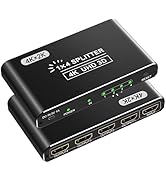
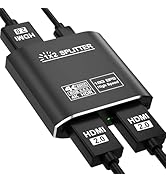
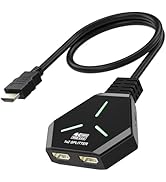
HDMI splitter
HDMI Splitter
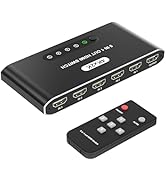
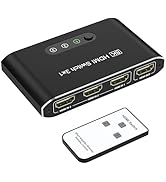
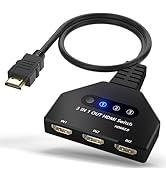
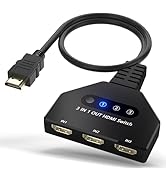
HDMI Switch
HDMI Splitter 1 In 2 Out
1X2 HDMI splitter can distribute one HDMI input signal (cable box, Roku, Xbox, etc.) to 2 HDMI displays (TV, Monitor, Projector, etc.), duplicating / mirror video and audio simultaneously with no loss, no lag.
Notes:
1. This HDMI cable splitter only mirrors the display and DOESN'T SUPPORT EXTEND, each screen will NOT show a different image.
2. The HDMI 4k splitter only supports 1 HDMI source input and 2 HDMI video source output. Do not support switching 2 HDMI sources to 1 display.
3. If your HDMI source device supports 4K, please use HDMI cable 1.4 to connect the 4K HDMI source device and HDMI switch and display, as HDMI cable 1.4 (or below HDMI 1.4) is insufficient for resolution of 4K.
4. If Your HDMI input device (like Xbox One X, or PS4 Pro) supports 4K@30hz, please set the resolution to 4K@30Hz or below to make this HDMI splitter work properly.
Two output with same image
HDMI Input compatible with any HDMI device: such as PS3/4/Roku/Fire TV/Blu-ray players/ TV Box/Xbox/ Ninte-do Switch/PS/4 Pro/ Xbox 360/ Xbox One X/PS3/Beamer/Laptop and other HDMI signal source.
HDMI Output: Monitor, TV, Projector.(Not support HDMI audio device)
Notes:
1. Only mirror/duplicate screen, NOT SUPPORT EXTEND! each screen will shows same pictures.
2. If Your HDMI input device (like XBox one x, PS/4 Pro) supports 4K@60hz, please set the resolution to 4K@30Hz or below to make this HDMI splitter work properly.
Mirror 4K Contents to 2 Screens
Support 3D, 4K@30Hz, 2K@60Hz, 1080P@30Hz, 1080P@60Hz and FHD 1080P@120Hz. For 4K resolution, the frequency can't be above 30Hz. Not Support HDCP2.2. If you are connecting 2 monitors with different resolutions and refresh rates, the actual resolution and refresh rates will be restricted by the lower one's performance.
4K HD Video
Video format supported DTV/HDTV:Deep Color 480i/ 576i/ 480p/ 576p/ 720p/ 1080i/ 1080P/2k/4k,3D
Supported Audio : LPCM,Dolby-AC3, DTS7.1, DSD/Dolby True HD/DTS-HD master audio.
Widely compatible
Input support: computer, PS3, PS4 Pro, Fire Stick, Blu-Ray DVD player, Satellite Receiver, Route Roku, Chromecast, PC, Projectors etc.
Output support: projectors, Full HDTVs, monitor, etc.
Plug & Play, Easy to set up
This 4k HDMI splitter is easy to install & operate, Just connect your HDMI devices and the USB charger cable (Does not come with adapter) to enjoy.
Suit for Various Occasions
No signal, can not recognize the device:
a. Check the LED lights. If the LED lights are off, confirm that the USB-C supply is connected.
b. Make sure to set the right HDMI channel on the HDMI source device and HDMI display devices. If the HDMI source device supports 4K@60Hz, please lower it down to 4K@30Hz to make it work properly.
c.Make sure the length of your HDMI cables is within 66ft/20m.
Different resolution display
a. If the maximum resolution of the two displays is not the same, it will show the lower resolution display. For example, if one of your display resolutions is 720p, and one of the other is 1080p when the output signal is 1080p, it gonna send the same signal to both displays, you will be going to realize that the maximum resolution that sends to both displays are 720p even though it can accept 1080p.
b. Please manually lower the video source device's resolution to the minimum resolution of the two displays, or it will only show on the higher resolution display.
No audio
Go into the system: Preferences?Sound?Output?Audio. Change the audio output to your TV or other devices.
The indicator lights are off
a. Connect the USB-C supply.
b. Please make sure all the connections are tight.
C. Please make sure you have turned on all devices and the connection of your devices is right.
Premium AV & KVM Electronics
CLOSS is a reliable AV electronics brand. We specialize in KVM switches, HDMI converters & AV splitters. Support stable 4K transmission, low latency, wide compatibility with PC, monitor & console. Premium chips, aluminum housing, plug & play, no drivers. Ideal for home office, meetings & multi-device control. Strict quality control & professional after-sales, providing smooth reliable device connection experience.
HDMI splitter
HDMI Splitter
HDMI Switch