




 here!
here!
I’m your shopping assistant for PC builds, upgrades, and everything tech.
Got questions? Ask away!
Start a conversation
here!
I’m your shopping assistant for PC builds, upgrades, and everything tech.
Got questions? Ask away!
Start a conversation



Any questions? Ask CelesteSM will help you find out quickly.
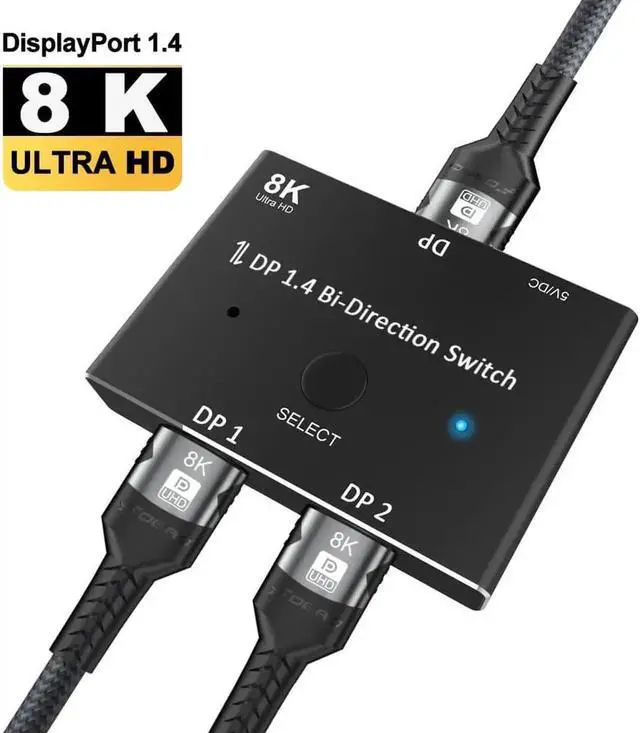
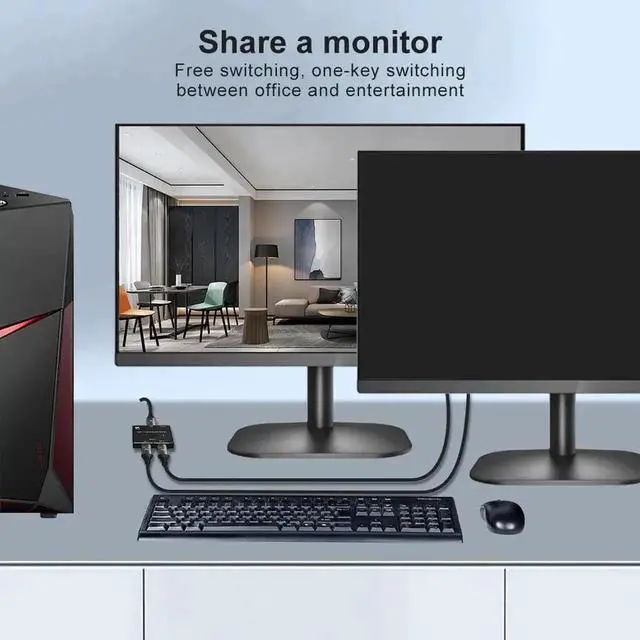
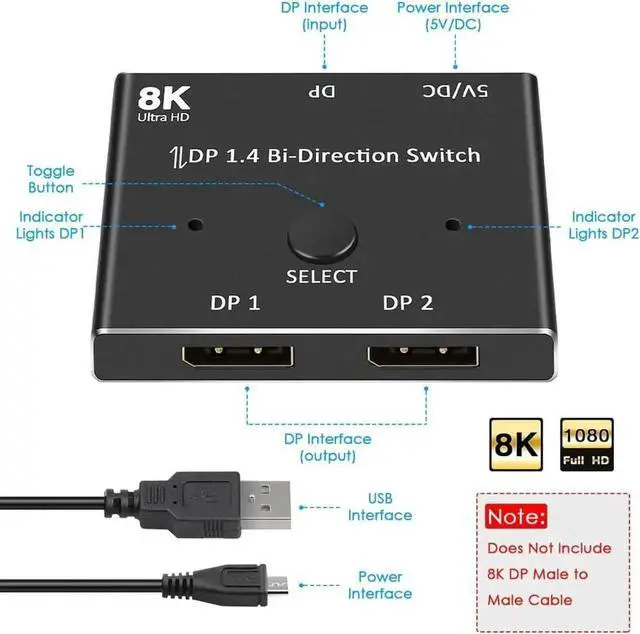
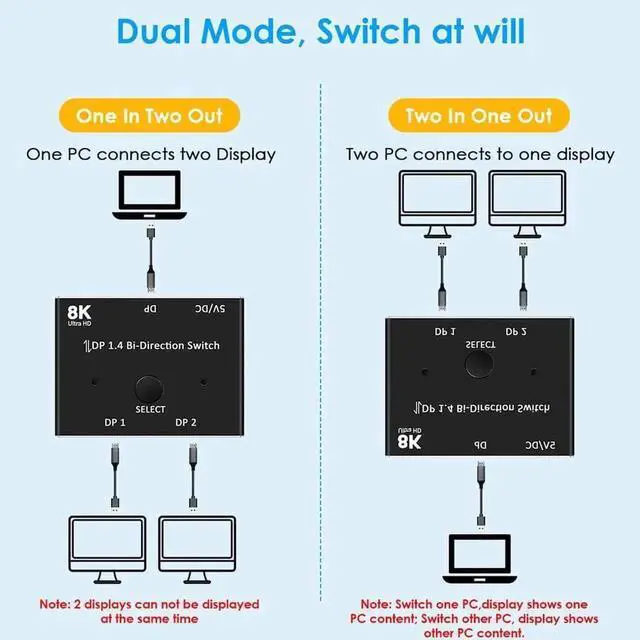
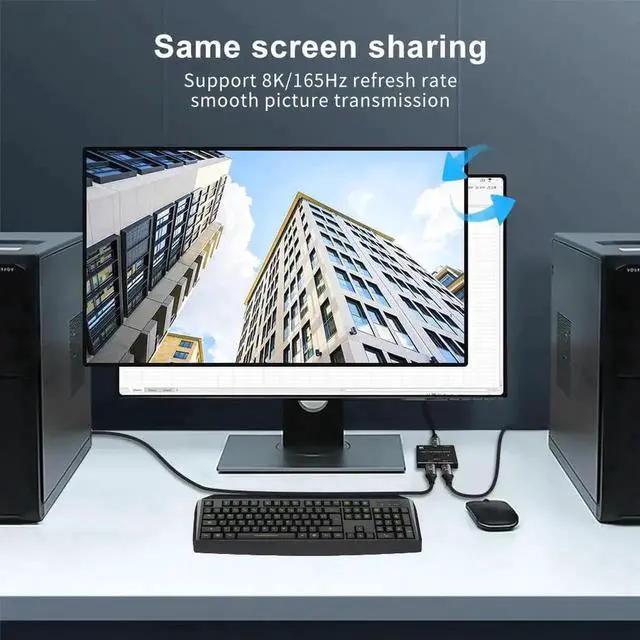
This bi-directional DP 1.4 switch integrates switcher and splitter functions. In 2×1 mode, you can connect two DisplayPort devices to one monitor and switch signals freely; in 1×2 mode, one video source can be output to two displays for mirror playback.
Adopting DP 1.4 high bandwidth chip, it delivers ultra-high definition smooth images, supporting 8K@60Hz ultra HD and 4K@120Hz high refresh rate gaming. It supports MST extended desktop and SST mirror screen, matching different office, design and gaming usage scenarios. The built-in anti-interference circuit effectively reduces screen flicker and color distortion.
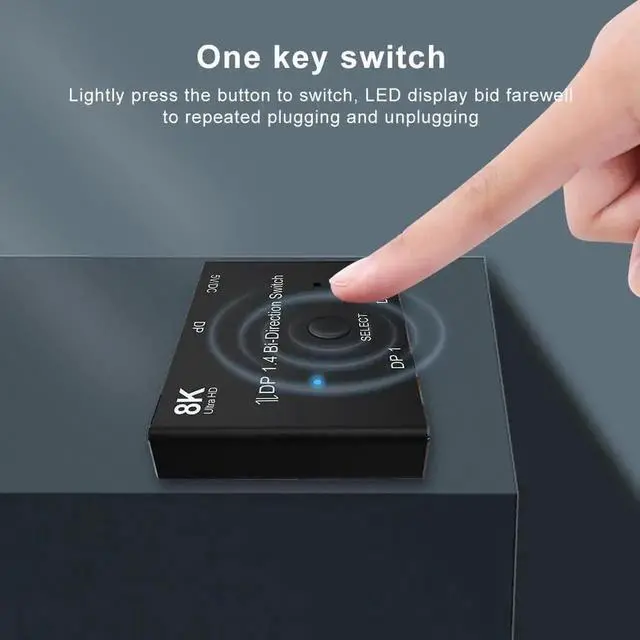
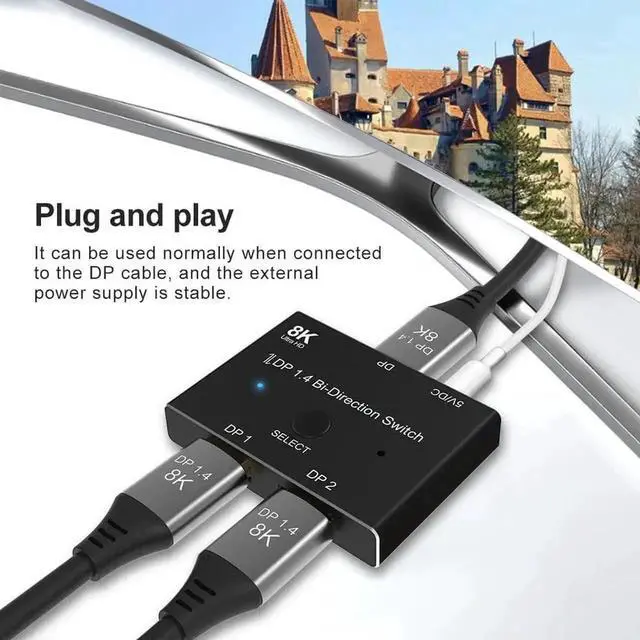
Equipped with a physical switch button and LED signal indicator for clear status identification. Optional Type-C external power supply solves signal attenuation issues caused by long DP cables. No driver installation required, ready to use after simple wiring.
It works perfectly with gaming desktops, laptops, graphic workstations, 4K/8K monitors and projectors. Ideal for office multi-device switching, design studio dual-screen monitoring and gaming multi-display setups.


