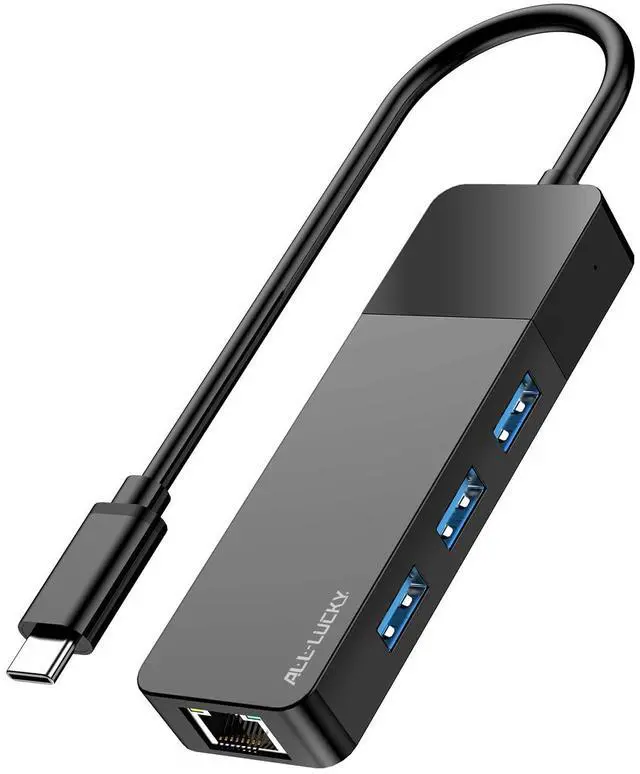
USB to Ethernet Adapter, 4 in 1 USB C to Ethernet Adapter Hub with 3×USB 3.0 Ports, 1000Mbps Network HUB for MacBook, Dell XPS, Surface, HP Laptops (for USB-C Phones & iPad)
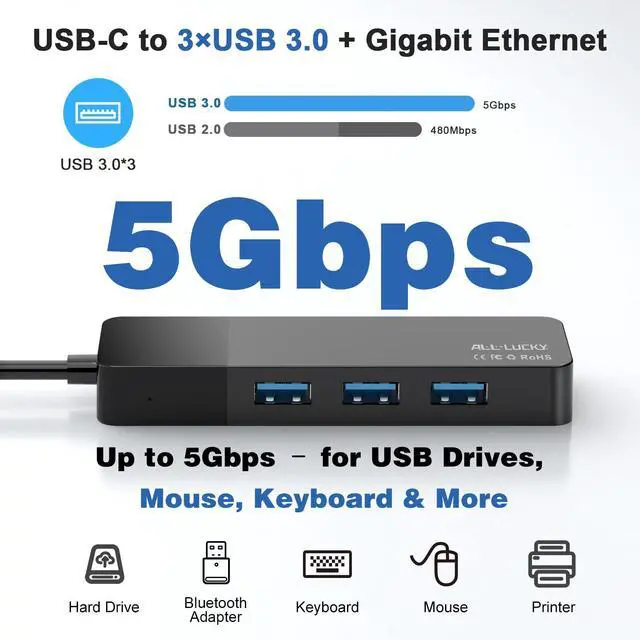
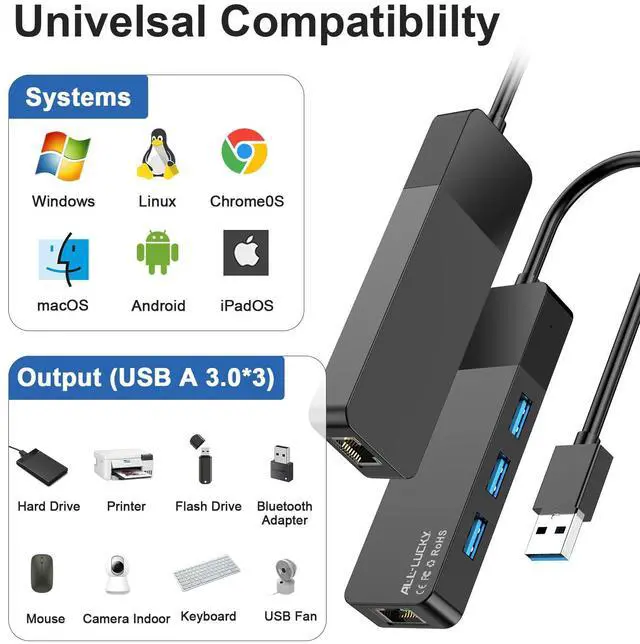
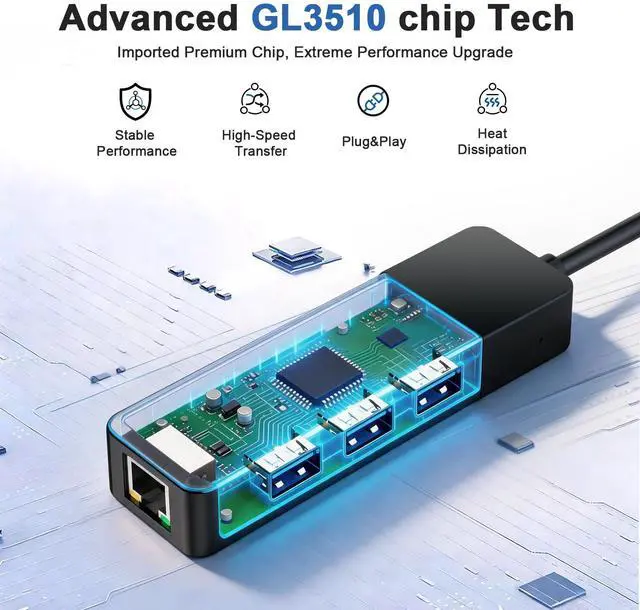
4-in-1 USB-C Hub This USB C to Ethernet Adapter expands a single USB-C port into a 4-in-1 hub: three USB 3.0 ports and one Gigabit Ethernet port. Plug and play, no driver required for most systems. (Note: Does not support power delivery charging. Maximum output per USB port is 900mA, suitable for data devices such as mouse, keyboard, flash drive.)
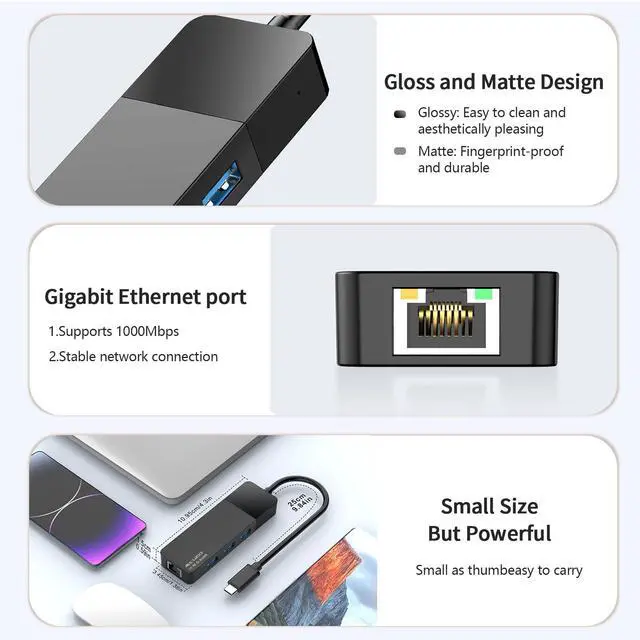
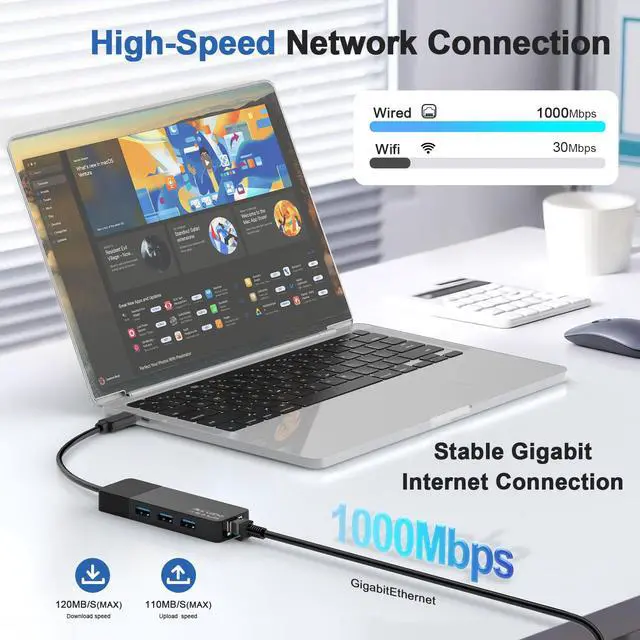
Gigabit Network Hub The built-in RJ45 port provides stable wired network speeds up to 1000Mbps, backward compatible with 10/100Mbps. Enjoy low-latency gaming, 4K streaming, video conferencing, and large file transfers. (Note: To reach 1Gbps, please use a CAT6 or above Ethernet cable.)Hub This USB C to Ethernet Adapter expands a single USB-C port into a 4-in-1 hub: three USB 3.0 ports and one Gigabit Ethernet port. Plug and play, no driver required for most systems. (Note: Does not support power delivery charging. Maximum output per USB port is 900mA, suitable for data devices such as mouse, keyboard, flash drive.)
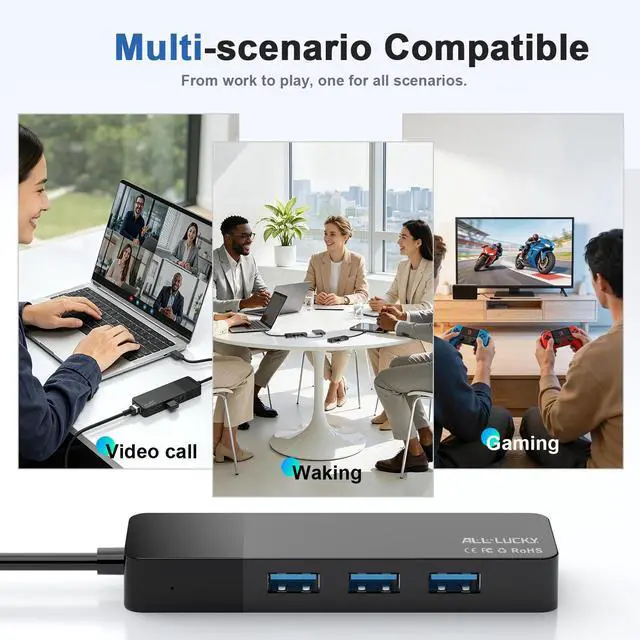
Laptop Ethernet Adapter As a dedicated laptop Ethernet adapter, this product provides a stable and reliable wired network connection for MacBook, Dell XPS, Surface, HP, and other USB-C laptops. It is an ideal choice for users who need faster and more reliable networking than Wi-Fi
+
+
Overview
Specs
Reviews
Any questions? Our AI beta will help you find out quickly.
USB to Ethernet Adapter, 4 in 1 USB C to Ethernet Adapter Hub with 3×USB 3.0 Ports, 1000Mbps Network HUB for MacBook, Dell XPS, Surface, HP Laptops (for USB-C Phones & iPad)
Learn more about the Detailed Specifications
Model
Brand
Zebra
Details
Changer Type
type
Color
Black
Wire Gauge
30 AWG
Dimensions & Weight
Dimensions
20'
Weight
0.068 kilograms
Package Contents
Package Contents
Usb To Ethernet Adapter Hub
Additional Information
First Listed on Newegg
July 05, 2026
There are no reviews yet.
Do you own this product?
Warranty & Returns
Warranty, Returns, And Additional Information
Warranty
Please contact the Seller directly for warranty information. Warranty information may also be found on the Manufacturer's website.