













What PCIe slots are compatible with this 10GbE adapter?
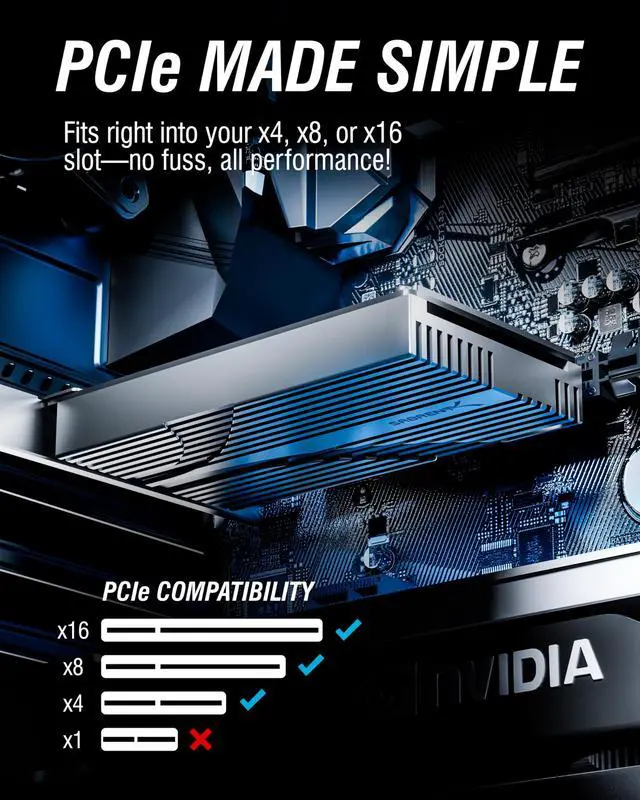
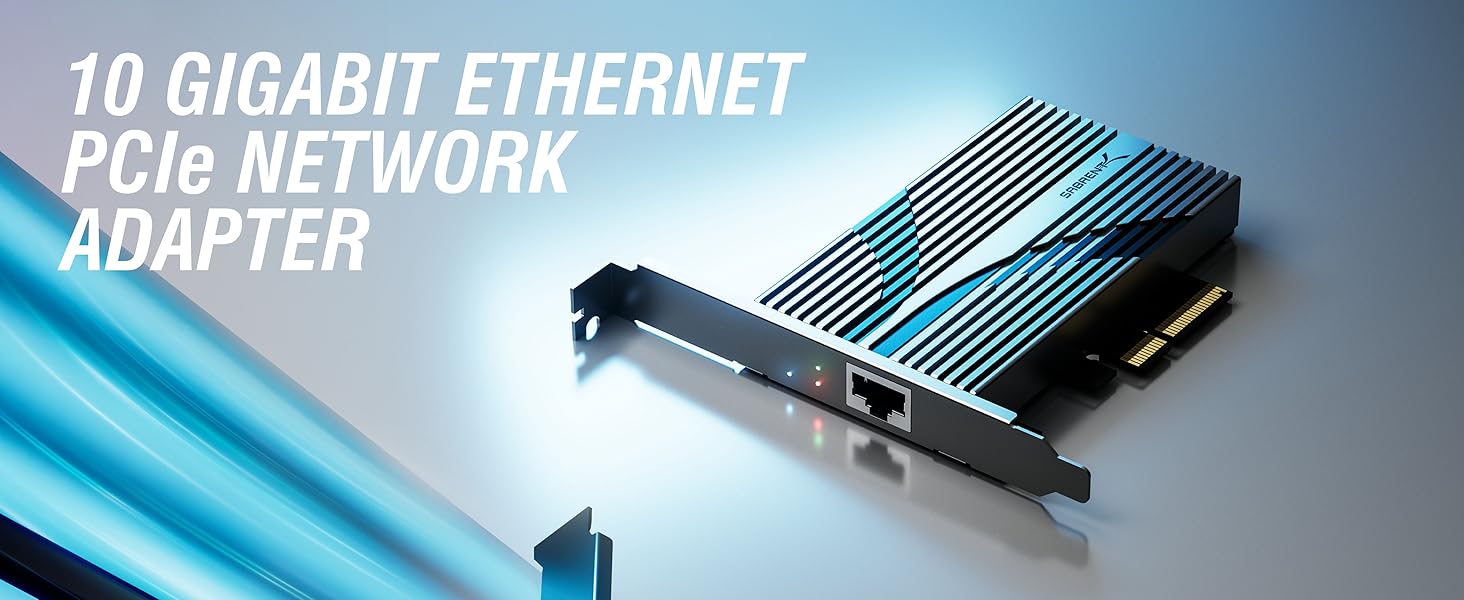
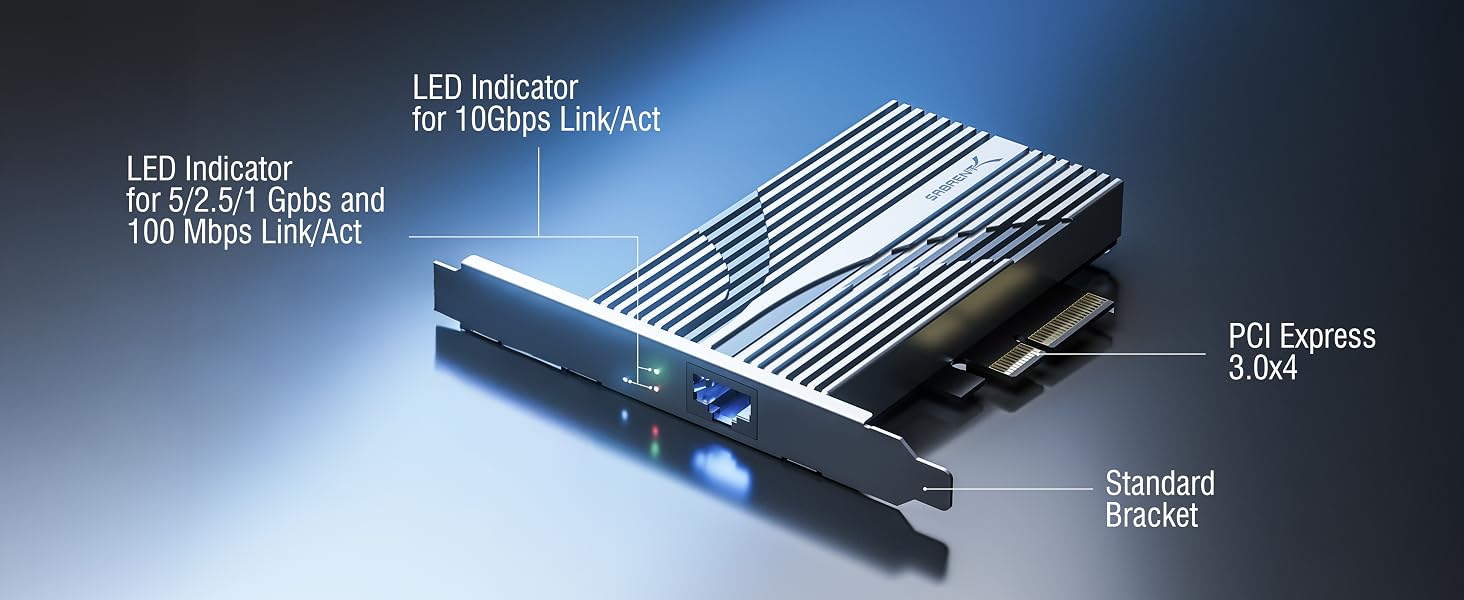
The NT-10PE fits any x4, x8, or x16 PCIe slot. It is compatible with PCIe 2.0 and 3.0 systems, with optimal performance on PCIe 3.0 x4 or higher.
Can this card operate at lower speeds like 2.5GbE or 1GbE?
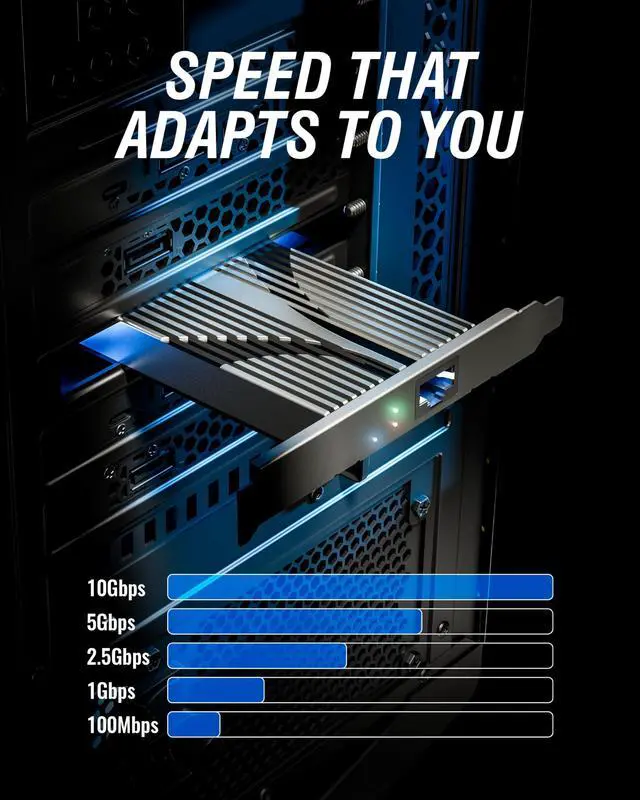
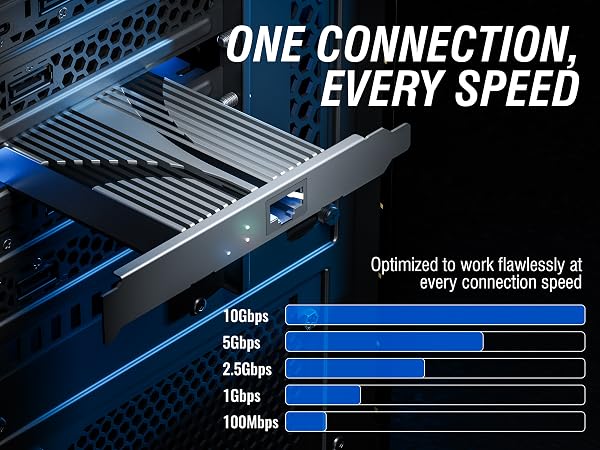
Yes, the adapter supports multiple speeds including 10GbE, 5GbE, 2.5GbE, 1GbE, 100Mbps, and 10Mbps, making it compatible with both modern and legacy networks.
Does the card require additional drivers to function?
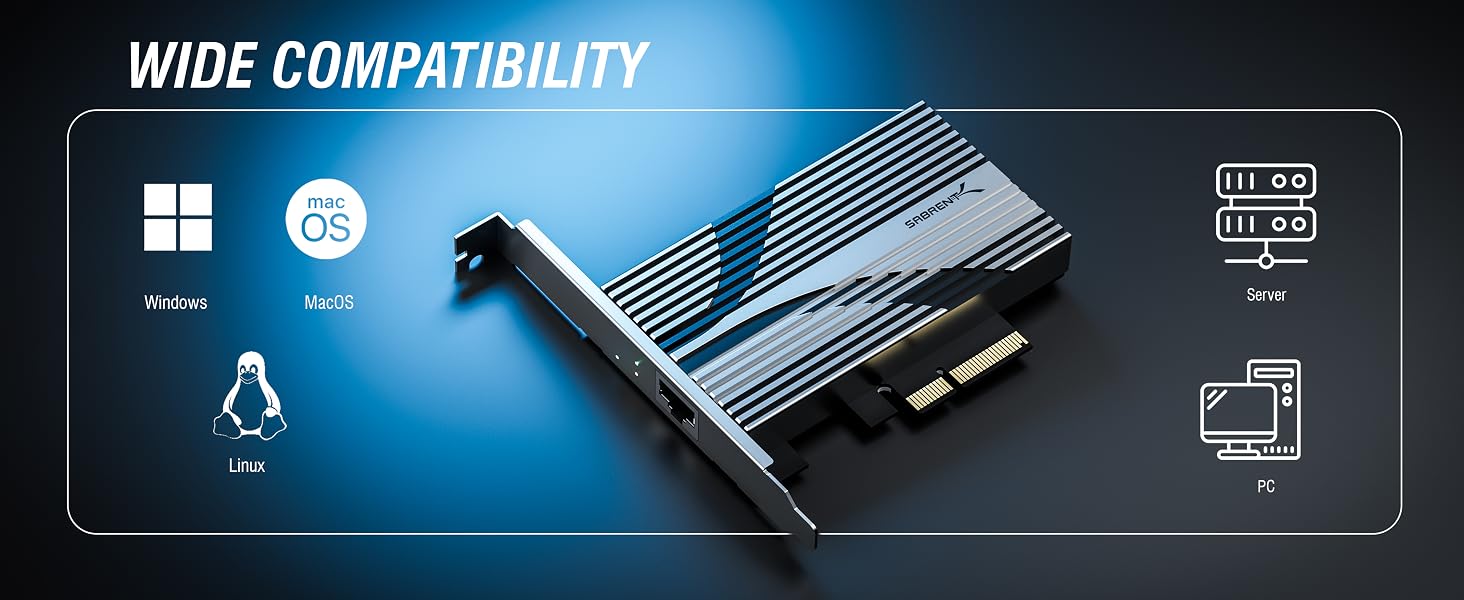
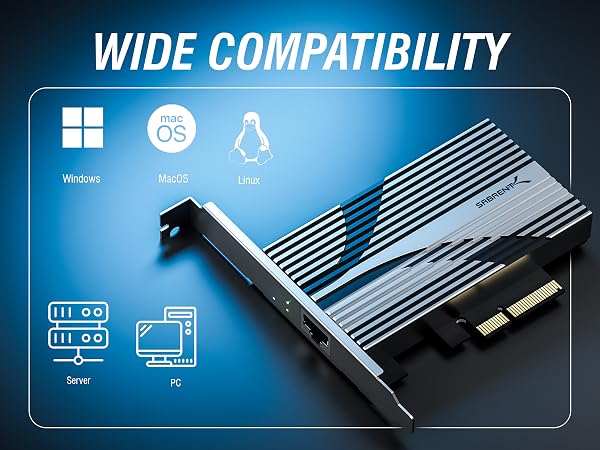
Most modern operating systems will auto-detect and install drivers. However, we recommend checking your OS for compatibility and installing the latest drivers for full functionality.
Is this card suitable for use in servers or workstations under load?
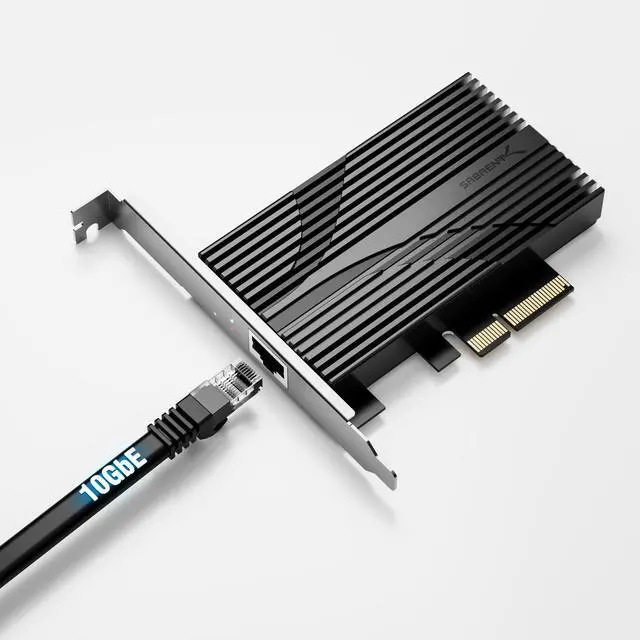
Yes. The NT-10PE is built with a durable aluminum heatsink to manage heat and maintain stable performance during intensive tasks like backups, streaming, or virtualization.
How do I monitor the connection status?
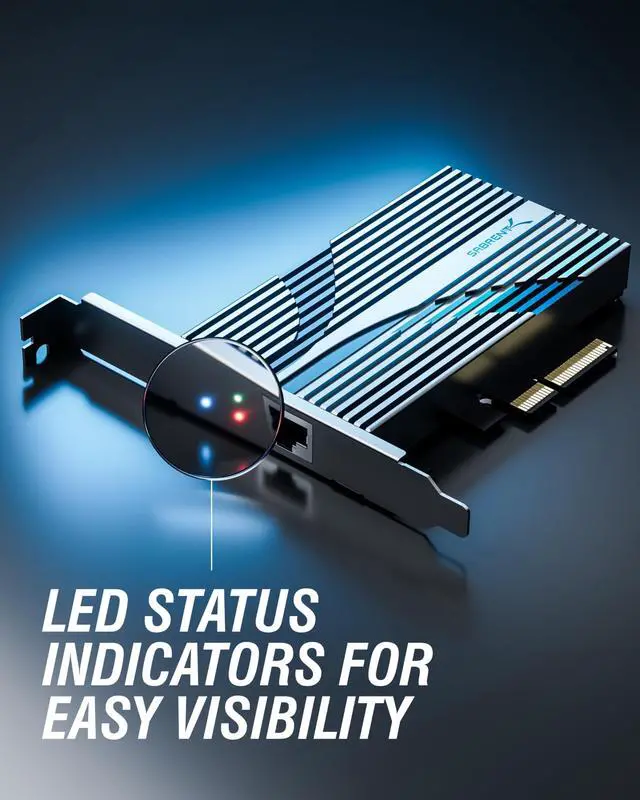
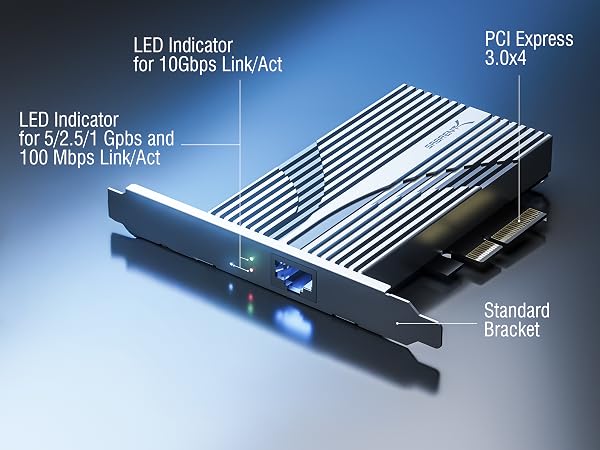
The built-in status LEDs provide real-time indicators for link detection and activity, allowing easy troubleshooting and quick confirmation of network connectivity.



What PCIe slots are compatible with this 10GbE adapter?
The NT-10PE fits any x4, x8, or x16 PCIe slot. It is compatible with PCIe 2.0 and 3.0 systems, with optimal performance on PCIe 3.0 x4 or higher.
Can this card operate at lower speeds like 2.5GbE or 1GbE?
Yes, the adapter supports multiple speeds including 10GbE, 5GbE, 2.5GbE, 1GbE, 100Mbps, and 10Mbps, making it compatible with both modern and legacy networks.
Does the card require additional drivers to function?
Most modern operating systems will auto-detect and install drivers. However, we recommend checking your OS for compatibility and installing the latest drivers for full functionality.
Is this card suitable for use in servers or workstations under load?
Yes. The NT-10PE is built with a durable aluminum heatsink to manage heat and maintain stable performance during intensive tasks like backups, streaming, or virtualization.
How do I monitor the connection status?
The built-in status LEDs provide real-time indicators for link detection and activity, allowing easy troubleshooting and quick confirmation of network connectivity.