Unlock Wired Networking at Blazing 2.5Gbps Speeds
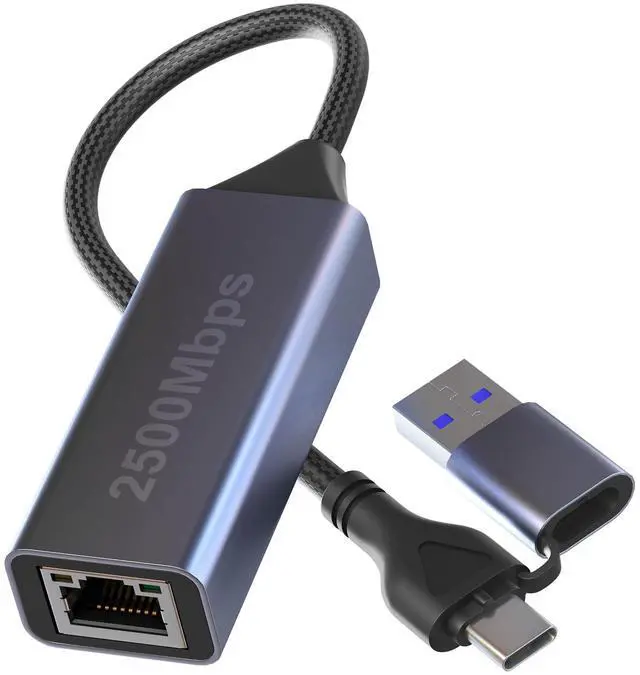
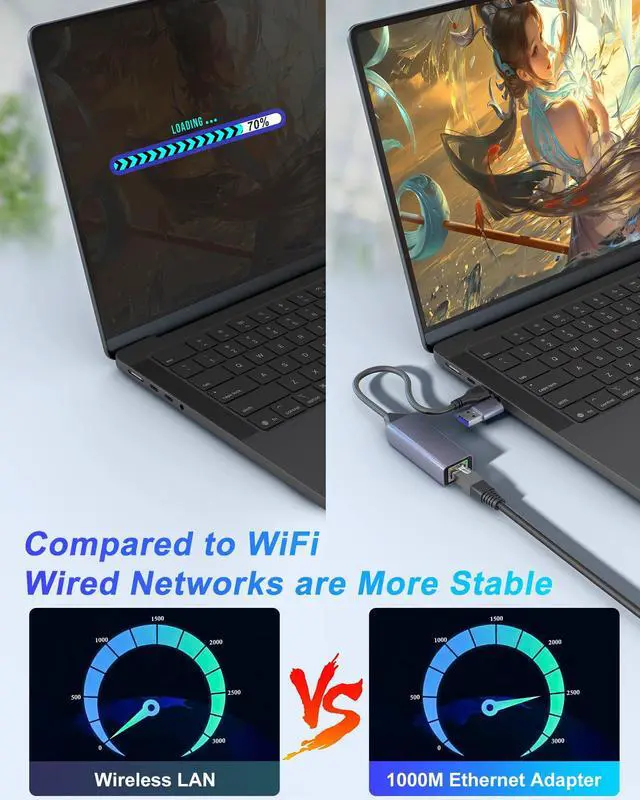
Tired of unreliable Wi-Fi slowing you down? Introduce game-changing speed and stability to your modern devices with our 2.5Gbps USB-C to Ethernet Adapter. This powerful USB Ethernet Adapter is the ultimate solution for professionals, gamers, and streamers who demand the fastest and most secure connection possible. Whether you're dominating in online games, hosting flawless video conferences, transferring massive files, or streaming in 4K/8K, this RJ45 Network Adapter delivers a rock-solid wired connection that leaves Wi-Fi lag and dropouts in the dust.
Why Choose Our 2.5Gbps Ethernet Adapter?
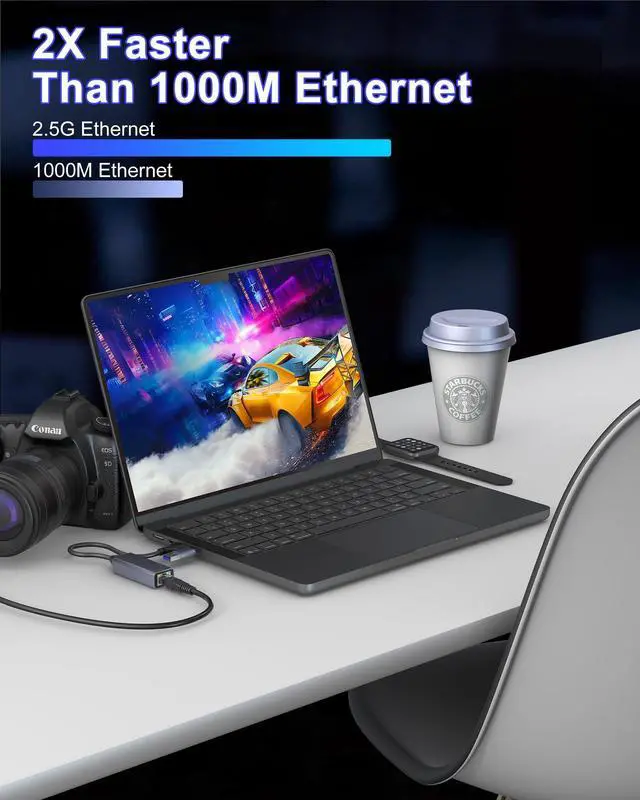
- 2.5X the Speed of Standard Gigabit: Experience breathtaking network performance at up to 2500Mbps (2.5Gbps). This is 2.5 times faster than standard Gigabit Ethernet (1000Mbps). Imagine transferring a 10GB file in just about 16 seconds instead of 80 seconds that's the power of 2.5Gbps.
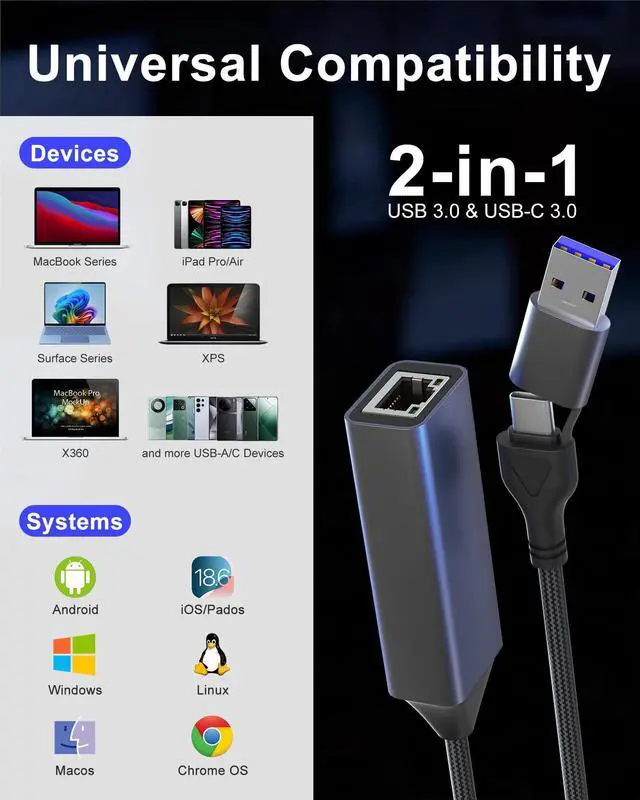
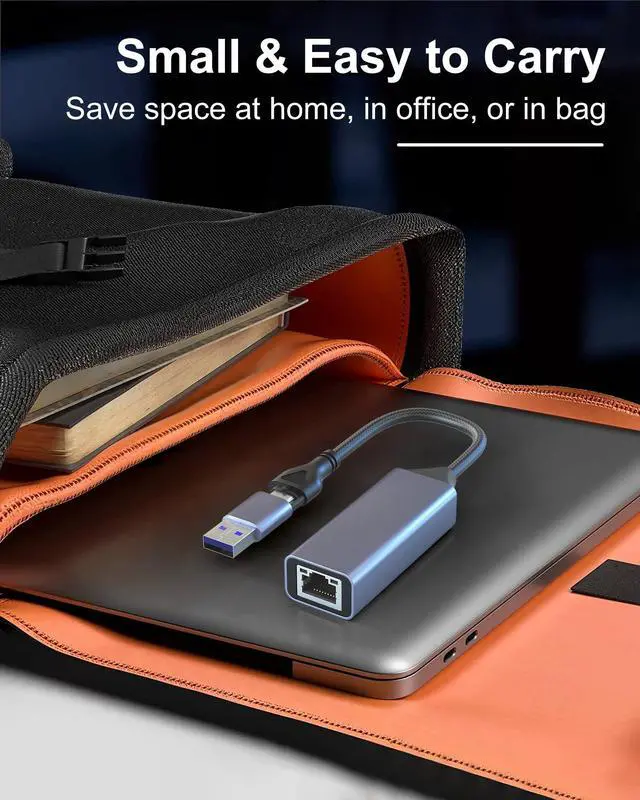
- Ultimate Compatibility with USB-C & USB-A: Versatility is key. Unlike most 2.5Gbps adapters that only have a USB-C port, ours features both a USB-C and a USB-A port. This dual-port design makes it the only Laptop Ethernet Converter you'll need for all your devices:
- Laptops: MacBook Pro/Air, Dell XPS, HP Spectre/Envy, Lenovo ThinkPad/Yoga, Microsoft Surface, and more.
- Tablets: iPad Pro, iPad Air (with USB-C).
- Phones: iPhone 15/16/17 series and Android phones with a USB-C port that supports networking (functionality may vary by device).
- Desktops: Easily add a stable multi-gigabit port to any PC.
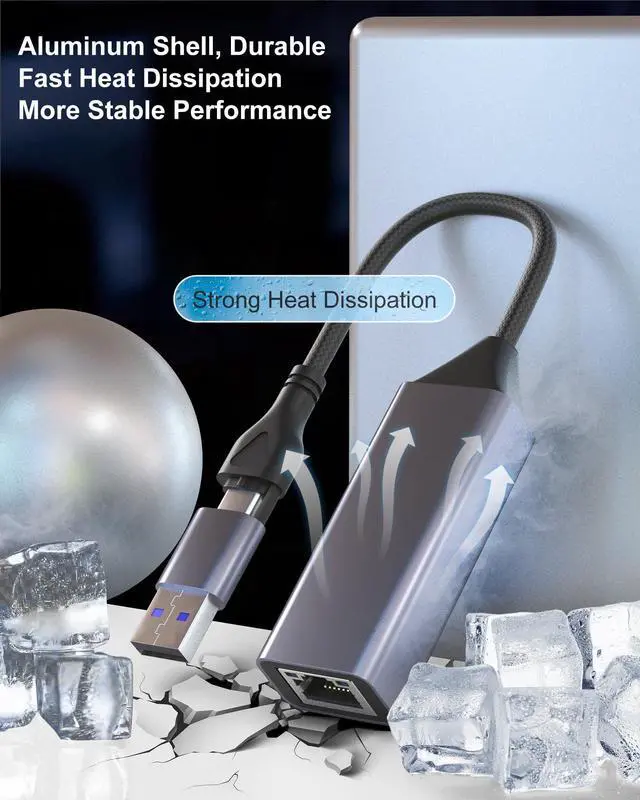
- Premium Aluminum Cooling for Sustained Performance: High speed generates heat, which can throttle performance. Our adapter is built with a high-quality aluminum alloy casing that acts as an efficient heat sink. Combined with its smart ventilation design, it ensures rapid heat dissipation, allowing the adapter to maintain top 2.5Gbps speeds even during extended, heavy-use sessions without overheating.
Your Checklist for Achieving True 2.5Gbps Speeds
To ensure you can harness the full power of this adapter and have the best experience, please verify your setup meets these requirements. This is crucial for achieving 2.5Gbps speeds and preventing performance issues.
- A Compatible USB Port: Your laptop or device must have a USB 3.0 (or higher) Type-C port for the 2.5Gbps speed. Connecting to a USB 2.0 port will limit the speed.
- The Right Ethernet Cable: You must use a CAT6A or CAT7 Ethernet cable.
- A Capable Router & Internet Plan: Your modem and router must support 2.5G LAN output. Additionally, your internet plan should be achieve 2.5Gbps to fully utilize the adapter's speed for online activities.
- Driver Installation (If Needed): While plug-and-play on most modern systems like macOS, iPadOS, and Chrome OS, some Windows and Linux systems may require a simple, one-time driver installation (download link provided in the manual).
How to Set up and Use 5Gbps on Your PC/Laptop?
1. Open "





 here!
here!