How to Use an Ethernet Adapter?
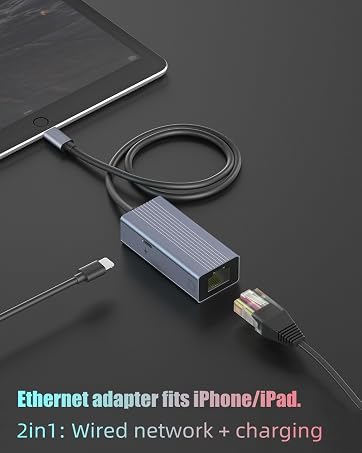
- Turn off Wi-Fi on your iOS devices.
- Connect the RJ45 port to a network cable.
- Connect it to your Phone/pad.
- Connect a charging cable if needed.
Check if the connection is successful:
- Go to "Settings" on your devices, "ethernet" will be shown under Wi-Fi.
- Click on the browser to see if you can surf the Internet.
Notice:
- Please ensure that your router-connected RJ45 Ethernet LAN wired network cable is connected to the internet.
- This Ethernet adapter cannot dial-up the internet by itself; it requires your router device to provide an IP through DHCP service.

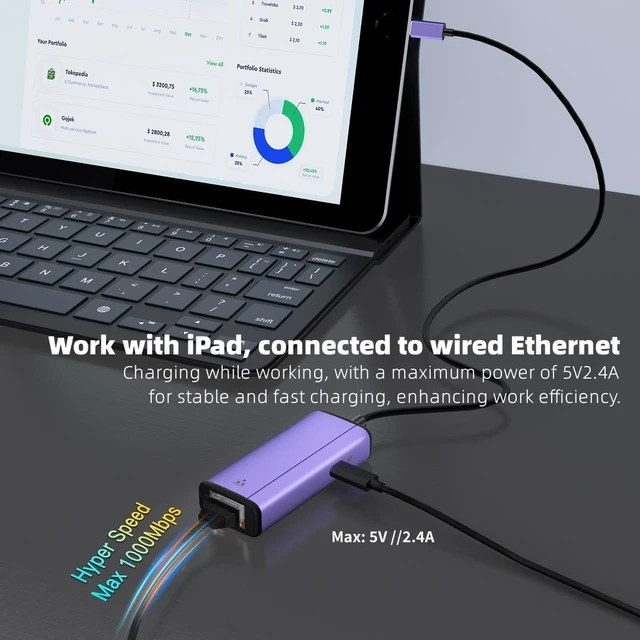
This Ethernet with Power Adapter is the perfect solution if you or your business needs a fast, secure, and reliable wired Internet connection for your phone or pad. It offers both Power over Ethernet and charging ports so you can connect to a secure network while continuing to charge your iOS device. Power over Ethernet compatibility also provides another convenient way to connect and charge your device.
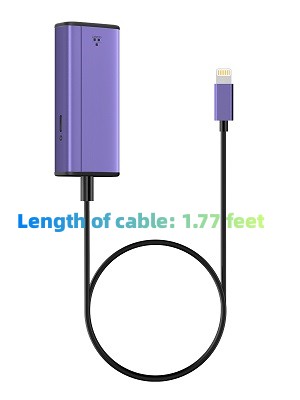
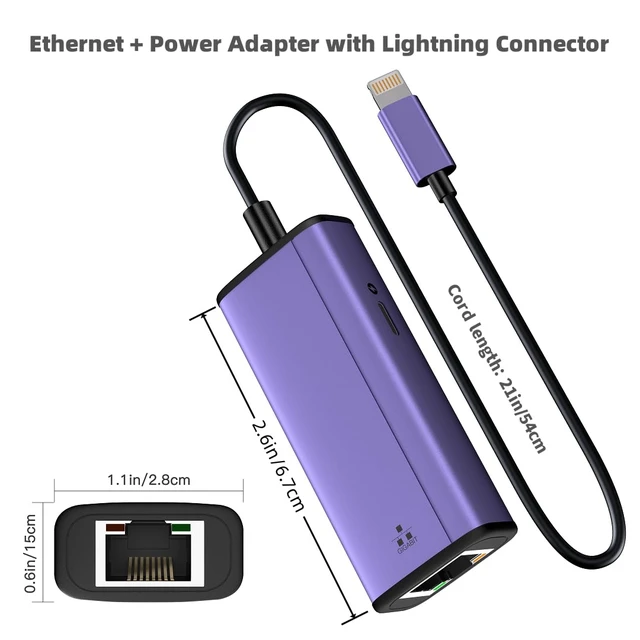
Length of cable: 1.77 feet
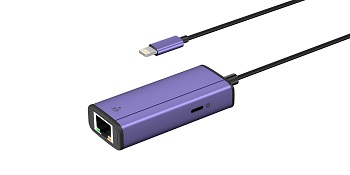
Designed for iPhone iPad
- This Gigabit network interface is required for multiple scenarios:
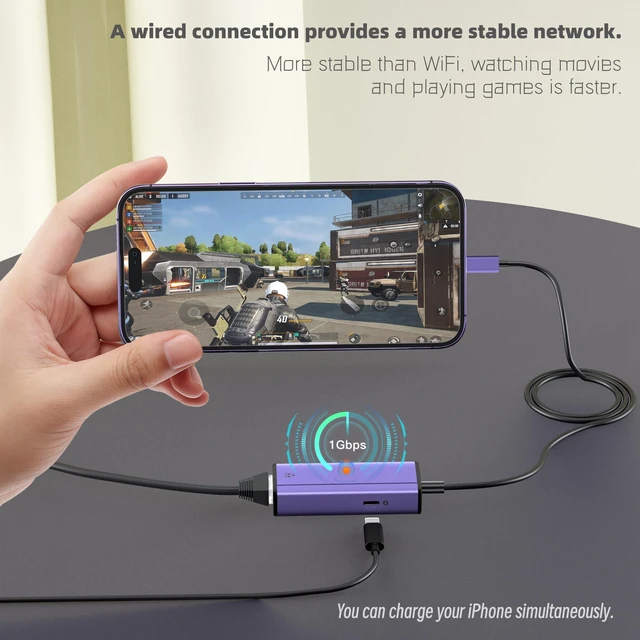
- Games
- Watch series
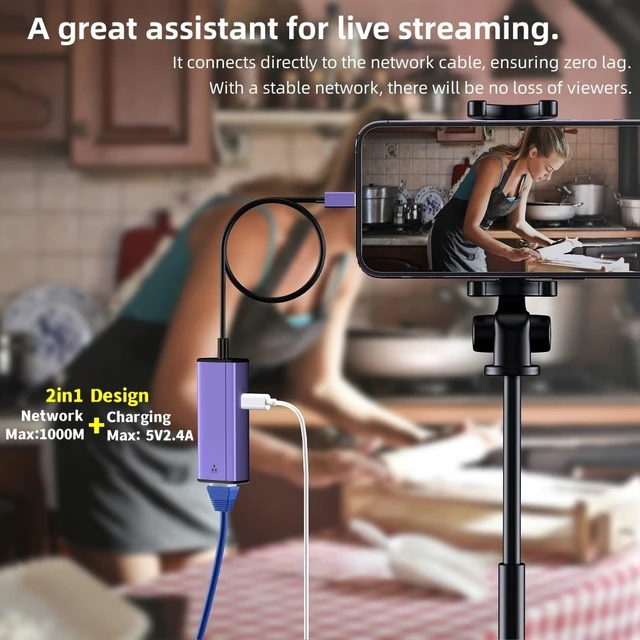
- Live broadcast
- Video conference
- And more things need a stable and fast network
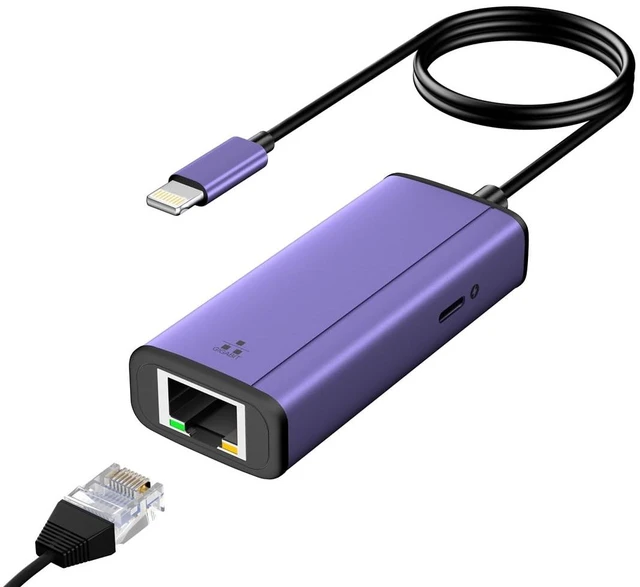
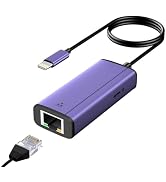
Lightning to Ethernet Adapter
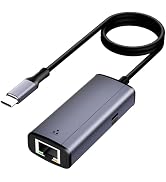
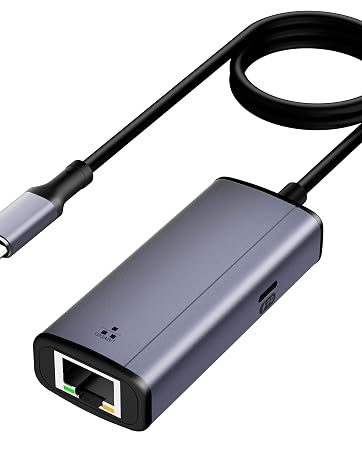
2-in-1 RJ45 Ethernet LAN Network Adapter
Fast and Stable Ethernet Network
What's in the box?
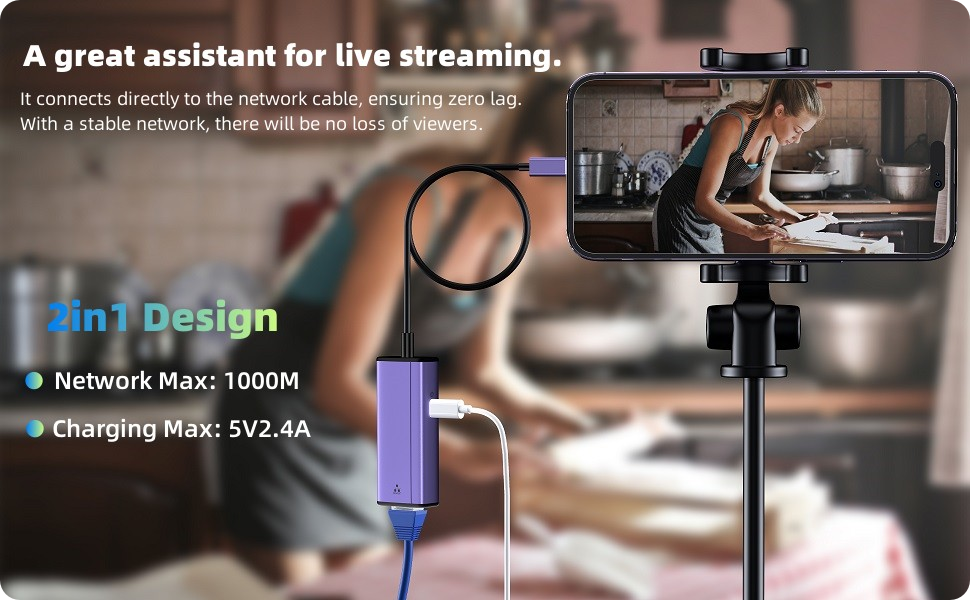
- 2-in-1 RJ45 Ethernet Adapter * 1pc
- Super-fast internet LAN wired network with high-speed 10/100/1000Mbps Ethernet.
- RJ45 LAN Ethernet wired network cable adapter connects your iPad/iPhone.
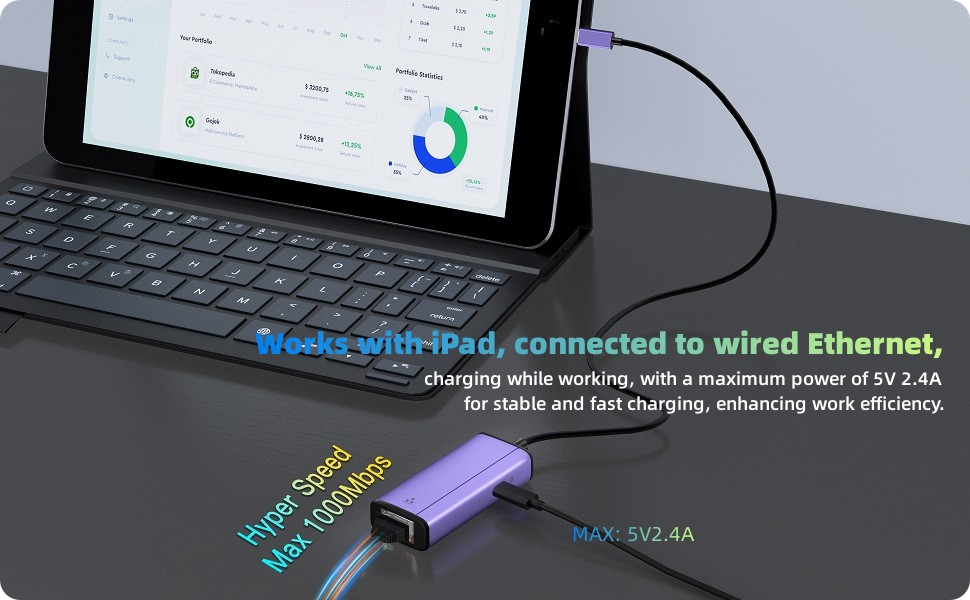
- Connect a charging cable to charge your devices simultaneously.
- System demands iOS 10 or above.

- Sunshot 2-in-1 Lightning to RJ45 Ethernet Adapter for iPhone/iPad, with Fast Charging Port, is a portable Ethernet adapter that is compatible with both iPhones and iPads.
- It allows for fast Internet transmission, supporting up to 1000Mbps Ethernet LAN wired network. This adapter is designed to be plug and play, ensuring ease of use.
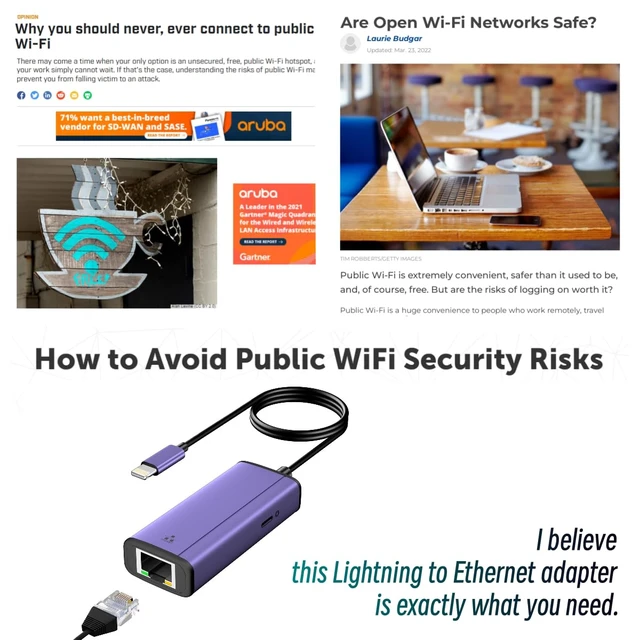
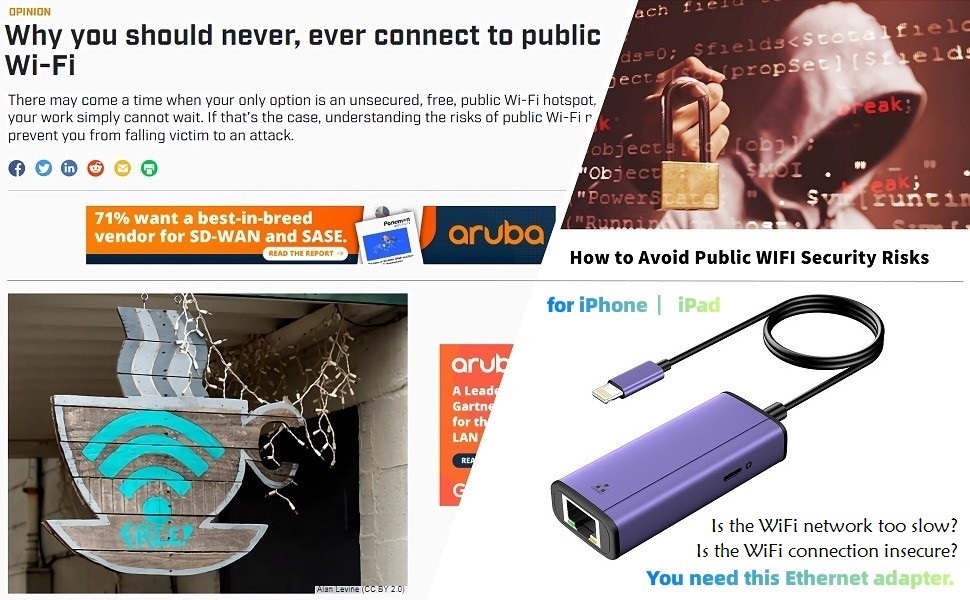
- Connecting to a wired network is not only fast and stable, but also avoids the security risks of public wifi.

- Descriptions:
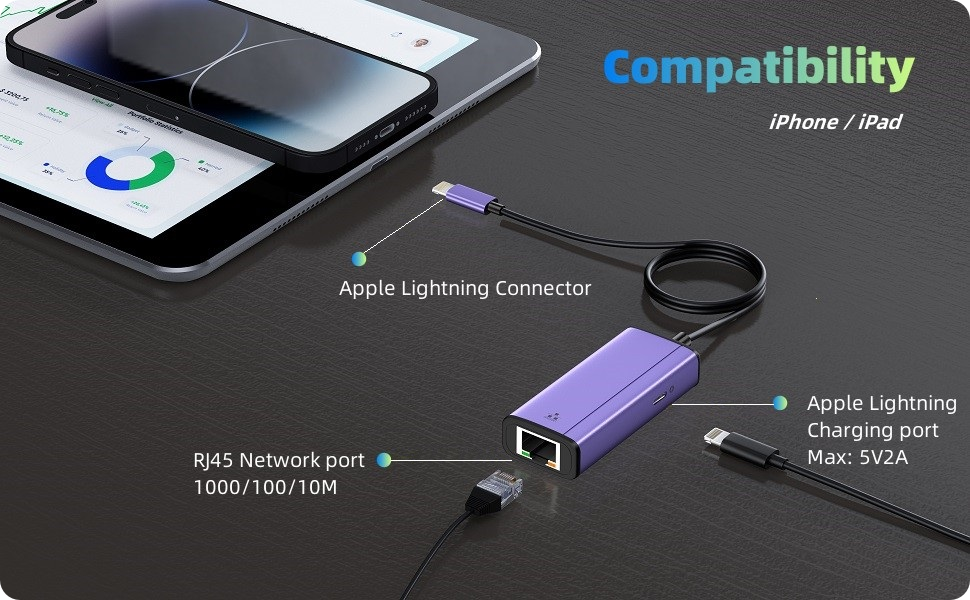
- Power Delivery: out put 5V 2.4A (Max)
- RJ45 Gigabit Port: Maximum transfer rate of 1000Mbps.
- Material: purple space aluminum case + 21.5-inch long TPU extension cable.

iPhone Ethernet Cable with Charging Port Compatible with iPhone/iPad/iPod.
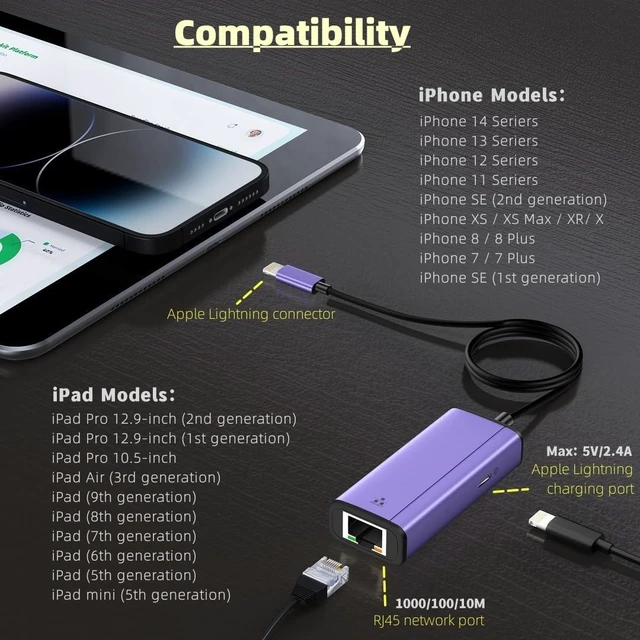
- Compatible with:
- iPhone 16 / 16 Plus / 16 Pro / 16 Pro Max
- iPhone 15 / 15 Plus / 15 Pro / 15 Pro Max
- iPhone 14 / 14 Plus / 14 Pro / 14 Pro Max
- iPhone 13 / 13 mini / 13 Pro / 13 Pro Max
- iPhone 12 / 12 mini / 12 Pro / 12 Pro Max
- iPhone 11/iPhone 11 Pro Max/11 Pro/11
- iPhone XS Max/XS/XR/X
- iPhone 8/8 Plus
- iPhone 7/7 Plus
- iPad Pro 12.9-inch/Pro10.5-inch/Pro 9.7-inch,
- iPad Mini 4/Mini 3/Mini 2,
- iPad Air/Air2.
- Support iOS 10 and up.


How to Use an Ethernet Adapter?
- Turn off Wi-Fi on your iOS devices.
- Connect the RJ45 port to a network cable.
- Connect it to your Phone/pad.
- Connect a charging cable if needed.
Check if the connection is successful:
- Go to "Settings" on your devices, "ethernet" will be shown under Wi-Fi.
- Click on the browser to see if you can surf the Internet.
Notice:
- Please ensure that your router-connected RJ45 Ethernet LAN wired network cable is connected to the internet.
- This Ethernet adapter cannot dial-up the internet by itself; it requires your router device to provide an IP through DHCP service.

This Ethernet with Power Adapter is the perfect solution if you or your business needs a fast, secure, and reliable wired Internet connection for your phone or pad. It offers both Power over Ethernet and charging ports so you can connect to a secure network while continuing to charge your iOS device. Power over Ethernet compatibility also provides another convenient way to connect and charge your device.
Lightning to Ethernet Adapter

Designed for iPhone iPad
- This Gigabit network interface is required for multiple scenarios:
- Games
- Watch series
- Live broadcast
- Video conference
- And more things need a stable and fast network

Length of cable: 1.77 feet
2-in-1 RJ45 Ethernet LAN Network Adapter
Fast and Stable Ethernet Network
What's in the box?
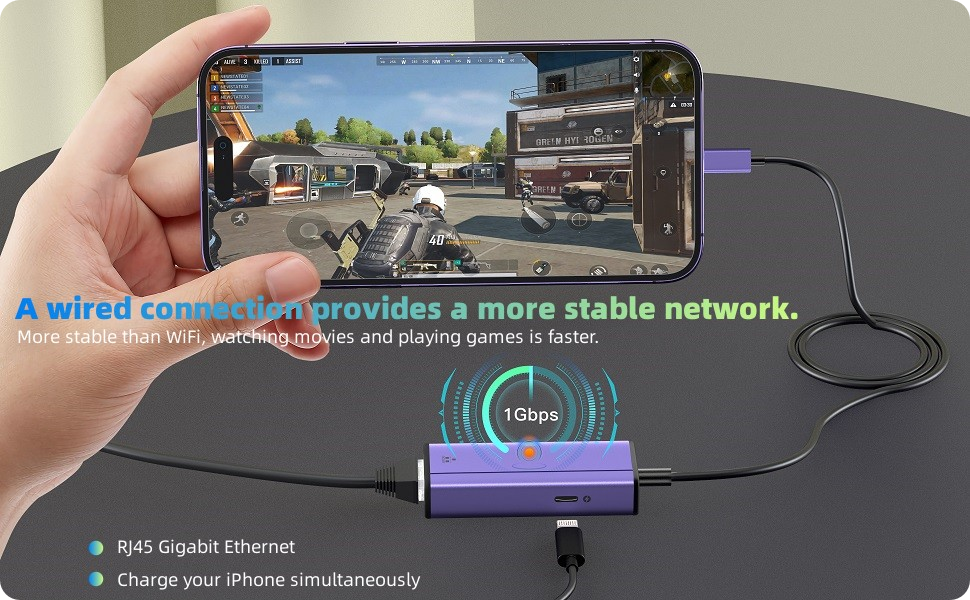
- 2-in-1 RJ45 Ethernet Adapter * 1pc
- Super-fast internet LAN wired network with high-speed 10/100/1000Mbps Ethernet.
- RJ45 LAN Ethernet wired network cable adapter connects your iPad/iPhone.
- Connect a charging cable to charge your devices simultaneously.
- System demands iOS 10 or above.

- Sunshot 2-in-1 Lightning to RJ45 Ethernet Adapter for iPhone/iPad, with Fast Charging Port, is a portable Ethernet adapter that is compatible with both iPhones and iPads.
- It allows for fast Internet transmission, supporting up to 1000Mbps Ethernet LAN wired network. This adapter is designed to be plug and play, ensuring ease of use.
- Connecting to a wired network is not only fast and stable, but also avoids the security risks of public wifi.

- Descriptions:
- Power Delivery: out put 5V 2.4A (Max)
- RJ45 Gigabit Port: Maximum transfer rate of 1000Mbps.
- Material: purple space aluminum case + 21.5-inch long TPU extension cable.

iPhone Ethernet Cable with Charging Port Compatible with iPhone/iPad/iPod.
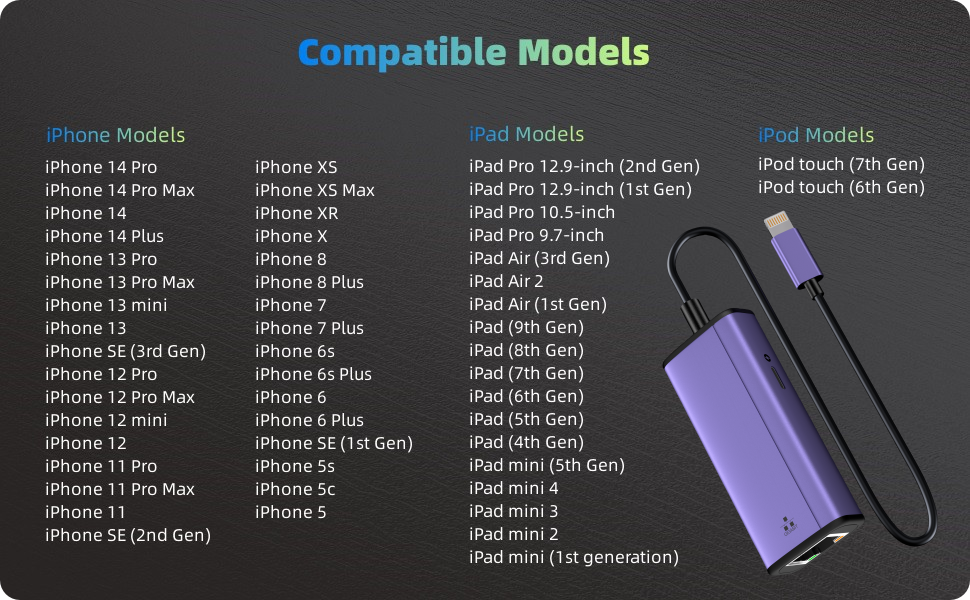
- Compatible with:
- iPhone 16 / 16 Plus / 16 Pro / 16 Pro Max
- iPhone 15 / 15 Plus / 15 Pro / 15 Pro Max
- iPhone 14 / 14 Plus / 14 Pro / 14 Pro Max
- iPhone 13 / 13 mini / 13 Pro / 13 Pro Max
- iPhone 12 / 12 mini / 12 Pro / 12 Pro Max
- iPhone 11/iPhone 11 Pro Max/11 Pro/11
- iPhone XS Max/XS/XR/X
- iPhone 8/8 Plus
- iPhone 7/7 Plus
- iPad Pro 12.9-inch/Pro10.5-inch/Pro 9.7-inch,
- iPad Mini 4/Mini 3/Mini 2,
- iPad Air/Air2.
- Support iOS 10 and up.