




 here!
here!
I’m your shopping assistant for PC builds, upgrades, and everything tech.
Got questions? Ask away!
Start a conversation
here!
I’m your shopping assistant for PC builds, upgrades, and everything tech.
Got questions? Ask away!
Start a conversation
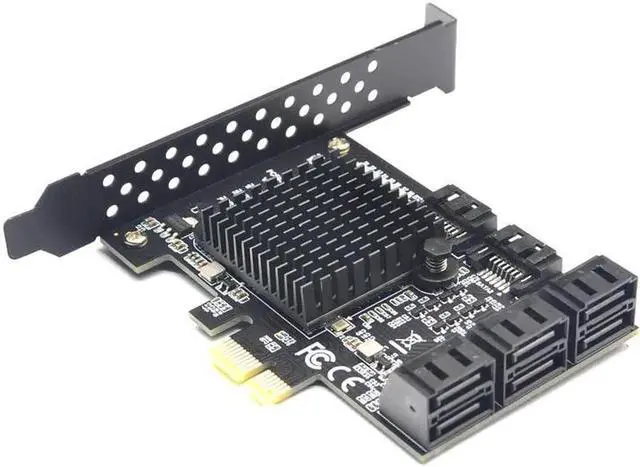
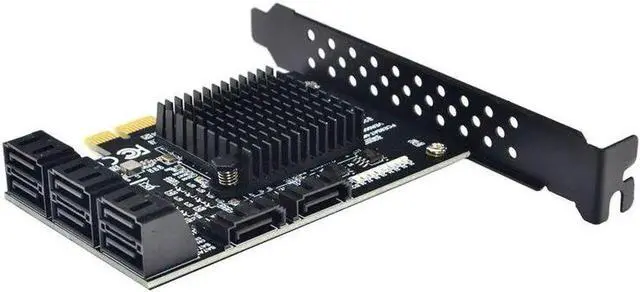

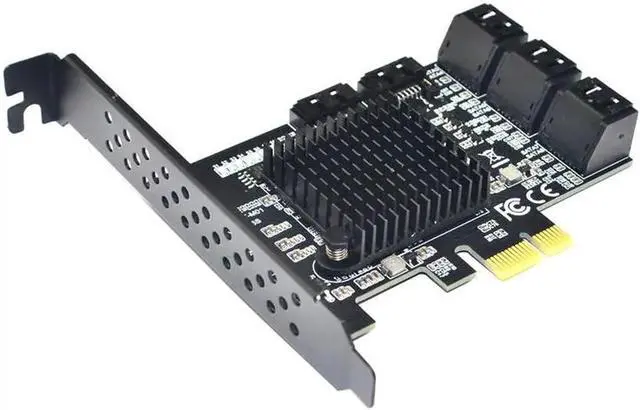
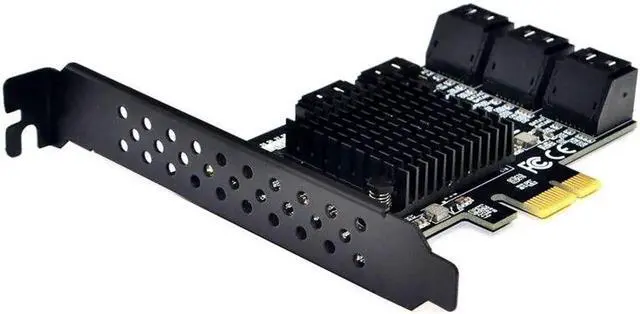



Any questions? Ask CelesteSM will help you find out quickly.
Features:
Compliant with Serial ATA 3.0 specification, backward compatible with SATA 2.0 SATA 1.0
Supports Native Command Queuing (NCQ), Compatible with SATA 6G, 3G and 1.5G Hard drives,
Compliant with PCI-E Specification v 2.0 and backward compatible with PCI-E v1. x, PCI Express x1 Interface, and Compatible with PCI Express x1, x2, x4, x8 and x16 Slots
Marvell 88SE9215+JMicron JMB5xx chipset
Supports 10TB hard disk drives
Non-RAID standard SATA controller
Bus interface: PCI-Express x1 slot
Expansion interface: 8 SATA 3.0 6GB/s interfaces
System Requirements: One PCI Express X1 slot is available, supporting both PCI-E X2 X4 X8 X16
Operating system: Windows 10/ 8.1 /8/7(32/64bit)/XP/Linux
Package content:
1 SATA III (6Gbps) 8-port PCI-Express controller card
1 x CD driver
1 bracket
Noted: Synology can only recognize 4 disks, please know!
About Speed:
The SATA 3.0 PCI-E card must be installed in the PCI-E slot of the motherboard, and can not be inserted into the PCI slot.
The fastest speed is 380-450m/s in PCI-E 2.0. If it is plugged into PCI-E 1.0, the speed only runs 200-300m/s. Different computer configurations and sata ssd have different speeds. If all ports are used at the same time, the speed will slow down.
We recommend to use this SATA 3.0 Card in 2.0 or 3.0 slot, so as to get the fastest speed.
SATA Port Multiplier is not supported if the driver is not installed.
We must install the driver to recognize all the hard disks.
Be sure to turn off the power of the computer before inserting or removing the card, and then insert the card to avoid damage to the motherboard or expansion card.


