

Your Browsing History




Any questions? Our AI beta will help you find out quickly.
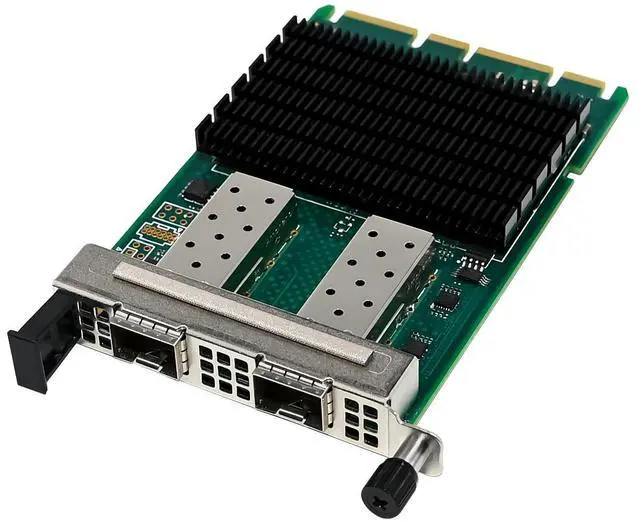
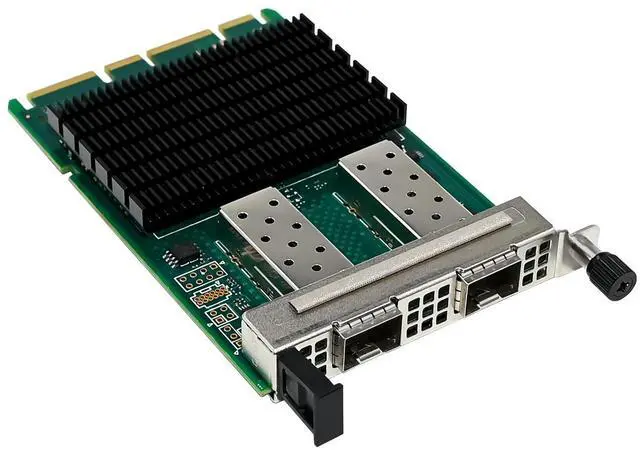
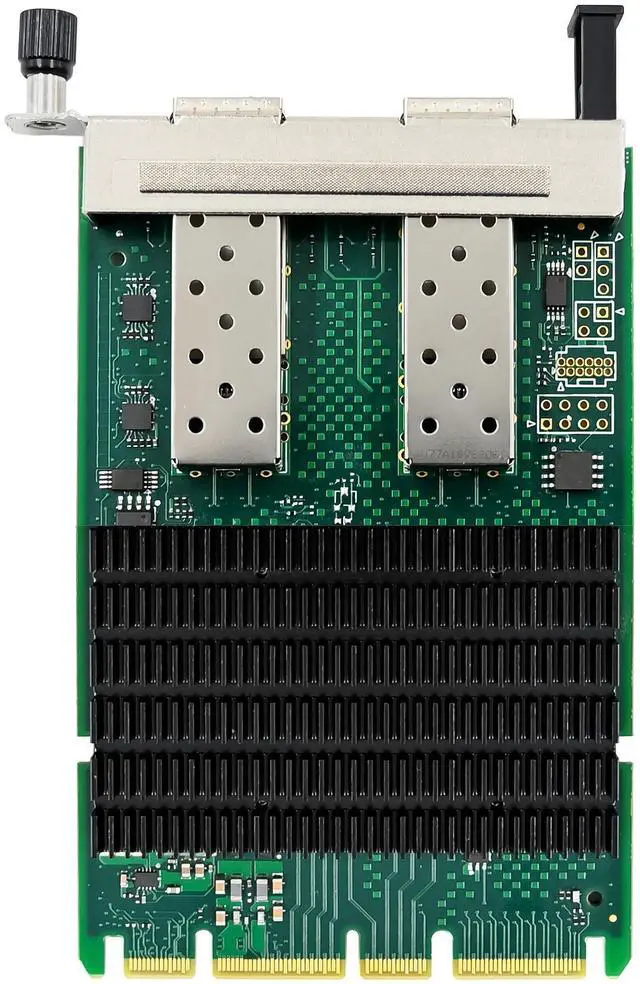
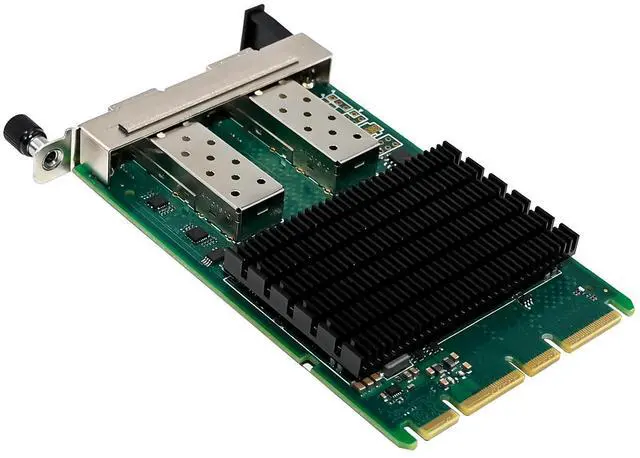
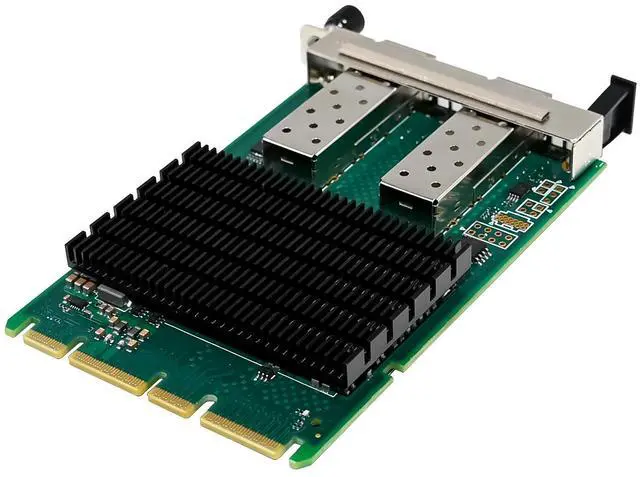
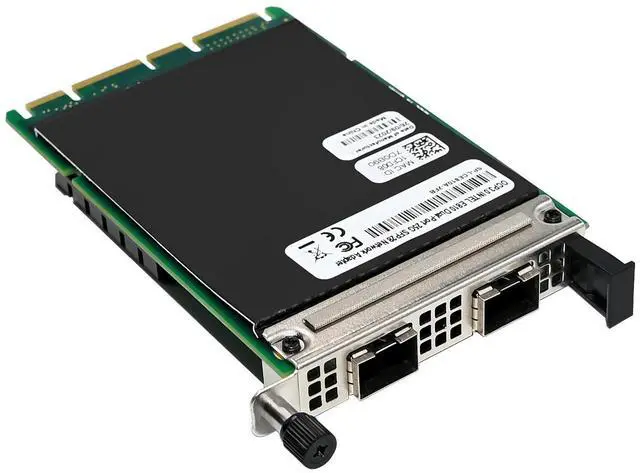
OCP NIC 3.0 Small Form Factor
Compliance with PCI Express 4.0 specification and backward with PCI Express3.0
Bus interface:X8 with PCI Express 4.0
Concurrency for 256 non-posted requests.
Supports multiple port speeds with a single architecture: 25/10/1GbE
Network interface: 25Gb:25GBASE-SR,25GBASE-LR,25GBASE-Cu
10Gb:10GBASE-SR,10GBASE-LR,10GBASE-Cu
1Gb:1GBASE-SR,1GBASE-LR,1GBASE-Cu
Flexible Ethernet Port Configuration with Ethernet Port Configuration tool(EPCT)
Support Virtualization features: 8 Physical functions (PF)
SR-IOV with up to 256 Virtual Functions (VF)
768 Virtual Station interfaces (VSI)
Microsoft VM Queue(VMQ)
VMware NetQueue
Stateless offloads: TCP/UDP segment offload, large segment offload, checksum offload
IEEE1588 Precision Time Protocol Support
RDMA support both iWARP and RoCE v2
Enhanced DPDK for Network Functions Virtualization acceleration, advanced packet forwarding, and highly effective packet processing
Deliver consistent application performance with Application Device Queues
Improve packet processing efficiency with enhanced Dynamic Device Personalization (DDP)
Intel® Ethernet Adaptive Virtual Function (Intel® Ethernet AVF)
Jumbo frame of up to 9728 bytes
Support Operation Systems: Windows 11/server2016/server2019/server2022
Linux: RHEL9.1/8.7, SLES15 PS4, Ubuntu22.04/20.04/Debian11 /FreeBSD13/12.3
Feature tab
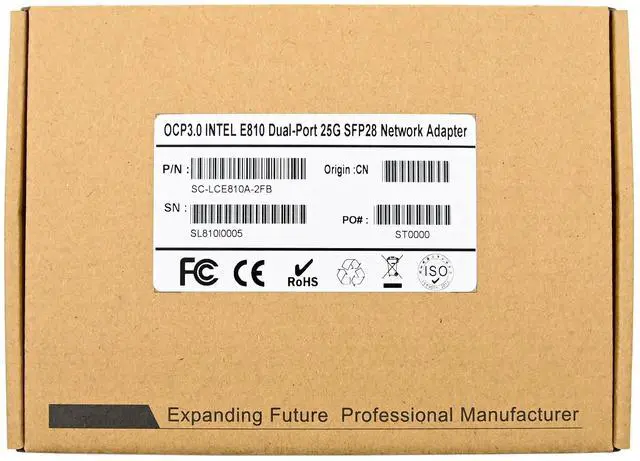
Product Name OCP3.0 Intel E810 Dual-Port 25G Network card
Bus type OCP3.0 SFF with PCIe Gen4.0 (16GT/s) through an x8 edge connector, Gen3 compatible
Controller EYE810XXVAM2
Ethernet Data Rate 1/10/25GbE
Network Connector Type 2-Ports SFP28
Standard comply with the following IEEE 802.3 standards:
25GbE / 10GbE / 1GbE
IEEE 802.3by, Ethernet Consortium 25 Gigabit Ethernet
IEEE 802.3by 25 Gigabit Ethernet
IEEE 802.3ae 10 Gigabit Ethernet
IEEE 802.3ab 1 Gigabit Ethernet
IEEE 802.3ap based auto-negotiation and KR startup
IEEE 802.3ad, 802.1AX Link Aggregation
IEEE 802.1Q, 802.1P VLAN tags and priority
IEEE 802.1Qau (QCN)
Congestion Notification
IEEE 802.1Qaz (ETS)
IEEE 802.1Qbb (PFC)
IEEE 802.1Qbg
IEEE 1588v2
Jumbo frame support (9.7KB)
Protocol Support Ethernet:25GBASE-GAUI,25GBASE-KR,25G-AUIC2C,25G-AUIC2M, 25GBASE-CR1,25GBASE-KR1,10GBASE-KR, 10GSFI,10G-SFP+
1GBASE-KX, SGMII,
Operating Temperature 0 °C to 105 °C (32 °F to 221 °F)
Storage Temperature -40 °C to 115 °C (-40 °F to 239 °F)
Power Consumption MAX 22W
Dimension 76mm x115mm
Supports Operating Systems Windows Client: Windows 11
Windows sever: 2016/2019/2022
Linux: RHEL9.1/8.7, SLES15 PS4, Ubuntu22.04/20.04/Debian11 /FreeBSD13/12.3
Virtualization Features Next-generation VMDq, SR-IOV, VLAN, VxLAN, NVGRE, GENEVE,
Package content
1 x OCP3.0 Intel E810 Dual-Port 25G Ethernet adapter
1 x Users Manual
1 x CD Driver
System Requirements
Windows11, Win server2016/2019/2022
Linux: RHEL9.1/8.7, SLES15 PS4, Ubuntu22.04/20.04/Debian11 /FreeBSD13/12.3
An available OCP3.0 SFF slot
Hardware installation
1. Turn off the computer and unplug the power cord.
2. Remove the adapter slot cover from the OCP3.0 slot that matches your adapter.
3. Push the OCP3.0 adapter card inward along the track of the slot until the bracket is level with the chassis and lock the screws to secure it.
4. Power on the computer
Install Drivers and software
Windows Operating Systems
You must have administrative rights to the operating system to install the drivers.
1.insert the CD driver bound with Intel network driver into your CD-ROM drive (also you can download the latest drivers from support website):
2.if the Found New Hardware Wizard screen is displayed, click Cancel
3.start the autorun located in the software package, the autorun may automatically start after you have extracted files.
4.Click install Drivers and Software
5.Follow the instructions in the install wizard to finish it
Installing Linux Drivers from Source Code
1.Download and expand the base driver tar file.
2.Compile the driver module
3.Install the module using the modprobe command
4.Assign an IP address using the ifconfig command
Support
More information and settings, please refer to the Intel Adapter User Guides or you can contact us.