• $75.99
  • Free 30-day Returns
  • Ships from China.
    Price alert
    Sold by BRIGHTOR
    Top Rated
    4 (1 seller ratings)

    Shipped by BRIGHTOR

    Shop it at NeweggBusiness.

    Meet Your Seller

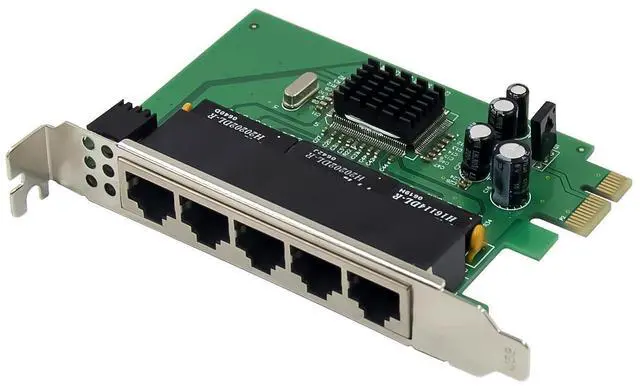
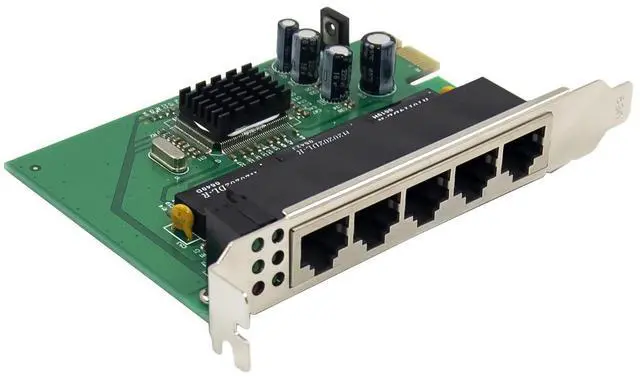
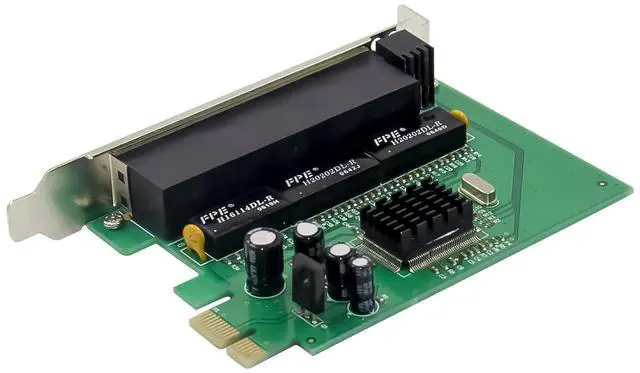
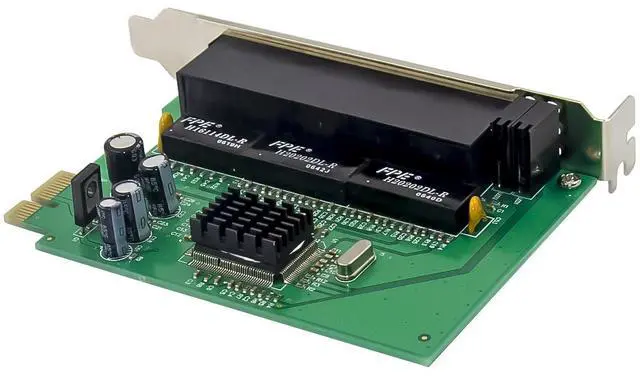
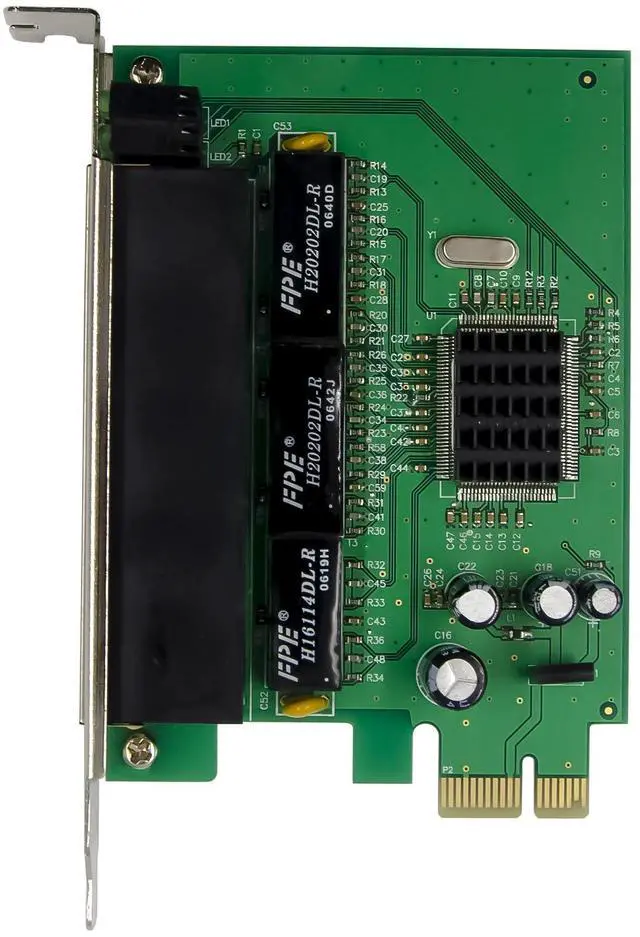
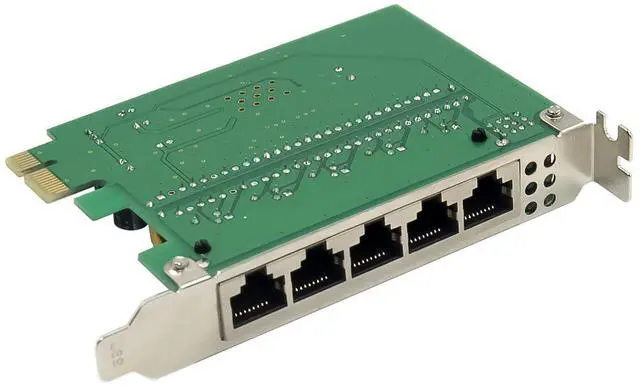
    JVFYI PCIe x1 IC Plus IP175 5-Port netwotk switch adapter

    Limited time offer, ends 01/15 By BRIGHTOR

    • PCIe IPC175C 5-Port 100M Switch card integrated a 5-Port switch controller, and 10/100 Ethernet transceiver, Each of the transceivers complies with the IEEE802.3, IEEE802.3u,and IEEE802.3x specifications, The DSP approach is utilized for designing transceivers with 0.18um technology, they have high noise immunity and robust performance, each port can be configured to auto-negotiation or forced 10M/100M full/half duplex mode.
    +
    +
    Overview
    Specs
    Reviews
    avatar

    Any questions? Our AI beta will help you find out quickly.

    Built in 6 MAC and 5 PHY

    Each port can be configured to be 10Base-T,100Base-T

    2K MACaddress

    384k bits packet buffer memory

    Support auto-polarity for 10Mbps

    Filter/forward reserved address option

    Broadcast storm protection

    Support three MII/RMII Port

    Support tagging & un-tagging

    Support port base VLAN &tag VLAN

    Support CoS

    Support port security option

    Support spanning tree protocol

    Max packet length 1552/1536 bytes

    Support 8-level bandwidth control

    Support Link quality LED for 100Mbps

    Package content

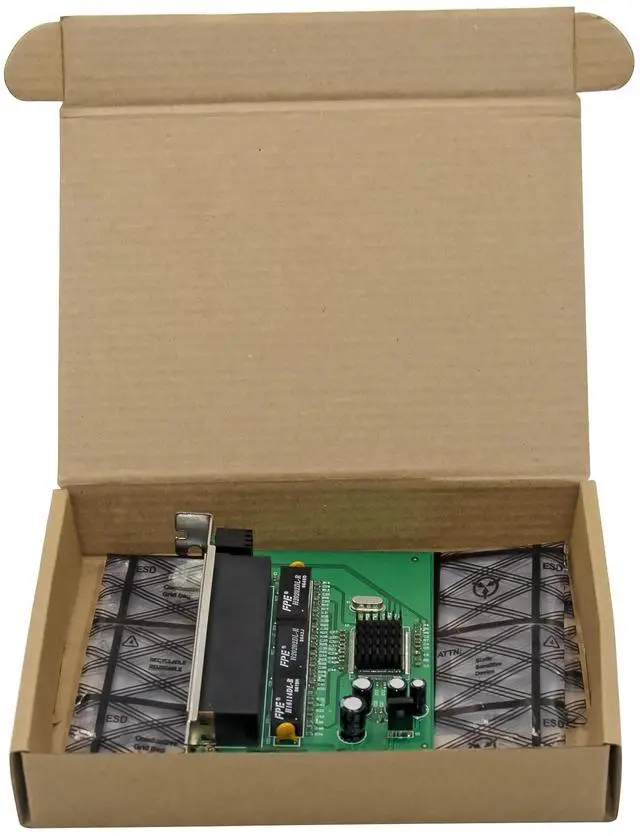
    1 x PCIe IP175C 5-Port Switch card

    1 x Users Manual

    1 x Low profile bracket

    System Requirements

    FreeBSD, Linux , VMWare ESXi, XP/Vista/Win7/ Win-server2012/ Win-server2008/ Win8/Win8.1/Win-server2016/win10

    An available PCI Express x1/x4/x8/x16 slot


    Hardware installation

    1.Turn off the computer and unplug the power cord

    2.Remove the computer cover and the adapter slot cover from the slot that matches your adapter

    3.Insert the adapter edge connector into the slot and secure the bracket to the chassis

    4.Replace the computer cover ,then plug in the power cord

    5.Power on the computer

    Support

    More information and settings, please refer to the Intel Adapter User Guides or you can contact us.

    Warranty & Returns

    Warranty, Returns, And Additional Information

    Warranty

    • Please contact the Seller directly for warranty information. Warranty information may also be found on the Manufacturer's website.
    • CONTACT

    Return Policies

    • Return for refund within: 30 days
    • Return for replacement within: 30 days
    • This item is covered by BRIGHTOR Return Policy

    Manufacturer Contact Info

    LOADING...