

Your Browsing History

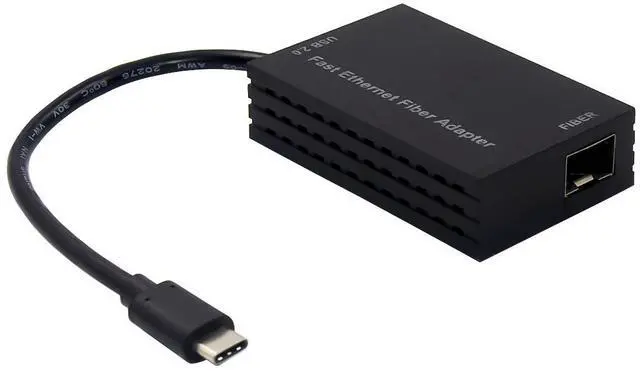
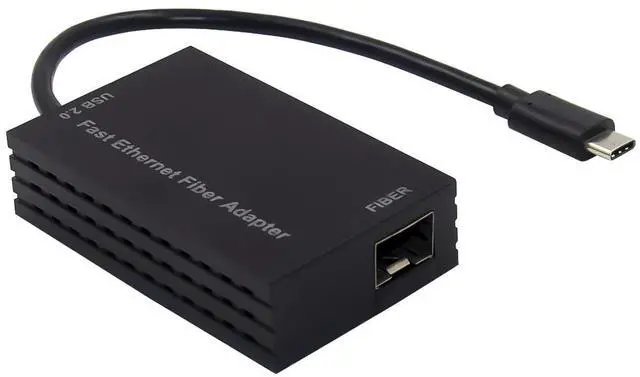
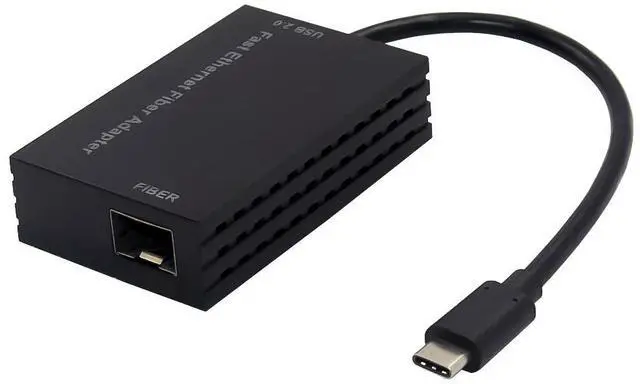
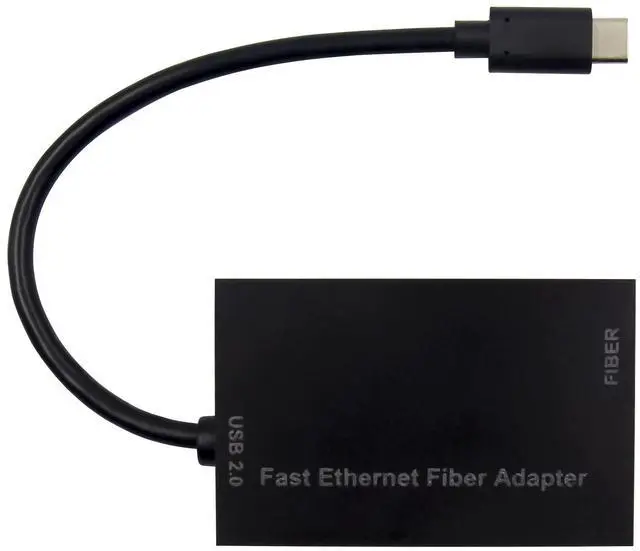



Any questions? Our AI beta will help you find out quickly.
Integrated on-chip USB2.0 transceiver and SIE compliant to USB Spec1.1 and 2.0
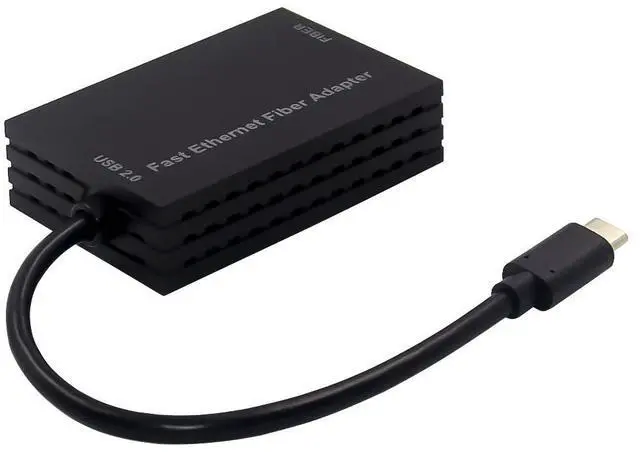
USB interface: USB TYPE-C
Supports USB full and high speed modes with bus-power or self-power capability
Supports Auto Detach power saving, Detach from USB host when Ethernet cable is unplugged
Integrated 10/100Mbps Fast Ethernet MAC/PHY
IEEE802.3100Base-FX compatible
Embedded SRAM for RX/TX packet buffering
Support IPv4/IPv6 packet Checksum Offload Engine(COE)
Supports full duplex operation with IEEE802.3x flow control
Supports 2 VLAN ID filtering received VLAN Tag can be striped off or preserved
PHY loop-back diagnostic capability
Supports Wake-On-LAN function
Supports Protocol offload(ARP&NS )
Supports System OS: Linux, MAC OS, Windows XP/Vista/Win7/Win8/Win8.1/ Win10
Package content
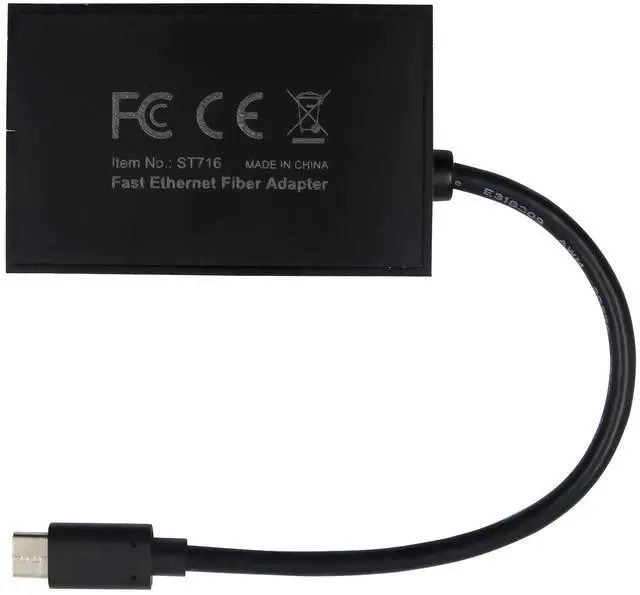
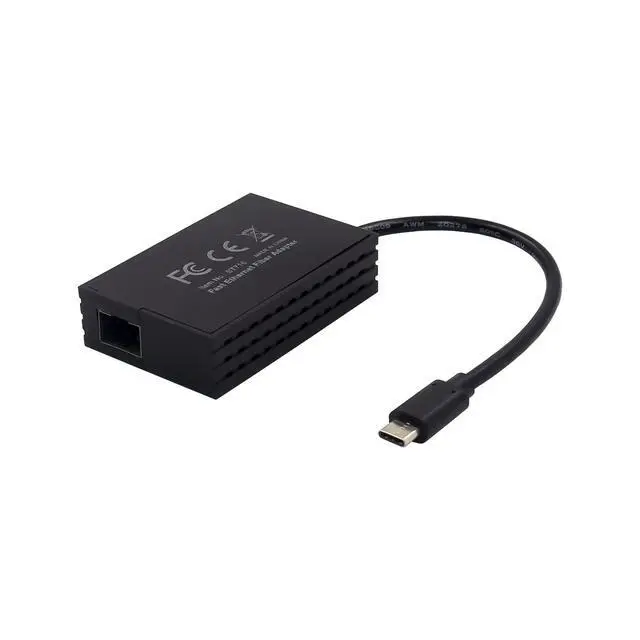
1 x USB-C 100M Fiber Ethernet adapter
1 x Users Manual
1 x CD driver
Accessories
Drivers Installation
1.insert drivers CD bound into your CD-ROM Drive before installing driver .assume D
select the corresponding driver for the system:
1.1 For Windows XP
Type D:\AX88772B.C\WinXP\Setup.exe
1.2 For Windows Vista
Type D:\AX88772B.C\Vista\Setup.exe
1.3 For Windows 7
Type D:\AX88772B.C\Win7\Setup.exe
1.4For Windows 8_8.x
Type D:\ AX88772B,C\WIN8_8.x\Win8.x_Drivers_Setup_v3.0.2.0_WHCK\AX88772C _772B_ 772A_772_Win8.x_v3.16.8.0_Drivers_Setup_v3.0.2.0\Setup.exe
1.5For Windows 10
Type D:\AX88772B,C\Win10\Drivers_Setup\Setup.exe
2.double click the Setup.exe
3.it will pop up screen for installation process, then it will show setup status
4.follow the on-screen instructions to complete the installation.
Verifying Driver
5.Once you have finish the installation of Ethernet adapter, click on the Device Manager tab in system properties, which you access from the Windows Control Panel, you should see one ASIX AX88772C USB2.0 to Fast Ethernet Adapter under Network Adapter item