

Your Browsing History




Any questions? Our AI beta will help you find out quickly.
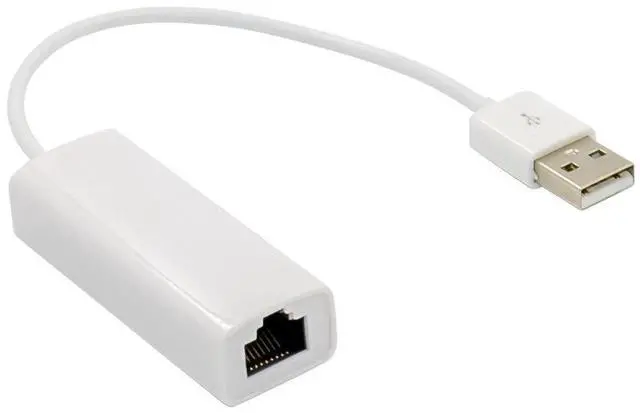
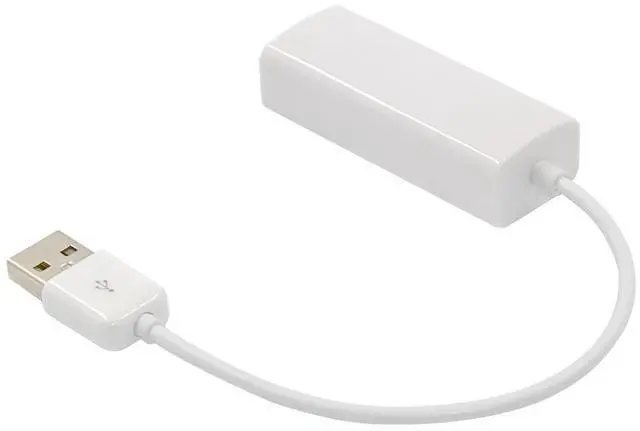
Compliant with the Standard Specification of USB 1.1 and 2.0
* Compliant with IEEE 802.3 (10Base-T) and 802.3u(100Base-TX)
* Support Full Duplex Operation in 10/100 Mbps Modes
* Support USB Full and High Speed modes with bus power capacity
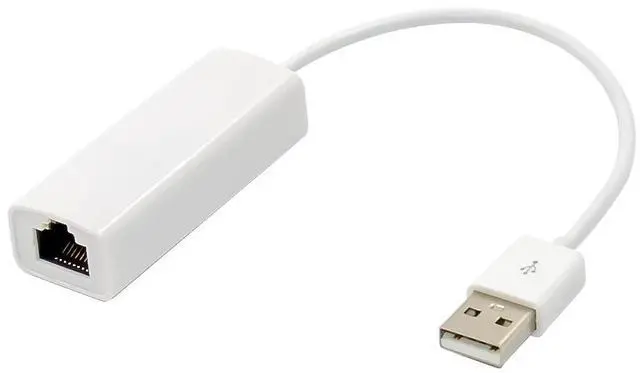
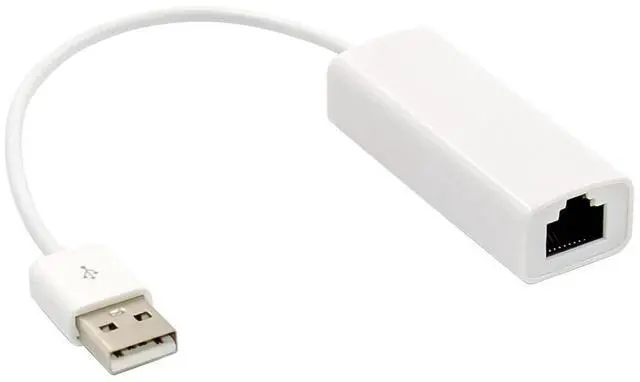
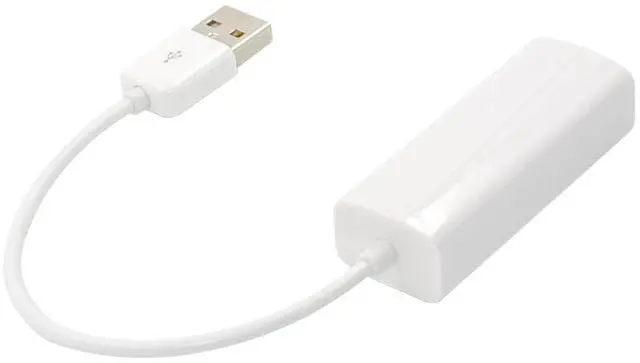
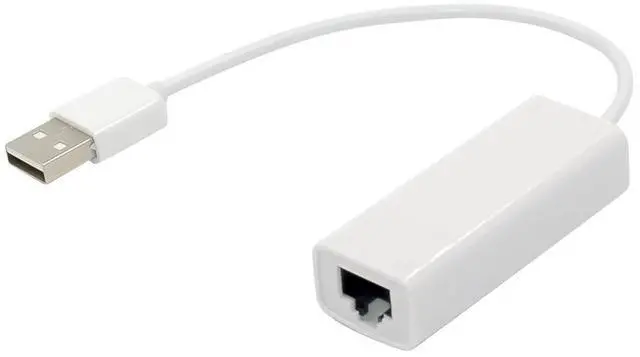
* Upstream port: USB type A
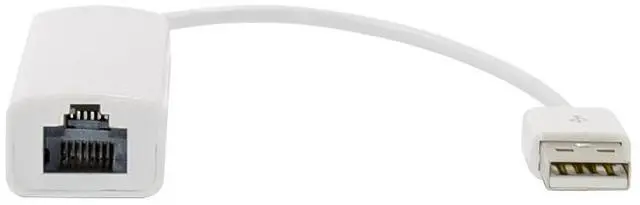
* Downstream port: RJ45
* LEDs indicate the status of Power status and Ethernet connection
* Support Windows® XP/Vista/7 (32/64 bit); Mac OS 10.5 or later
Interface
* USB2.0
Connectors
* 1 x RJ-45
Package content
1x USB2.0 to Ethernet Adapter
1x Driver CD
Accessories
System Requirements
* Windows® XP/Vista/7 (32/64 bit); Mac OS X 10.5 or later
* Available USB port
Hardware Installation
Step 1: Plug the USB 2.0 to Fast Ethernet Adapter directly into an available USB port on your computer
Step 2: Connect one end of your network cable into the RJ45 port of USB 2.0 to Fast Ethernet Adapter
Step 3: Connect the other end of the network cable into an available Ethernet port on your router, switch, or any other networking device.
Drivers Installation
Installing driver for Windows 98,2000. XP 32/64bit server2003 32/64bit vista32/64bit server2008 32/64bit Win7 32/64bit and Win8 32/64bit:
1.For Windows 2000/server 2003/XP Once the USB Adapter is installed , Windows will detect the board and attempt to install driver for it.
2.The Update Device driver Wizard will appear, informing you that it has found AX88772. Click the Cancel button.
3.Insert the provided CD into your disk drive.assume drive D.Brower to the following folder on the driver CD according to your operating system. Please locate and double-click on the D:\Ax88772a/Win2k_3_WinXP\Drivers_Setup/setup.exe file in the CD to launch the install program.
4.Follow the on-screen instructions to complete the software installation,if the driver is installed successfully, you will see the following devices under the System Properties:
5.Following the step to installing these operating systems
Windows 2000/2003/xp
D:\Ax88772a\Win2k_3_WinXP\Drivers_Setup
Windows Vista
D:\Ax88772a\Vista\Drivers_Setup
Windows 7
D:\Ax88772a\Win7\Drivers_Setup
Windows 8
D:\Ax88772a\Win8\Drivers_Setup
Installing Driver for Linux ,WinCE, Mac OS:
Please refer to the installation manual on the driver CD under these operating system folders to installing the driver.