
Your Browsing History





Any questions? Our AI beta will help you find out quickly.
Specification
1-.2-lane PCIe connecting with root port
Automatic detection of lane configuration on boot-up
Supporting transfer rate of 2.5Gb(250MB/s),5Gb(500MB/s) or 8Gb(1GB/s)per lane
PCI Express interface: PCIe X4(2-Lane)
Support L0s/L1/L23/L3 power saving states
Support L1 substate deep power saving mode
AHCI SPEC Rev.1.4
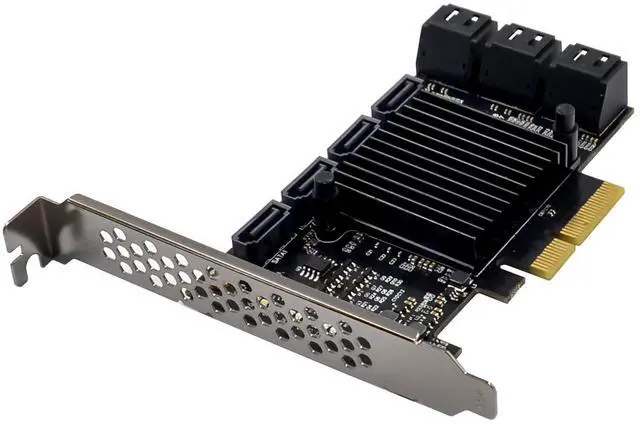
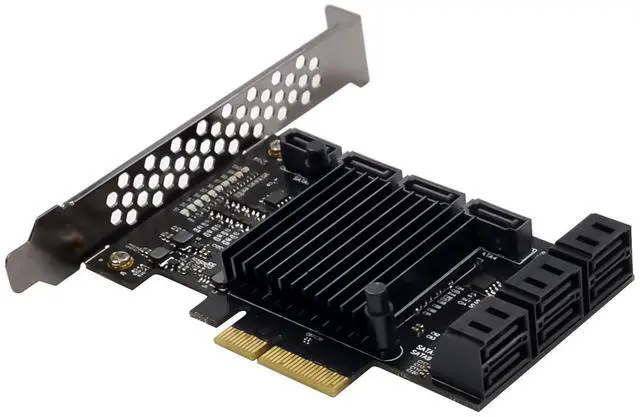
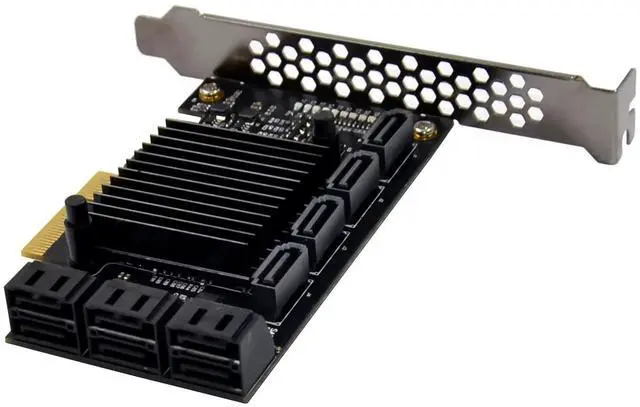
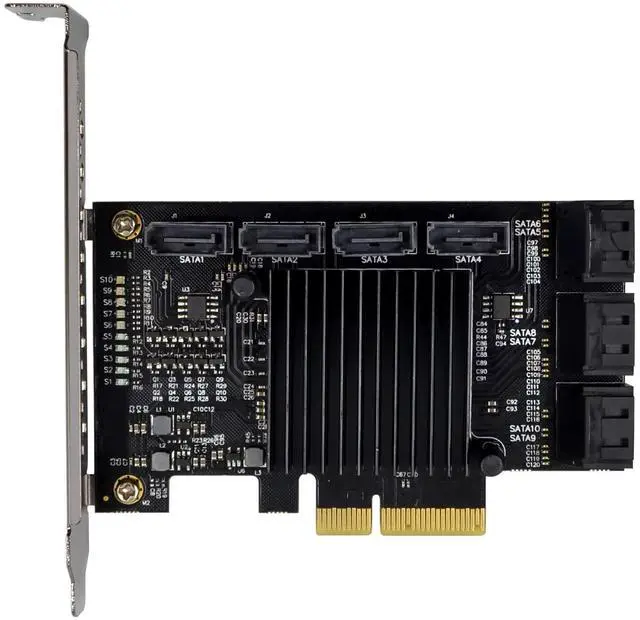
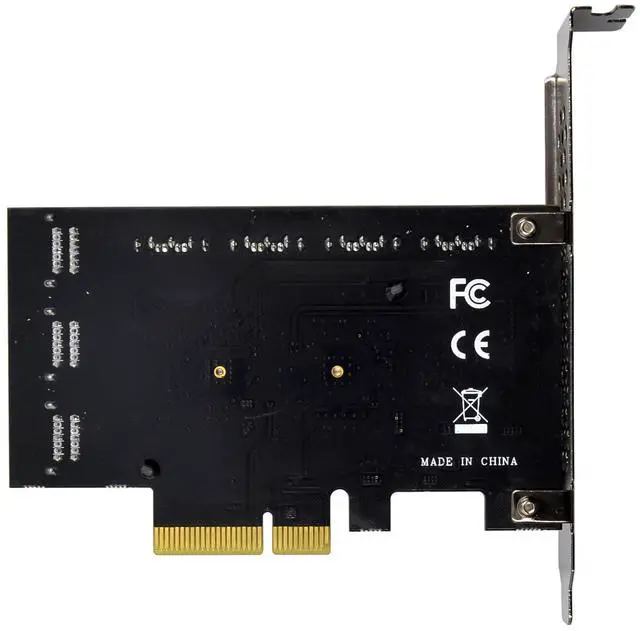
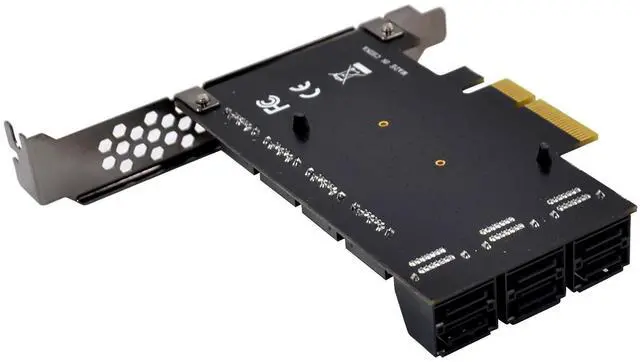
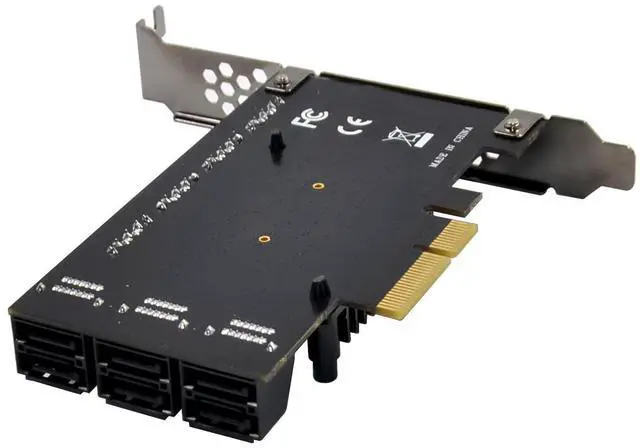
Ten SATA Gen3 ports
Compliant with Serial ATA Specification v3.1
Supports communication speeds of 6Gbps,3Gbps,and 1.5Gbps
On-board with LED read/write indicator
Hot Plug and Hot Swap
Support Native Command Queue(NCQ)
Support Port Multiplier command based switching
Compatible with SATA6G,3G and 1.5G hard drives
Drivers support for Linux , WindowsXP/Server 2003/Vista/Win7/server2008/ Win8/Win8.1/ win10
Package content
1 x PCIe ASM1166 SATAIII 10-Channel Expansion card
1 x Users Manual
1 x CD Driver
1 x Low profile bracket
Accessories
System Requirements
Linux , Windows Server 2003/Vista/Win7/server2008/ Win8/Win8.1/Server2012 R2/ win10 32 or 64bit
One available PCI Express x4/x8/x16 slot
Hardware installation
1.Turn off the computer and unplug the power cord
2.Remove the computer cover and the card slot cover from the slot that matches your adapter
3.Insert the card edge connector into the slot and secure the bracket to the chassis
4.Replace the computer cover ,then plug in the power cord
5.Power on the computer
Install Drivers and software
Windows Operating Systems
You must have administrative rights to the operating system to install the drivers.
1.insert the CD driver bound with PCIe ASM1166 SATAIII 10-Channel expansion card driver into your CD-ROM drive:
2.if the Found New Hardware Wizard screen is displayed, click Cancel
3.locate the folder where the driver is located
4.double click setup.exe to run install program.
5.Follow the instructions in the install wizard to complete the driver installation.
Support
More information and settings, please refer to the Adapter User Guides or you can contact us.