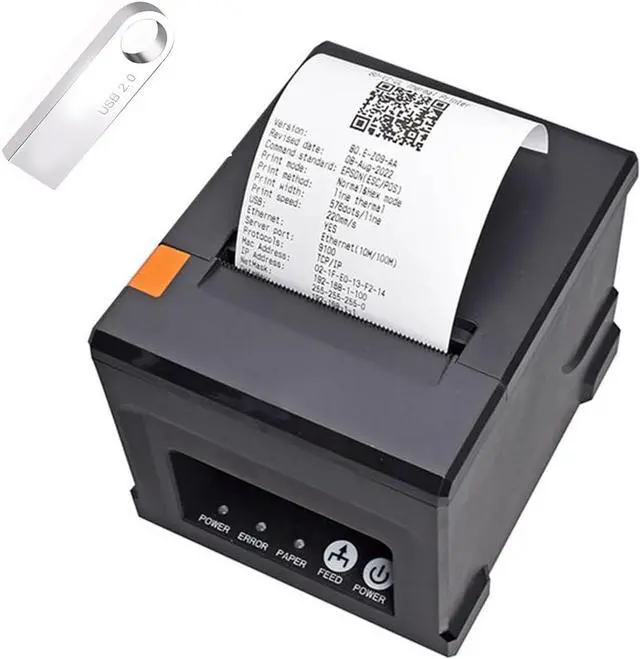
Printing Method: Thermal Printer
Printing Width: 72mm
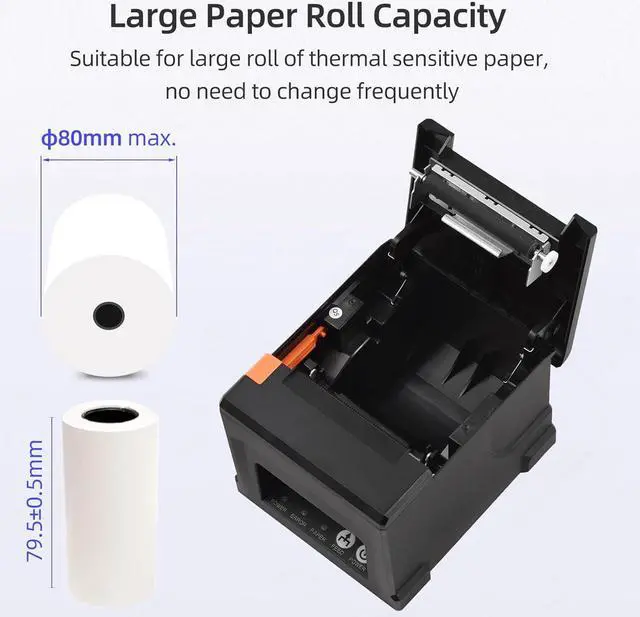
Printing paper: 79.5±0.5mm×80mm
Column Number: 80mm paper: Font A - 42 columns or 48 columns/Font B - 56 columns or 64 columns/Chinese,traditional Chinese - 21 columns or 24 columns
Character Size: ANKFont A1.5×3.0mm12×24 dots Font B1.1×2.1mm 9×17 dots Chinese,tradition
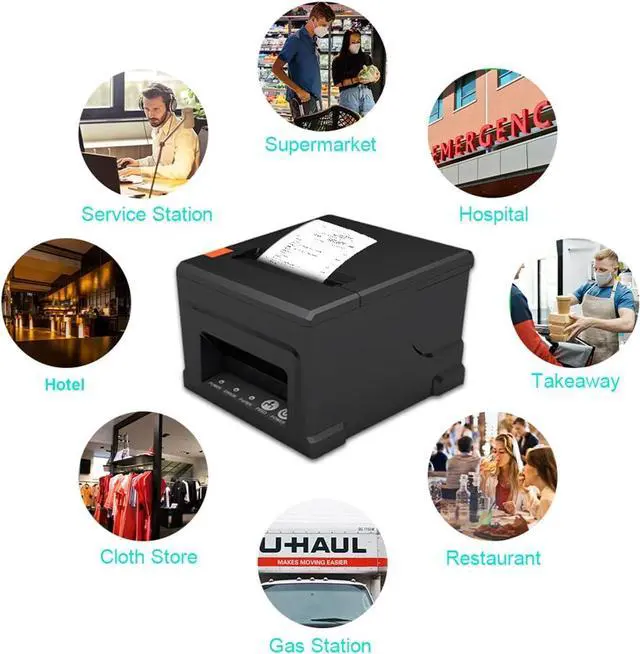
Application: Restaurants, Department Stores, Kitchen, Convenience Stores, Specialty Retail, Supermarket
Paper printing that supports these sizes Paper: 48mm/52mm/56mm/64mm/68mm/76mm/80mm ----------------------------------------------------------------------- Thermal Paper Size: Thermal Paper(57x30mm) Thermal Paper(57x50mm) Thermal Paper(80x30mm) Thermal Paper(80x50mm)
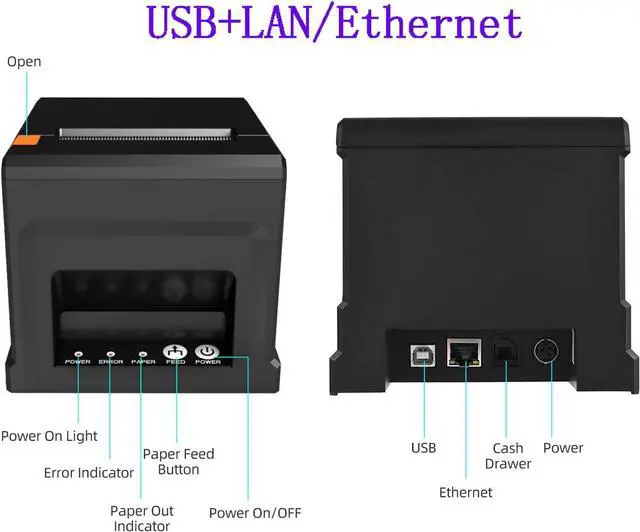
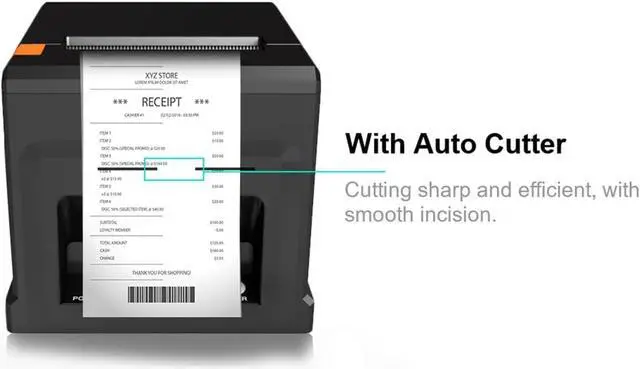
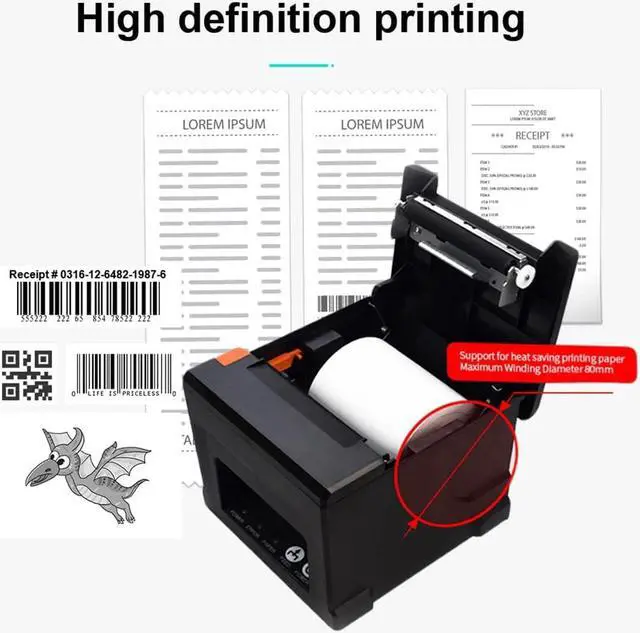
Specifications Print Method Direct Line Thermal Interfaces USB / LAN / Bluetooth (optional) Print Comand ESC / POS command Print Speed 220mm/s Resolution 203DPI (8dot/mm) TPH Reliability 100km Auto Cutter Partial Cutter Life 1.5 million cuts Logo support downloading and printing logo Line Spacing 3.75mm (Adjustable by commands) "Extension Character Sheet" PC437Standard EuropeKatakanaPC850MultilingualPC860PortuguesePC863CanadianPC865NordicWest EuropeGreekHebrewEast EuropeIranWPC1252PC866Cyrillic#2PC852Latin2PC858IranIILatvianArabicThaiPT1511251 Character Size ANKFont A1.5×3.0mm12×24 dots Font B1.1×2.1mm9×17 dots Chinese, Traditional Chinese:3.0×3.0mm24×24 dots Supported Code: "1D: UPC-A / UPC-E / JAN13 (EAN13) / JAN8 (EAN8) / CODE39 / ITF / CODABAR / CODE93 / CODE128 2D: QR CODE,PDF417"
Input Buffer 2048K bytes NV Flash 256K bytes Driver Win2003 / WinXP / Win7 / WIN8 / WIN10 / Linux ; Support IOS / Android Power InputAC 110V/220V, 5060Hz ; OutputDC 24V/2.5A
How to install printer driver?
1. Insert power cable into thermal printer. 2. Connect the printer with windows PC via USB cable. 3. Place thermal paper into printer. 4. Install printer driver by following the User Manual along with package.
printer size
FAQ:
Question: Will this printer print sticker labels?
Answer: No, this is thermal receipt printer, It cannot print sticker lables.
Question: Where I can download the printer driver?
Answer: driver is in the CD that in the box and U disk in package
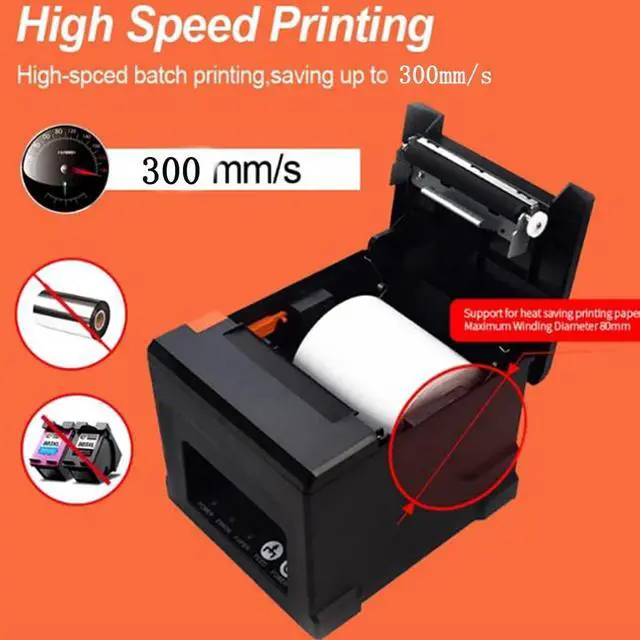
widely used in different scenes widely used in different scenes FAQ FAQ 220MM/S printing speed 220MM/S printing speed Max PAPER Diameter 80mm Max PAPER Diameter 80mm smart 80mm thermal printer smart 80mm thermal printerv printer size printer size fit for many scenes