• $77.99
  • Free 30-day Returns
  • Price alert
    Shop it at NeweggBusiness.

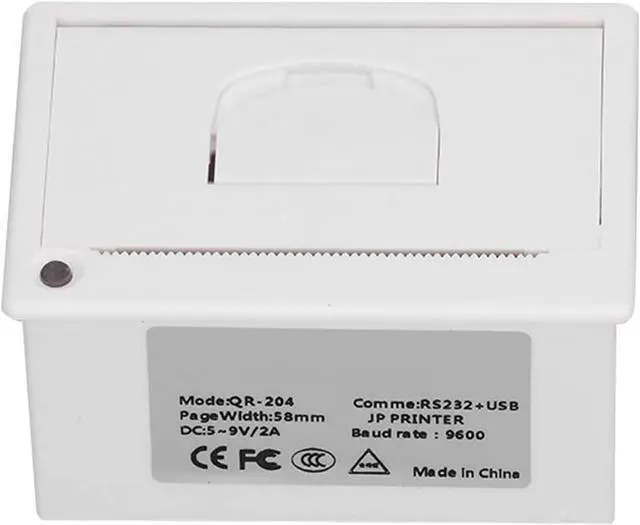
    flexman 58mm Embedded Thermal Printer, USB RS2 Interface Line Type Printing Machine for Print Text, Images, barcodes, QR Codes

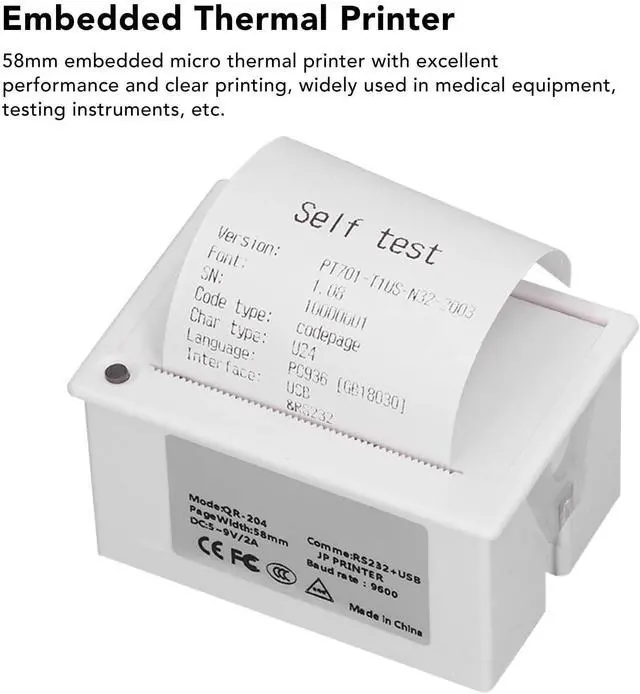
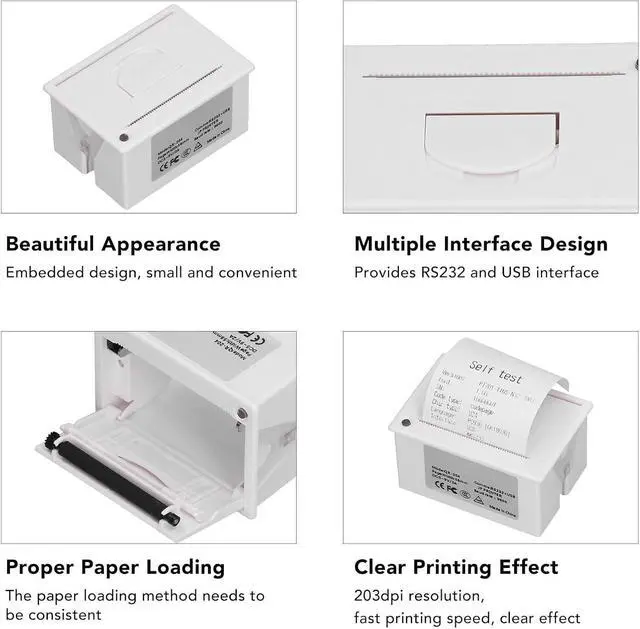
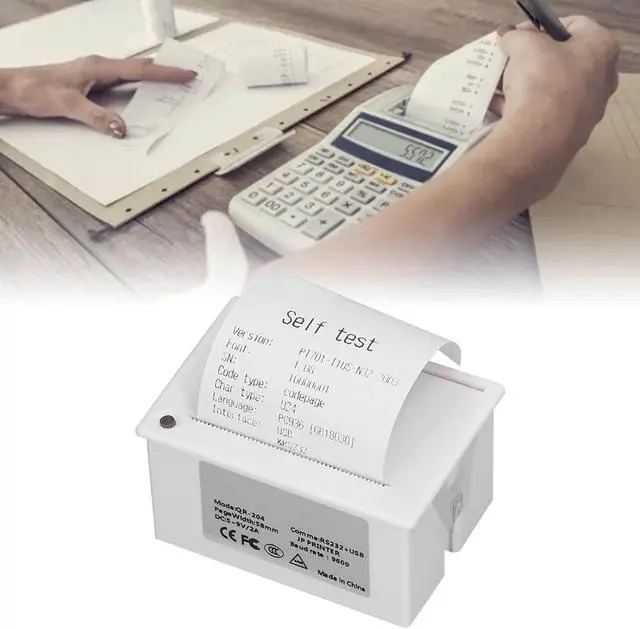
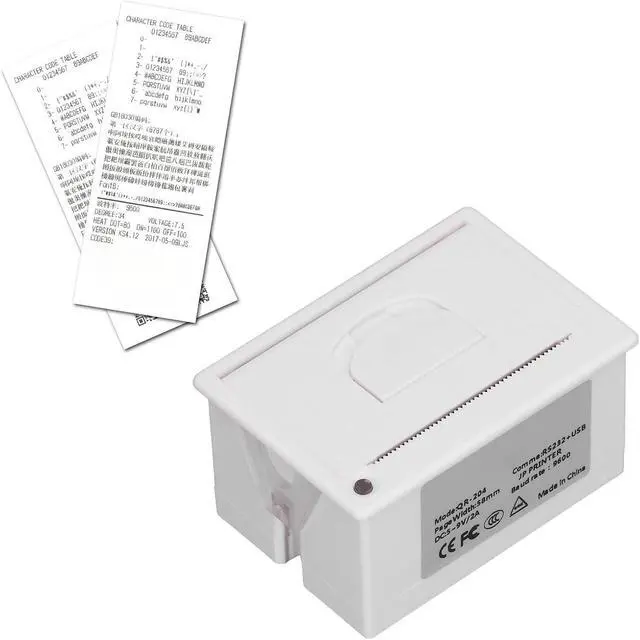
    • SPECIFICATIONS: 58mm embedded micro thermal printer with excellent performance and clear printing, widely used in medical equipment, testing instruments, etc.
    • GOOD COMPATIBILITY: This thermal printer can be connected to MCU, for Android, for Linux, for Windows system, making it easy to print text, images, barcodes, QR codes, etc.
    • INTERFACE TYPE: This thermal printer provides RS2 TTL and USB interface, defaults to RS2, and provides a set of electrical adjustment and POS printing instructions.
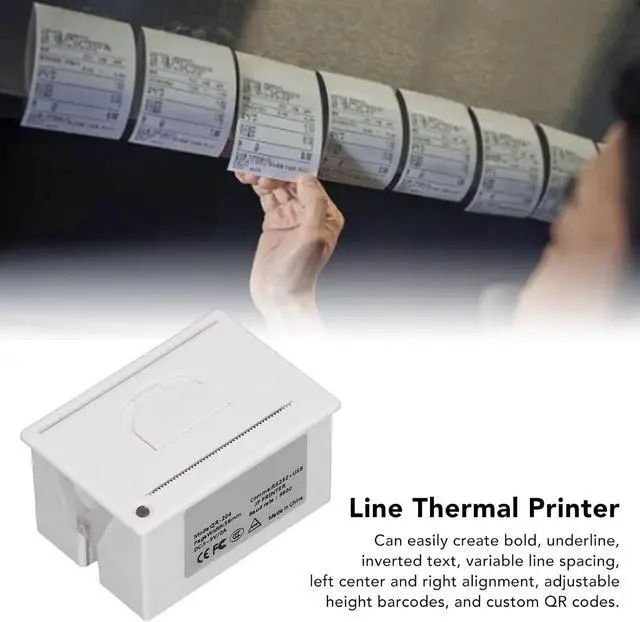
    • MULTIPLE USAGES: Can easily create bold, underline, inverted text, variable line spacing, left center and right alignment, adjustable height barcodes, and custom QR codes.
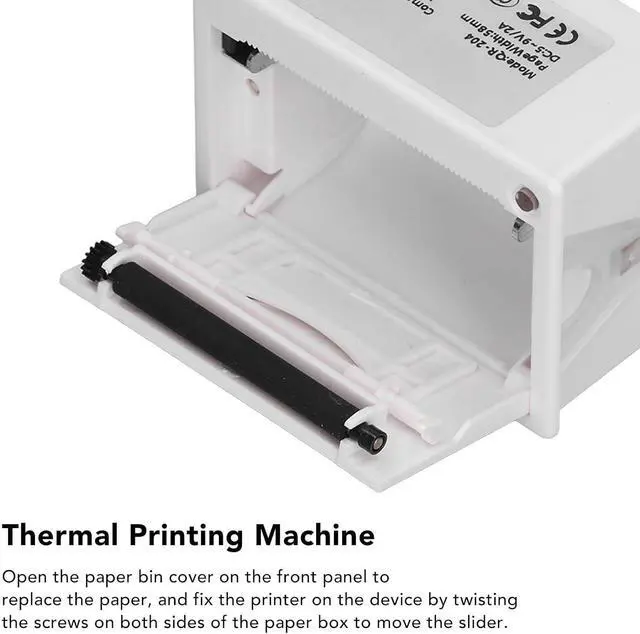
    • EASY OPERATION: Open the paper bin cover on the front panel to replace the paper, and fix the printer on the device by twisting the screws on both sides of the paper box to move the slider.

    +
    +
    Overview
    Reviews
    avatar

    Any questions? Our AI beta will help you find out quickly.

    SPECIFICATIONS: 58mm embedded micro thermal printer with excellent performance and clear printing, widely used in medical equipment, testing instruments, etc.
    GOOD COMPATIBILITY: This thermal printer can be connected to MCU, for Android, for Linux, for Windows system, making it easy to print text, images, barcodes, QR codes, etc.
    INTERFACE TYPE: This thermal printer provides RS2 TTL and USB interface, defaults to RS2, and provides a set of electrical adjustment and POS printing instructions.
    MULTIPLE USAGES: Can easily create bold, underline, inverted text, variable line spacing, left center and right alignment, adjustable height barcodes, and custom QR codes.
    EASY OPERATION: Open the paper bin cover on the front panel to replace the paper, and fix the printer on the device by twisting the screws on both sides of the paper box to move the slider.


    Warranty & Returns

    Warranty, Returns, And Additional Information

    Warranty

    • Please contact the Seller directly for warranty information. Warranty information may also be found on the Manufacturer's website.
    • CONTACT

    Return Policies

    Manufacturer Contact Info

    LOADING...