here!
here!
I’m your shopping assistant for PC builds, upgrades, and everything tech.
Got questions? Ask away!
Start a conversation
here!
I’m your shopping assistant for PC builds, upgrades, and everything tech.
Got questions? Ask away!
Start a conversation
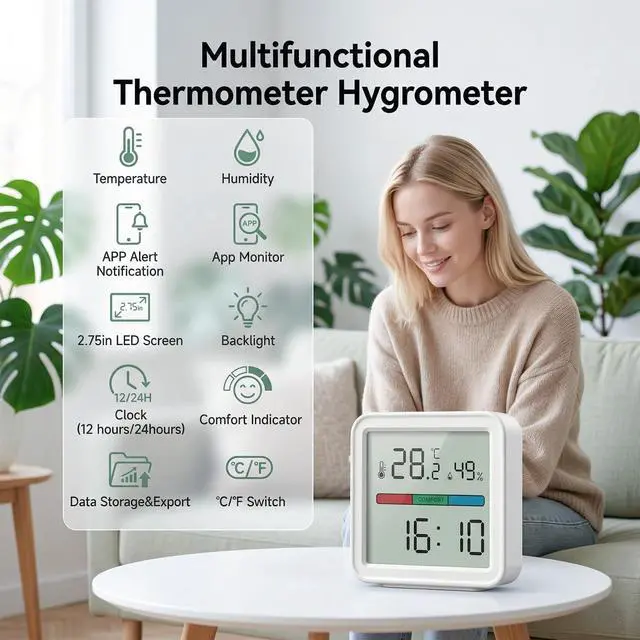
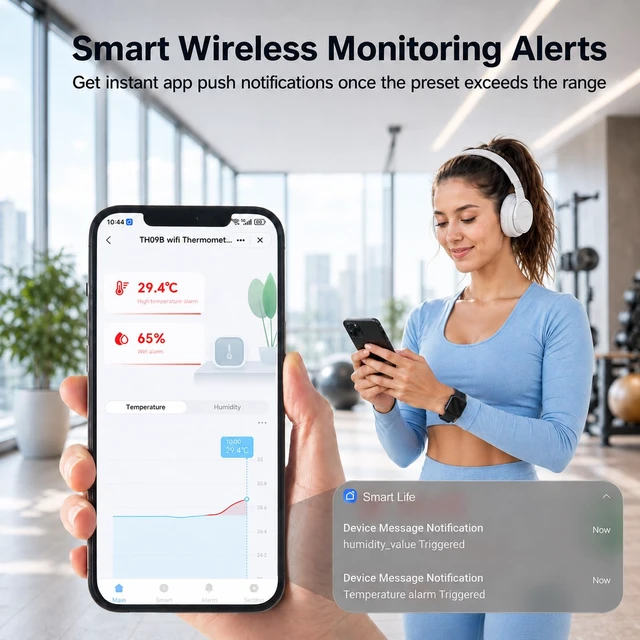
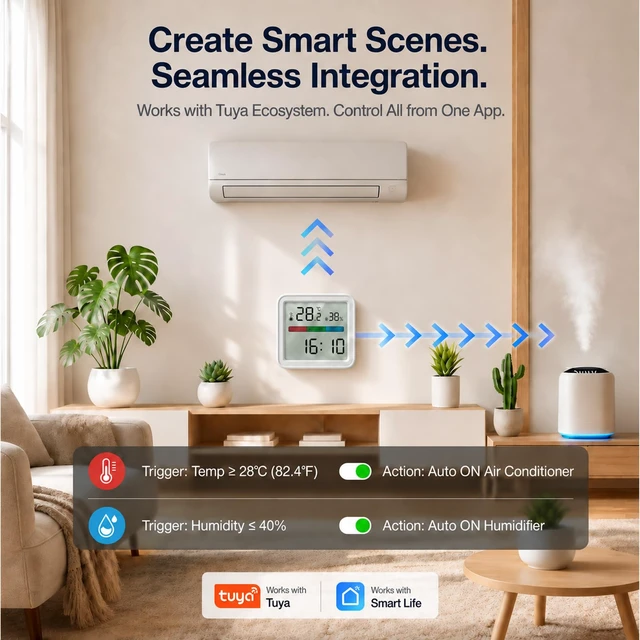
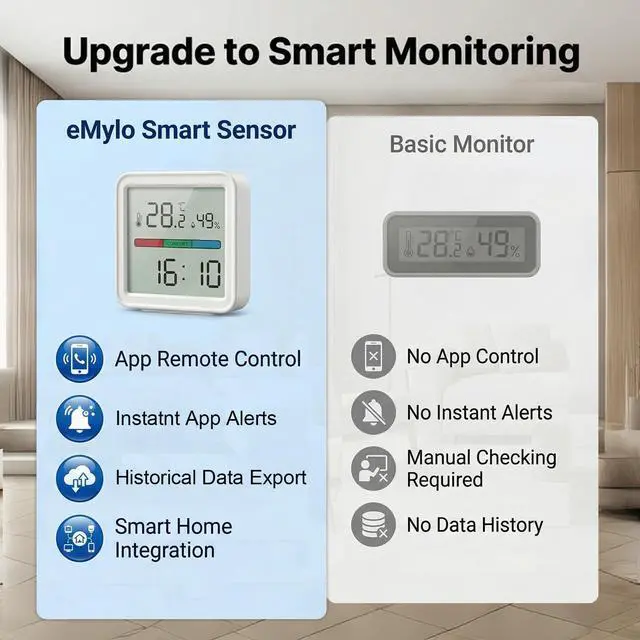
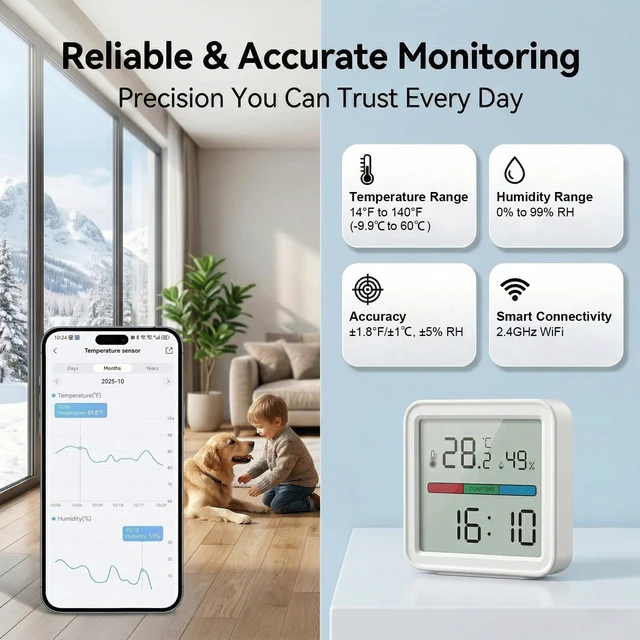




Any questions? Ask CelesteSM will help you find out quickly.
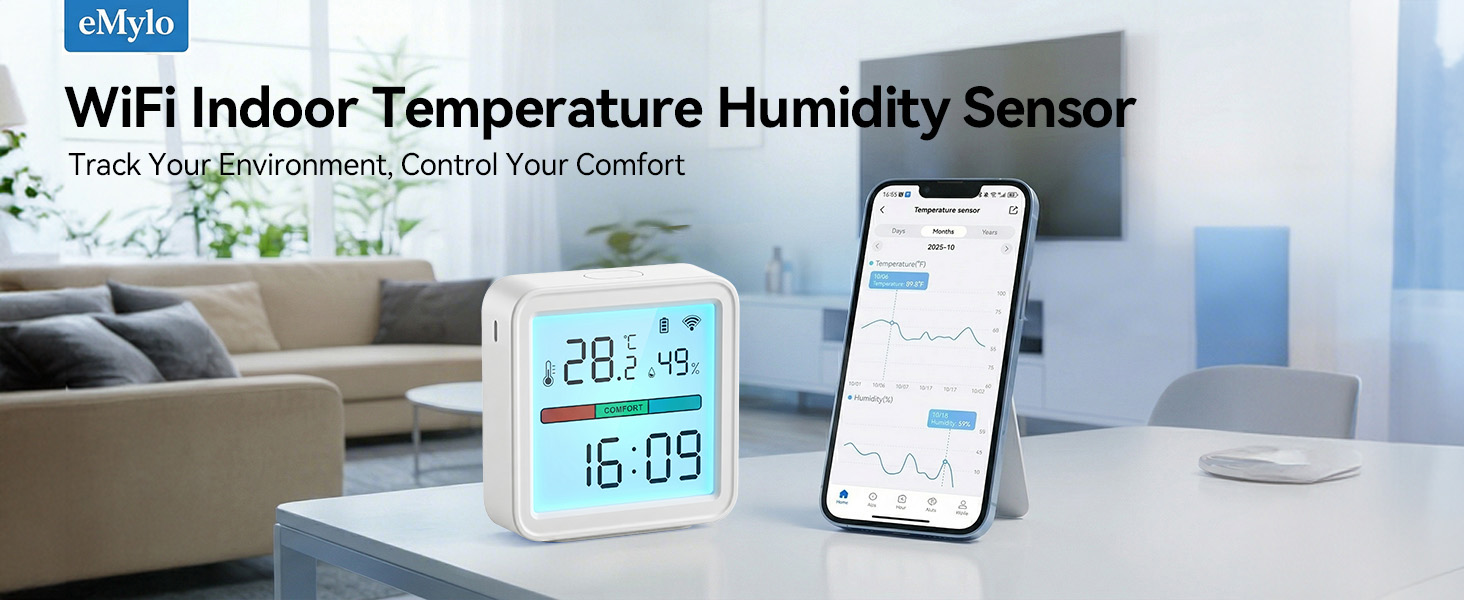
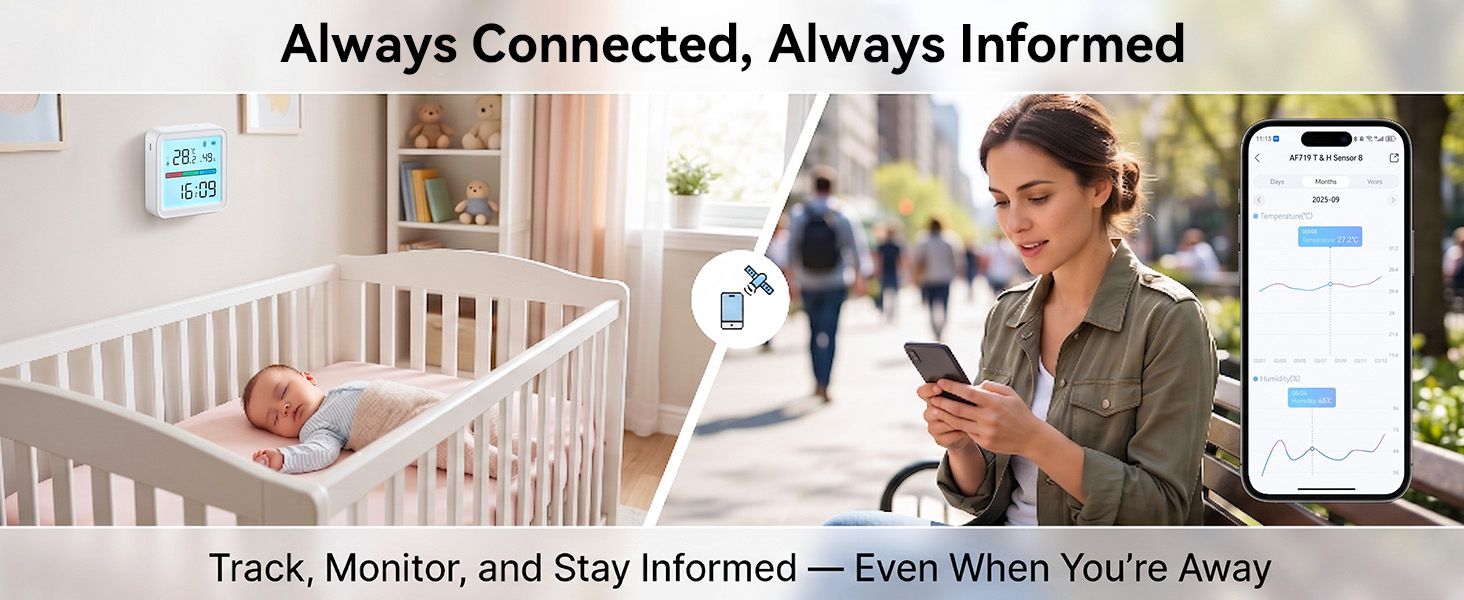
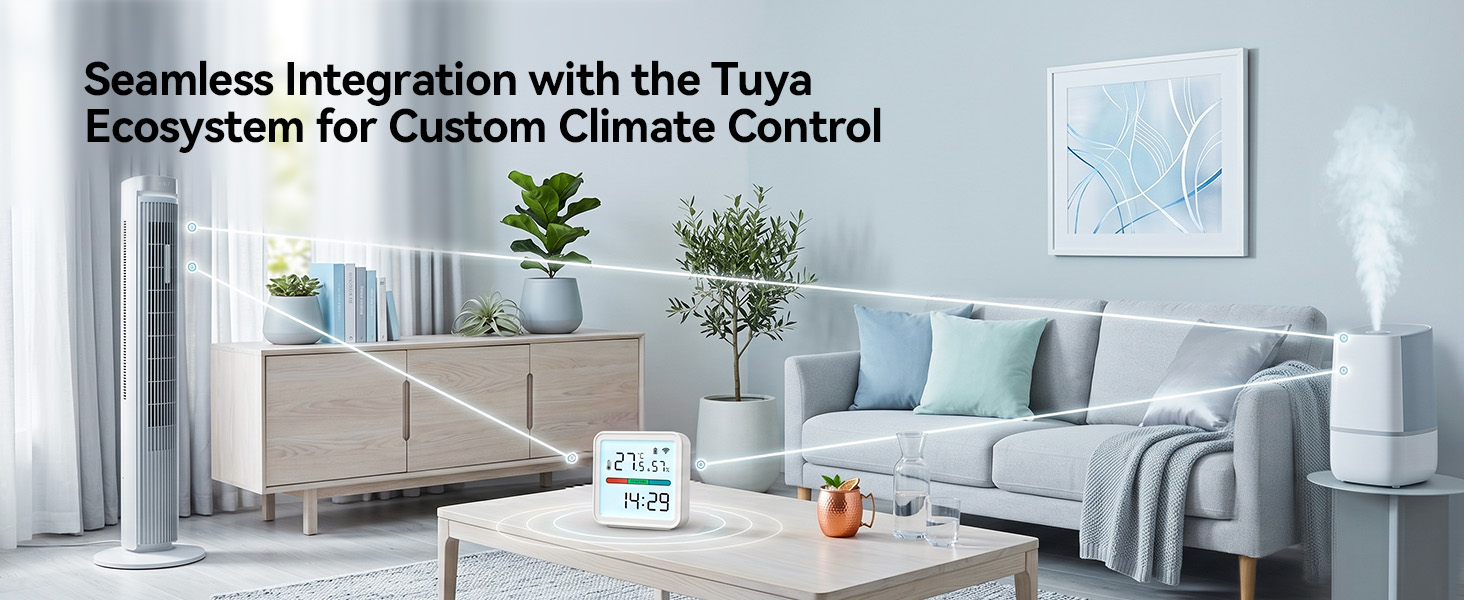

Why can't the thermometer connect to Wi-Fi?
a.Use a 2.4 GHz Wi-Fi network, as 5 GHz is not supported.
b.Make sure the Wi-Fi name and password contain only letters and numbers.
c.Keep the thermometer within 10 m / 32.8 ft of the router with minimal obstructions.
Why does the device frequently lose Wi-Fi connection?
a.Make sure the distance between the device and the router is less than 10m/32.8ft.
b.Keep as few obstructions as possible between the device and the router.
c.Check whether the battery is running low.
Why is the reading inaccurate?
After unboxing or moving the device, temporary reading differences are normal. Please allow about 1 hour for the device to acclimate to the surrounding environment before comparing the readings.
The values on the display screen are different from the values shown in the app?
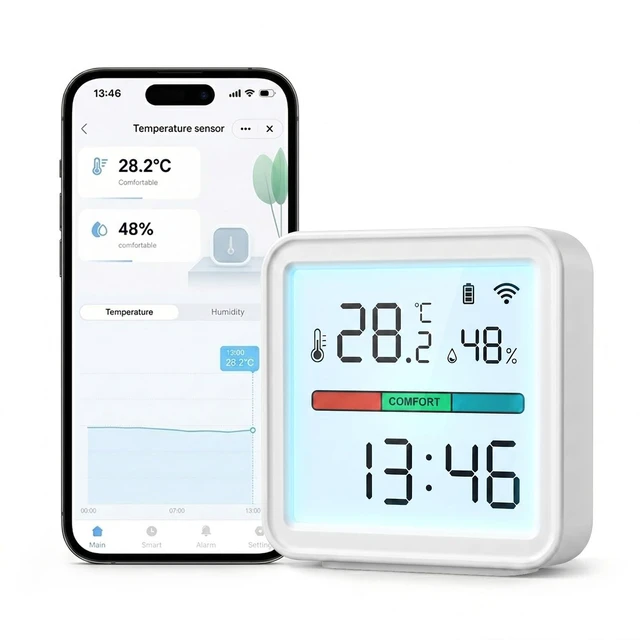
The display updates every 10 seconds, while the app updates only when temperature changes by =±0.5°C or humidity by =±5%, or once per hour. Slight differences are normal.
Why do the readings update slowly?
This sensor is designed for stable monitoring and long battery life. After setup, allow about 30 minutes for readings to stabilize. It reports when temperature changes by =±0.5°C or humidity by =±5%, or once per hour.
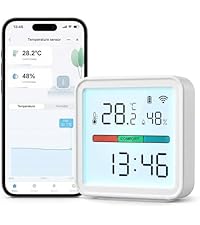 WiFi Thermometer | 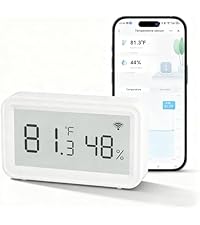 WiFi Digital Thermometer |  Digital WiFi Thermometer | 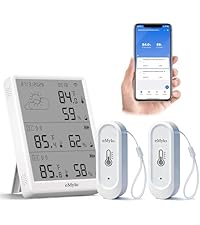 WiFi Temp&Humidity Sensor |  WiFi Temp&Humidity Sensor | 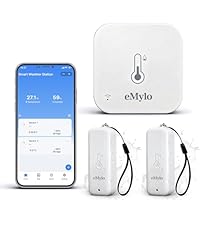 In-outdoor Thermometer | 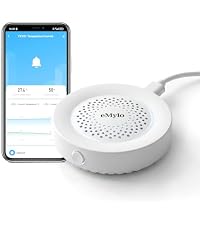 WiFi Thermometer Alarm | |
|---|---|---|---|---|---|---|---|
Customer Reviews | — | — | — | — | — | — | — |
Price | — | — | — | — | — | — | — |
Special Feature | Large LED Display with Backlit | LED Display | Large LED Display with Backlit | LED Display & IP65 Waterproof | LED Display & IP65 Waterproof | IP65 Waterproof | 100dB Local Siren & App Alert |
Accuracy | ±1°C/1.8°F, ±5%RH | ±1°C/1.8°F, ±5%RH | ±1°C/1.8°F, ±5%RH | ±0.3°C/0.54°F, ±3%RH | ±0.5°C/0.9°F, ±5%RH | ±0.5°C/0.9°F, ±5%RH | ±1°C/1.8°F, ±5%RH |
WIFI | 2.4GHz | 2.4GHz | 2.4GHz | 2.4GHz | 2.4GHz | 2.4GHz | 2.4GHz |
Alarm Mode | App Alert | App Alert | App Alert | App Alert | App Alert | App Alert | 100dB Local Siren & App Alert |
Power Source | 3*AAA (Included) | 2*AAA (Included) | 3*AAA (Included) | USB&AAA Battery(not Included) | USB & 6*AAA Battery(Included) | USB & 4*AAA Battery(Included) | USB Type-C (Included) |
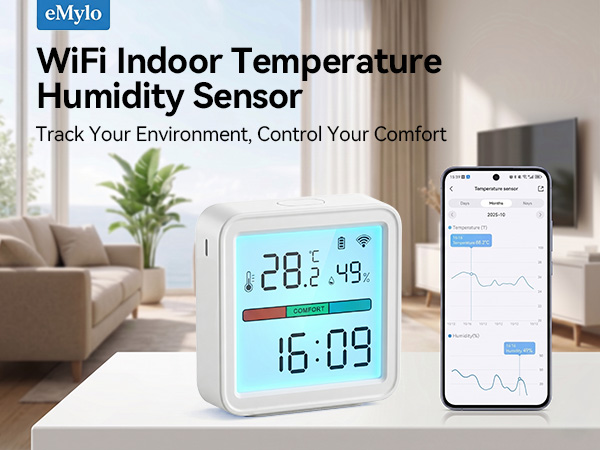
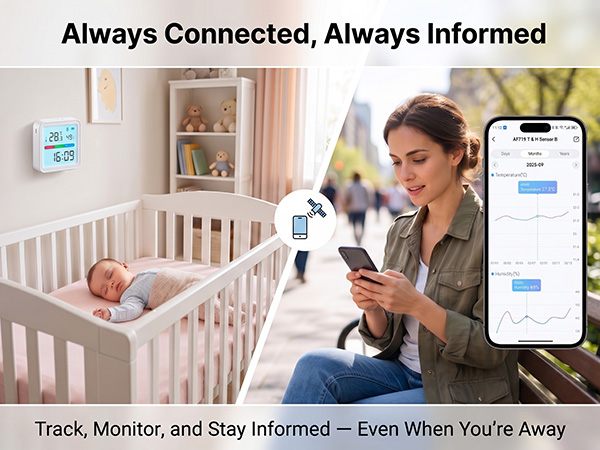

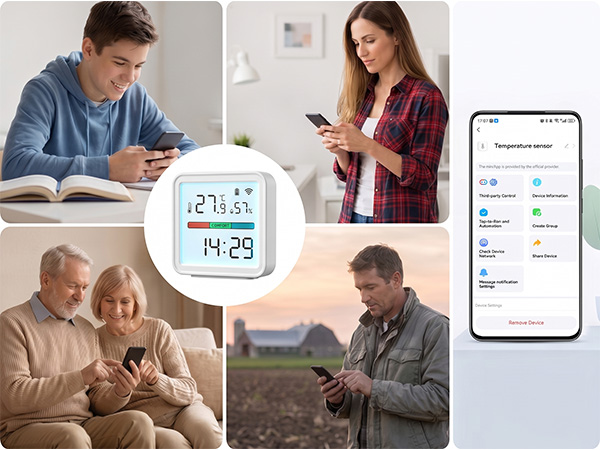
Create a smart home together with your family member by using a same account through our app.



Why can't the thermometer connect to Wi-Fi?
a.Use a 2.4 GHz Wi-Fi network, as 5 GHz is not supported.
b.Make sure the Wi-Fi name and password contain only letters and numbers.
c.Keep the thermometer within 10 m / 32.8 ft of the router with minimal obstructions.
Why does the device frequently lose Wi-Fi connection?
a.Make sure the distance between the device and the router is less than 10m/32.8ft.
b.Keep as few obstructions as possible between the device and the router.
c.Check whether the battery is running low.
Why is the reading inaccurate?
After unboxing or moving the device, temporary reading differences are normal. Please allow about 1 hour for the device to acclimate to the surrounding environment before comparing the readings.
The values on the display screen are different from the values shown in the app?
The display updates every 10 seconds, while the app updates only when temperature changes by =±0.5°C or humidity by =±5%, or once per hour. Slight differences are normal.
Why do the readings update slowly?
This sensor is designed for stable monitoring and long battery life. After setup, allow about 30 minutes for readings to stabilize. It reports when temperature changes by =±0.5°C or humidity by =±5%, or once per hour.
 WiFi Thermometer |  WiFi Digital Thermometer | Digital WiFi Thermometer | 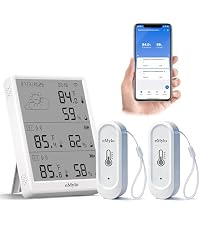 WiFi Temp&Humidity Sensor | 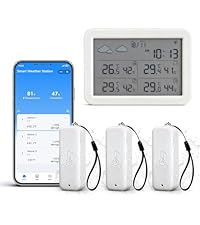 WiFi Temp&Humidity Sensor | In-outdoor Thermometer |  WiFi Thermometer Alarm |
|---|---|---|---|---|---|---|
| Customer Reviews | ||||||
| — | — | — | — | — | — | — |
| Price | ||||||
| — | — | — | — | — | — | — |
| Special Feature | ||||||
| Large LED Display with Backlit | LED Display | Large LED Display with Backlit | LED Display & IP65 Waterproof | LED Display & IP65 Waterproof | IP65 Waterproof | 100dB Local Siren & App Alert |
| Accuracy | ||||||
| ±1°C/1.8°F, ±5%RH | ±1°C/1.8°F, ±5%RH | ±1°C/1.8°F, ±5%RH | ±0.3°C/0.54°F, ±3%RH | ±0.5°C/0.9°F, ±5%RH | ±0.5°C/0.9°F, ±5%RH | ±1°C/1.8°F, ±5%RH |
| WIFI | ||||||
| 2.4GHz | 2.4GHz | 2.4GHz | 2.4GHz | 2.4GHz | 2.4GHz | 2.4GHz |
| Alarm Mode | ||||||
| App Alert | App Alert | App Alert | App Alert | App Alert | App Alert | 100dB Local Siren & App Alert |
| Power Source | ||||||
| 3*AAA (Included) | 2*AAA (Included) | 3*AAA (Included) | USB&AAA Battery(not Included) | USB & 6*AAA Battery(Included) | USB & 4*AAA Battery(Included) | USB Type-C (Included) |