• $39.99
  • Shipped by Zexinoujayoshop

    Price alert
    Shop it at NeweggBusiness.

    Meet Your Seller

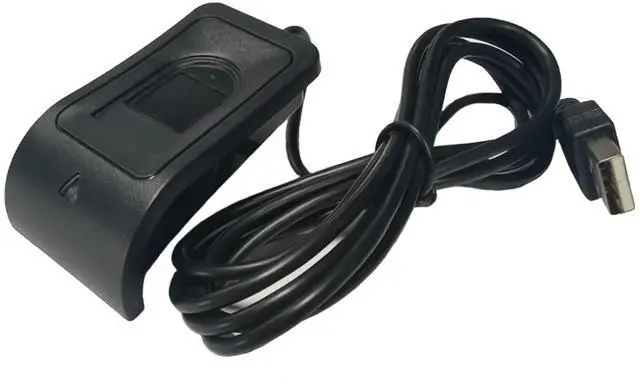
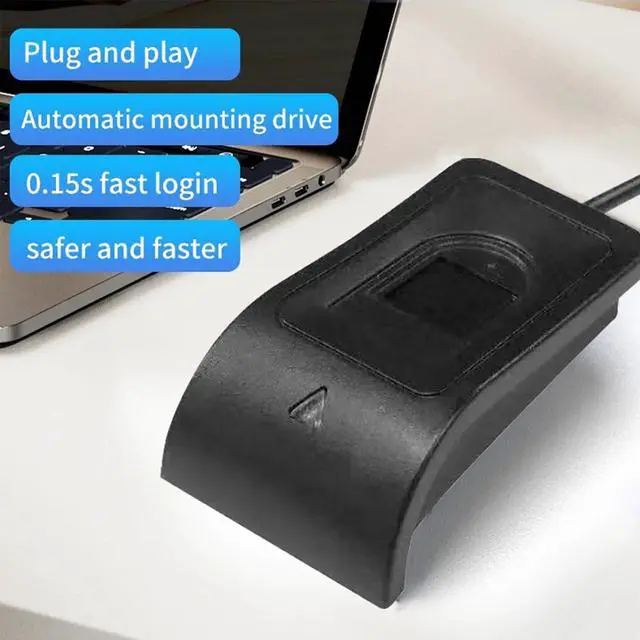
    USB Fingerprint Reader for Windows 10/11 Hello, Biometric Fingerprint Scanner, High Security 508DPI Password Free Operation for PC Login & Office File Encryption

    • Desktop USB Fingerprint Reader: Adopts advanced capacitive live fingerprint sensor with 508DPI resolution; FAR <0.001%, FRR 0.1% at security level 3, suitable for high security scenarios such as computer login and file encryptionensuring
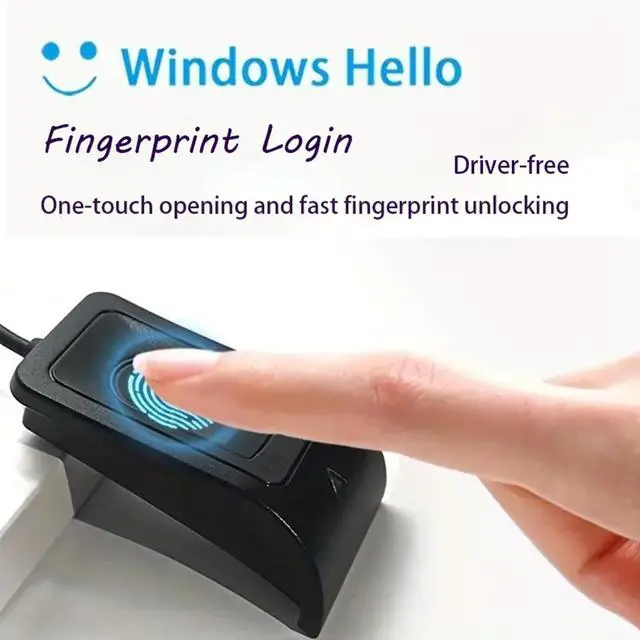
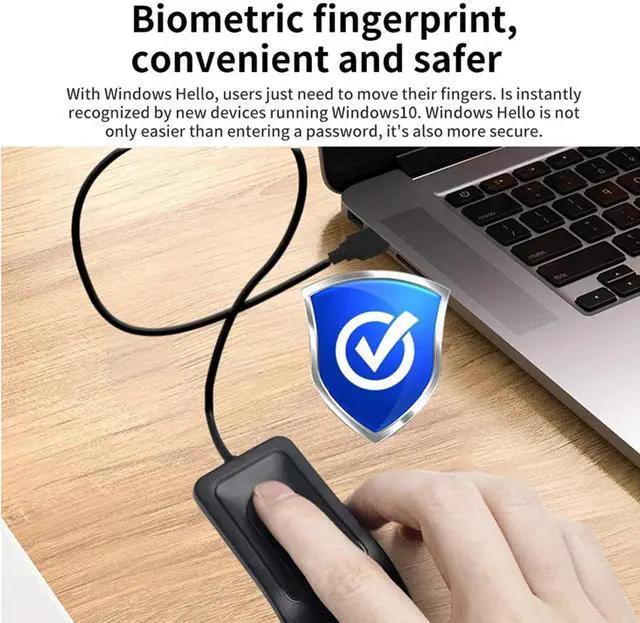
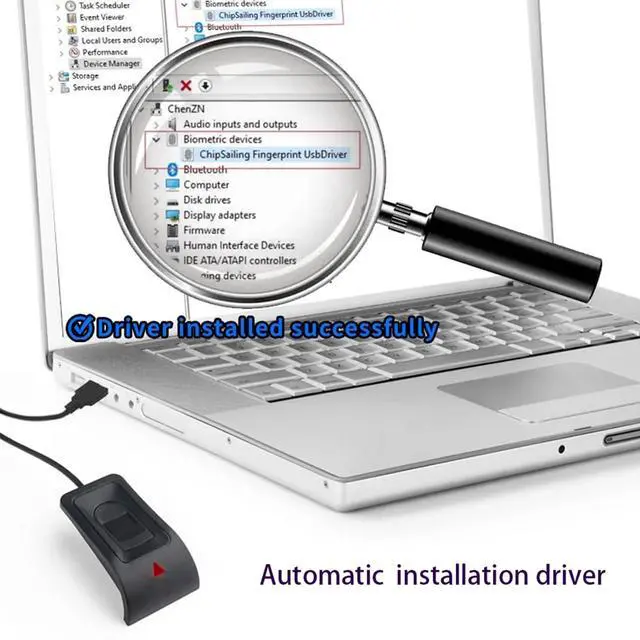
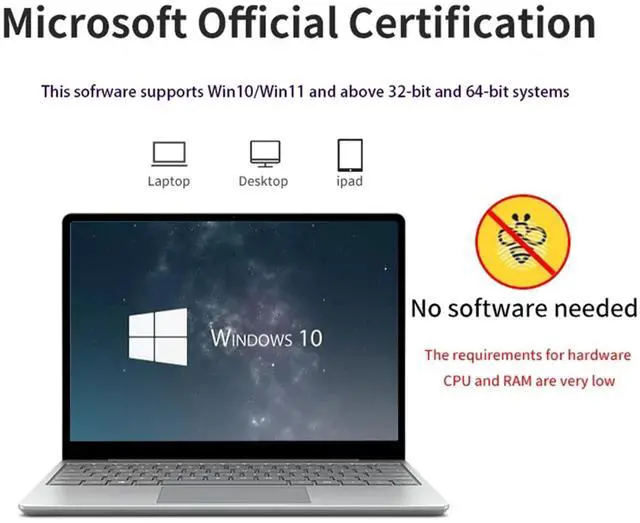
    • Windows 10/11 compatibility and ease of use: Fully compatible with Windows 10, plug and play USB connection, drivers automatically installed for immediate use on Windows 10, one click PC login; Windows 11 can also be perfectly compatible after installing drivers (WIN11 requires driver installation)
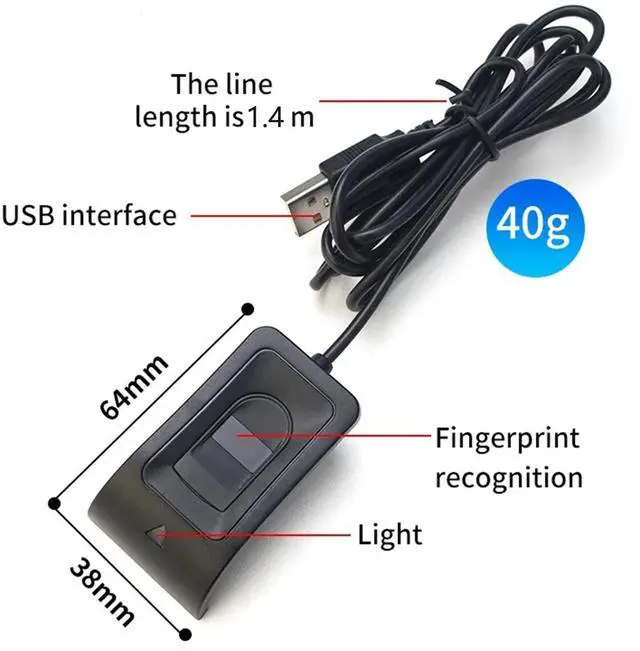
    • 10 Fingerprint Storage Capacity: Stores up to 10 registered fingerprints; ideal for personal, family, or small office shared use, replacing passwords with secure biometric access. 1.4-meter USB cord allows flexible placement on your desk for convenient to use
    • Compact & Durable Design: Mini size 2.56×1.5×0.79 inches, lightweight 0.1 lbs; 4.59 ft./1.2m USB cable, wide working temperature (-10°C~60°C), stable for long-term daily use
    • Wide Application & One-Touch Fast Unlock: Replace manual password entry with one-touch fingerprint login, saving time and speeding up desktop access. Securely log into your Windows PC with fingerprint verification, preventing unauthorized access and keeping your data safe
    +
    +
    Overview
    Specs
    Reviews
    avatar

    Any questions? Our AI beta will help you find out quickly.

    USB Fingerprint Reader Mini Fingerprint Scanner Frequently asked questions 1Will the original password still work after using Windows hello? AnswerAfter the Windows hello device is installed and the fingerprint is set, the original password, original PIN code, and newly registered fingerprint can be used. 2Do I need to register my fingerprint after unplugging Windows hello? AnswerYou don't need to register your fingerprint again the next time you plug in your device or buy a new one. 3Why do I get an error when I swipe my finger to register a fingerprint? AnswerIt is possible that it use ghost-installed systems that typically use administer users directly, which is prohibited by Microsoft. and requires new users before using Windows Hello. You need to add a new user before using Windows hello. 4Does WINDOWS 11 support plug and play? AnswerWindows11 and higher system versions currently do not support plug and play automatic installation and require manual driver installation. Please contact customer service to obtain the driver.

    Warranty & Returns

    Warranty, Returns, And Additional Information

    Warranty

    • Please contact the Seller directly for warranty information. Warranty information may also be found on the Manufacturer's website.
    • CONTACT

    Return Policies

    Manufacturer Contact Info

    LOADING...