




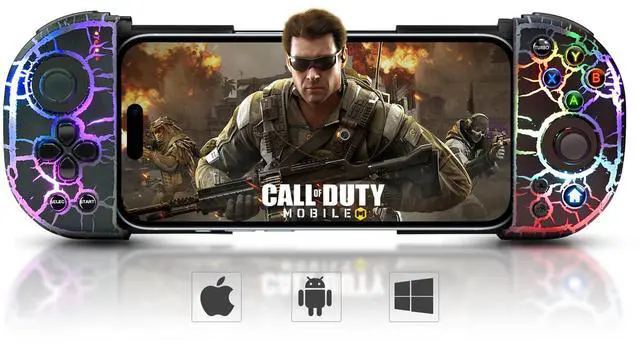
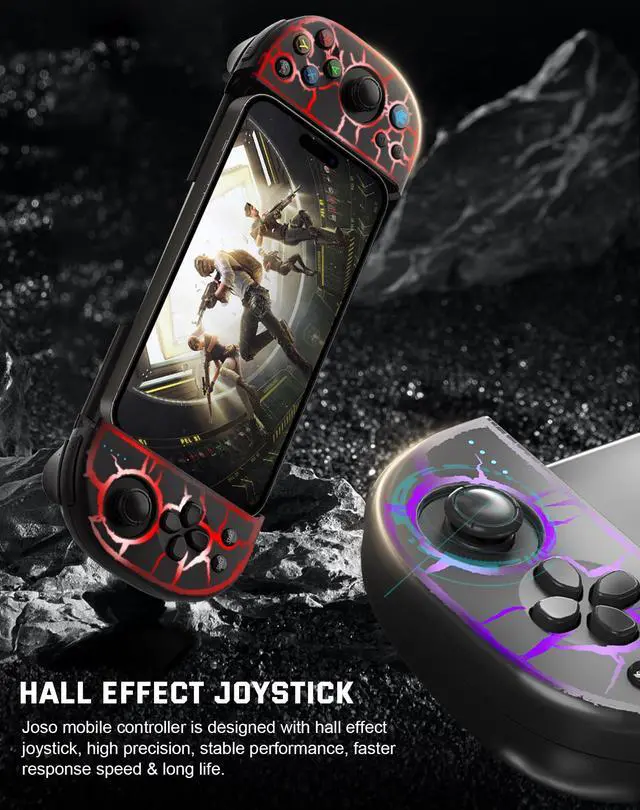


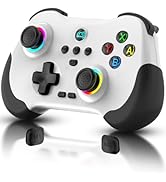
Joso Mobile Contorller for iPhone, Android, PC

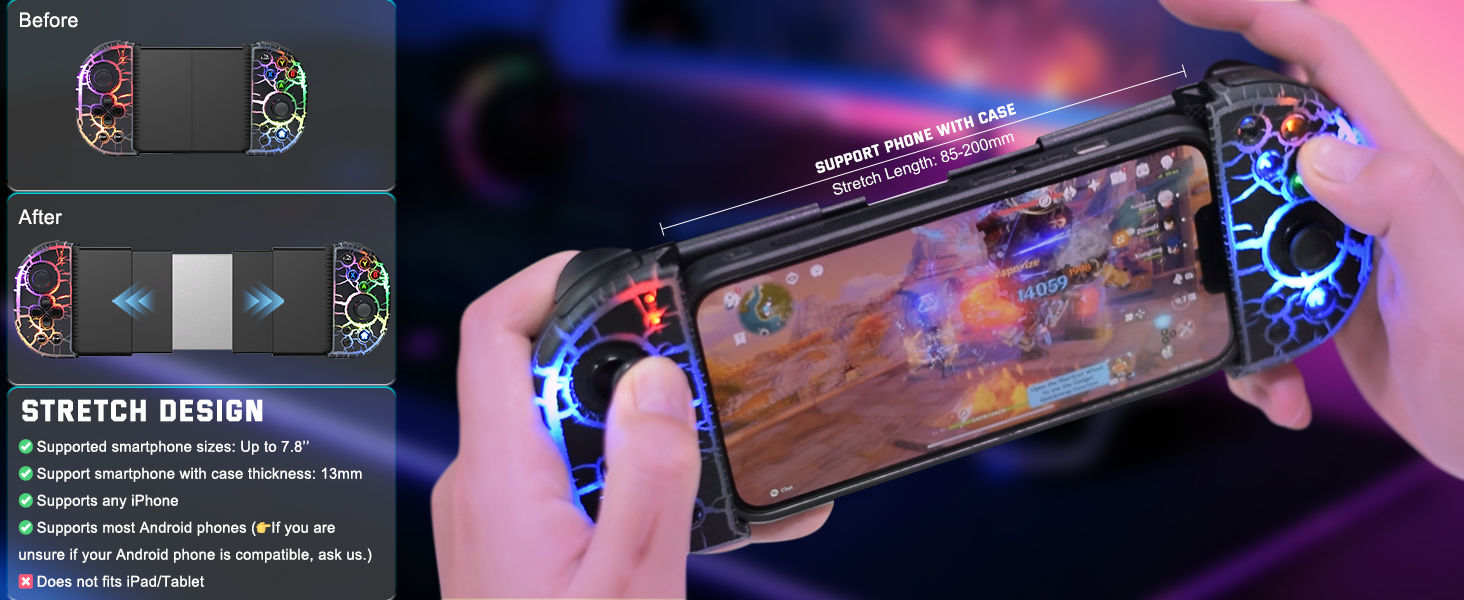
Support phone with case
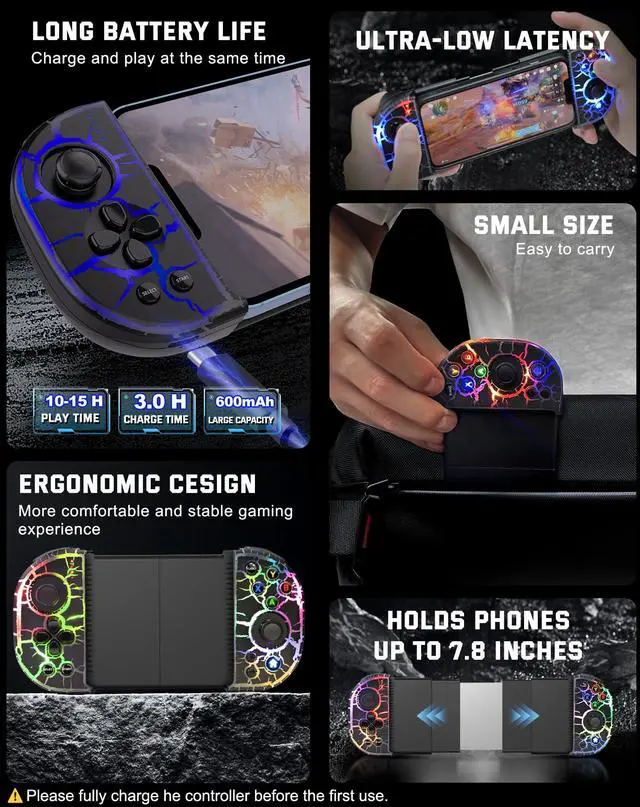
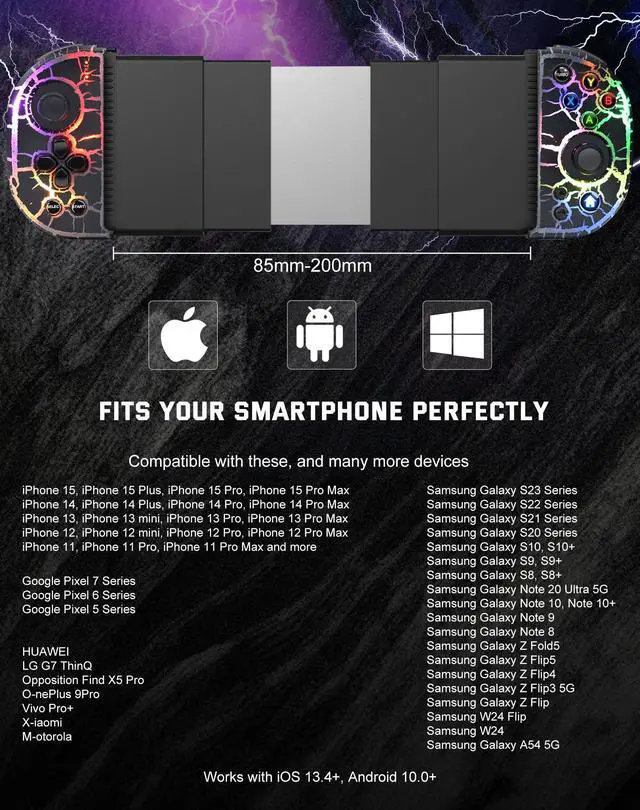
SUPPORTS PHONES UP TO 7.8"
Fits all iPhone Models & Most Android phone models.
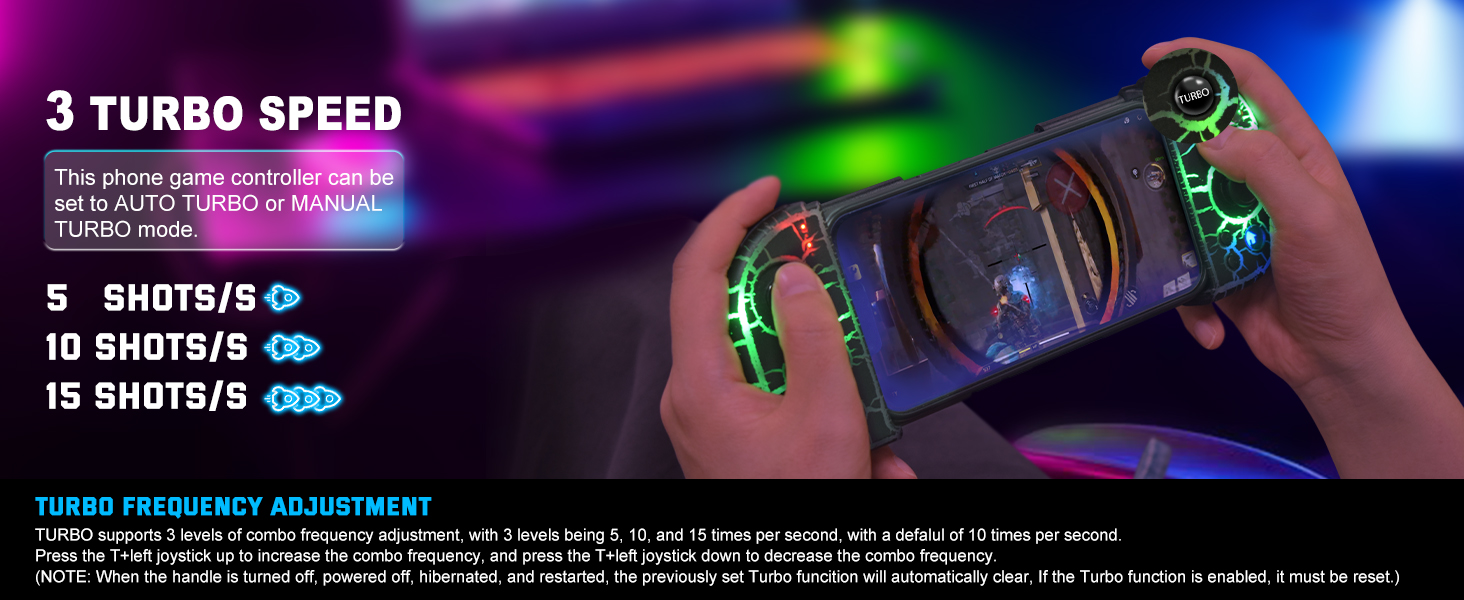
Support iOS, Android
SUPPORT AUTO & MANUAL
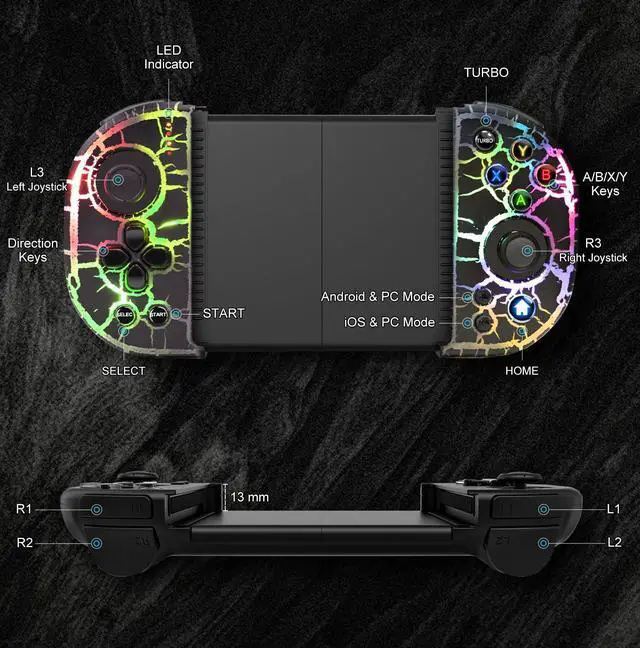
Press and hold the 'A' key, then press the 'TURBO' key to setting.
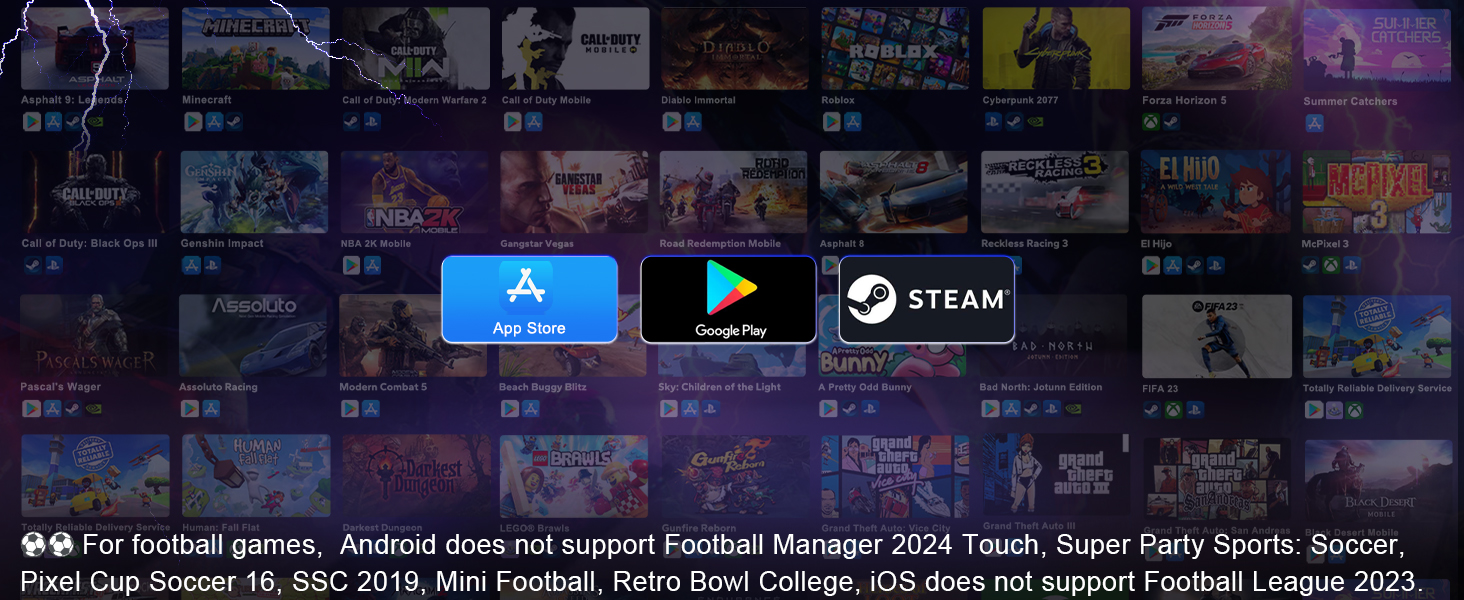
For iOS/Android/Steam
WORKS WITH ANY GAME THAT SUPPORTS GAME CONTROLLERS
For more games not listed, ask us.
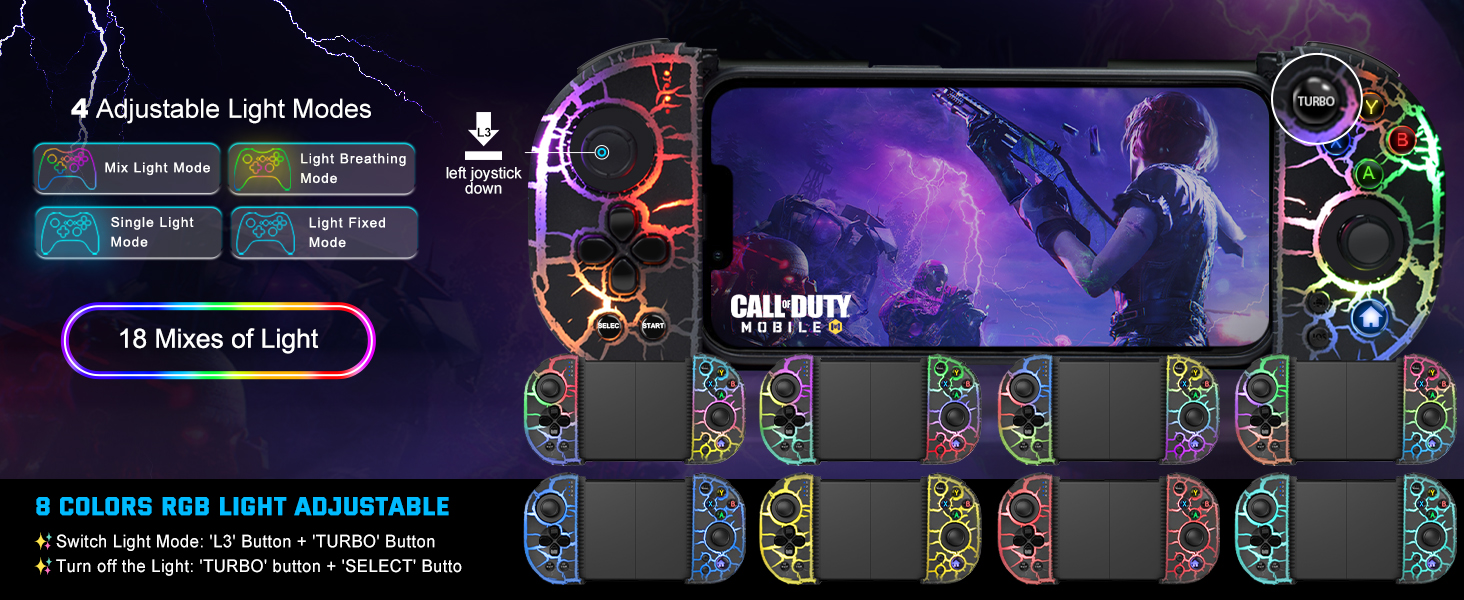
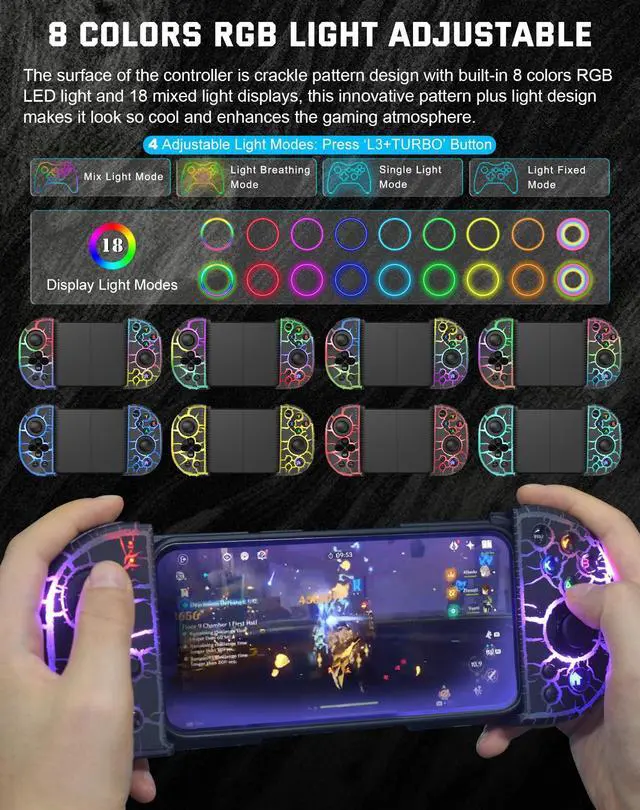
RGB Lights Bolt Style
8 COLORS
4 adjustable light modes: mix light, single light, light breathing, and light fixed.
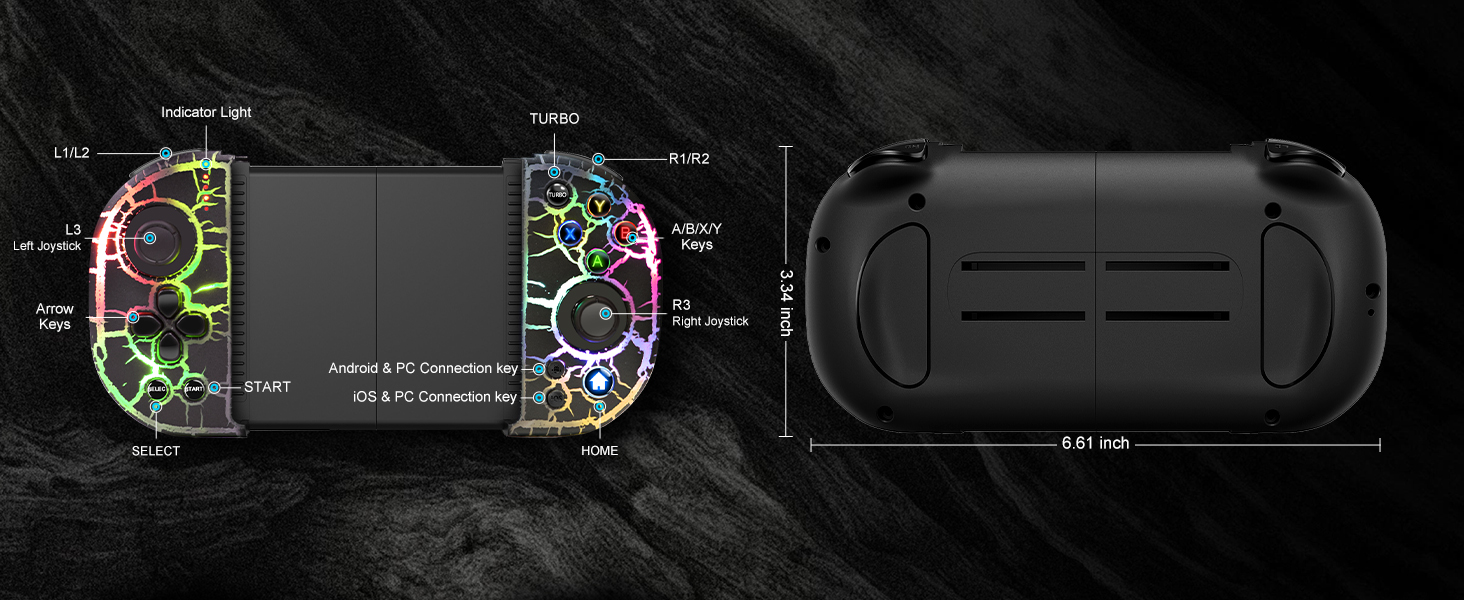
Play your games everywhere you go.
How to Connect the Joso Mobile Gaming Controller to the iPhone, Android
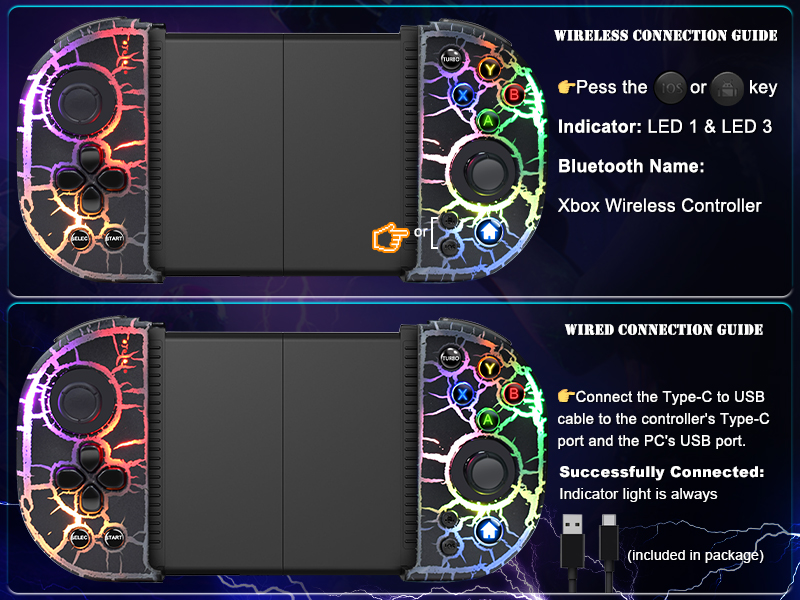
Connect the Joso Mobile Game Controller to the PC
Play directly on your PC.
Tips for Boot the Controller: 1) Please fully charge the controller before first use. 2) Make sure the controller is off before Bluetooth pairing connection.
- Wireless Mode: Press the 'iOS' key or 'Android' key to boot the controller, then connect the 'Xbox Wireless Controller' on your PC.
- Wired Mode: Connect the Type-C to USB cable to the controller's Type-C port and the PC's USB port, if the controller is successfully connected, the PC's device list will show 'Xbox 360 Controller for Windows'.

Product Specification
More Controllers From Joso
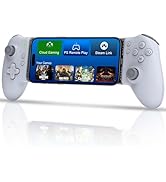
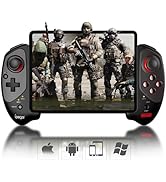
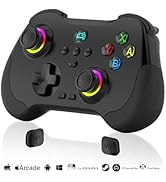
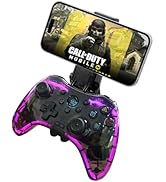
 RGB Mobile Controller |  iPad/Tablet Controller |  Support Streaming/Cloud |  Controller with Cooler |  Phone Controller |  New Release |  Phone Controller | |
|---|---|---|---|---|---|---|---|
Customer Reviews | — | — | — | — | — | — | — |
Price | — | — | — | — | — | — | — |
Compatible Platforms | iOS/Android/PC | iOS/Android/PC | iOS/Android/PC/Switch/PS4 | iOS/Android/PC | iOS/Android/PC | iOS/Android/PC/Cloud Gaming | iOS/Android/PC |
Maximum Holdable Phone Size | Up to 7.8 inches | Up to 11 inches | Up to 7.1 inches | Up to 7.2 inches | Up to 7.2 inches | Up to 7.2 inches | Up to 6.9 inches |
Support Phone with Case | ? | ? | ? | ? | ? | ? | ? |
Programmable Back Button | ? | ? | ? | ? | ? | ? | ? |
TURBO | ? | ? | ? | ? | ? | ? | ? |
Dual Vibration | ? | ? | ? | ? | ? | ? | ? |
6-Axis Gyro | ? | ? | ? | ? | ? | ? | ? |
RGB Light | ? | ? | ? | ? | ? | ? | ? |

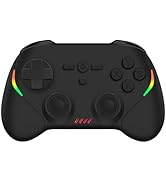
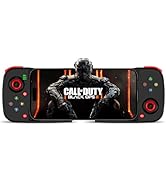
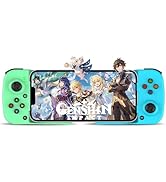
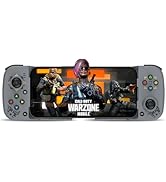
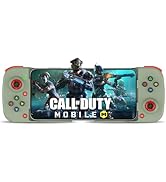
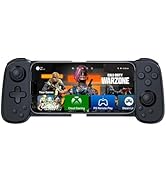
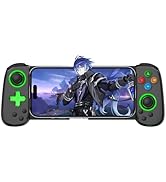
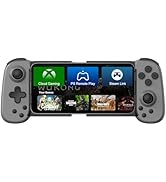
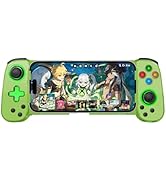
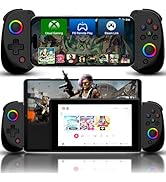
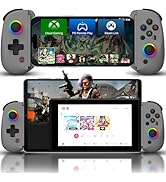
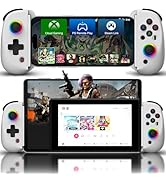
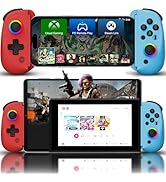
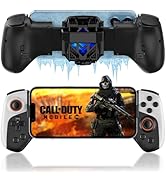
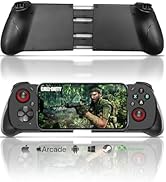
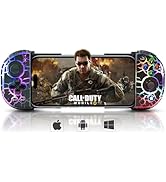
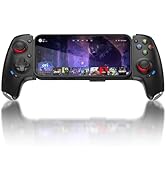
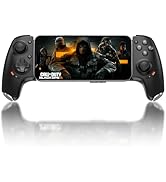
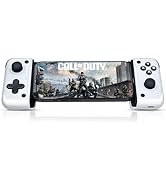
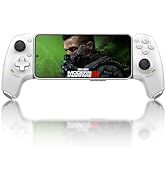
Joso
Established in 2015, dedicated to developing professional game controllers.
For more gamepads, please open Joso brand flagship store.
Joso New Release
Joso D3
Joso D6 & D7
Joso D8
Bluetooth Controller
USB C Controller
iPad Controller
Joso Mobile Contorller for iPhone, Android, PC

Support phone with case
SUPPORTS PHONES UP TO 7.8"
Fits all iPhone Models & Most Android phone models.
Support iOS, Android
SUPPORT AUTO & MANUAL
Press and hold the 'A' key, then press the 'TURBO' key to setting.
For iOS/Android/Steam
WORKS WITH ANY GAME THAT SUPPORTS GAME CONTROLLERS
For more games not listed, ask us.
RGB Lights Bolt Style
8 COLORS
4 adjustable light modes: mix light, single light, light breathing, and light fixed.
Play your games everywhere you go.


How to Connect the Joso Mobile Gaming Controller to the iPhone, Android

Connect the Joso Mobile Controller to the iPhone
Play directly on your iPhone 15/14/13/12/11/X/XR/XS/XS Max, and more.
Tips for Boot the Controller: 1) Please fully charge the controller before first use. 2) Make sure the controller is off before Bluetooth pairing connection.
- Press the 'iOS' key to boot the controller.
- Turn on the Bluetooth connection 'Xbox Wireless Controller' on your iPhone.
- Start Playing. (After connection, you also can play cloud games via Cloud Gaming Apps.)
Connect the Joso Phone Controller to the Android
Play directly on your Galaxy S23/S22/S21/S20/S10/S9, and more Android phones.
Tips: 1) Please fully charge the controller before first use. 2) Make sure the controller is off before Bluetooth pairing connection.
- Press the 'Android' key to boot the controller, then connect the 'Xbox Wireless Controller' on your Android.
- For different games, Android has a second controller boot mode: Press and hold the 'R1' key, then press the 'HOME' key to boot the controller. Connect the 'KL-6108' on your Android.
- After connection, you also can play cloud games via Cloud Gaming Apps.
Connect the Joso Mobile Game Controller to the PC
Play directly on your PC.
Tips for Boot the Controller: 1) Please fully charge the controller before first use. 2) Make sure the controller is off before Bluetooth pairing connection.
- Wireless Mode: Press the 'iOS' key or 'Android' key to boot the controller, then connect the 'Xbox Wireless Controller' on your PC.
- Wired Mode: Connect the Type-C to USB cable to the controller's Type-C port and the PC's USB port, if the controller is successfully connected, the PC's device list will show 'Xbox 360 Controller for Windows'.

Product Specification
| Color | Black & Black Crackle with RGB Lights |
|---|---|
| Style | Small Size (6.61*3.34in/0.65lb), play your games everywhere you go. |
| Support iOS 13.4+ | iOS controller for iPhone 15, iPhone 15 Plus, iPhone 15 Pro, iPhone 15 Pro Max, iPhone 14, iPhone 14 Plus, iPhone 14Pro, iPhone 14 Pro Max, iPhone 13 mini, iPhone 13, iPhone 13 Pro, iPhone 13 Pro Max, iPhone 12, 12 Pro, 12 Pro Max, X, XR, XS, XS Max, 11 Pro, 11 Pro Max, 11, 7, 7Plus, 8, 8Plus, etc. Compatible with but not fit iPad, iPad mini, iPad Air, and iPad Pro. (Not for Apple TV&iPod and Fire TV) |
| Support Android 6.0+ | Android game controller compatible with Samsung Galaxy S23, Galaxy S23 Ultra, Galaxy S23+, Galaxy S22, Galaxy S22 Ultra, Galaxy S22+, Galaxy S21, Galaxy S21 Ultra, Galaxy S21+, Galaxy S20, Galaxy S9, S9 + , S10, S10+, oppo, vivo, LG, X-iaomi, O-nePlus, M-otorola, TCL and more Android phones. |
| Tips for Boot the Controller | 1) Please fully charge the controller before first use. 2) Make sure the controller is off before Bluetooth pairing connection. |
| Specification | Telescopic Holder: 85-200mm, Battery: 600mAh, Play Time: Approx. 10-15 hours, Charging Time: 2-3 hours, Charge Cable Type: Type-C USB |
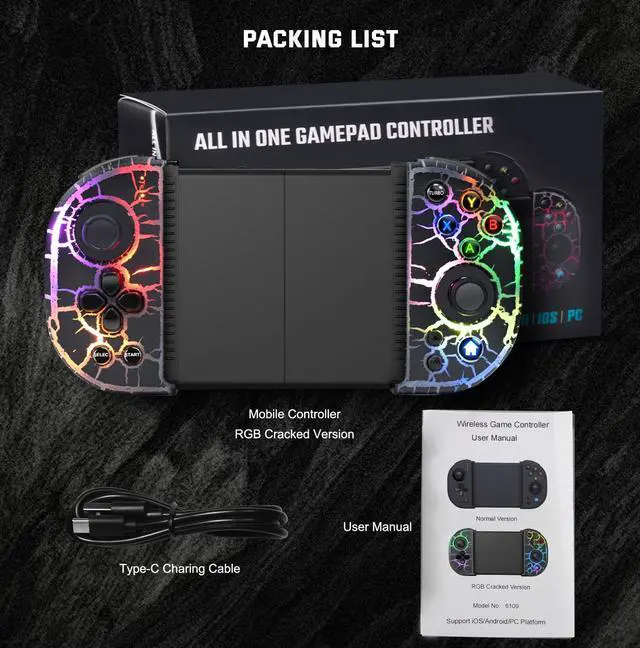
| Packing List | 1 Mobile Game Controller, 1 Type-C USB Cable and 1 User Manual |
More Controllers From Joso
RGB Mobile Controller | iPad/Tablet Controller | Support Streaming/Cloud | Controller with Cooler | Phone Controller | New Release | Phone Controller |
|---|---|---|---|---|---|---|
| Customer Reviews | ||||||
| — | — | — | — | — | — | — |
| Price | ||||||
| — | — | — | — | — | — | — |
| Compatible Platforms | ||||||
| iOS/Android/PC | iOS/Android/PC | iOS/Android/PC/Switch/PS4 | iOS/Android/PC | iOS/Android/PC | iOS/Android/PC/Cloud Gaming | iOS/Android/PC |
| Maximum Holdable Phone Size | ||||||
| Up to 7.8 inches | Up to 11 inches | Up to 7.1 inches | Up to 7.2 inches | Up to 7.2 inches | Up to 7.2 inches | Up to 6.9 inches |
| Support Phone with Case | ||||||
| ? | ? | ? | ? | ? | ? | ? |
| Programmable Back Button | ||||||
| ? | ? | ? | ? | ? | ? | ? |
| TURBO | ||||||
| ? | ? | ? | ? | ? | ? | ? |
| Dual Vibration | ||||||
| ? | ? | ? | ? | ? | ? | ? |
| 6-Axis Gyro | ||||||
| ? | ? | ? | ? | ? | ? | ? |
| RGB Light | ||||||
| ? | ? | ? | ? | ? | ? | ? |