






Is the screen comfortable for long play sessions?
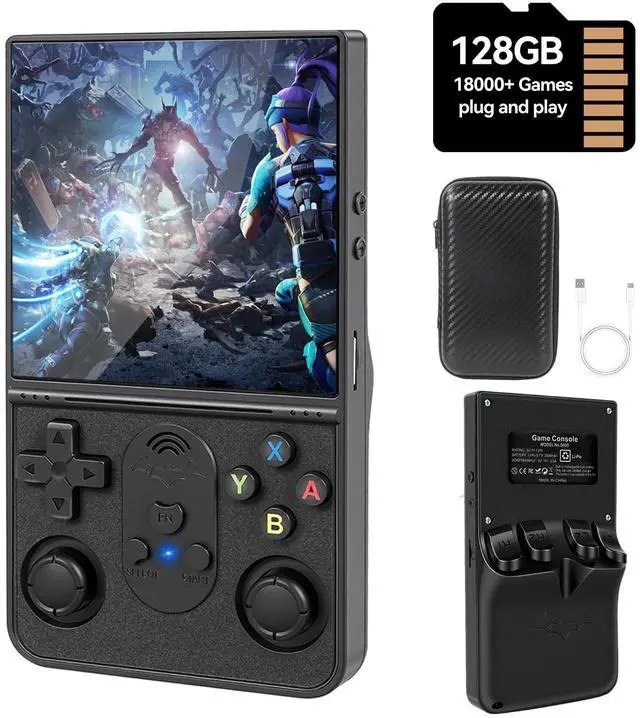
The HD IPS screen offers wide viewing angles, soft color tuning, and reduced eye strain. every pixel of the original masterpiece is rendered with modern clarity and vibrant color saturation, and backgrounds remain crisp and easy on the eyes, even during extended gameplay, whether indoors or on the go.
When playing games, the screen sometimes automatically rotates 90°. Is there any way to fix this problem?
Yes, you can solve it by following these steps: In the game interface, press Select + X, then press "B" to return ? Settings ? Select "Video" ? Select "Output" ? Select "Video Rotation" ? Select "Normal".
S600 Essential Hotkeys cheal Sheet
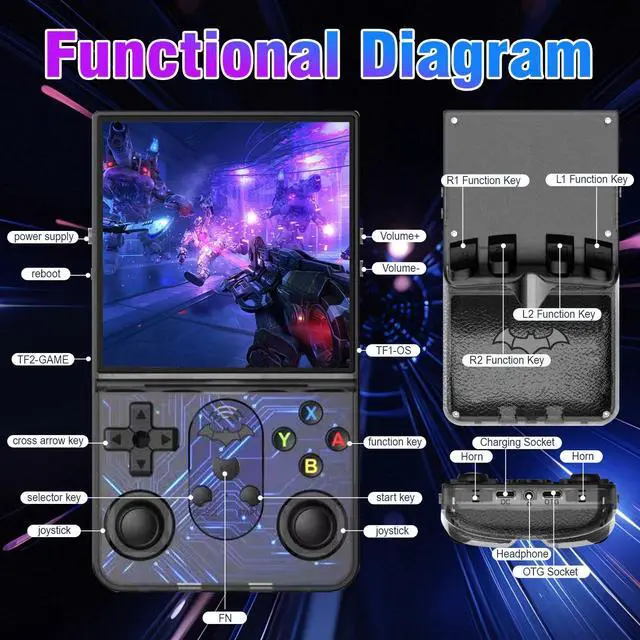
1.SELECT + START *2—Exit the game;2.SELECT + X—Switch to RA menu;3.SELECT + A—Pause the game;4.SELECT +Y—Take a screenshot;5.SELECT + B—Display FPS;6.SELECT + L1—Save game status;7.SELECT + L2—Load game status;8.SELECT + R1—Frame-by-frame


DSHKISK's mission is to providing innovative, health-focused, and immersive electronic products. Every aspect of our products is meticulously designed with precision and passion, continually optimizing performance to enrich your everyday life.
Our ambition is to become the most trusted brand that you rely on for excellence, day in and day out!

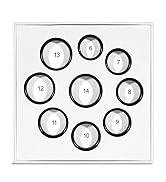
More smart rings for women&men


Size First Before You Buy


Size First Before You Buy


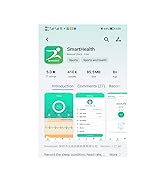
Start your Health Journey

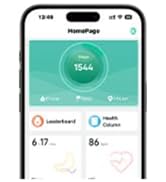

Start your Health Journey


Is the screen comfortable for long play sessions?
The HD IPS screen offers wide viewing angles, soft color tuning, and reduced eye strain. every pixel of the original masterpiece is rendered with modern clarity and vibrant color saturation, and backgrounds remain crisp and easy on the eyes, even during extended gameplay, whether indoors or on the go.
When playing games, the screen sometimes automatically rotates 90°. Is there any way to fix this problem?
Yes, you can solve it by following these steps: In the game interface, press Select + X, then press "B" to return ? Settings ? Select "Video" ? Select "Output" ? Select "Video Rotation" ? Select "Normal".
S600 Essential Hotkeys cheal Sheet
1.SELECT + START *2—Exit the game;2.SELECT + X—Switch to RA menu;3.SELECT + A—Pause the game;4.SELECT +Y—Take a screenshot;5.SELECT + B—Display FPS;6.SELECT + L1—Save game status;7.SELECT + L2—Load game status;8.SELECT + R1—Frame-by-frame
DSHKISK's mission is to providing innovative, health-focused, and immersive electronic products. Every aspect of our products is meticulously designed with precision and passion, continually optimizing performance to enrich your everyday life.
Our ambition is to become the most trusted brand that you rely on for excellence, day in and day out!
More smart rings for women&men
Size First Before You Buy
Size First Before You Buy
Start your Health Journey
Start your Health Journey