



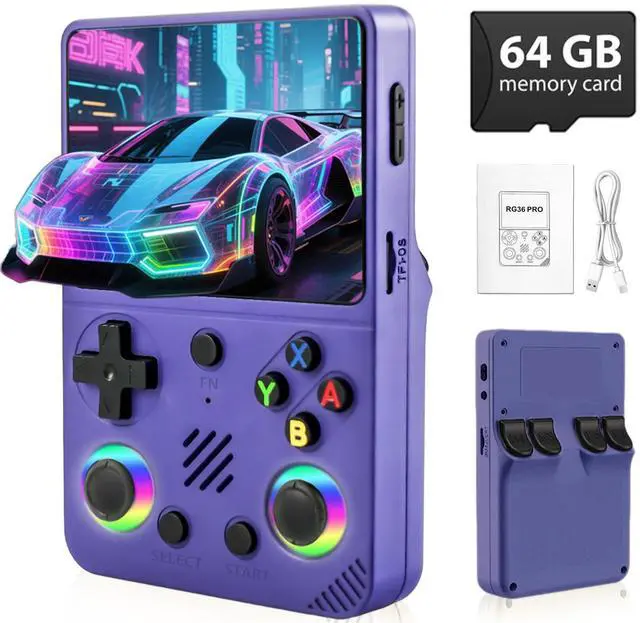



Why does the device fail to start up, the screen display garbled characters or the operation interface have no response?
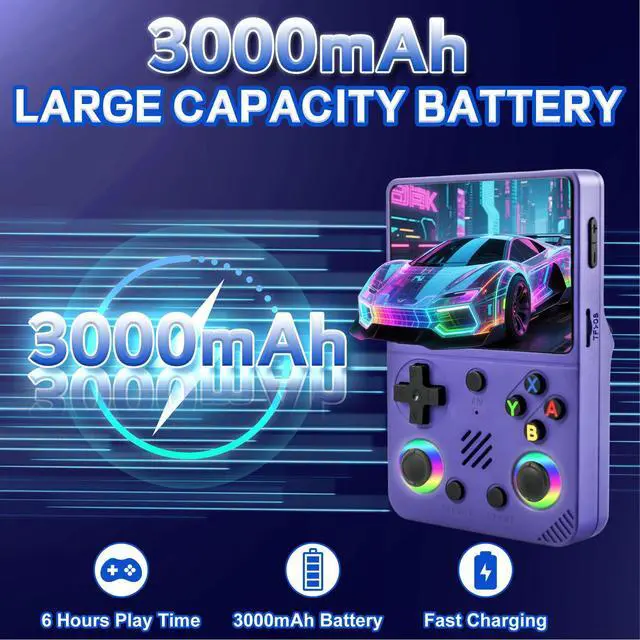
This usually indicates that the device is out of power. Just connect the device to a power source and charge it. We recommend fully charging it before use.
How to charge the device?
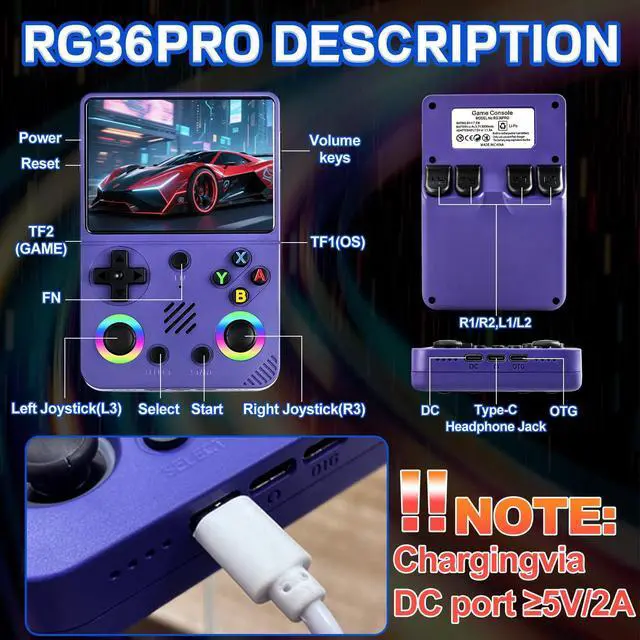
In order to charge the device, we recommend using a power adapter of at least 5V2A to charge the game console, which requires charging via the DC port.
Why doesn't the device respond after charging for a long time?
The reasons for the inability to charge might be insufficient voltage or being inserted into the wrong charging port. Also, please note that using the power provided by the computer host to charge the game console may also result in charging failure.
How to save the game progress? Why can't the game progress be saved?
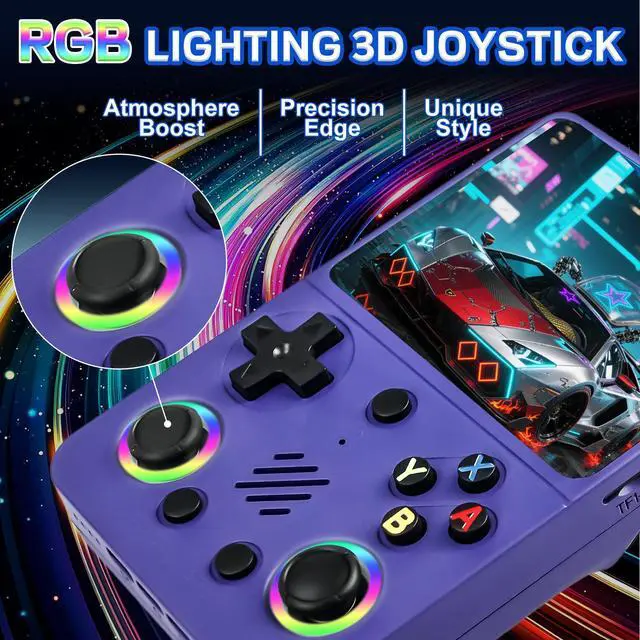
The keys for saving game progress and saving on our game console are: select+L1R1. However, whether the game supports the save function depends on the game code itself.
Why can't the game run or load? It doesn't work.
This problem is caused by a damaged game file. Just download the corresponding game files from the Internet, copy them to the matching simulator folder on the TF card, reinject the card, and you can start playing.




Why does the device fail to start up, the screen display garbled characters or the operation interface have no response?
This usually indicates that the device is out of power. Just connect the device to a power source and charge it. We recommend fully charging it before use.
How to charge the device?
In order to charge the device, we recommend using a power adapter of at least 5V2A to charge the game console, which requires charging via the DC port.
Why doesn't the device respond after charging for a long time?
The reasons for the inability to charge might be insufficient voltage or being inserted into the wrong charging port. Also, please note that using the power provided by the computer host to charge the game console may also result in charging failure.
How to save the game progress? Why can't the game progress be saved?
The keys for saving game progress and saving on our game console are: select+L1R1. However, whether the game supports the save function depends on the game code itself.
Why can't the game run or load? It doesn't work.
This problem is caused by a damaged game file. Just download the corresponding game files from the Internet, copy them to the matching simulator folder on the TF card, reinject the card, and you can start playing.


colourbing
colourbing
colourbing