





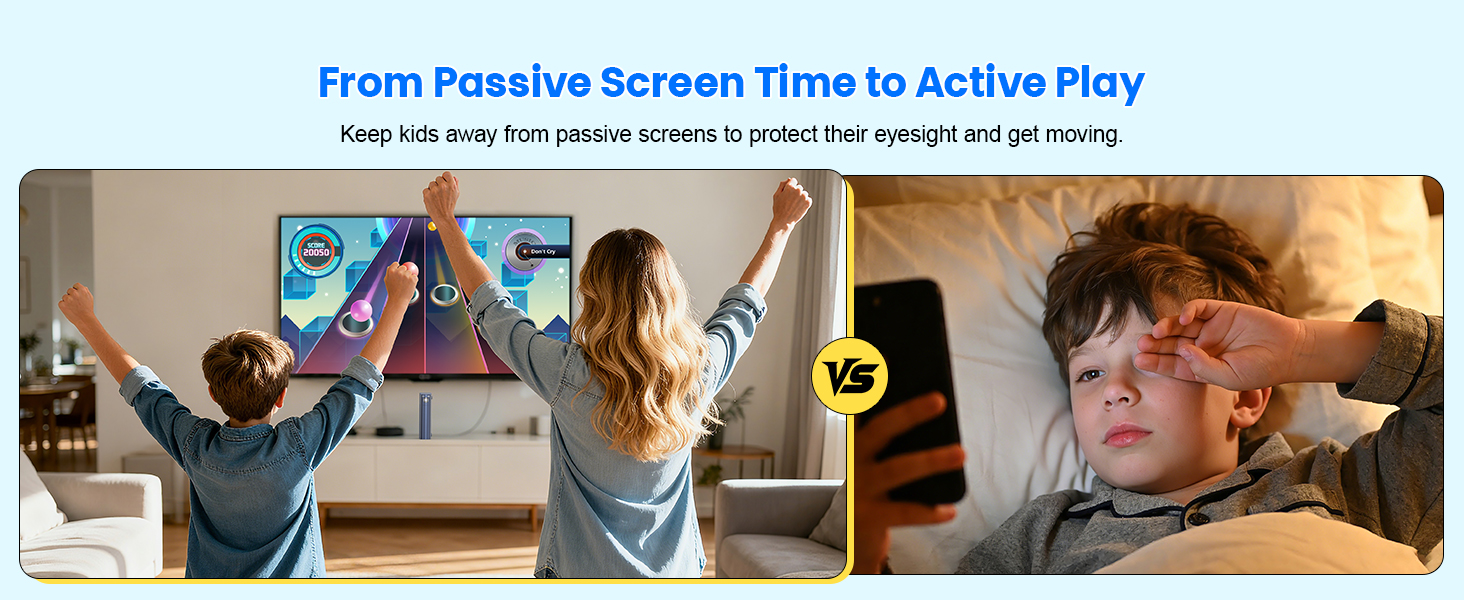
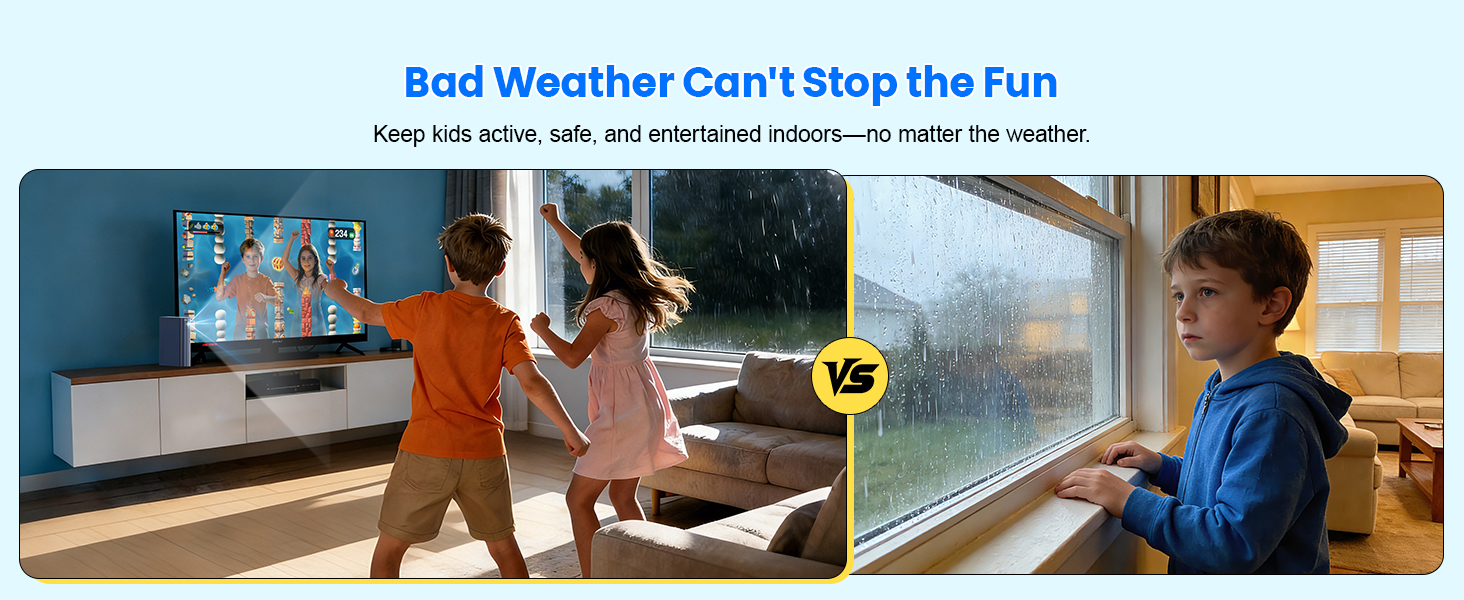
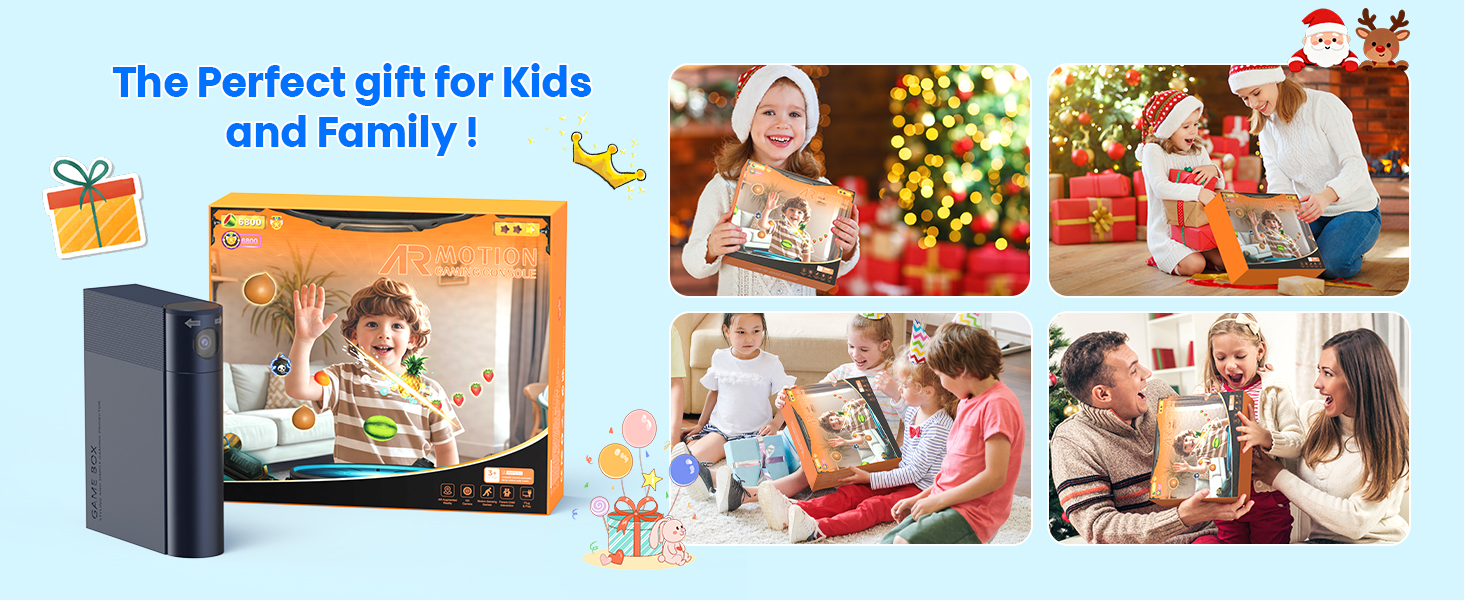
How many games does this console come with?
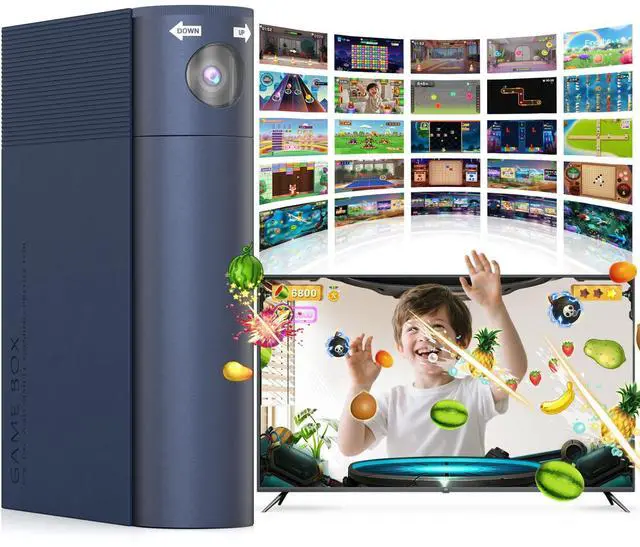
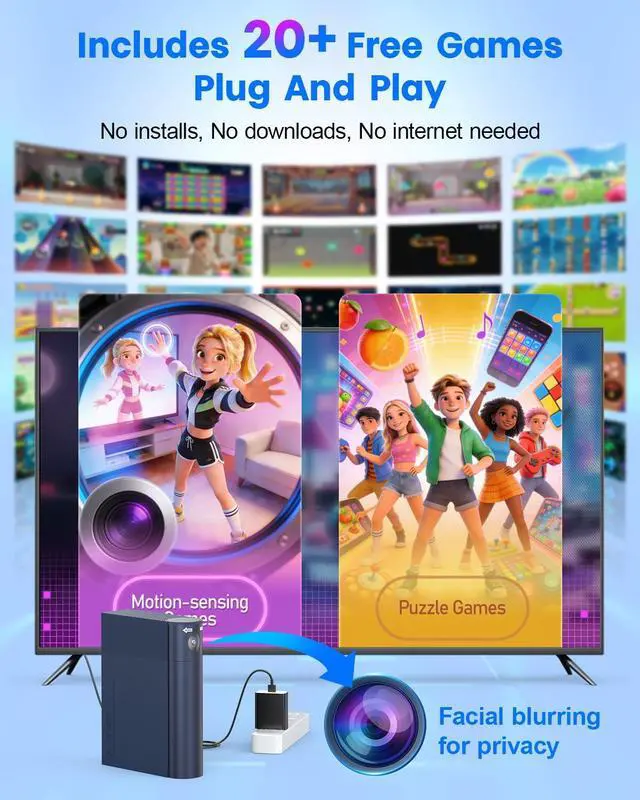
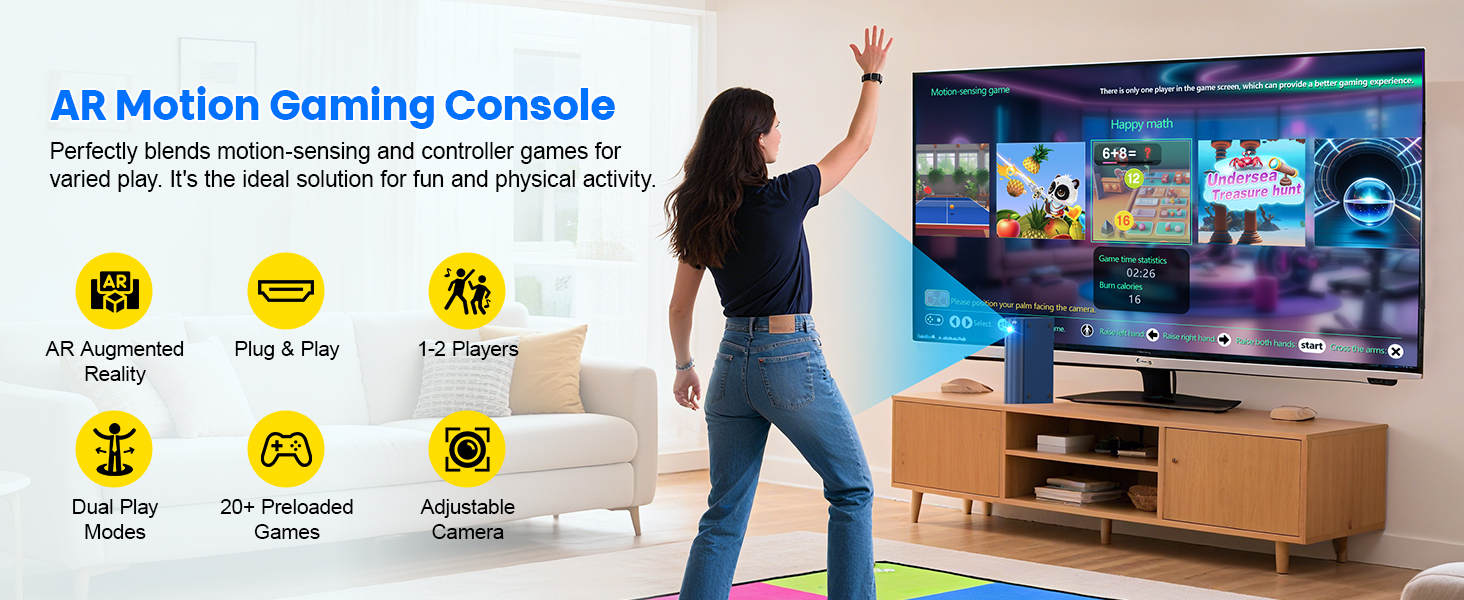
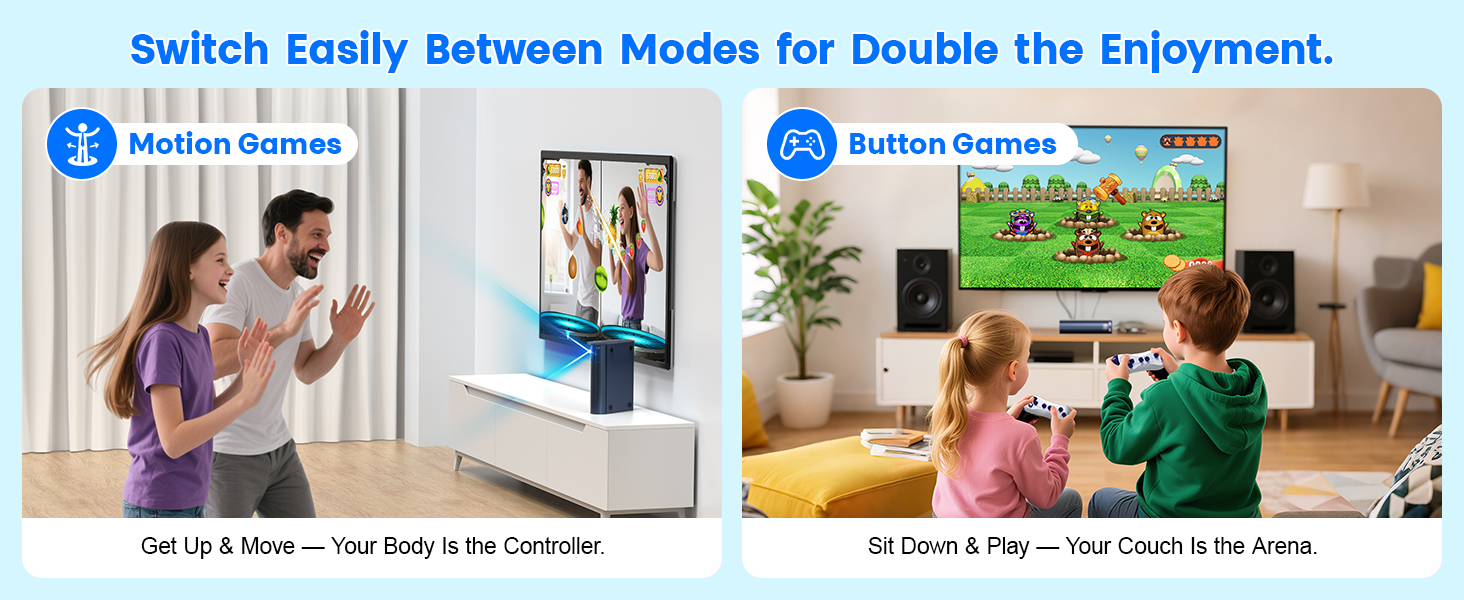
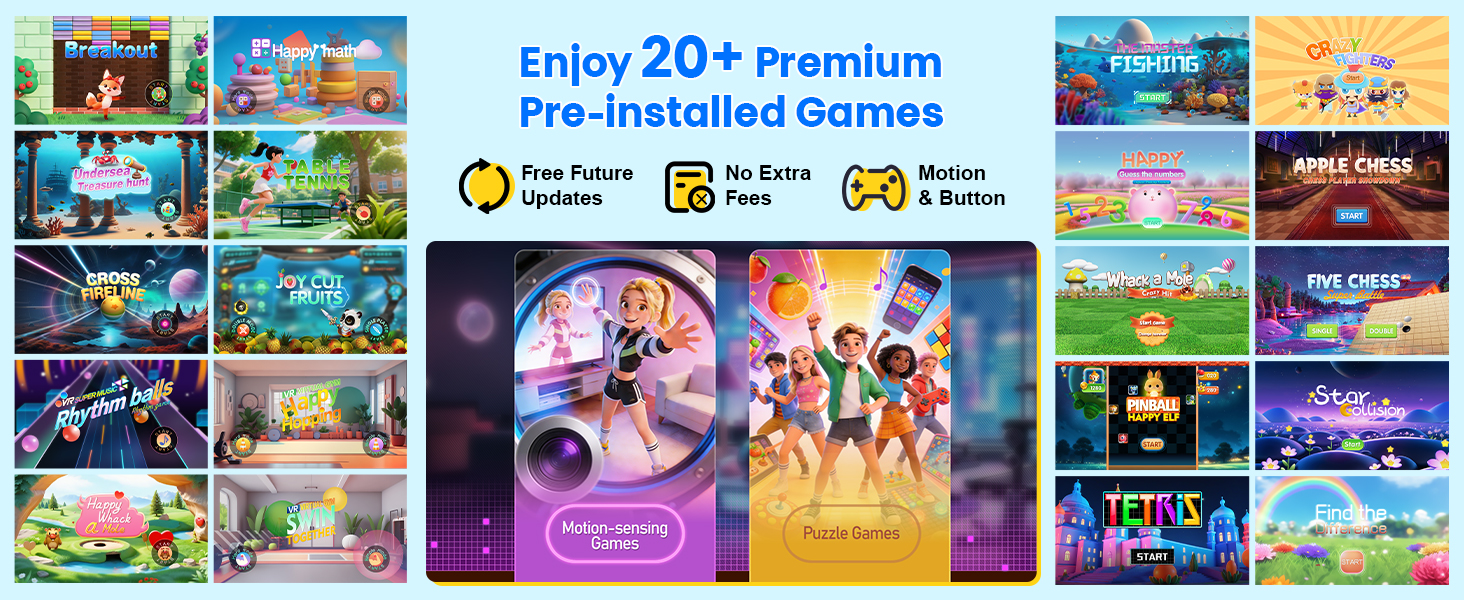
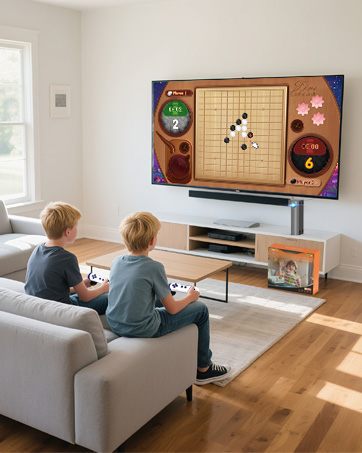
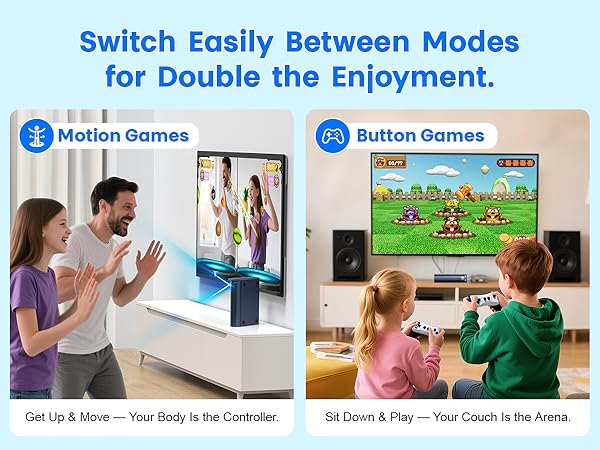
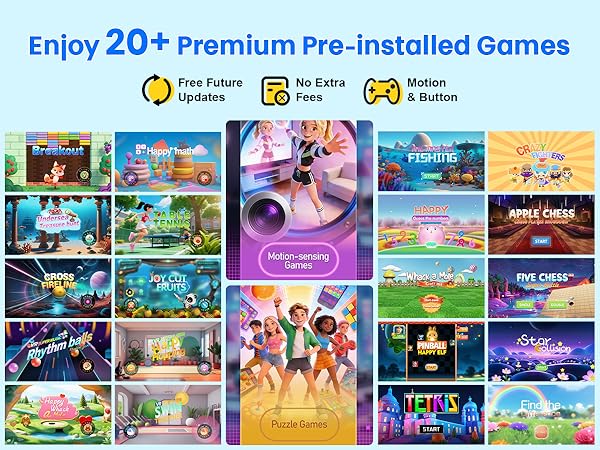
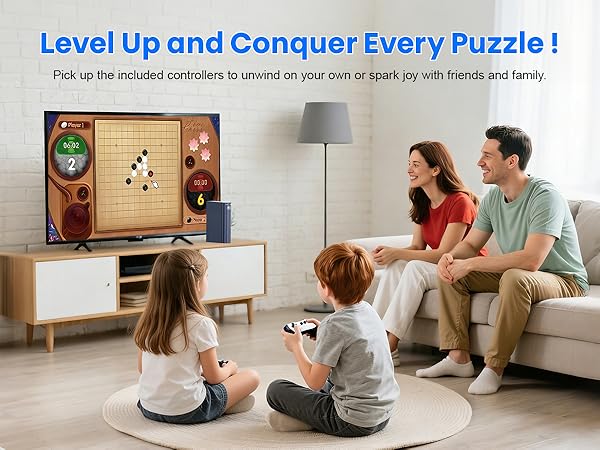
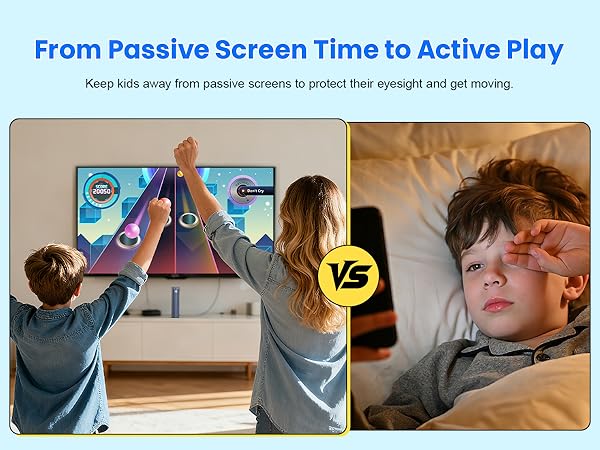
It includes 21 pre-installed games on the included TF card: 11 motion-sensing games, and 10 puzzle games.
Will there be new game updates? How can I get them?
Yes! Our development team is currently working on exciting new game packs, which will be released on our official website ( MetFut.com ) for free download. Stay tuned !
What devices is this game console compatible with?
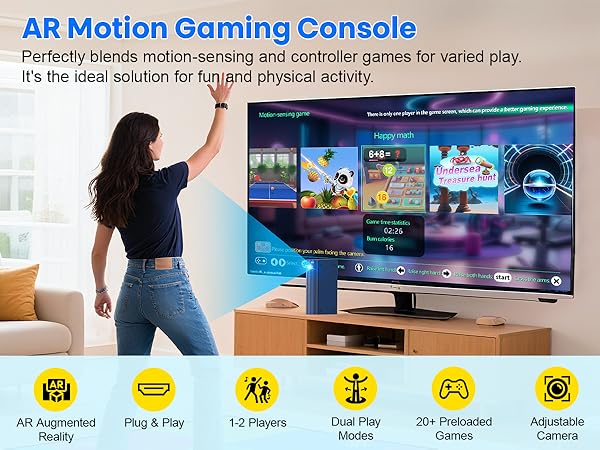
It works with any display device that has an HDMI port, such as TVs, gaming monitors, and projectors. Note: If your device doesn’t have a standard Type-A HDMI port, you can use an adapter for connectivity.
What’s the best height to place the game box?
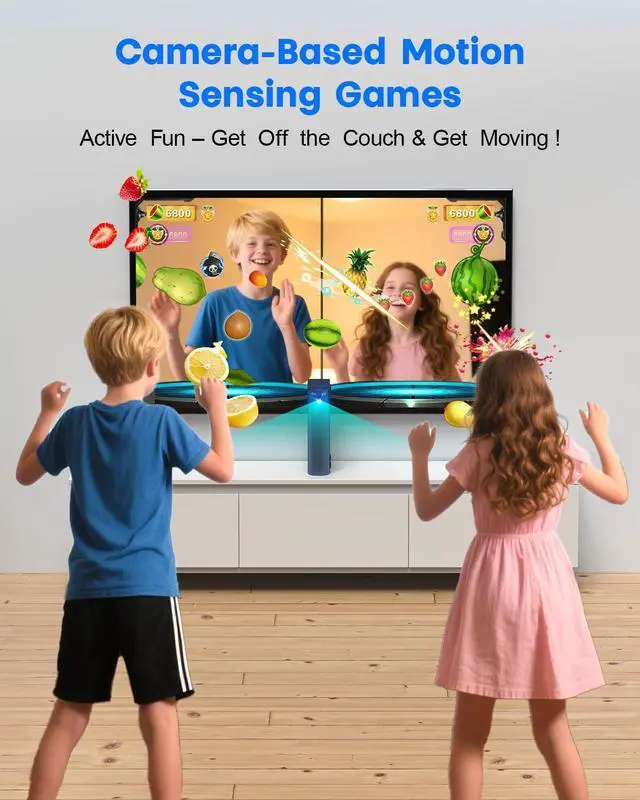
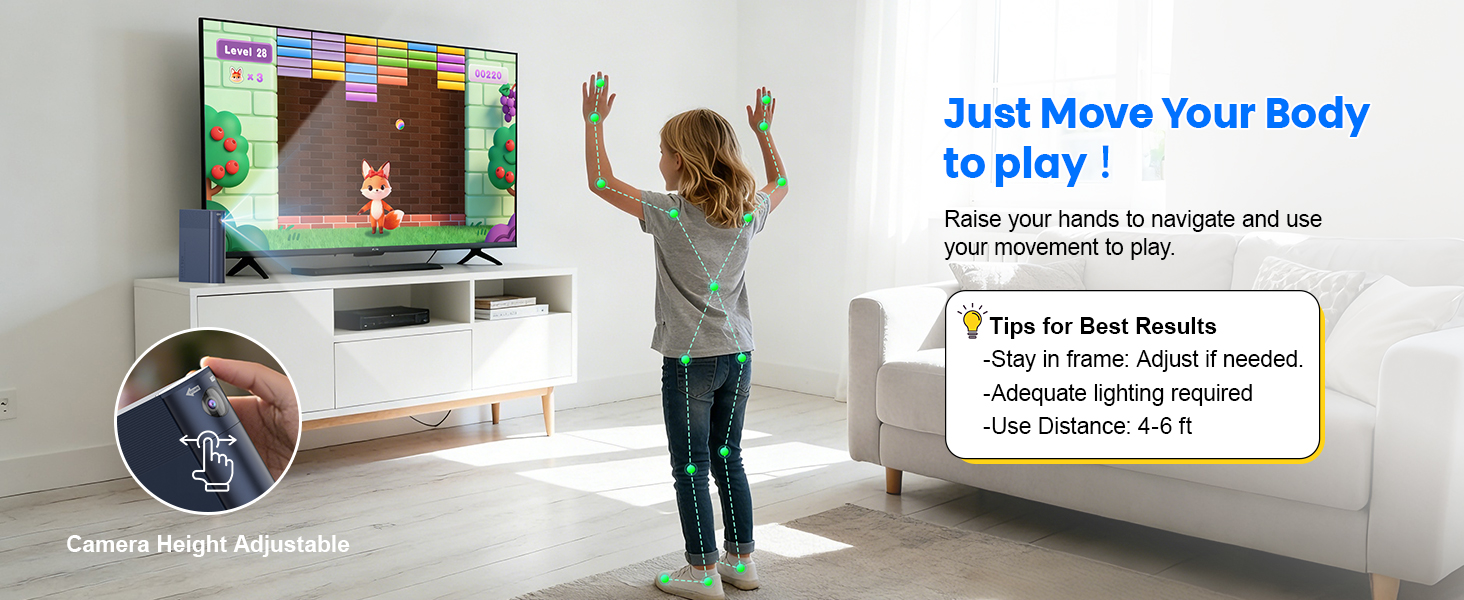
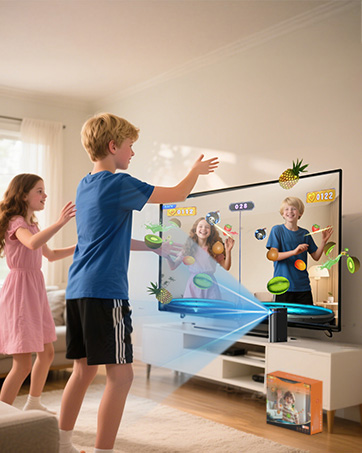
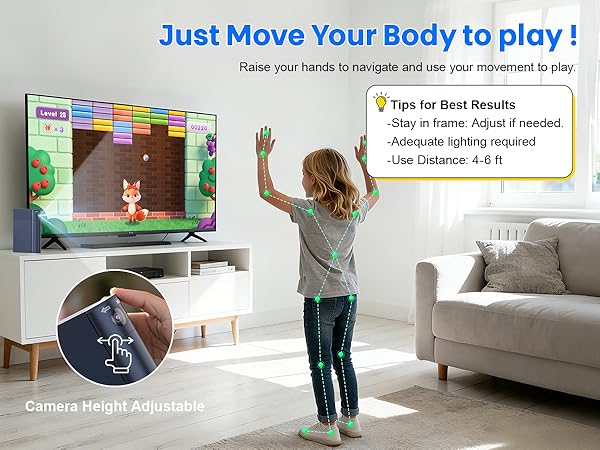
The ideal position is directly below the TV, facing the players at roughly waist height. If that’s not possible, you can adjust the camera’s tilt using its swivel knob for optimal tracking.
How do I control motion-sensing games using body gestures?
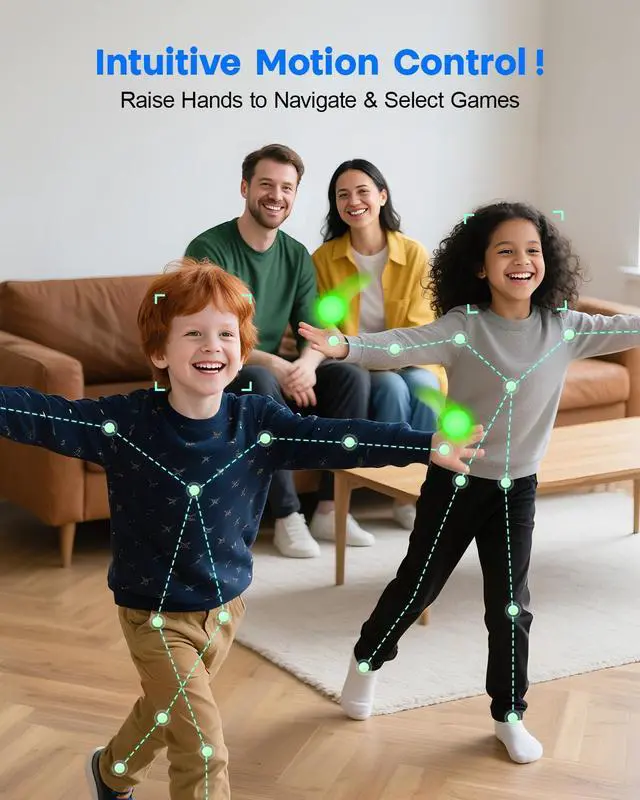
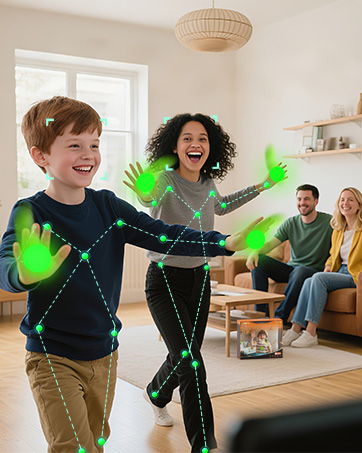
It's easy with our intuitive 4-step control:
1)Raise your left or right hand to browse;
2)Raise both hands to confirm;
3)Hover your palm to select a mode;
4)Swipe your palm to the top-left to exit (prevents accidental touches).
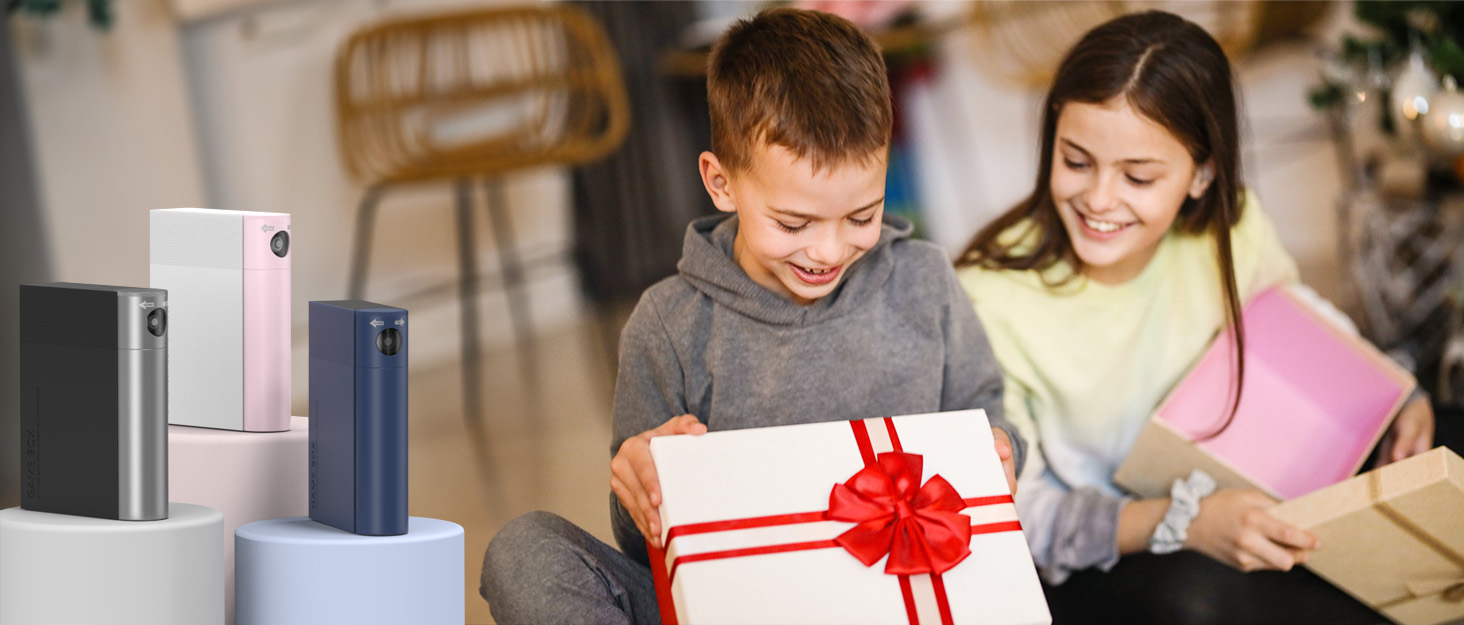

ABOUT US
MetFut has been focusing on the design and manufacturing of electronic products for more than 7 years. We are an inventive high-tech enterprise consisting of three departments: market research, product design and product manufacturing.
MetFut takes "product quality and after-sales satisfaction" as its primary focus and strives to provide customers with high-quality products and thoughtful services.
What makes our products unique?
Since the company was established, we have brought dozens of unique and innovative products to our business partners and customers, such as portable karaoke microphones, karaoke machines, Peltier cooling stands, gaming consoles, etc. We are committed to providing the world with simpler and superior products.
How is the product quality?
The quality of our products has already been recognized by customers all over the world.
We have received more than 300,000 satisfied feedbacks and more than 20,000 repeat purchases so far. You can totally place your trust in us.
How to properly use camera games ?
1)Place console at mid-height, centered on TV;2)Stand in screen center; 3)Keep others out of camera view;4)Avoid strong lights/reflections;5)Set camera high (except Happy hopping). Easy setup, smooth gameplay!
How to navigate motion-sensing games with body gestures?
Easy 4-step control: 1)Raise L/R hand to browse; 2)Raise both hands to confirm; 3)Hover palm to select mode; 4)Move palm to top-left to exit (anti-touch).
How to quit the puzzle games and return to the game list?
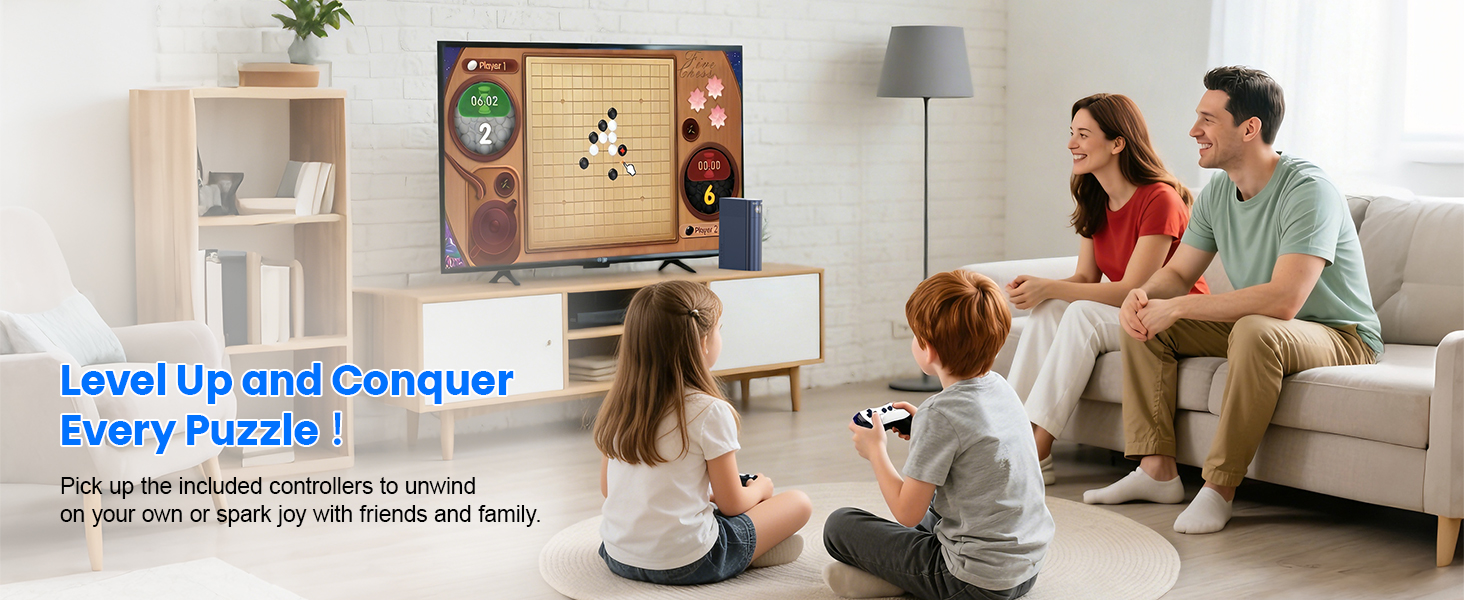
Press CONFIRM button to pause ? CONFIRM button again to quit.

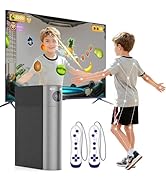
Hot Sale Now

Tip:It may take some getting used to at first, but with practice, you'll get the hang of it and have more fun !
ABOUT US
MetFut has been focusing on the design and manufacturing of electronic products for more than 7 years. We are an inventive high-tech enterprise consisting of three departments: market research, product design and product manufacturing.
MetFut takes "product quality and after-sales satisfaction" as its primary focus and strives to provide customers with high-quality products and thoughtful services.
What makes our products unique?
Since the company was established, we have brought dozens of unique and innovative products to our business partners and customers, such as portable karaoke microphones, karaoke machines, Peltier cooling stands, gaming consoles, etc. We are committed to providing the world with simpler and superior products.
How is the product quality?
The quality of our products has already been recognized by customers all over the world.
We have received more than 300,000 satisfied feedbacks and more than 20,000 repeat purchases so far. You can totally place your trust in us.
How to properly use camera games ?
1)Place console at mid-height, centered on TV;2)Stand in screen center; 3)Keep others out of camera view;4)Avoid strong lights/reflections;5)Set camera high (except Happy hopping). Easy setup, smooth gameplay!
How to navigate motion-sensing games with body gestures?
Easy 4-step control: 1)Raise L/R hand to browse; 2)Raise both hands to confirm; 3)Hover palm to select mode; 4)Move palm to top-left to exit (anti-touch).
How to quit the puzzle games and return to the game list?
Press CONFIRM button to pause ? CONFIRM button again to quit.
Hot Sale Now
Tip:It may take some getting used to at first, but with practice, you'll get the hang of it and have more fun !
How many games does this console come with?
It includes 21 pre-installed games on the included TF card: 11 motion-sensing games, and 10 puzzle games.
Will there be new game updates? How can I get them?
Yes! Our development team is currently working on exciting new game packs, which will be released on our official website ( MetFut.com ) for free download. Stay tuned !
What devices is this game console compatible with?
It works with any display device that has an HDMI port, such as TVs, gaming monitors, and projectors. Note: If your device doesn’t have a standard Type-A HDMI port, you can use an adapter for connectivity.
What’s the best height to place the game box?
The ideal position is directly below the TV, facing the players at roughly waist height. If that’s not possible, you can adjust the camera’s tilt using its swivel knob for optimal tracking.
How do I control motion-sensing games using body gestures?
It's easy with our intuitive 4-step control:
1)Raise your left or right hand to browse;
2)Raise both hands to confirm;
3)Hover your palm to select a mode;
4)Swipe your palm to the top-left to exit (prevents accidental touches).