
  • $148.99
  • Free 30-day Returns
  • Price alert
    Shop it at NeweggBusiness.

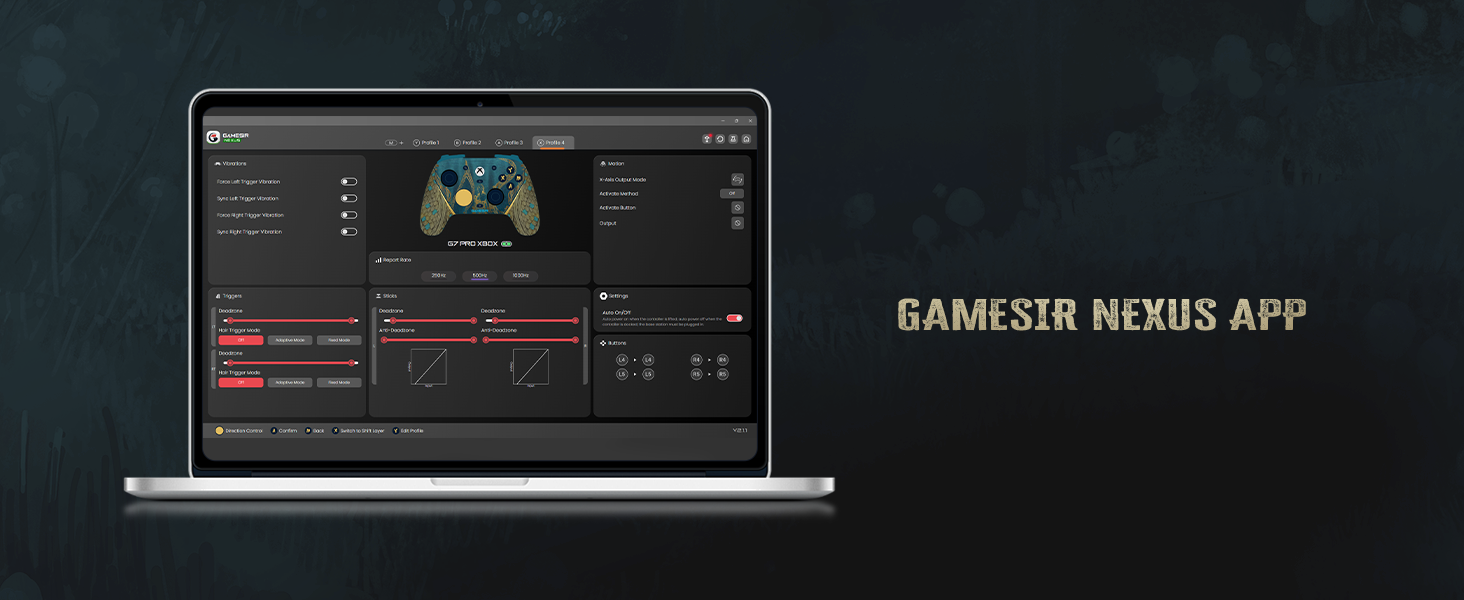
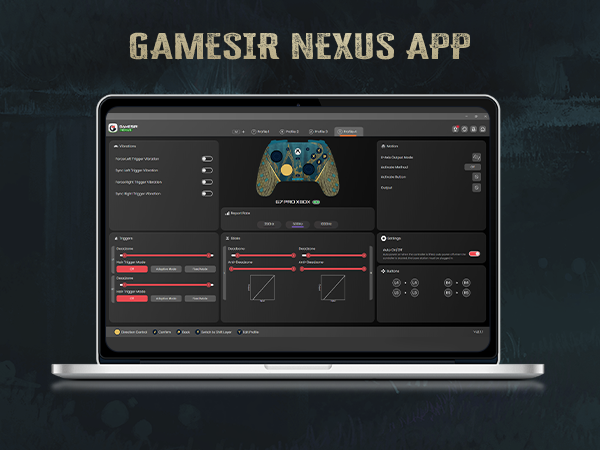
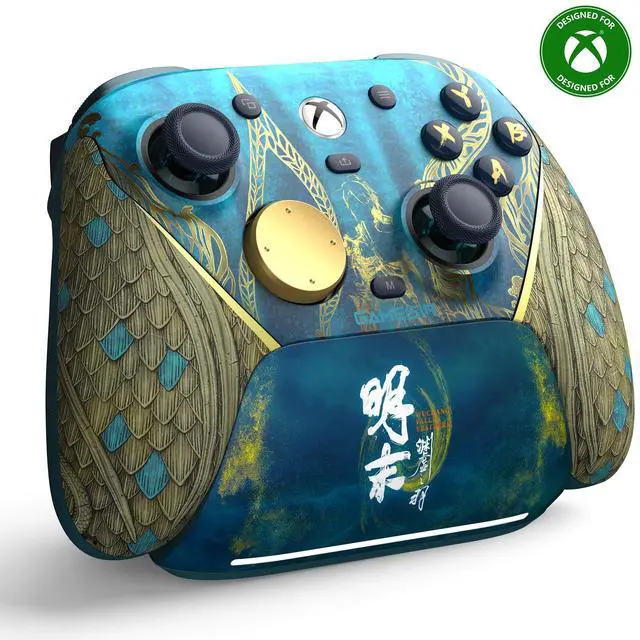
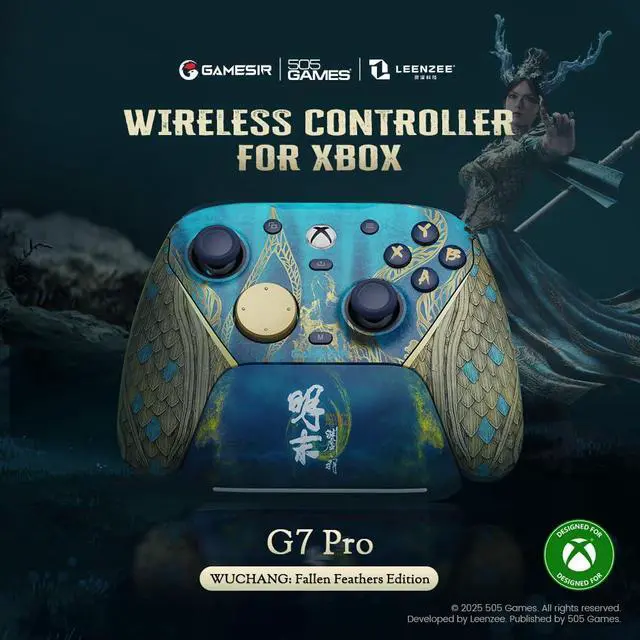
    G7 Pro Wireless Gaming Controller for Xbox Series X|S, Xbox One, PC, Android, Game Controller with 3.5mm Audio Jack ,Hall Effect Analog Triggers, TMR Sticks, 1000Hz Polling Rate

    • Xbox Official ControllerYour Xbox gaming, unleashed. Introducing the first-ever wireless Xbox controller from GameSir, engineered for the dedicated player. Dive into crystal-clear, responsive gameplay with a rock-solid 2.4G wireless link. The hassle-free one-press wake-up feature means your console is on and ready the moment you are, delivering unmatched convenience and control.
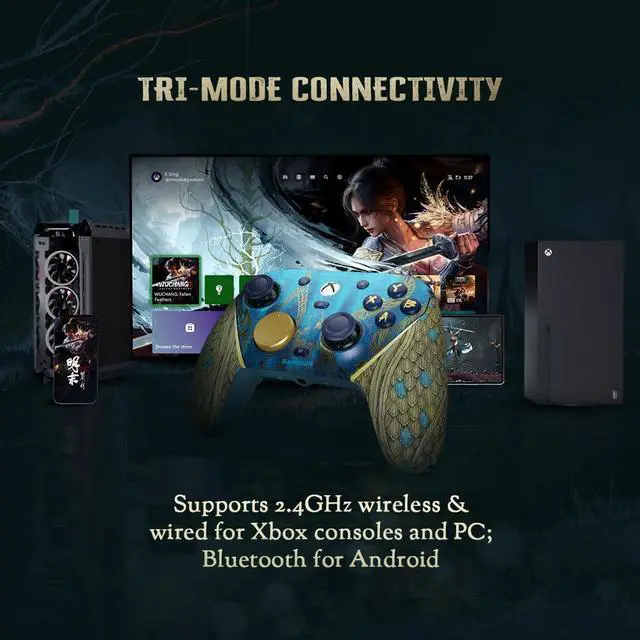
    • Tri-mode ConnectivityThe G7 Pro Wuchang: Fallen Feathers edition Connect to virtually all your devices with triple-mode support. The easy-access mode switch lets you jump from big-screen to mobile gaming in seconds. For Xbox & PC, Use the 2.4G wireless dongle or USB-C cable for a lag-free, console-like experience; For Android, Pair via modern Bluetooth 5.3 for a stable, energy-efficient connection with wide compatibility.
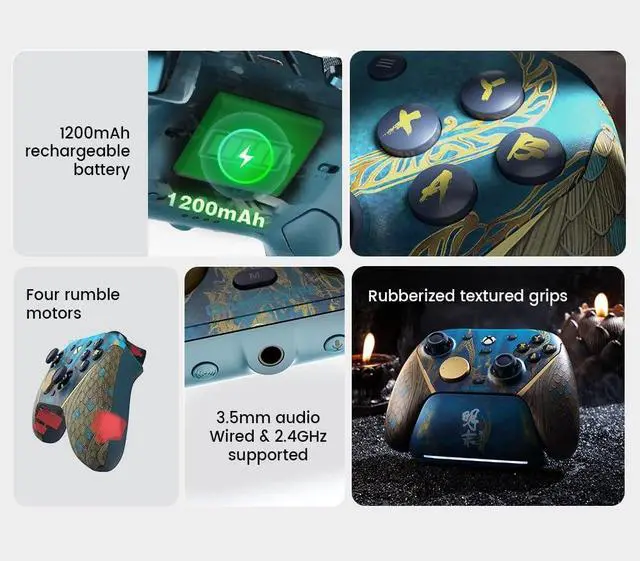
    • GameSir Mag-Res TMR sticksThe G7 Pro Wuchang: Fallen Feathers edition is equipped with the latest GameSir Mag-Res TMR sticks, blending the precise performance and low power consumption of traditional potentiometer sticks with the exceptional durability of Hall Effect sticks. This innovative technology ensures a higher and more stable polling rate, offering gamers a smoother, instantaneous, and anti-drift gaming experience like never before.
    +
    +
    Overview
    Specs
    Reviews
    avatar

    Any questions? Our AI beta will help you find out quickly.

    GameSir G7 Pro wuchang

    1
    3
    4
    6

    About Joystick Drift

    If you encounter joystick drift after receiving the product, don’t worry. Simply follow these steps to calibrate the G7 SE joystick and resolve the issue:

    1. Press and hold the View + Menu + Xbox buttons while connecting the USB-C cable to your PC’s USB port. The indicator light will slowly flash white.
    2. Make sure the LT, RT, and both joysticks are not being touched, then press the A button. The indicator light will turn off.
    3. Fully press LT and RT to their maximum travel. Rotate both joysticks to their maximum angles 3 times, then press the A button. The indicator will turn solid white, indicating successful calibration.
    4. Once calibration is complete, disconnect and reconnect the controller before use.

    Notice:

    Please update the firmware tothe latest version as prompted by the App. Thank you.

    GameSir G7 Pro wuchang

    2
    4
    5
    7

    About Joystick Drift

    If you encounter joystick drift after receiving the product, don’t worry. Simply follow these steps to calibrate the G7 SE joystick and resolve the issue:

    1. Press and hold the View + Menu + Xbox buttons while connecting the USB-C cable to your PC’s USB port. The indicator light will slowly flash white.
    2. Make sure the LT, RT, and both joysticks are not being touched, then press the A button. The indicator light will turn off.
    3. Fully press LT and RT to their maximum travel. Rotate both joysticks to their maximum angles 3 times, then press the A button. The indicator will turn solid white, indicating successful calibration.
    4. Once calibration is complete, disconnect and reconnect the controller before use.

    Notice:

    Please update the firmware tothe latest version as prompted by the App. Thank you.

    G7 Pro Wireless Gaming Controller for Xbox Series X|S, Xbox One, PC, Android, Game Controller with 3.5 mm Audio Jack, Hall Effect Analog Triggers, TMR Sticks, 1000Hz
    Polling Rate Wuchang: Fallen Feathers Edition

    Warranty & Returns

    Warranty, Returns, And Additional Information

    Warranty

    • Please contact the Seller directly for warranty information. Warranty information may also be found on the Manufacturer's website.
    • CONTACT

    Return Policies

    Manufacturer Contact Info

    LOADING...