




Specification
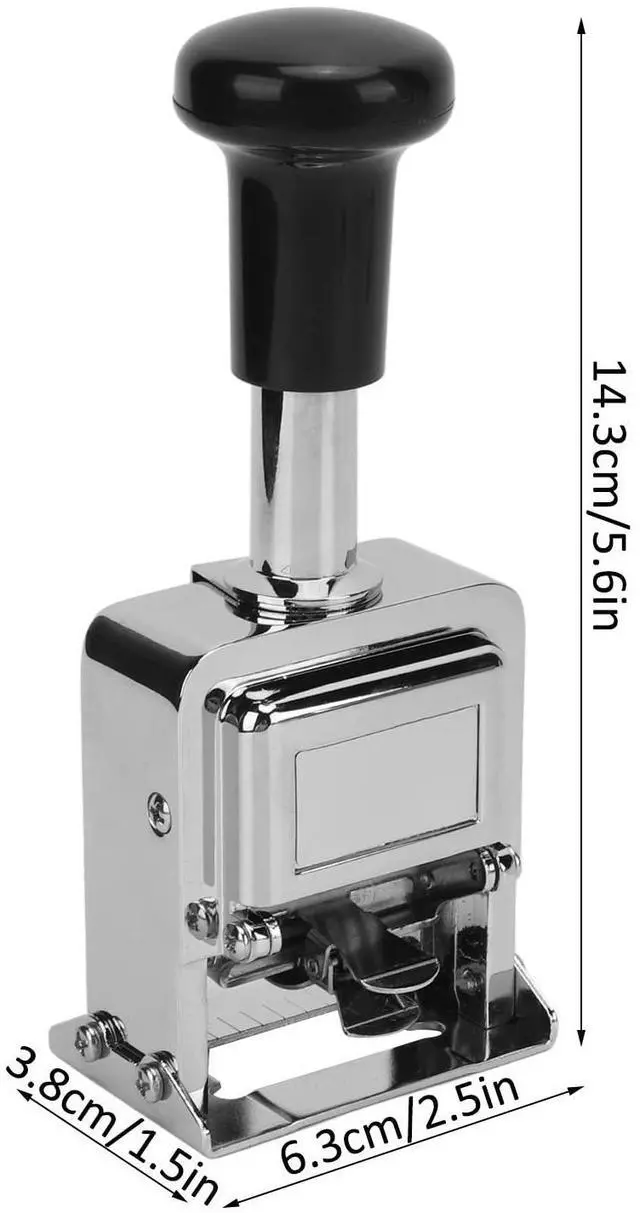
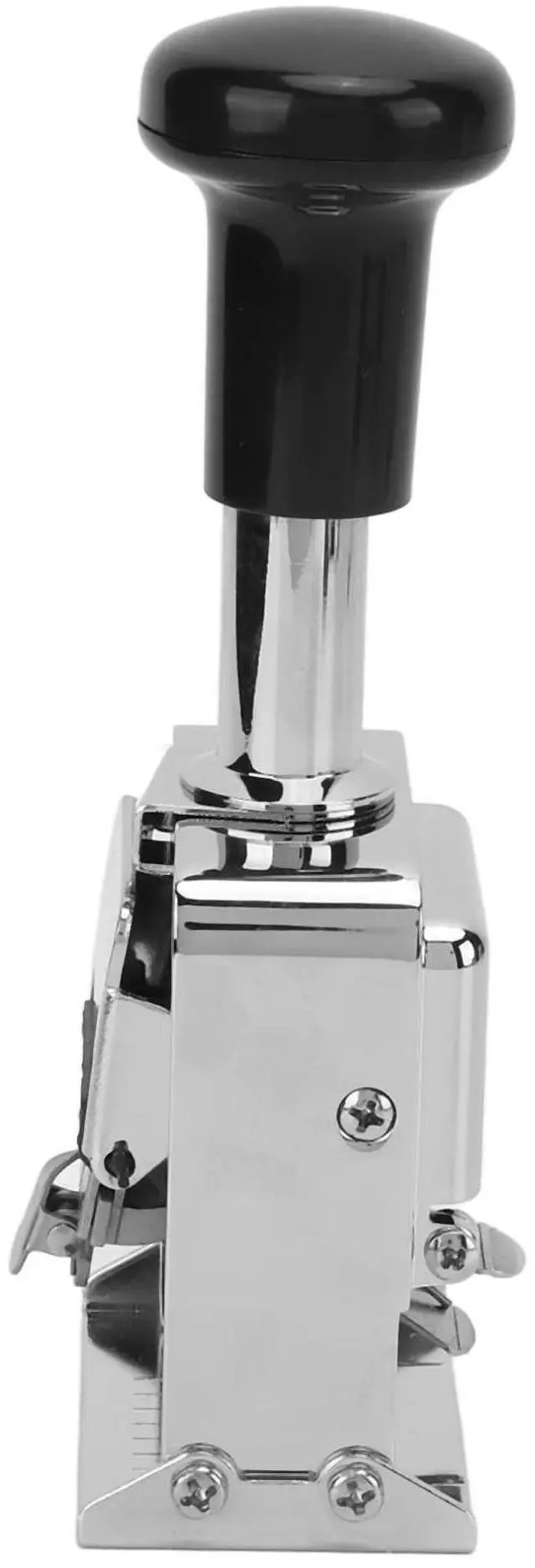
- Item Type: Number Stamp
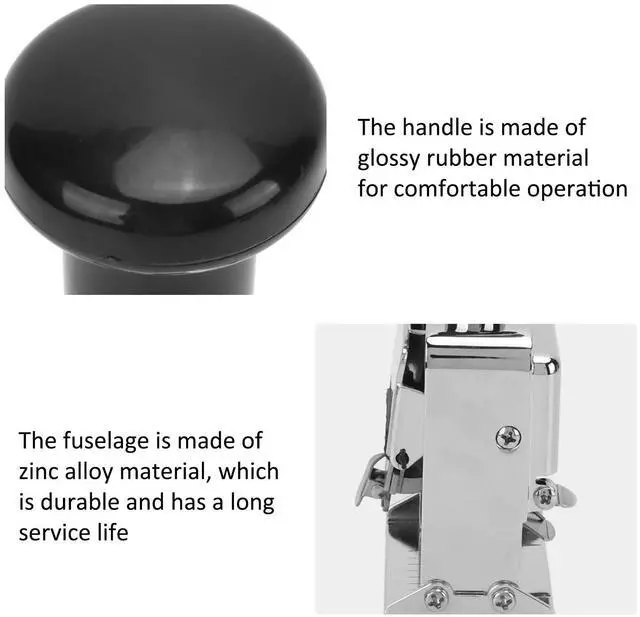
- Material: Zinc Alloy
- Uses: Banking, Medicine, Accounting
- Number of Digits: 5 Digits
- Product Size: Approx.6.3 x 3.8 x 14.3cm / 2.5 x 1.5 x 5.6in
Package List
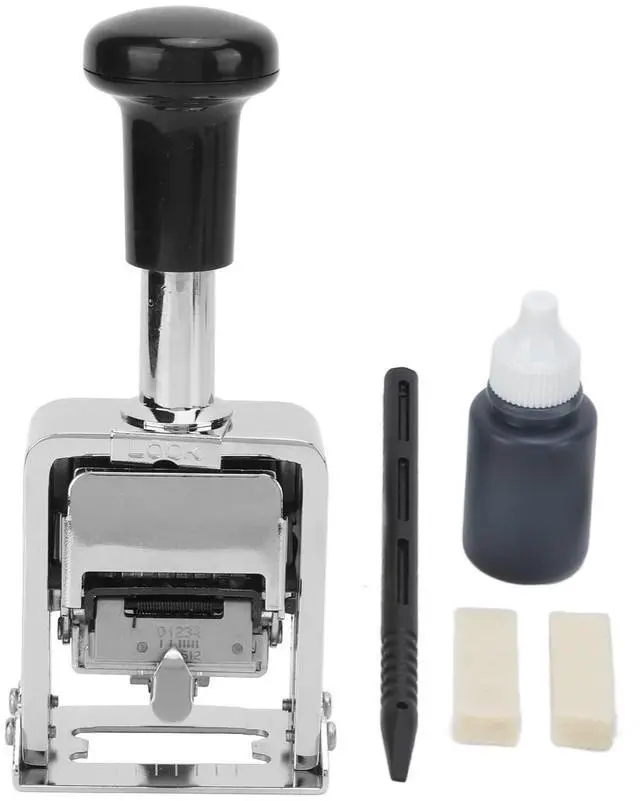
- 1 x Number Stamp
- 1 x Ink
- 1 x Dial Stick
- 2 x Number Pad
Adding Ink Method
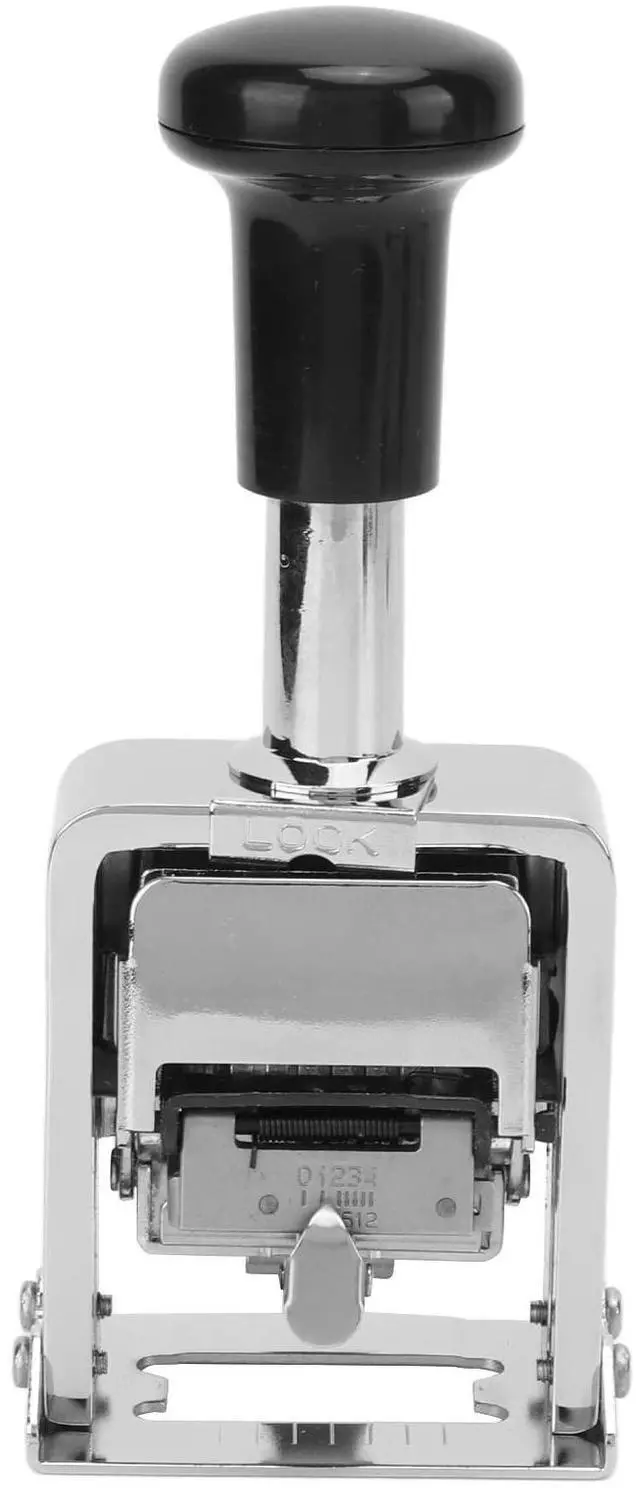
1. Lock: Press the black handle, and press the LOCK button to lock the handle.2. Take: Take out the fixing button and put in the number pad3. Coating: Shake the ink well, squeeze out an appropriate amount of ink and spread it evenly4. Clip: Re clip the fixing buckle to the cartridge holder5. Pull: pull out the LOCK button, release the handle position, you can start to use
Dial Method
- 1. Use the dial stick to push the number forward (the number cannot be pushed in the opposite direction when pushing the number, do not push it hard with a metal stick to avoid damage to the machine)
- 2. When only some digits are needed (for example, a six-digit number machine needs to dial a four digit number), first adjust the number of the unneeded part of digits to 0, and then use the dial stick to push forward "clockwise" and sprinkle it down. Make the number wheel sag so that it is not on the same level as the other required number wheels.
Debugging Method
- 1. Move the Tune key to the corresponding position according to the requirements (Move Tune to "0", the continuous number will never skip, "1" will skip the number every time, 2" will skip the number every two times, And so on)
- 2. When moving the joint construction, you need to lift it up first, and then move it to the notch of the corresponding position and put it down


Specification
- Item Type: Number Stamp
- Material: Zinc Alloy
- Uses: Banking, Medicine, Accounting
- Number of Digits: 5 Digits
- Product Size: Approx.6.3 x 3.8 x 14.3cm / 2.5 x 1.5 x 5.6in
Package List
- 1 x Number Stamp
- 1 x Ink
- 1 x Dial Stick
- 2 x Number Pad
Adding Ink Method
1. Lock: Press the black handle, and press the LOCK button to lock the handle.2. Take: Take out the fixing button and put in the number pad3. Coating: Shake the ink well, squeeze out an appropriate amount of ink and spread it evenly4. Clip: Re clip the fixing buckle to the cartridge holder5. Pull: pull out the LOCK button, release the handle position, you can start to use
Dial Method
- 1. Use the dial stick to push the number forward (the number cannot be pushed in the opposite direction when pushing the number, do not push it hard with a metal stick to avoid damage to the machine)
- 2. When only some digits are needed (for example, a six-digit number machine needs to dial a four digit number), first adjust the number of the unneeded part of digits to 0, and then use the dial stick to push forward "clockwise" and sprinkle it down. Make the number wheel sag so that it is not on the same level as the other required number wheels.
Debugging Method
- 1. Move the Tune key to the corresponding position according to the requirements (Move Tune to "0", the continuous number will never skip, "1" will skip the number every time, 2" will skip the number every two times, And so on)
- 2. When moving the joint construction, you need to lift it up first, and then move it to the notch of the corresponding position and put it down