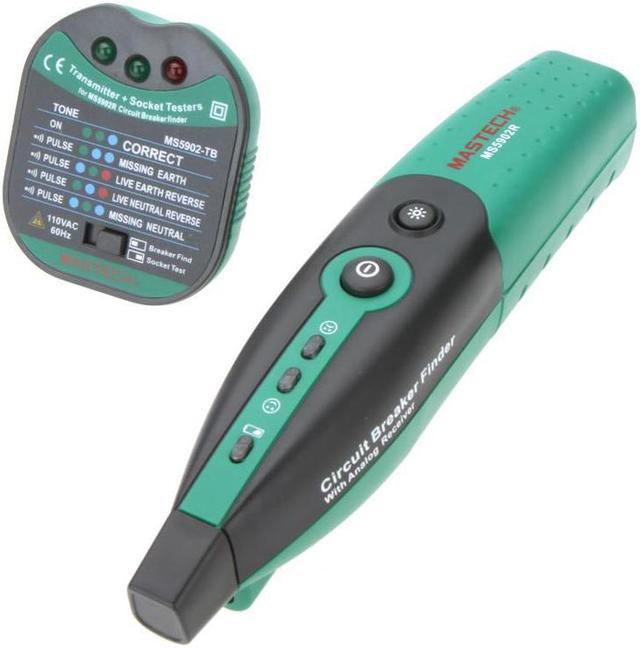
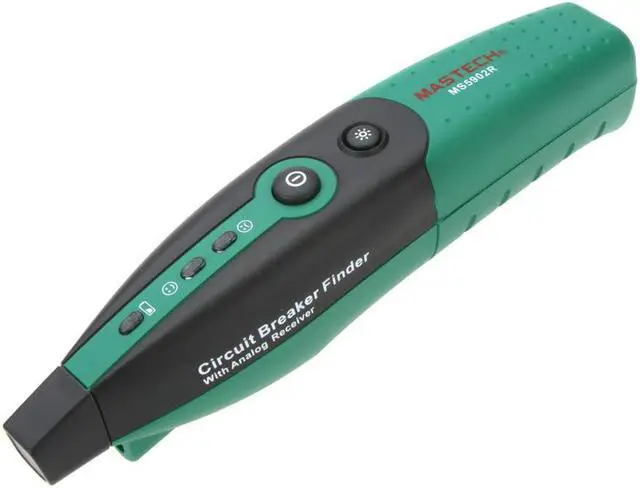
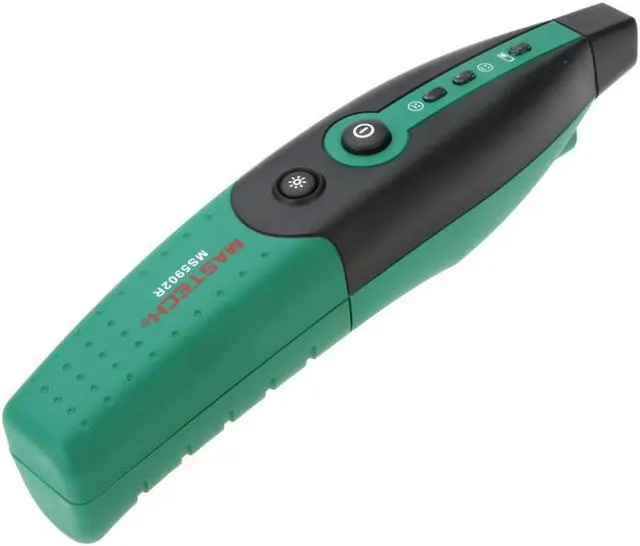
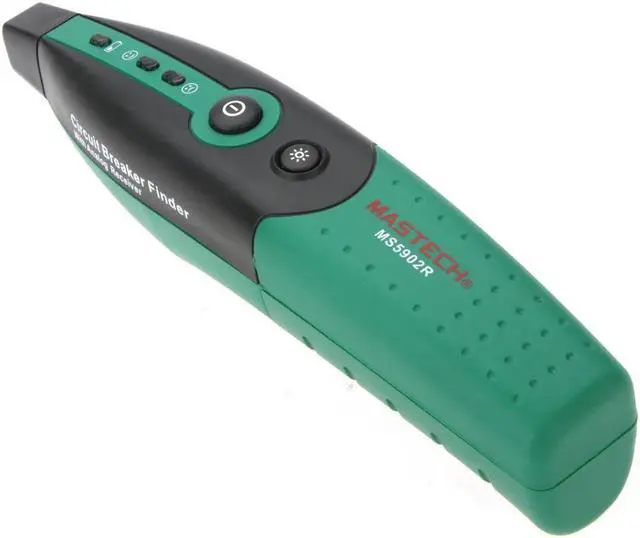
Features: Automatically and quickly finds correct breaker or fuse. Quickly and easily identify conditions of circuit socket. Transmitter Works on 110VAC
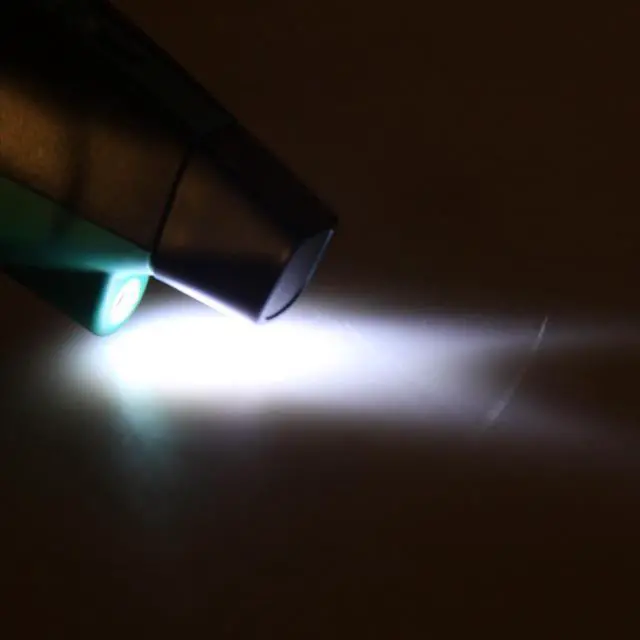
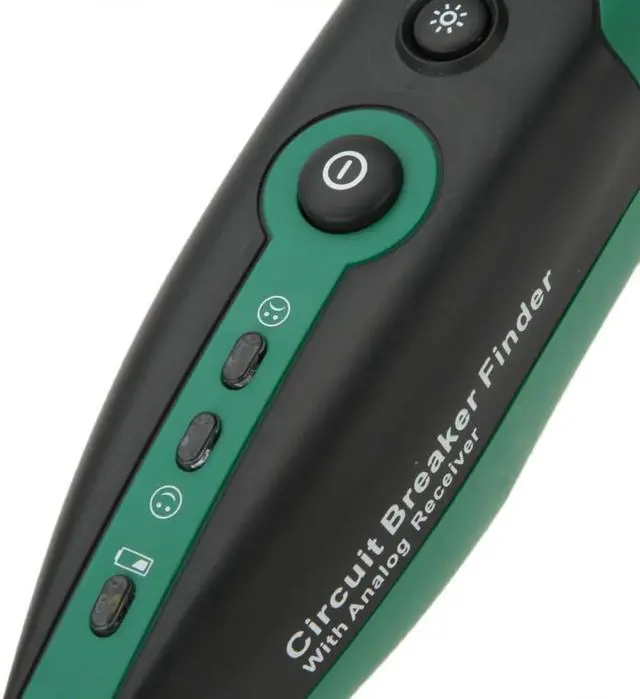
Operating temperature: 0 ~ 50 Circuit Breaker Finder Socket Tester Automatically adjust the sensitivity Visual and auditory instructions Flashlight function Low battery indication
Operation: Locating a Circuit Breaker or Fuse
1. Keep the pillar at left on the MS5902-T
2. Plug the MS5902-T into the receptacle. if there is a candescent light fixture, please install a socket adapter before make sure the switch is OFF. then plug the MS5902-T into the socket adapter, turn the switch on at one time. (Socket adapter need purchase additional)
3. Go to the circuit breaker panel box.
4. Turn the MS5902-R on, the red LED is light.
5. Place the chapiter of the MS5902-R directly onto the circuit breaker or fuse.
6. Slide the chapiter of the MS5902-R down each breaker along both sides of the panel. Then the MS5902-R will beep frequently as it denote the relative signal strength.
7. Move the MS5902-R down each breaker once more. On the third pass, the MS5902-R will beep, the red LED will quench and the green LED will light only at the circuit Breaker powering the MS5902-T.
8. Push the breaker off and check that the LED on the MS5902-T in the outlet is off to confirm you have found the correct breaker or buse.
Test Socket: Keep the pillar at right on the MS5902-T. Please contradistinguish nameplate on the MS5902-T.
General Specifications: Power
Supply: 1 * 9V battery/6F22 (not included)
Package Size: 26.5 * 16 * 6.5 cm / 10.5 * 6.3 * 2.5 in
Package Weight: 264g/ 9.3 oz
Package List: 1 * Mastech MS5902 Automatic Circuit Breaker Finder Socket Tester