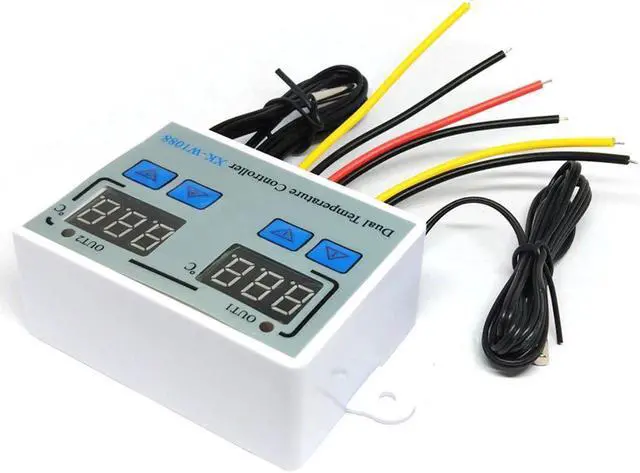
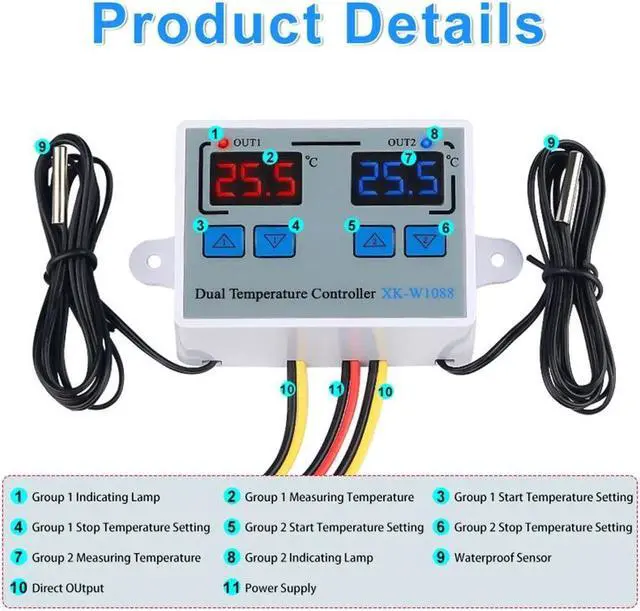
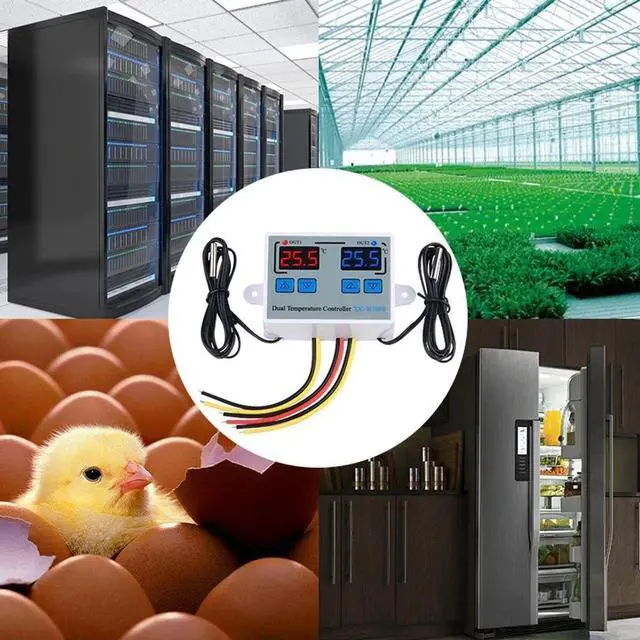
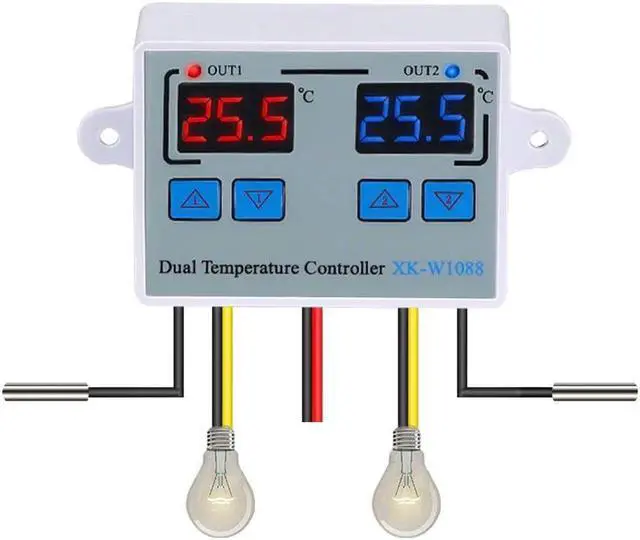
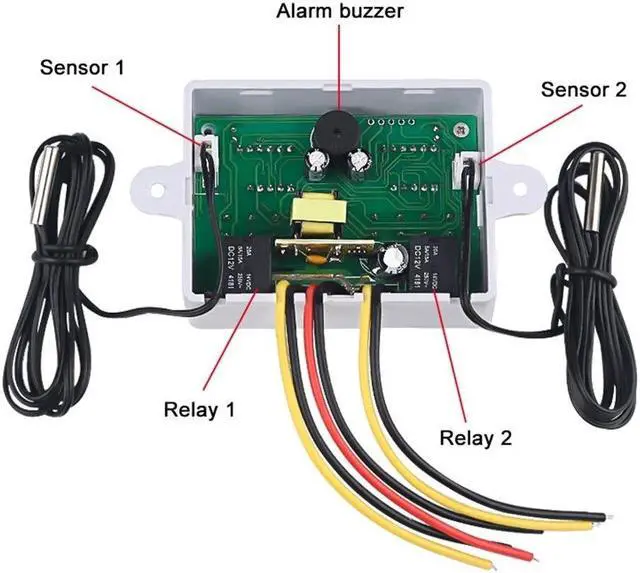
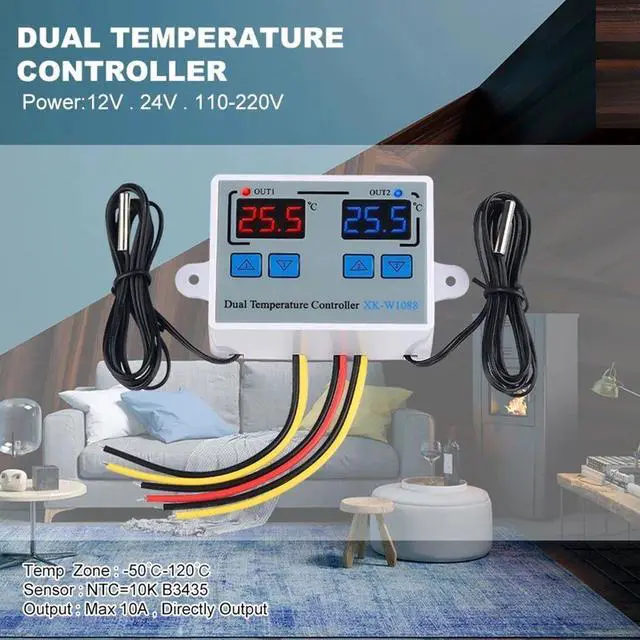
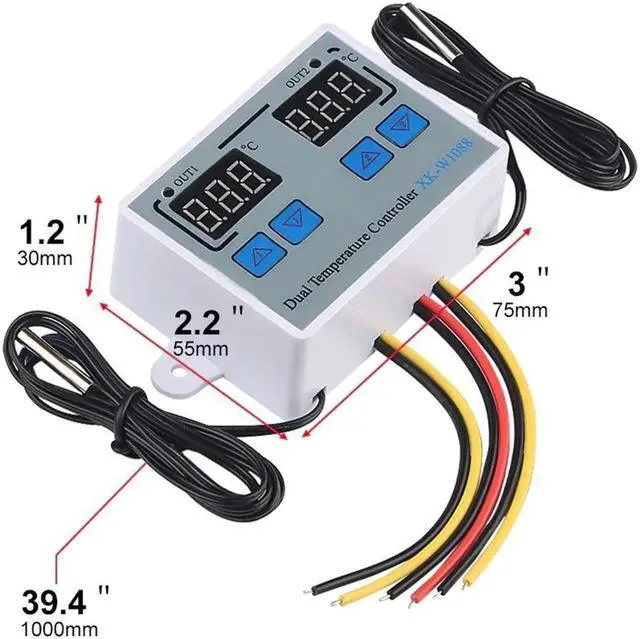
Set startup temperature:Press the "up" button once to display the starting temperature. Long press the "up" button for about 3 seconds,The required temperature can be set by the up and down keysSet the stop temperature:Press the button once to display the stop temperature. Long press the button for about 3 seconds and the stop temperature number flashes. The required temperature can be set by the up and down keysPress "Up 1" Button & "Up 2"Button at the same time to setting modeHow to restore factory Settingspress the "Down 1" and "Down 2" button at the same time, the factory setting is restoredTemperature correctionPress Up 1 and Down 1 at the same times for 3 second. positive value = measured value + corrected value(group 2 temperature correction is the same method )Note:Heating Mode--Start temperatureStop temperatureCode Function Set Range DefaultP0 Compressor 1 delay time 0-60min 0minP1 Compressor 2 delay time 0-60min 0minP2 High temperature alarm value -55~120C/-67~248F 120C/248FP3 Low temperature alarm value -55~120C/-67~248F -55C/-67F Features:Heating or cooling controlRed and blue dual led displayIndependent Dual-way temperature controllerTemperature display resolution 0.1Directly power outputSupport high(low) temperature alarm and support for power loss (the parameters of the sudden power failure are still validApplication range is like home temperature control, farm, various cold storage, greenhouse, aquarium, etcSpecifications:Display Type: DigitalMaterial: ABS+PCBStyle:Standing StationTemperature sensor: NTC 10KSenor length:1.0mTemperature measuring range:-55 C ~ 120 C / -66F~248FResolution: 0.1 CAccuracy:1 CPower consumption: