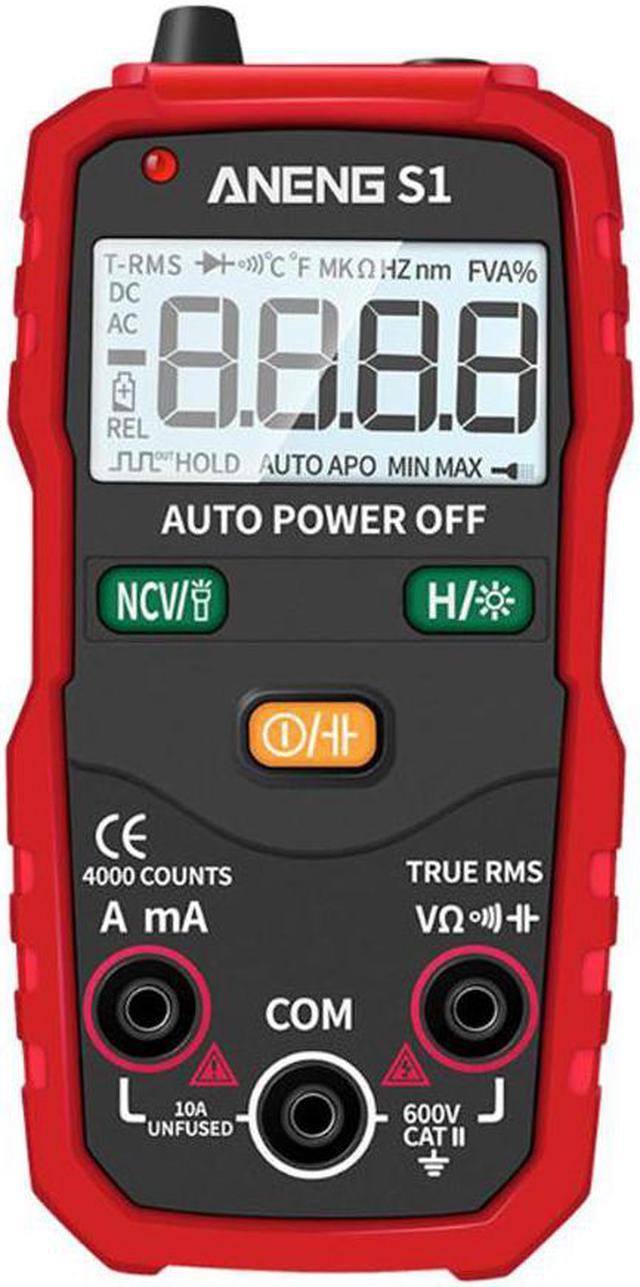
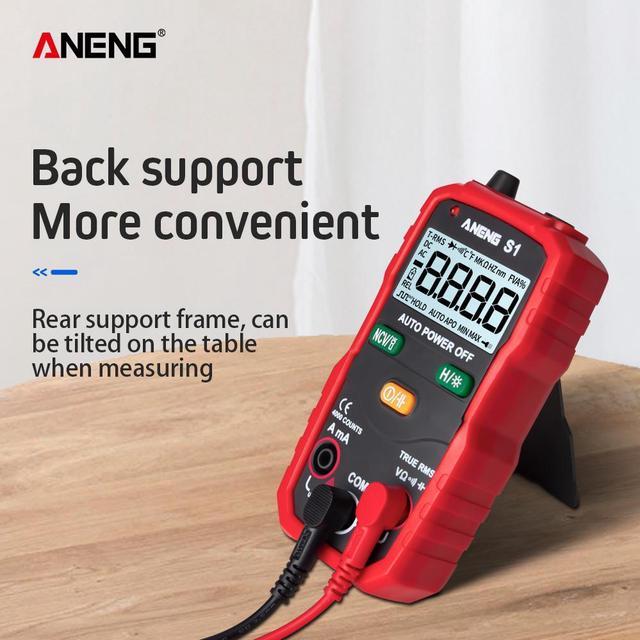
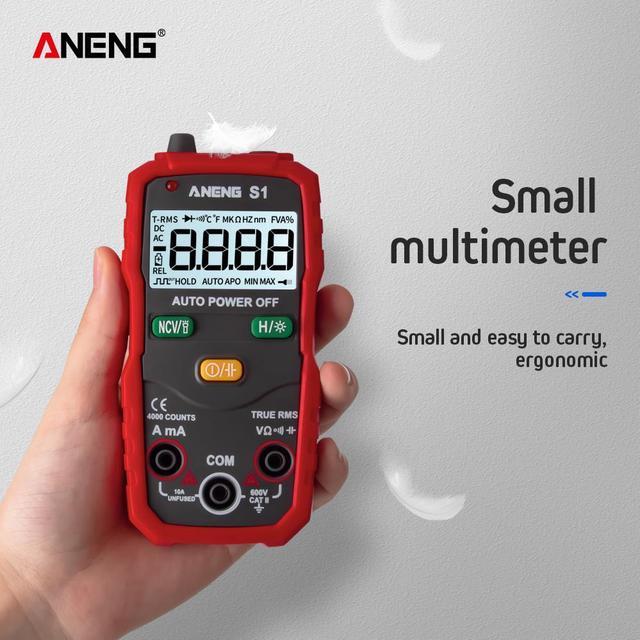
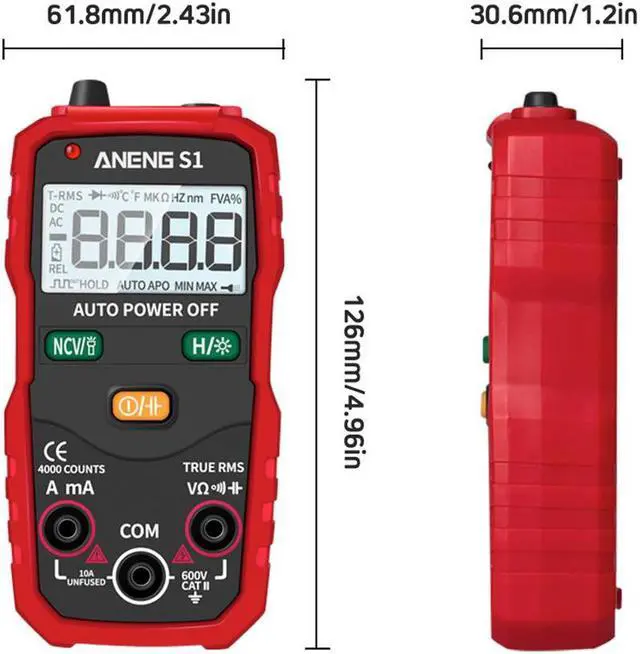
MeasurementsMeasure DC/AC Voltage (>0.8V)1. Only when voltage is higher than 0.8V, this product will show the display.2. Put the red lead into the V terminal,put the black lead to the COM terminal.3. The DC or AC voltage will be auto matched.4. Touch the probes to the correct test points of the circuit to measure the voltage.5. Read the measured voltage on the display.Measure Resistance1. Put the red lead into the V terminal,put the black lead to the COM terminal.2. The resistance measure will be auto matched.3. Touch the probes to the desired test points of the circuit to measure the resistance.4. Read the measured resistance on the display.Test for Continuity1. Put the red lead into the V terminal,put the black lead to the COM terminal.2. The continuity measure will be auto matched.3. Touch the probes to the desired test points of the circuit.4. The built-in beeper will beep when the resistance is lower than 50,which indicates a short circuit while the central LED light will light.Test for NCV1. Keep pushing the NCV button to enter the NCV mode.2. Hold the product and move it around,the built-in beeper will beep when the inner sensor detects AC voltage nearby.The stronger the voltage is,the quicker the beeper beeps while the central LED light will twinkle.Test for Current1. Put the red lead to A mA terminal and put the black lead to COM terminal.The current measure will be auto matched when you put the leads in.2. Touch the probes to the correct test points of the circuit to measure the current.3. Read the measured current on the display.4. When you input the current over 2 AMP,the testing time should be less than 3 seconds.5. When the probes are in the current terminal but you have no operations,this product will alarm each 4 seconds to remind that you are in the current mode. (Remark: the current do not have fuse to protect, please do not overload test.)Test for Capacitance1. Push the power button, push the button for seconds to switch to test capacitance.2. Put the black probe into COM socket, put red probe into socket.3. Test the object and read the digits on screen. Remark:When test large capacitance, it need time to make digits stable. Before test capacitance, clear all high V capacitance,and make sure it is clear. IntroductionThis product is a battery-powered, auto-ranging, true RMS digital multimeter with a 4000 counts LCD display.Safety InformationTo avoid possible electrical shock, fire,or personal injury, please read all safety information before you use the product. Please use the product only as specified, or the protection supplied by the product can be compromised.Examine the case before you use the product. Look for cracks or missing plastic. Carefully look at the insulation around the terminals.The measurement must be madewithin the allowable measuring range.Do not use the product around explosive gas,vapor,or in damp or wet environments.When the voltage to be measured exceeds 36V DC or 25V AC,the operator shall be careful enough to avoid electric shock.Misuse of mode or range can lead to hazards,be cautious.OLwill be shown on the display when the Input is out of range.Low level of a battery will result in incorrect readings. Change the batteries when the battery door is notproperly placed