here!
here!
I’m your shopping assistant for PC builds, upgrades, and everything tech.
Got questions? Ask away!
Start a conversation
here!
I’m your shopping assistant for PC builds, upgrades, and everything tech.
Got questions? Ask away!
Start a conversation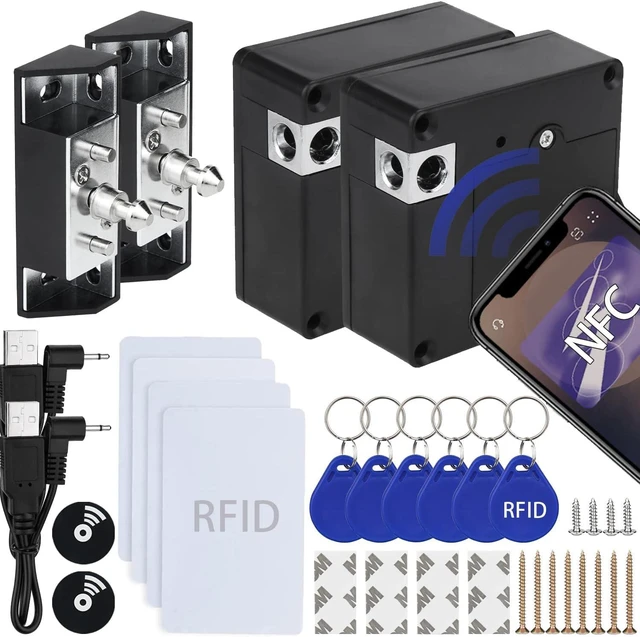



Any questions? Ask CelesteSM will help you find out quickly.
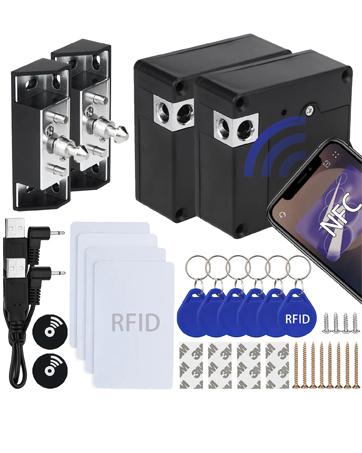
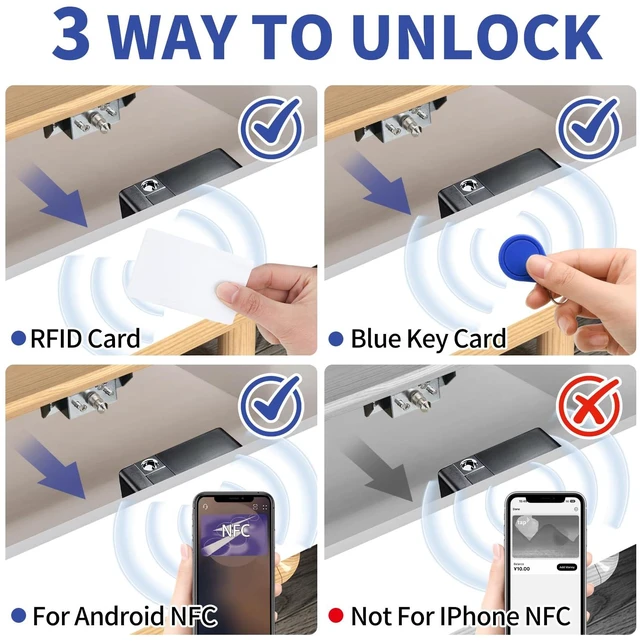
NFC cabinet lock supports mobile phone NFC function unlocking.
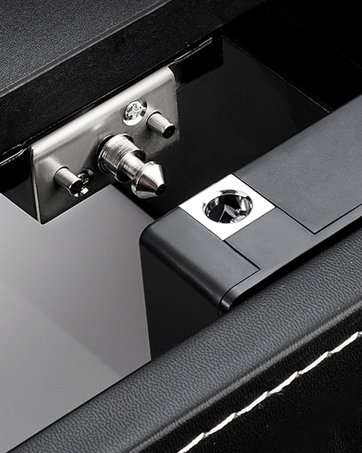
The hidden design effectively protects the storage location of valuables from being discovered
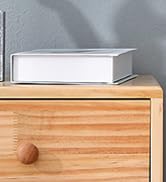
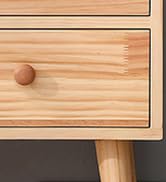
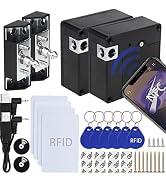
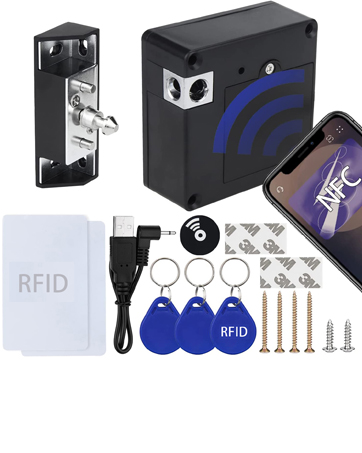
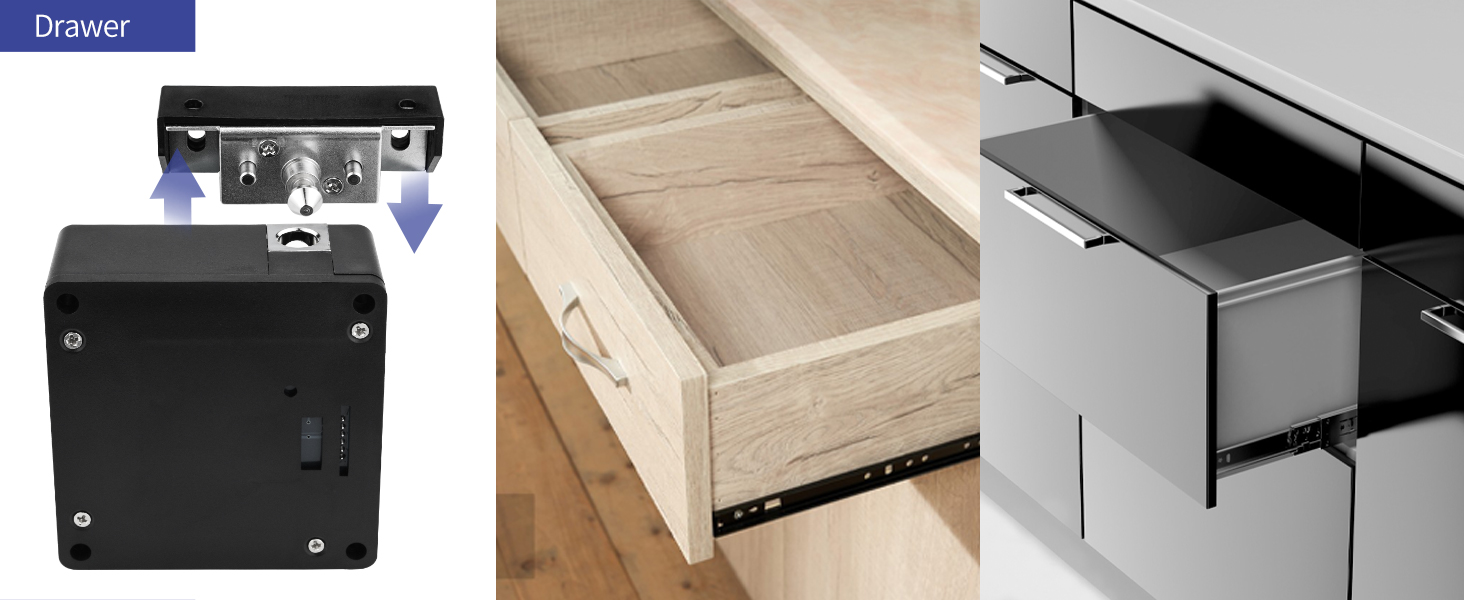
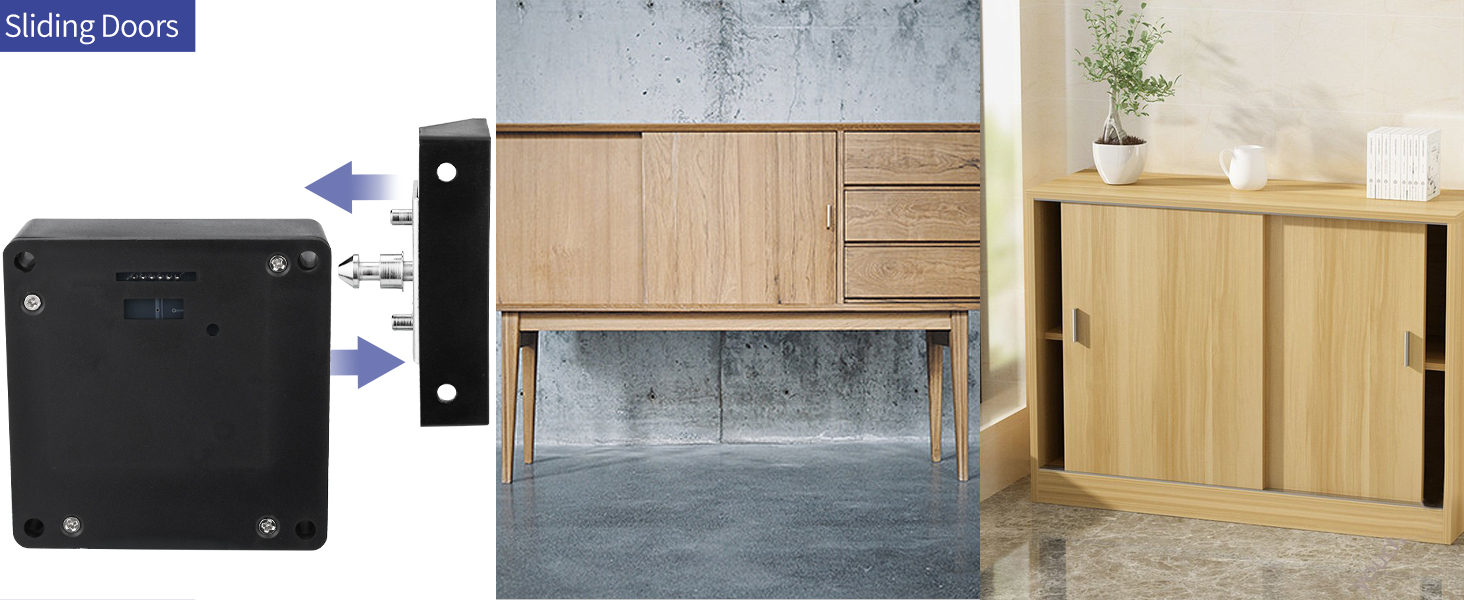
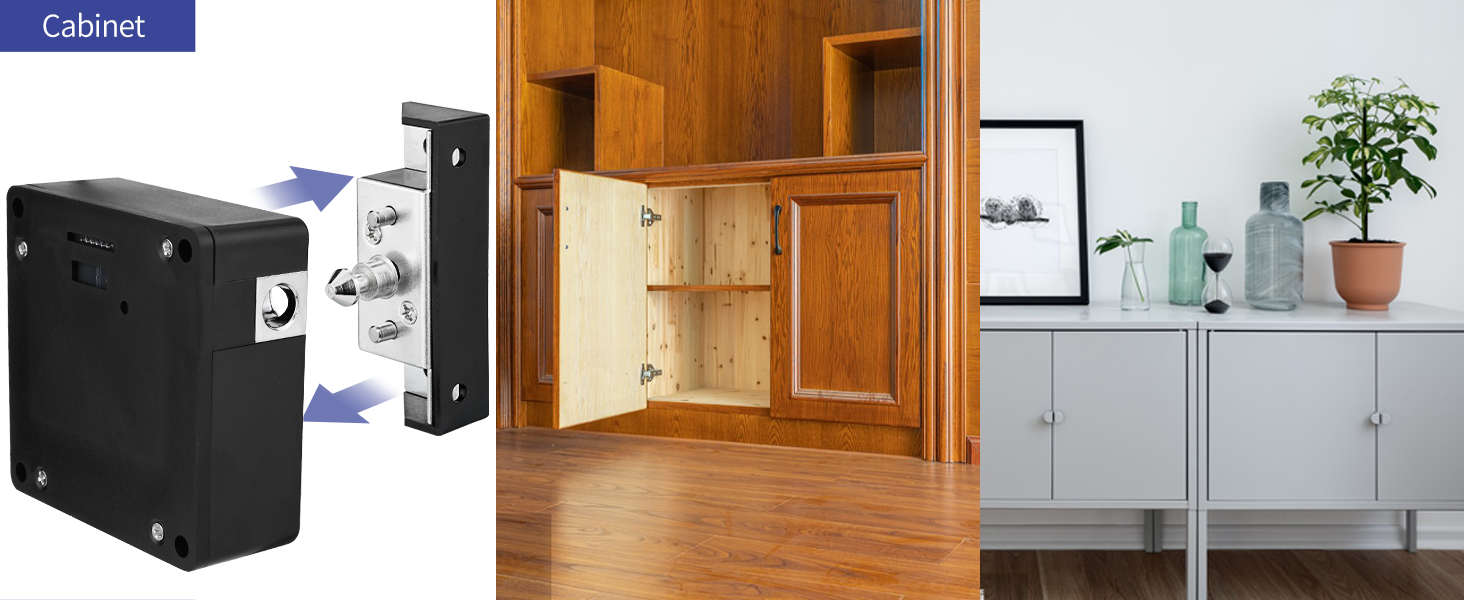
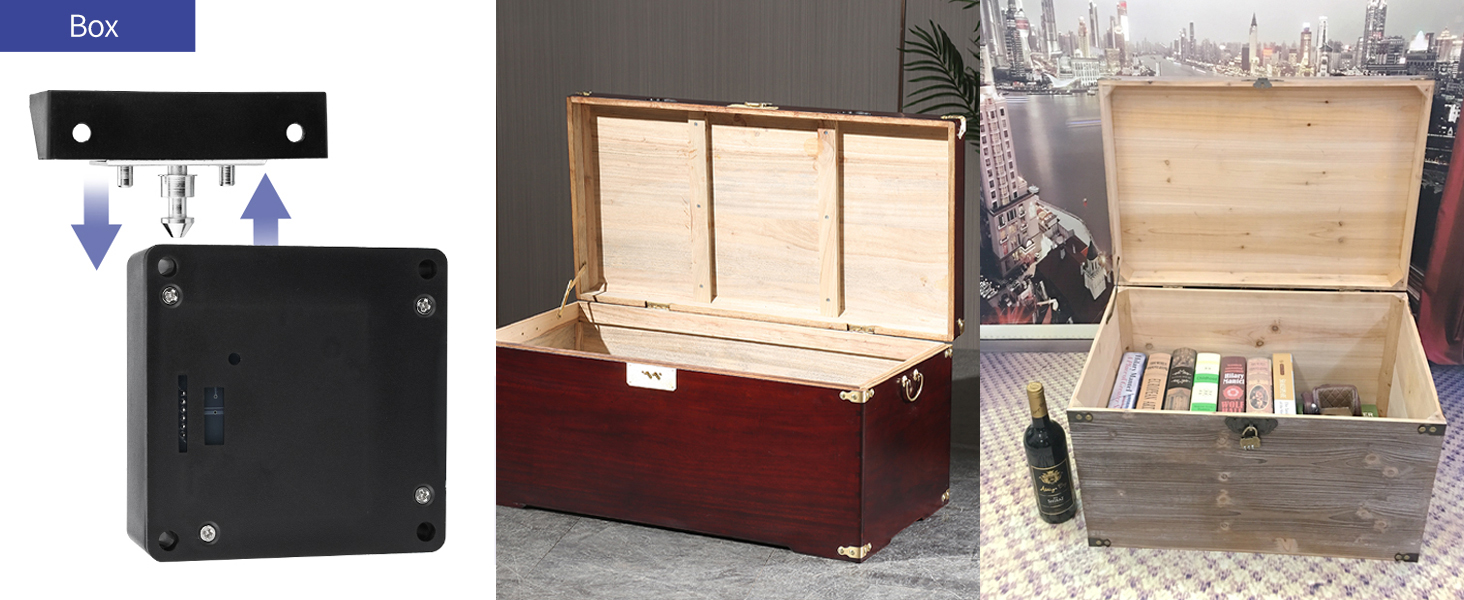
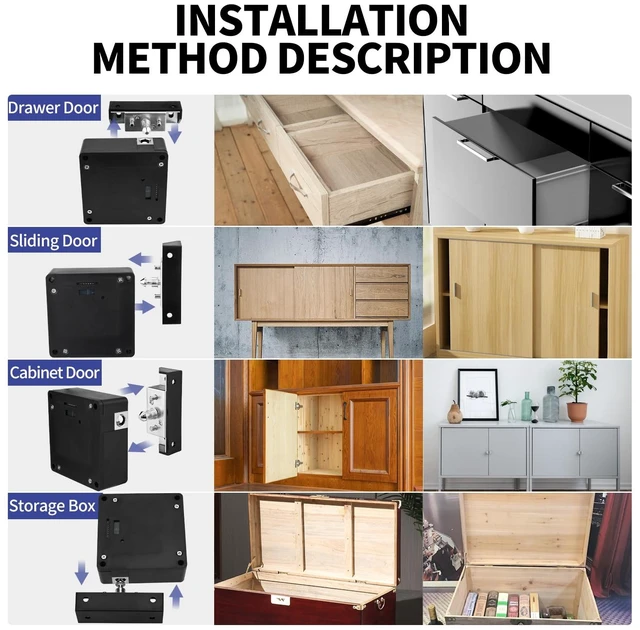
for Hidden Wooden Cabinet Drawer Liquor Cabinet Cupboard Open and Close Pantry Shelf or Concealed Toolbox.
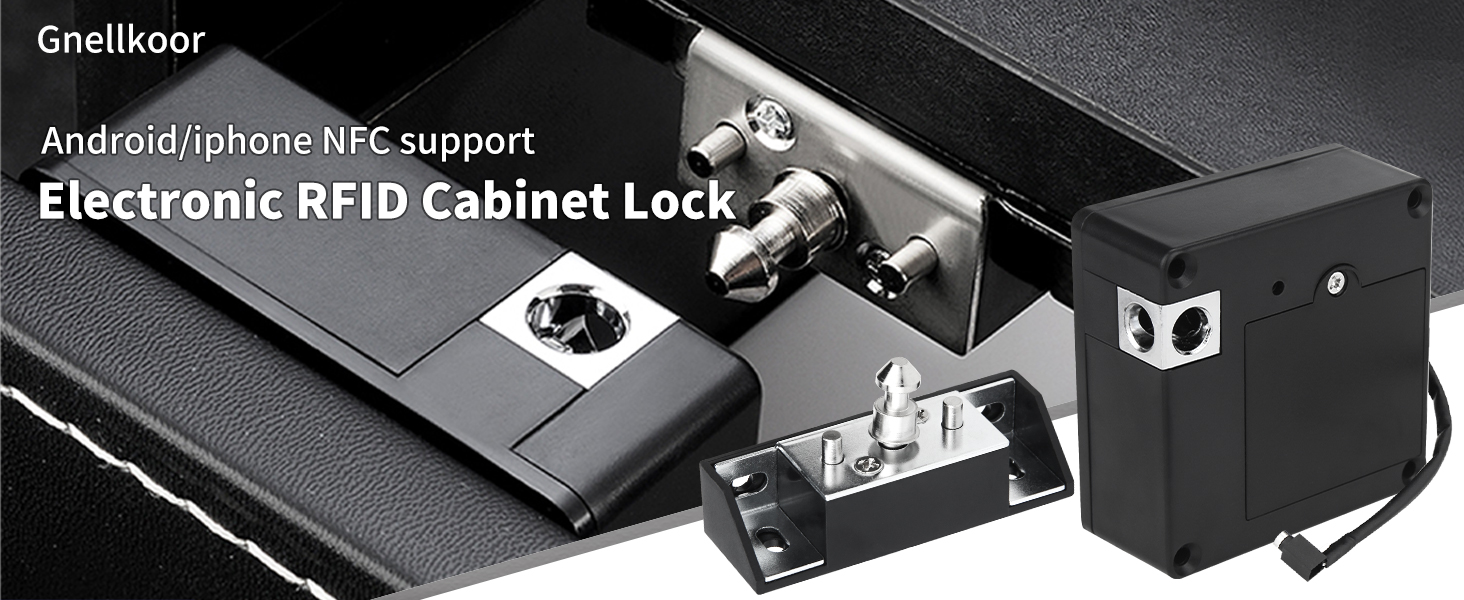
NOT APPLICABLE FOR APPLE IOS
1. Turn on the NFC button in the phone settings, go back to desktop and search for the wallet app.
2. Add access card and copy physical access card, place the master card on the back of the phone.
3. Complete copy and set the name of the card, select the new card you just completed and use the card to unlock.
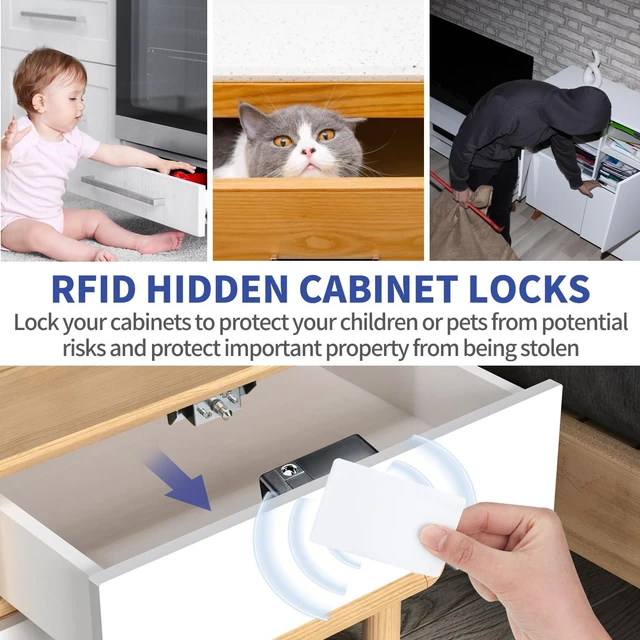
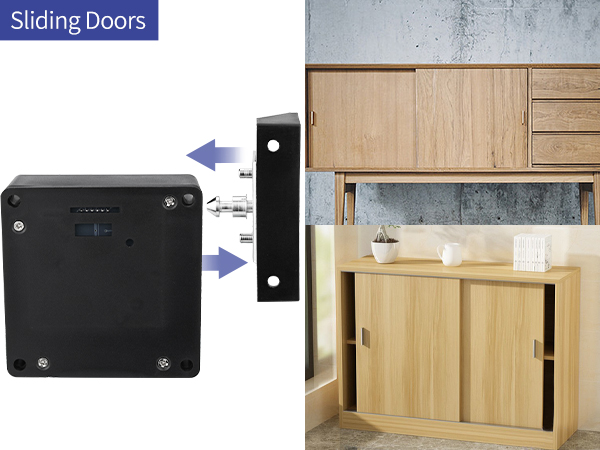
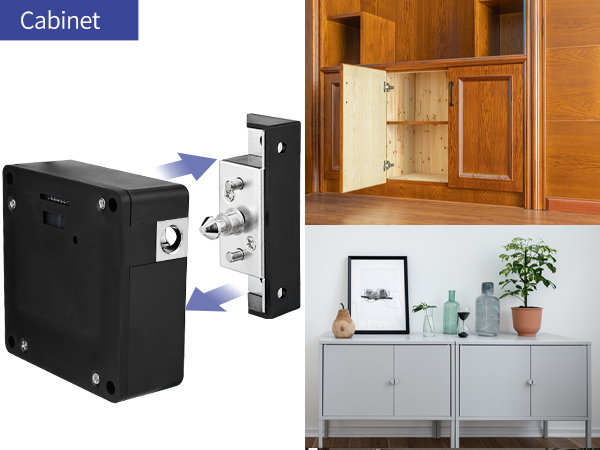
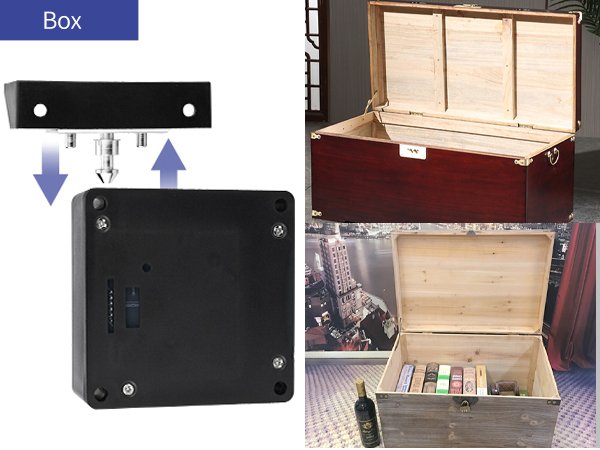
RFID hidden cabinet lock is suitable for cabinets, lockers, cabinets, data racks, boxes. The hidden design effectively protects the storage location of valuables from being discovered, and the sturdy latch prevents the cabinet from being violently opened by strangers.
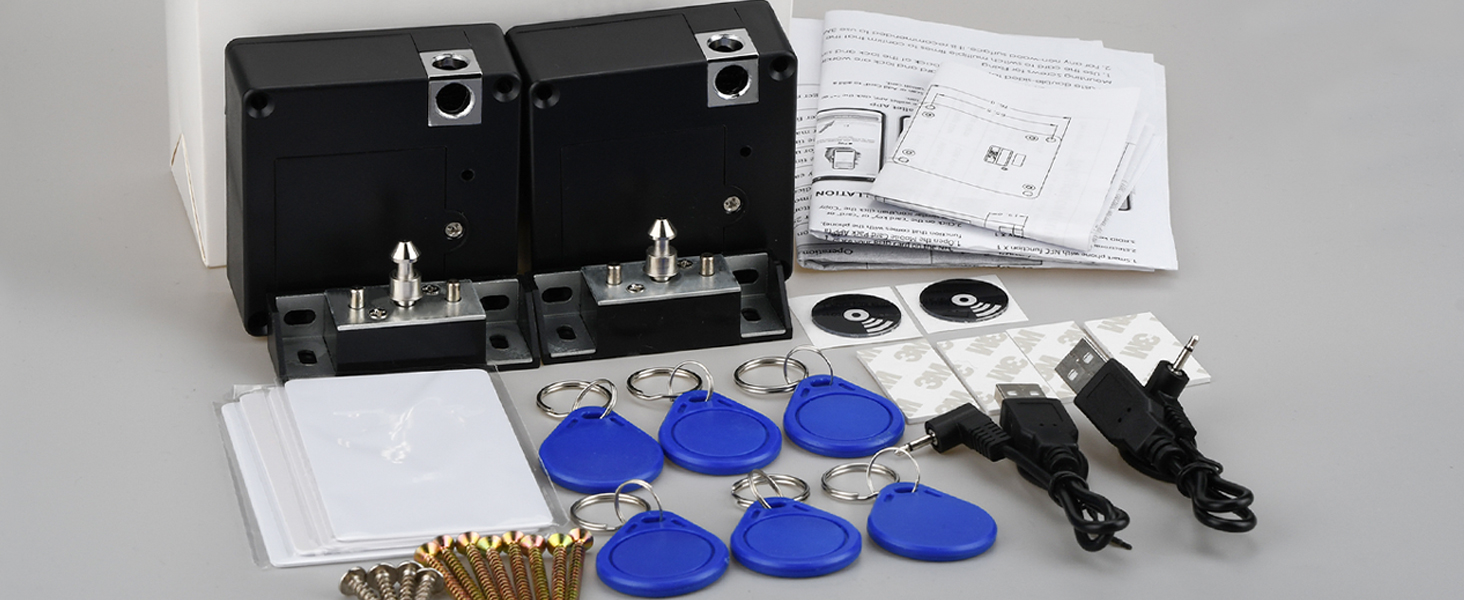
NFC cabinet lock supports mobile phone NFC function unlocking.
The hidden design effectively protects the storage location of valuables from being discovered
for Hidden Wooden Cabinet Drawer Liquor Cabinet Cupboard Open and Close Pantry Shelf or Concealed Toolbox.
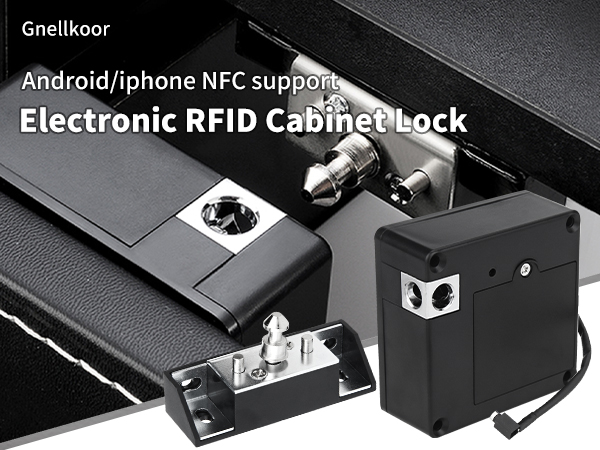
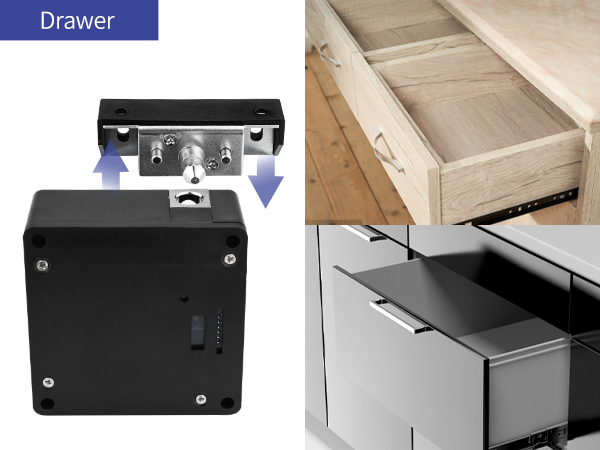
NOT APPLICABLE FOR APPLE IOS
1. Turn on the NFC button in the phone settings, go back to desktop and search for the wallet app.
2. Add access card and copy physical access card, place the master card on the back of the phone.
3. Complete copy and set the name of the card, select the new card you just completed and use the card to unlock.
RFID hidden cabinet lock is suitable for cabinets, lockers, cabinets, data racks, boxes. The hidden design effectively protects the storage location of valuables from being discovered, and the sturdy latch prevents the cabinet from being violently opened by strangers.
| Brand | Gnellkoor |
| Special Feature | Anti Bump, Anti Drill, Resettable, Weather Resistant |
| Lock Type | Electronic |
| Item dimensions L x W x H | 4 x 4 x 2 inches |
| Material | Alloy Steel, Metal |
| Brand Name | Gnellkoor |
| Recommended Uses For Product | Wooden Chest Drawer Cupboard Wine Cooler or Toolbox |
| Number of Pieces | 2 |
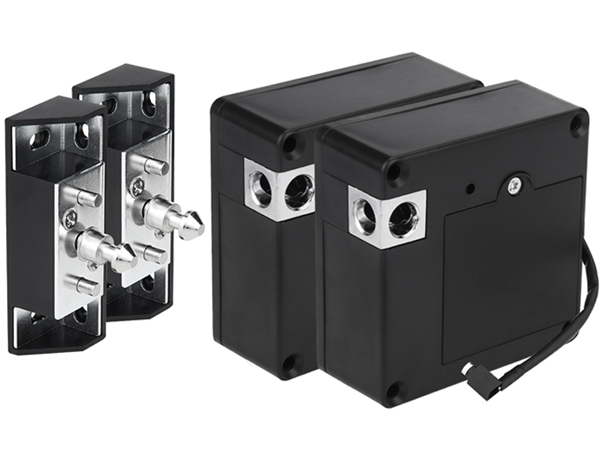
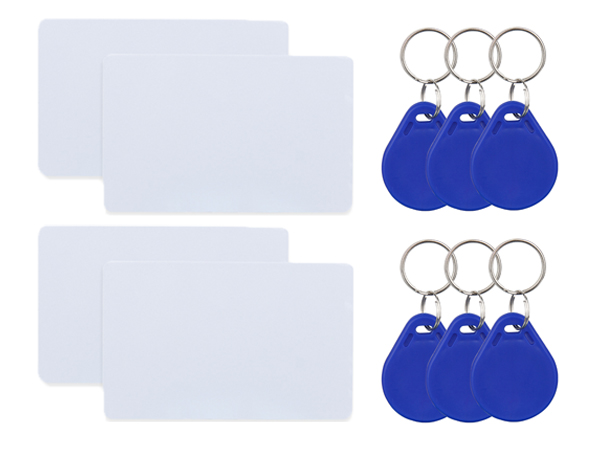
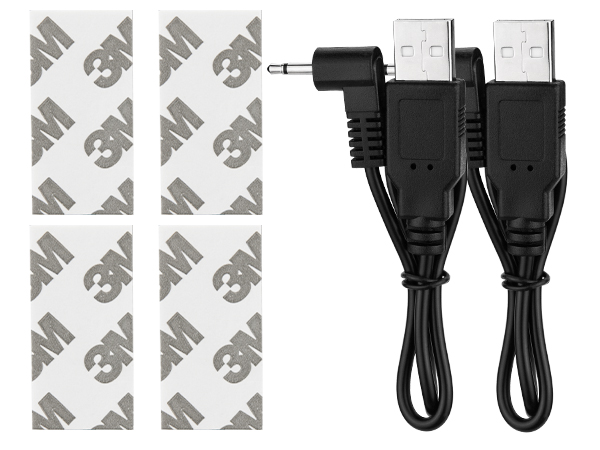
| Included Components | Blue key Card x 6, LOCK x 2, Power Cord x 2, RFID Card x 4 |
| Model Number | Jo-ECL |
| Model Name | Jo-ECL |
| Number of Items | 2 |
| Manufacturer | Johnnyue |
| Number of Packs | 2 |
| Unit Count | 2 Count |
| Manufacturer Part Number | Jo-ECL |
| Additional Features | Anti Bump, Anti Drill, Resettable, Weather Resistant |
| Controller Type | Android, iOS |
| Control Method | Touch |
| Connectivity Protocol | NFC, RFID |
| Style Name | Modern |
| Color | Black |
| Shape | Square |
| Material Type | Alloy Steel, Metal |
| Finish Types | Painted |
| Item Dimensions | 4 x 4 x 2 inches |
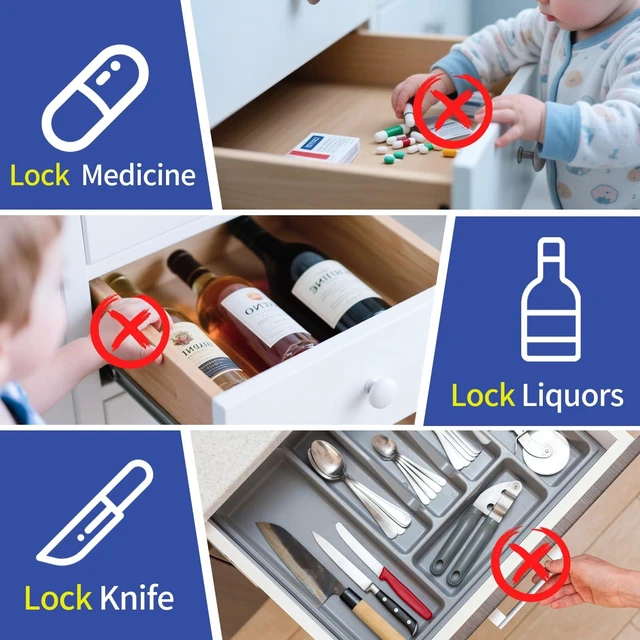
| Item Highlight | For Locking Wooden Medicine, Knife, Liquors Invisible Hidden Cabinets & Drawers to Prevent Theft or Children from Touching |