




 here!
here!
I’m your shopping assistant for PC builds, upgrades, and everything tech.
Got questions? Ask away!
Start a conversation
here!
I’m your shopping assistant for PC builds, upgrades, and everything tech.
Got questions? Ask away!
Start a conversation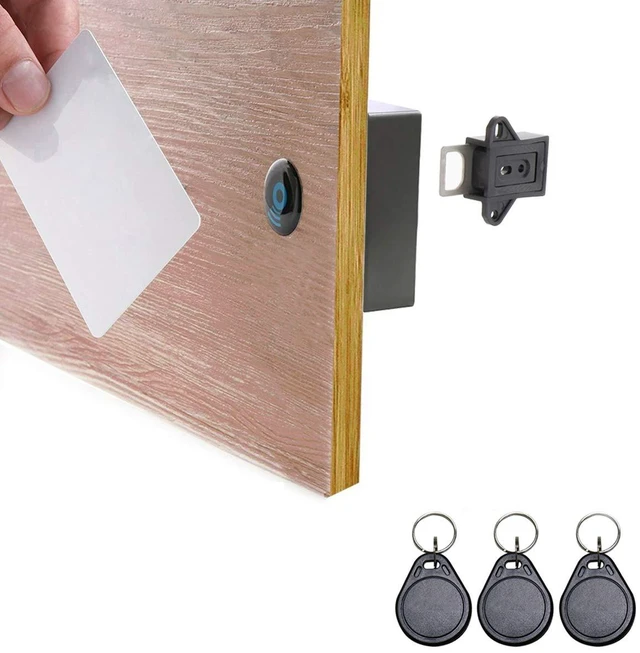



Any questions? Ask CelesteSM will help you find out quickly.
Note:
1. The lock will automatically unlock (pop open) shortly before batteries go dead. Before that, low power alarm alerts. So, dont worry about being locked out.
2. Please set up the admin card and user cards to use.
Features:
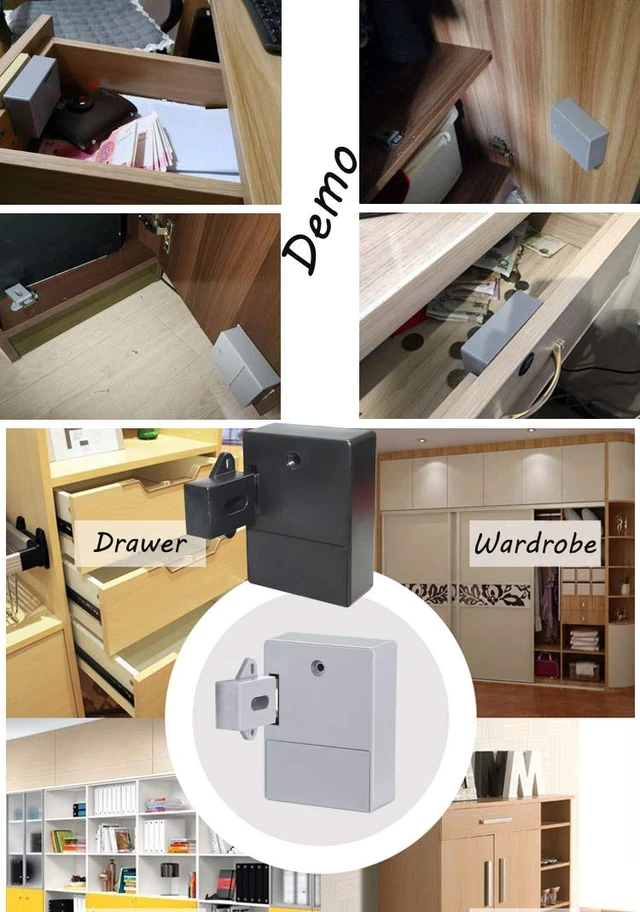
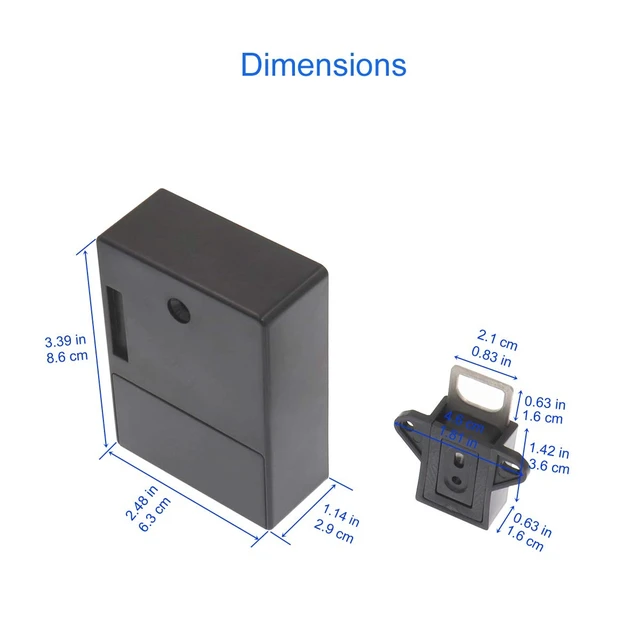
* Suitable for wooden door less than 1-inch (2.5cm) thick.
* The lock is programmable, to reset, add or delete keys freely.
* Two Unlock Modes: Single Unlock Mode, Dual Unlock Mode.
* Powered by 2x AA 1.5V batteries (not included).
* The batteries can last 8-12 months under normal use.
* Unlock automatically shortly before batteries go dead.
* The sound alarm will alert when the battery power is low.
Operation Instructions
Reset
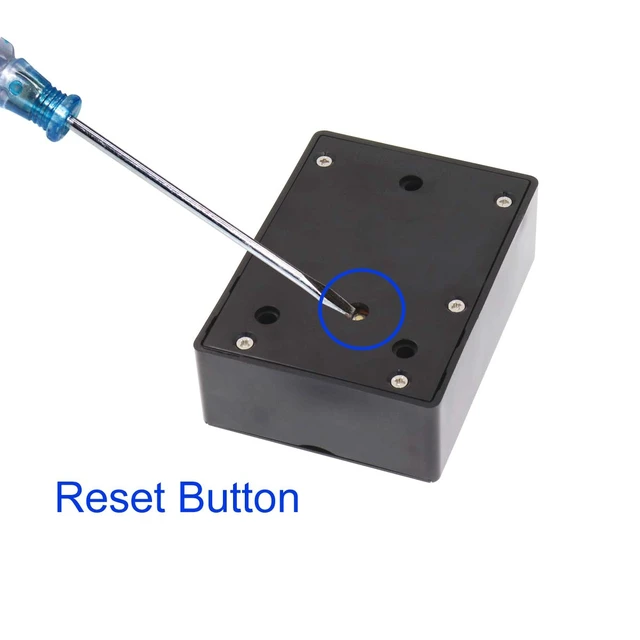
Install 2x AA 1.5V Batteries. Press the Reset button until a long beep.
Set Up Admin Card
After resetting the lock, swipe a RFID card/fob, this first card is configured as the Admin Card.
Set Up User Card
Swipe the admin card. Then swipe new cards, which you want to add as user card within the beeps.
Delete Card
1. To delete all user cards: swipe the admin card 3 times.
2. To delete all admin and user cards: same as Reset.
Low Voltage Alarm
When you swipe the card to unlock, the voice alarm will alert (you can hear a long beep) if the battery power is low. You still can swipe card to unlock for 50 times max. Please replace the batteries ASAP.
Package Includes:
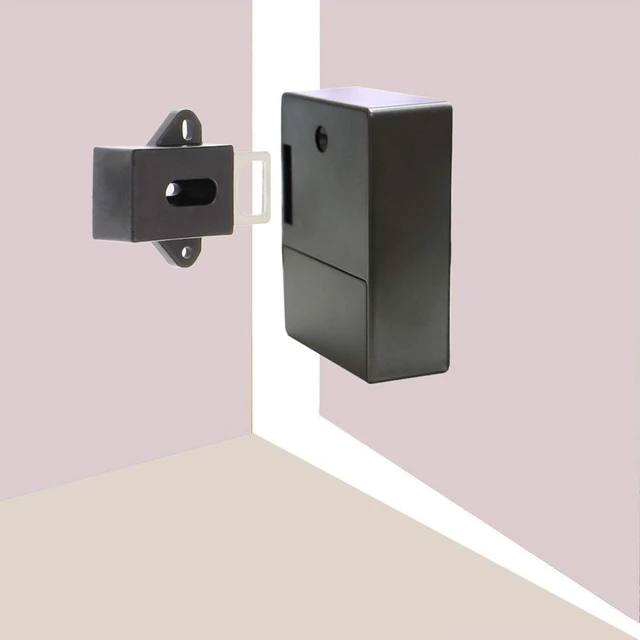
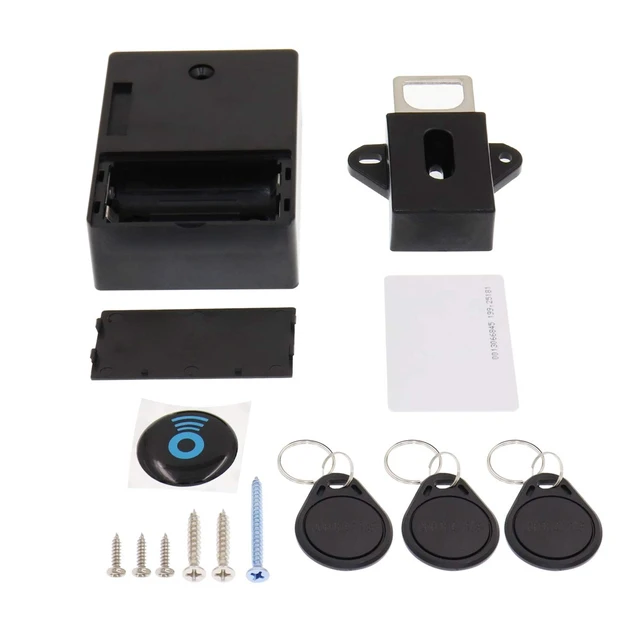
1x Lock Body
1x Latch
1 set x Screws
1 set x RFID Cards (1x card + 3x keyfobs)
1x Location Icon



