here!
here!
I’m your shopping assistant for PC builds, upgrades, and everything tech.
Got questions? Ask away!
Start a conversation
here!
I’m your shopping assistant for PC builds, upgrades, and everything tech.
Got questions? Ask away!
Start a conversation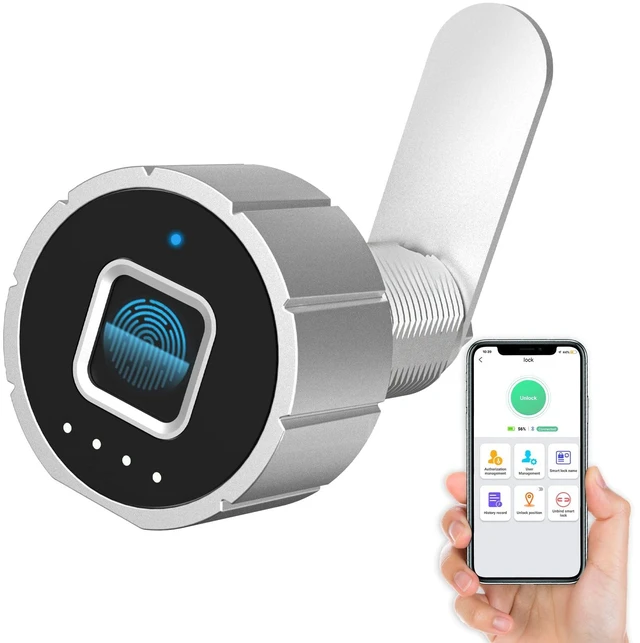
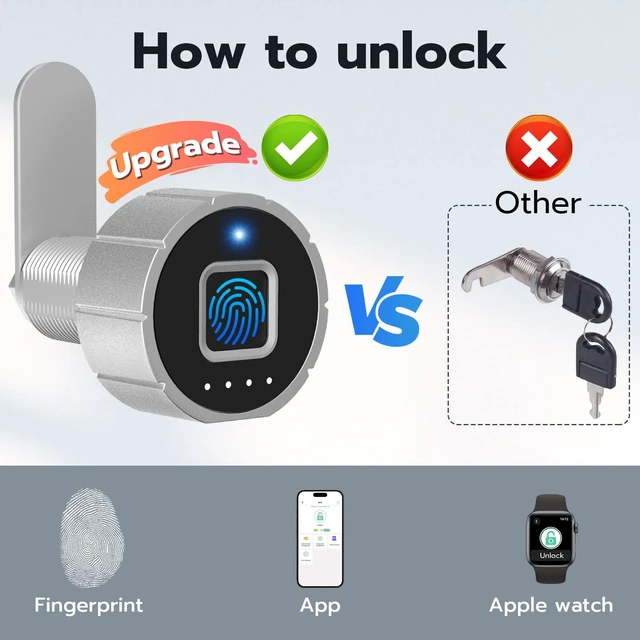

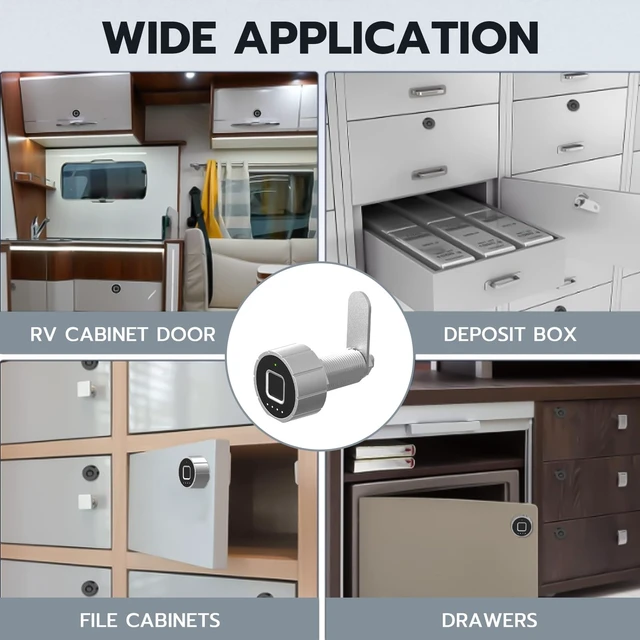
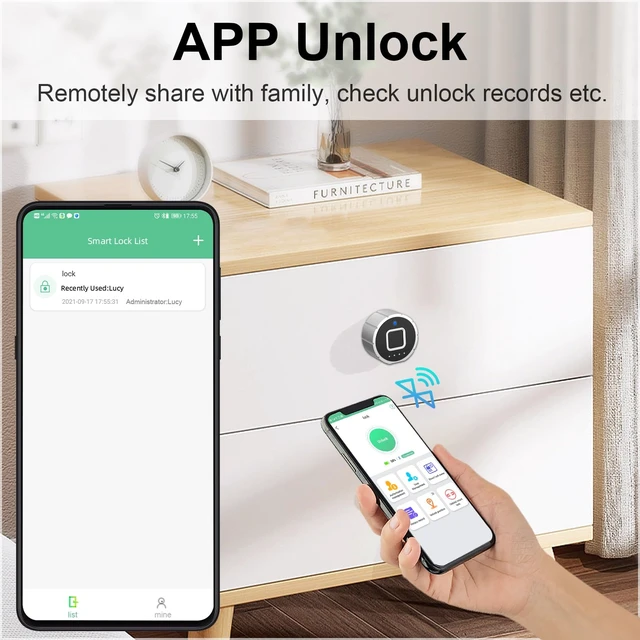



Any questions? Ask CelesteSM will help you find out quickly.
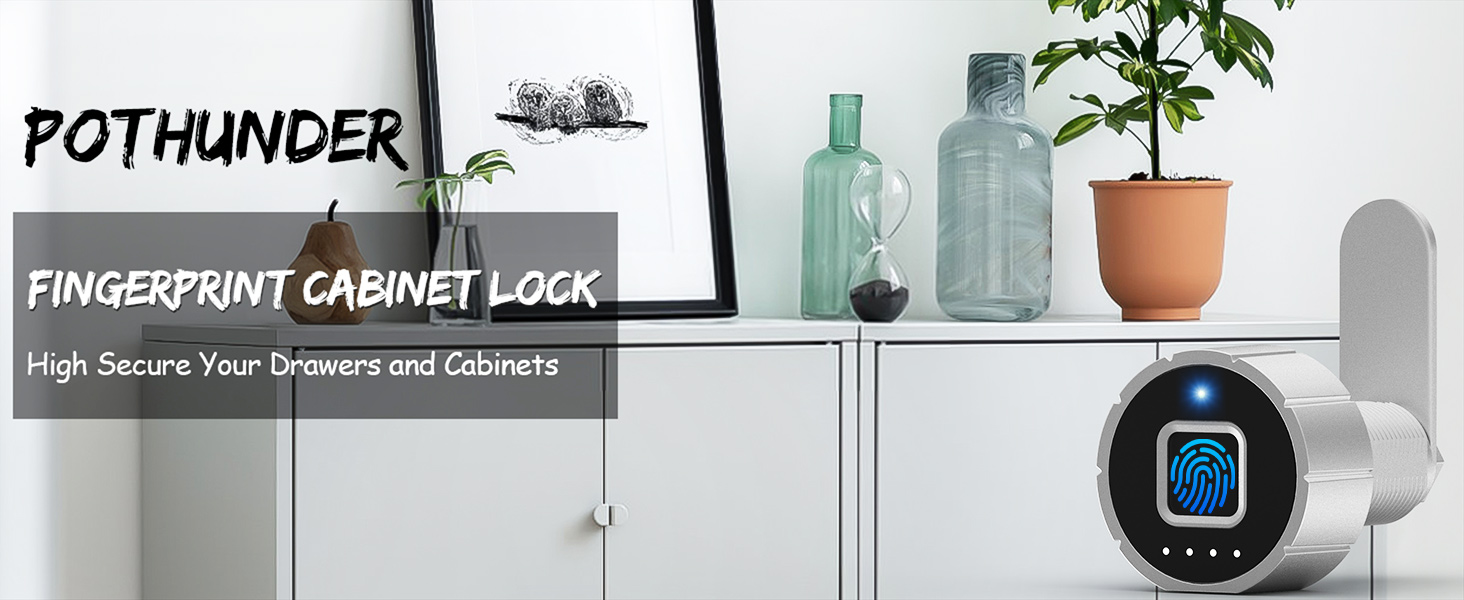
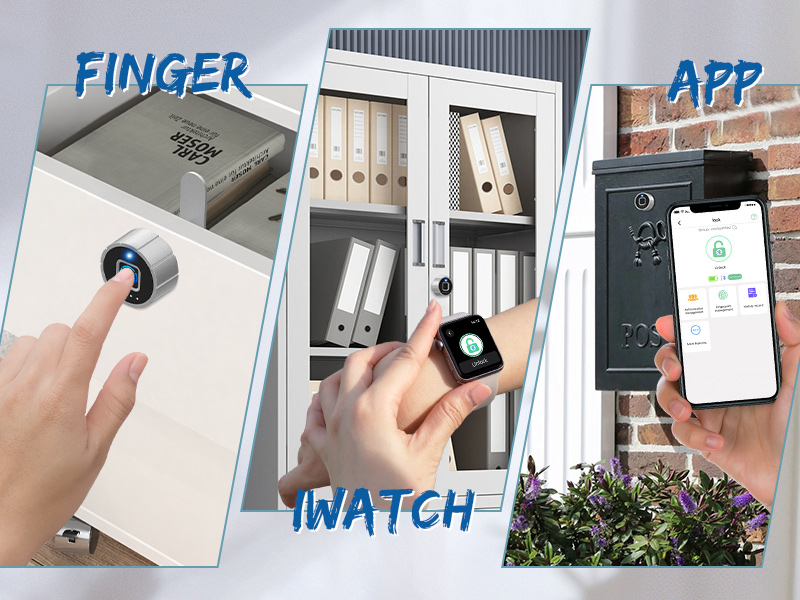
Tips: Store fingerprints locally on the padlock instead of cloud to keep your information safe.
Why can any fingerprints be unlocked?
The new lock is in the factory mode by default, any fingerprint can open it. Please bind the lock then register your fingerprints.
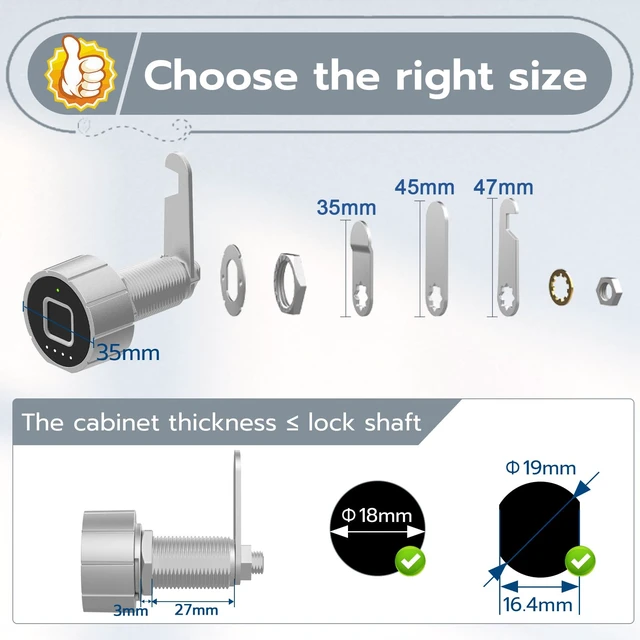
How do I choose the right size
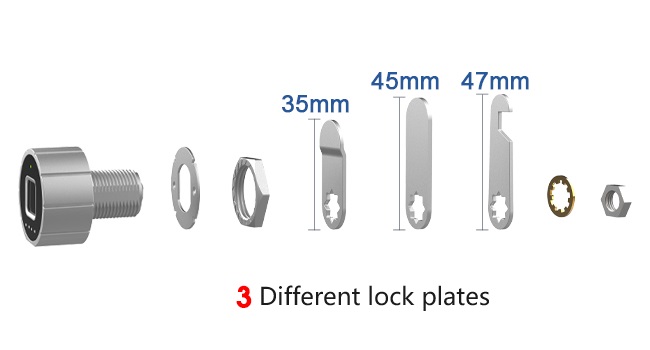
Check the thickness of your cabinet. The thickness is less than or equal to 17mm, select size: 20mm, the thickness is less than or equal to 27mm, select 30mm size.
Why is the indicator light not on?
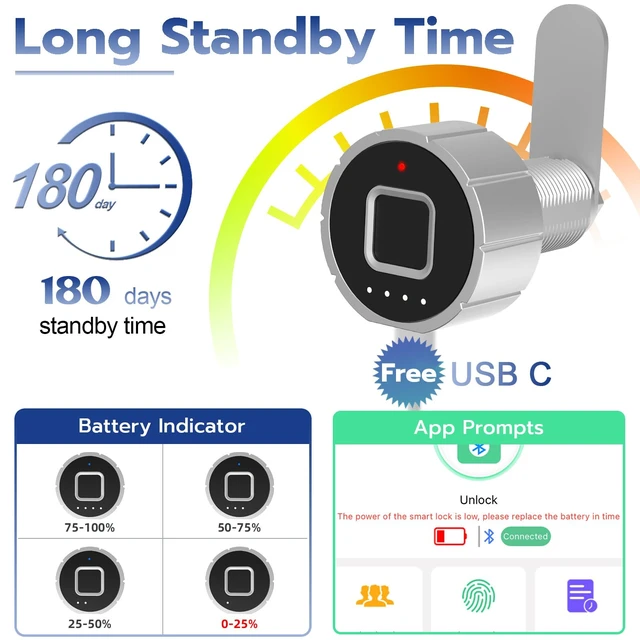
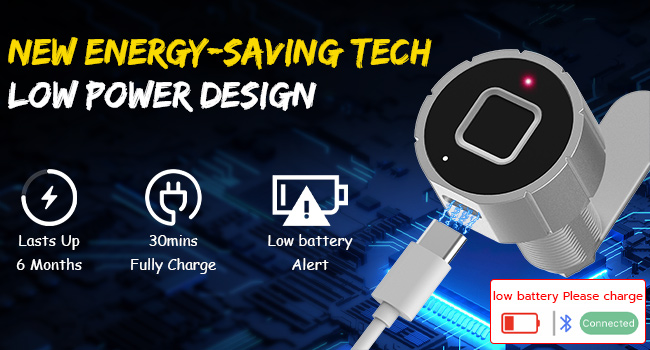
The drawer locks without electricity, please charge the lock. When charging, the red light is often on, and the red light goes off after full charging.
Why does Bluetooth automatically disconnect after unlocking?
In order to reduce power consumption and maximize battery life, need to touch to wake up before connection. After unlocking or no operation for more than 1min, Bluetooth will automatically disconnect.
Register fingerprint
When registering fingerprints, please ensure that your fingers are dry and free of scratches. Registered fingerprints cannot be entered. Please adjust your orientation according to the APP voice prompts.
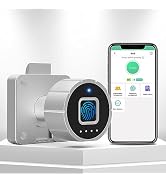
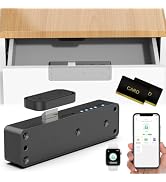
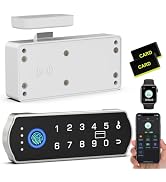
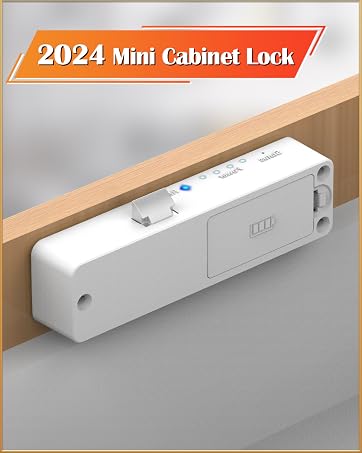
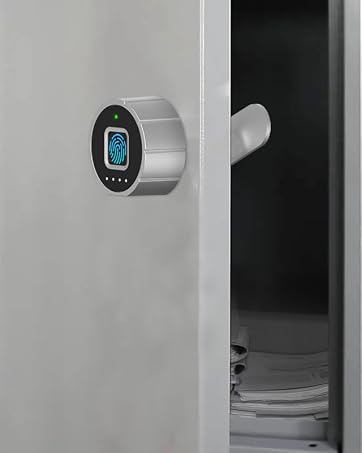
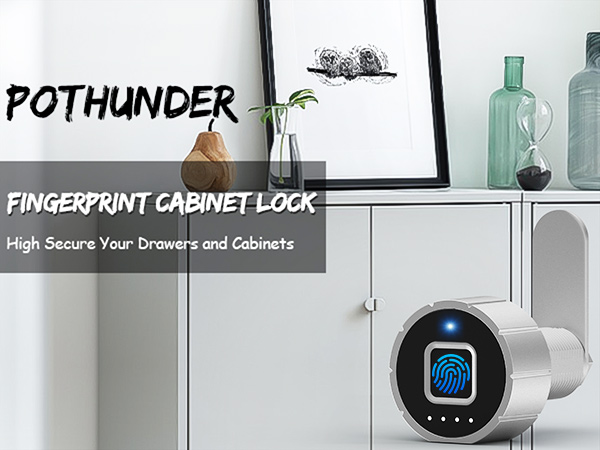
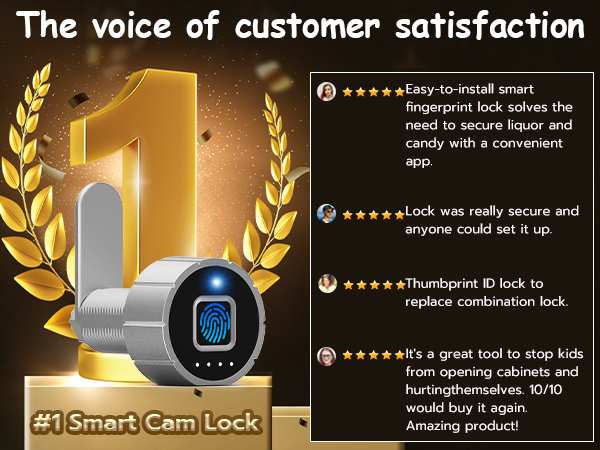
One Touch to Unlock
Tips: Store fingerprints locally on the padlock instead of cloud to keep your information safe.
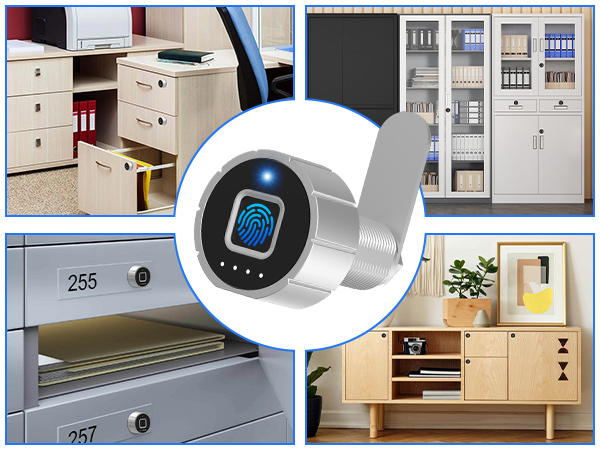
Why can any fingerprints be unlocked?
The new lock is in the factory mode by default, any fingerprint can open it. Please bind the lock then register your fingerprints.
How do I choose the right size
Check the thickness of your cabinet. The thickness is less than or equal to 17mm, select size: 20mm, the thickness is less than or equal to 27mm, select 30mm size.
Why is the indicator light not on?
The drawer locks without electricity, please charge the lock. When charging, the red light is often on, and the red light goes off after full charging.
Why does Bluetooth automatically disconnect after unlocking?
In order to reduce power consumption and maximize battery life, need to touch to wake up before connection. After unlocking or no operation for more than 1min, Bluetooth will automatically disconnect.
Register fingerprint
When registering fingerprints, please ensure that your fingers are dry and free of scratches. Registered fingerprints cannot be entered. Please adjust your orientation according to the APP voice prompts.
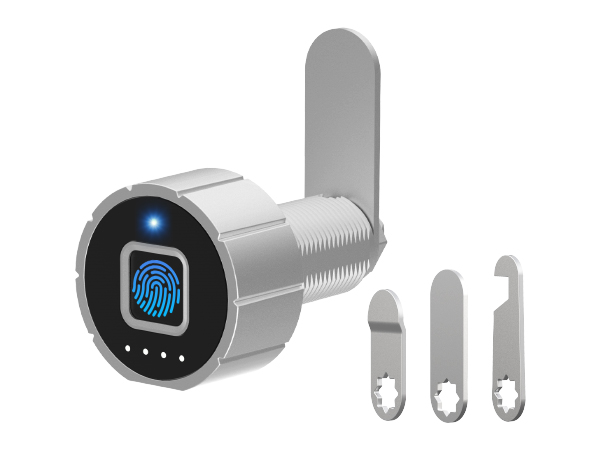
Unlock Ways | Finger+APP |
Need punch holes? | |
Charging | USB-C |
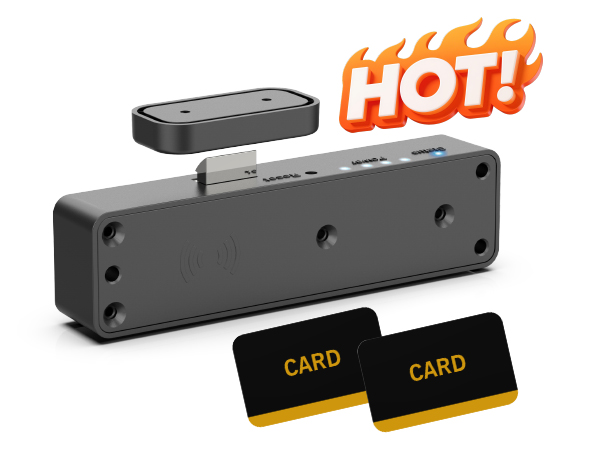
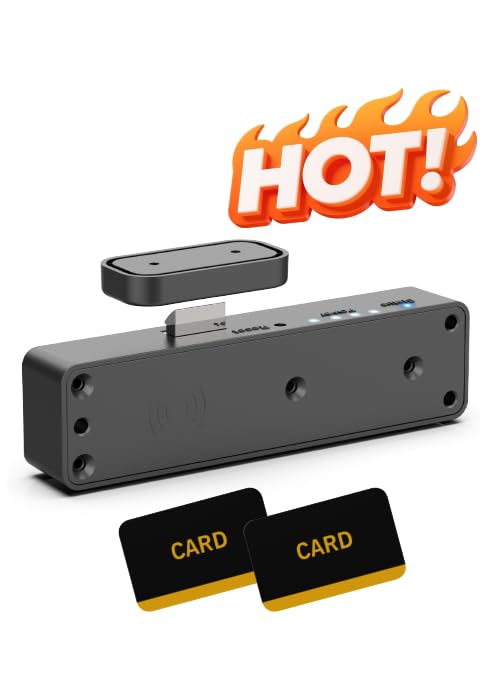
Unlock Ways | RFID+APP |
Need punch holes? | |
Charging | 2*1.5V AAA Battery |
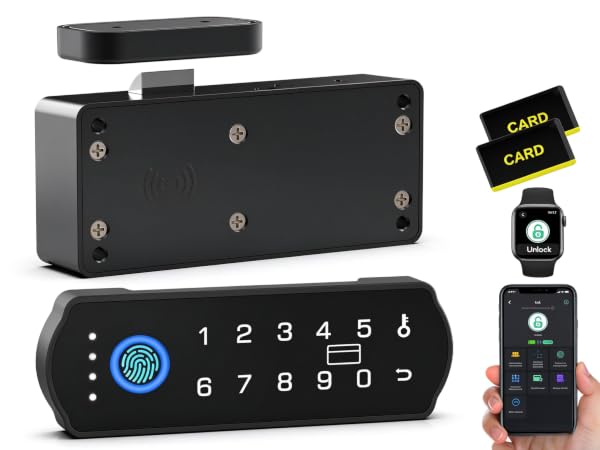
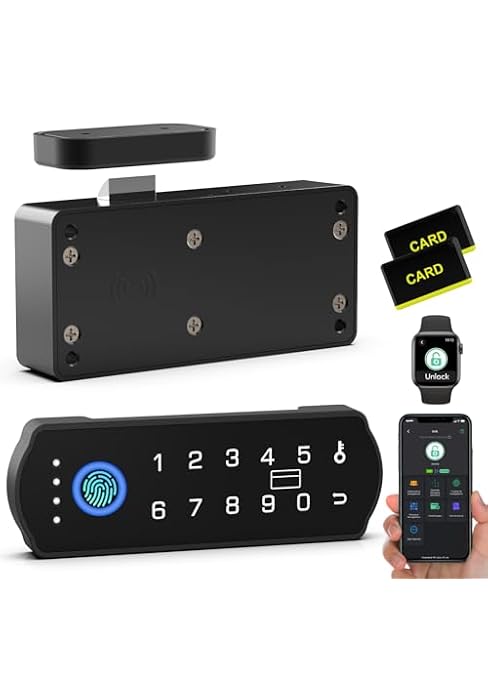
Unlock Ways | APP+Code+RFID+Finger |
Need punch holes? | |
Charging | 2*1.5V AA Battery |