• $72.99
  • Free 30-day Returns
  • Top Rated
    Price alert
    Shop it at NeweggBusiness.

    Fingerprint Cabinet Lock, Smart Biometric Password Lock with USB Key No APP | Keyless Hidden File Drawer Wardrobe, Child Safety Cabinet Lock, DIY Wooden Furniture Privacy for Home Office, Zinc Alloy

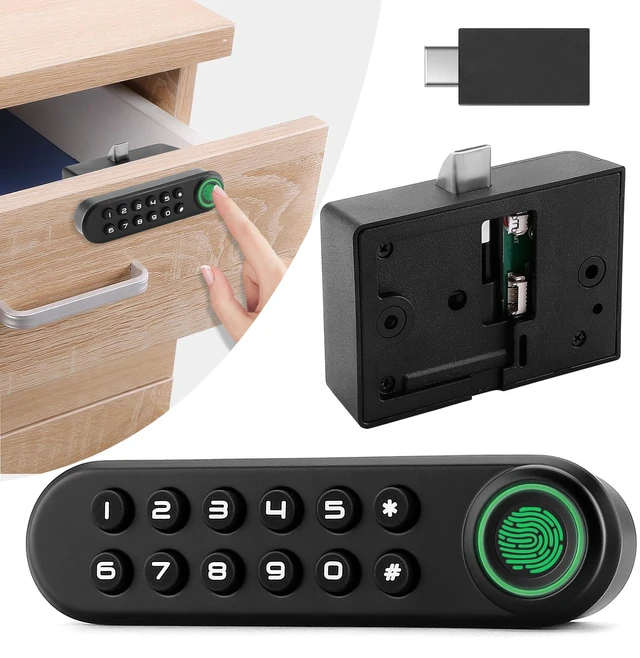
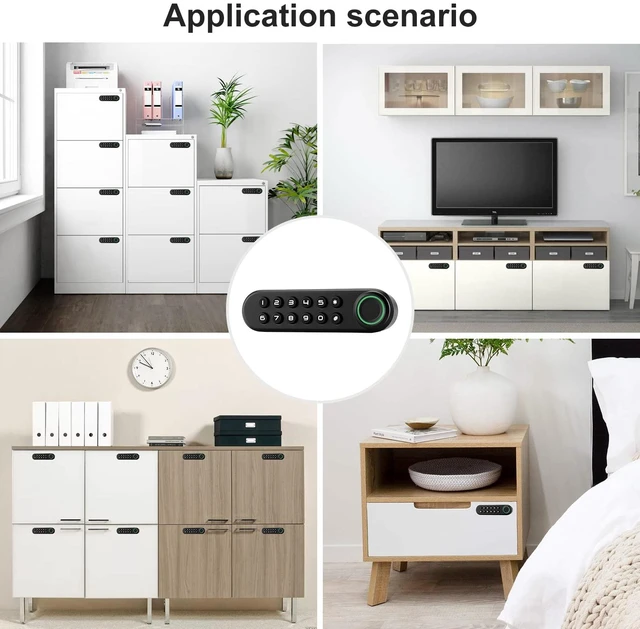
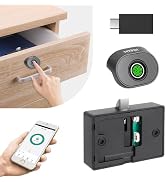
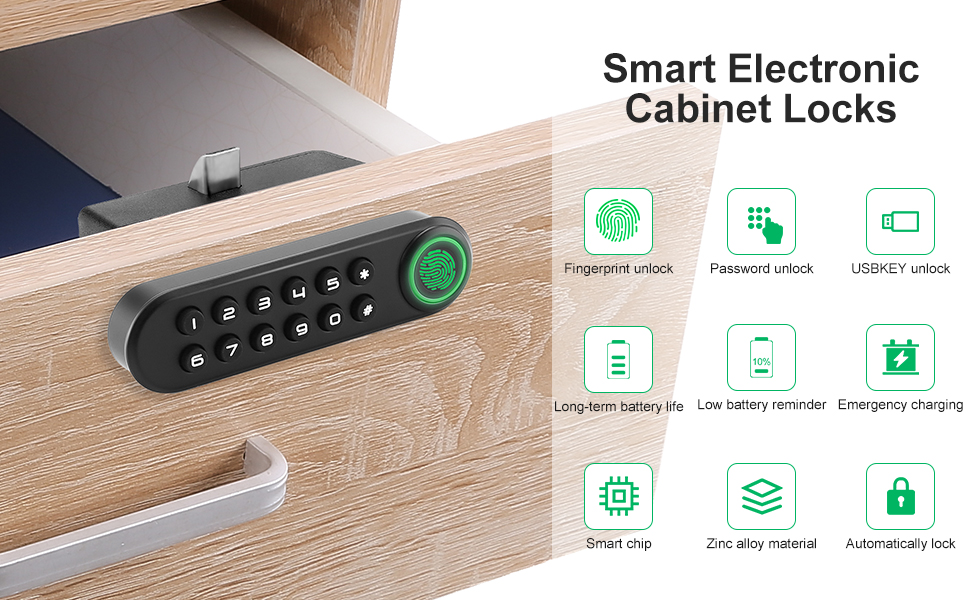
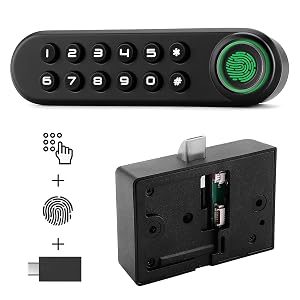
    • Three Way to Unlock: Fingerprint & Password & USB Key This smart cabinet lock can be unlock by fingerprint or password, which provides you various ways to access the lock. There is also an additional USB key for the metal one as a backup plan just in case the lock does not function properly. Fingerprint and password setup is easy and instructions are provided on the user guide, phone and APP are not needed.
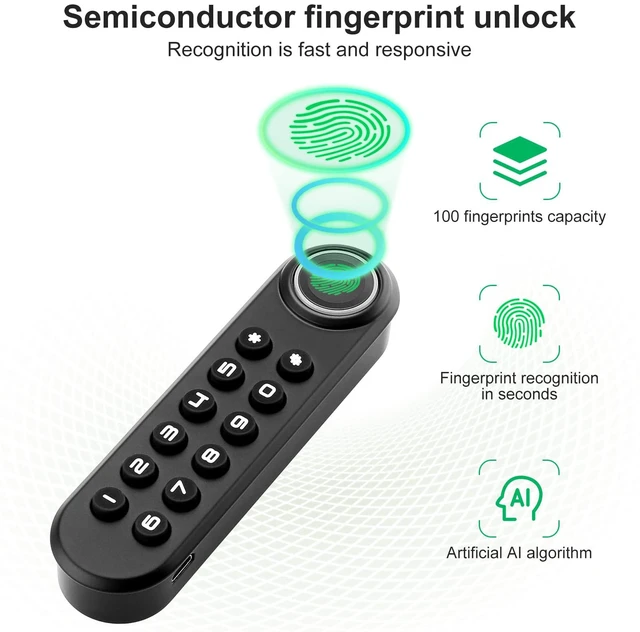
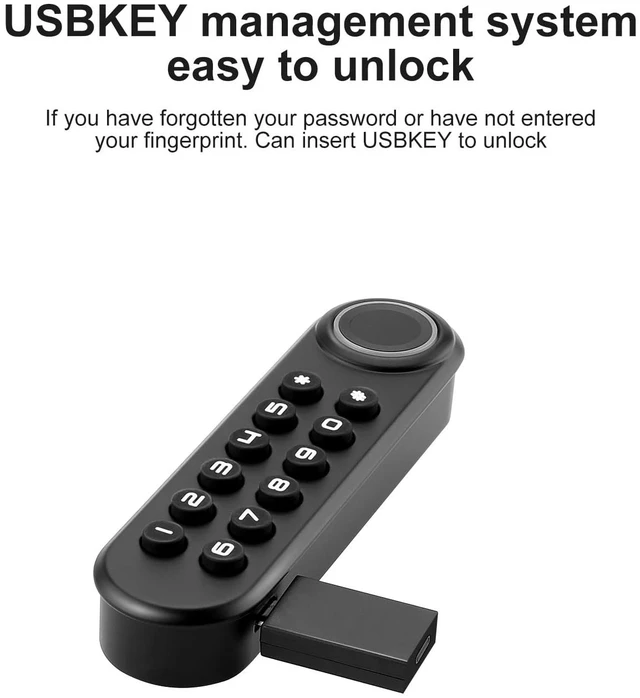
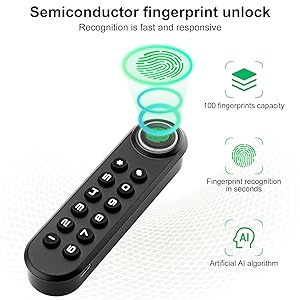
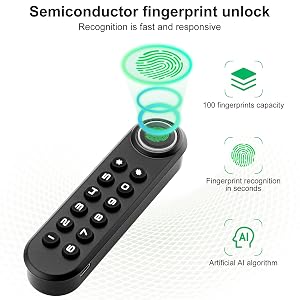
    • Support 100 Fingerprints & One Password & One USB Key Fingerprint unlocking for this fingerprint cabinet lock can be completed within 0.3 seconds, and the database can save up to 100 fingerprints. Only one set of numeric passwords can be set, More security, more attention to your privacy. There is also only one USB key, in case neither of the two methods above can be unlocked in the event of a power failure.
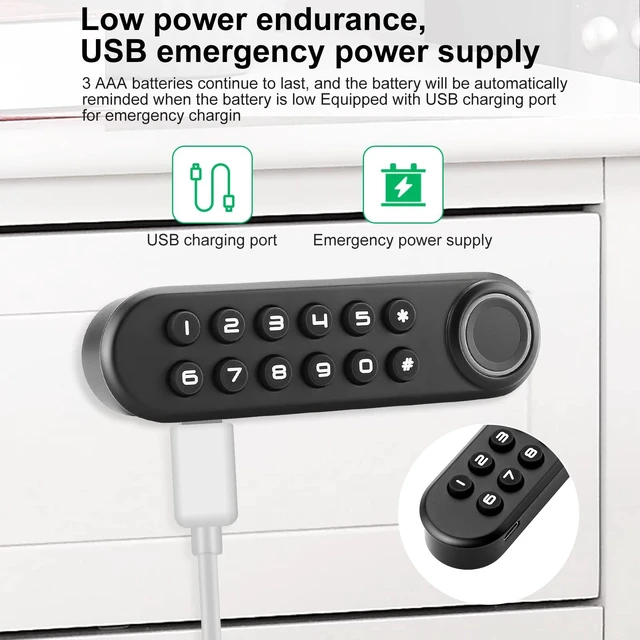
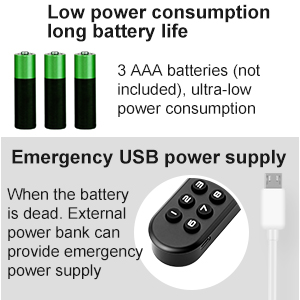
    • Power Efficient & Emergency Backup Power This biometric cabinet lock use 3 AAA batteries (batteries not included) as the only power supply, and battery can be used up to 1 year normally before replacement. There is an USB port on the side of the keypad as an emergency power supply just in case that it runs out of battery suddenly.
    • Sturdy Mechanism & Strong ProtectionThe lock case on this electronic cabinet lock has been upgraded to metal mechanism, which makes it even stronger and more secure for protecting your belongings. The metal locking case is a fantastic choice for weapons storage or the preservation of any important documents.
    +
    +
    Overview
    Specs
    Reviews

    Any questions? Ask CelesteSM will help you find out quickly.
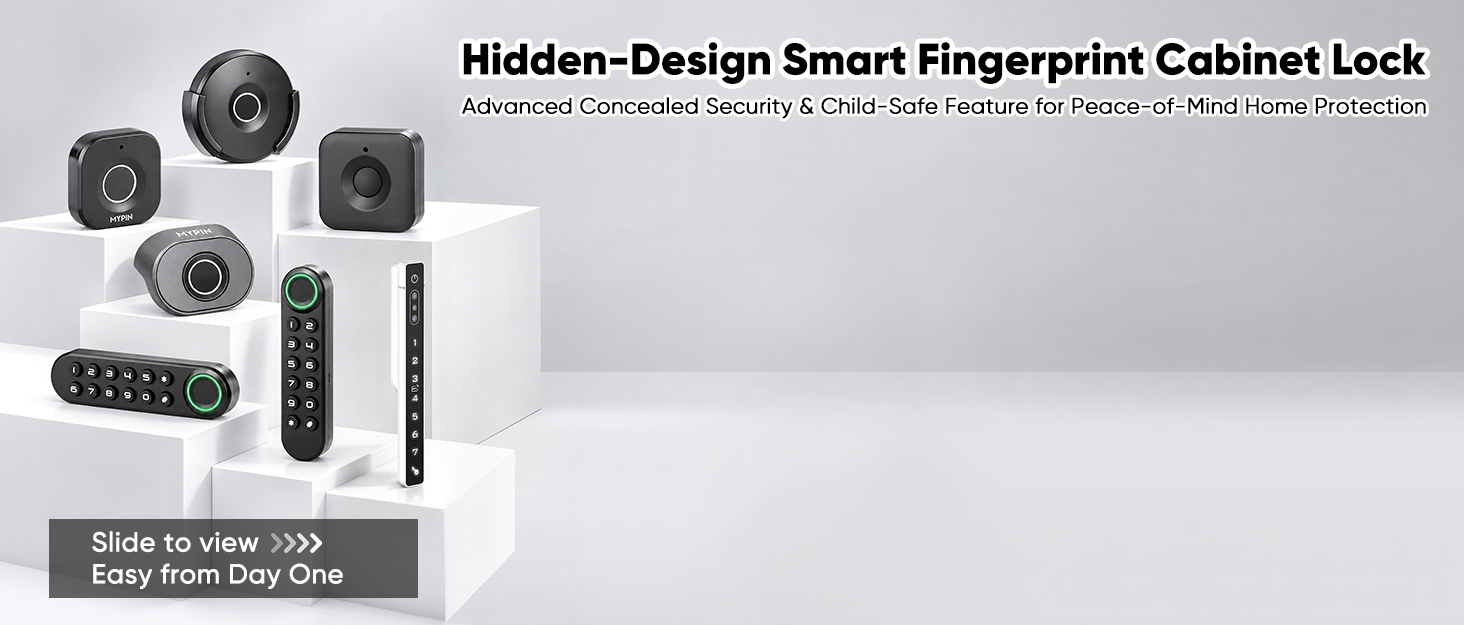
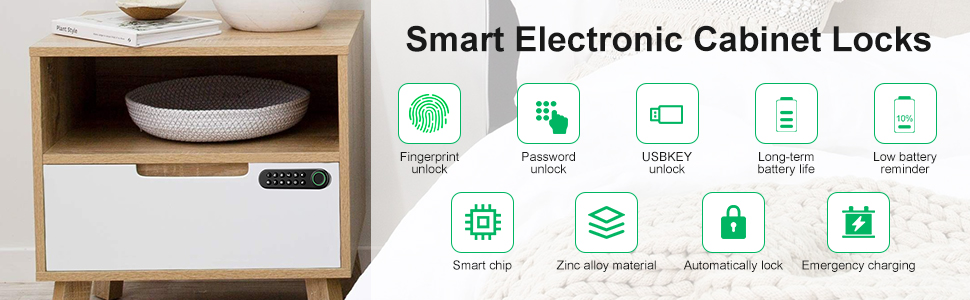
    Smart Electronic Cabinet Locks

    • Fingerprint Deletion:
    • Press and hold the reset button (in the hold on the side of the lock case) for 4 seconds, there will be 4 beeps, and then release the button. All fingerprints on database will be deleted. (Reminder: For security, delete all fingerprints before any registrations.)
    • Password Setup:
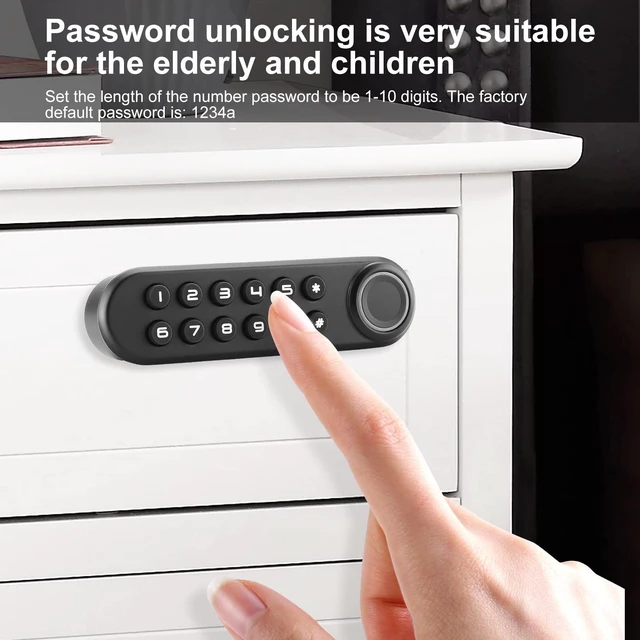
    • The original password is “1234”. Press and hold “*” for 2 seconds, then enter the previous password and press “#”. After a beep, enter a new password with no more than 10 digits and press “#”. The new password will be valid after 2 beeps.
    • Note:
    • Please kindly check the manual and Installation Panel before use.
    • Please set the administrator fingerprint first.

    Fingerprint Cabinet Lock

    Package List

    • User manual & Installation Panel
    • Screws
    • USB key
    • Keypad with fingerprint sensor
    • Lock case
    • Striking plate
    • Connecting wire

    MYPIN Fingerprint Cabinet Lock

    • Three way to unlock: Fingerprint, Password, USB Key
    • 100 different fingerprints: Up to 100 different fingerprints can be added to a padlock.
    • Easy monitoring of activity: Includes unlocking logs and sharing logs.
    • Easy Installation

    Fingerprint Cabinet Lock

    Support up to 100 Different Fingerprints

    • Up to 100 different fingerprints can be added to a padlock.
    • It can correctly recognizes registered fingerprints up to 99% of all time when your finger is placed correctly on the sensor.

    Fingerprint Cabinet Lock

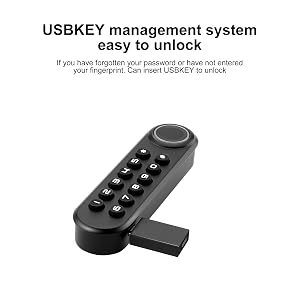
    Emergency USB Key

    • There is also an additional USB key for the metal one as an backup plan just in case the lock does not function properly.

    Fingerprint Cabinet Lock

    Emergency Power Supply

    • There is a micro USB port on the keypad for you to charge the lock with a portable power bank just in case of any sudden power outage.

    Fingerprint Cabinet Lock

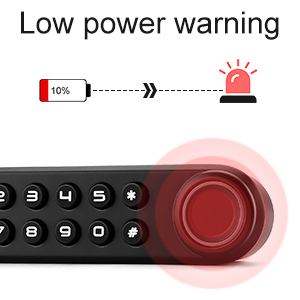
    Low Power Warning

    • When the power is less than 10%, the machine will generate an alarm, please change the power supply or charge in time

    1

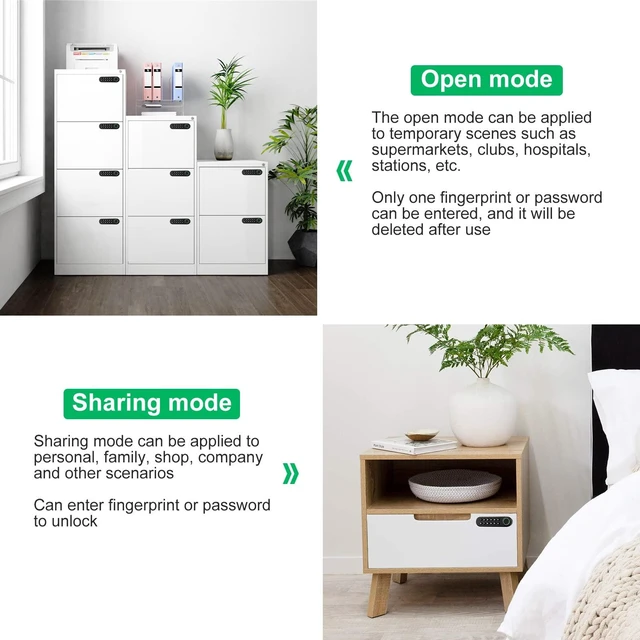
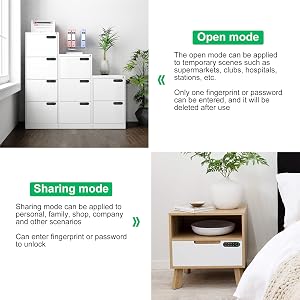
    Open Mode & Sharing Mode

    • Since there are three different unlocking methods, you can choose to set different unlocking methods according to different occasions

    Fingerprint Cabinet Lock

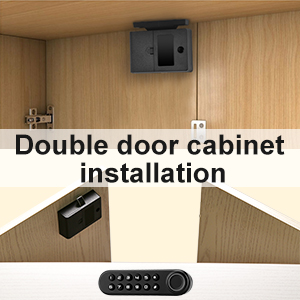
    Suitable for Double Door

    • As shown in the figure, if it is installed correctly. It can even be applied to double-door cabinets

    Smart Electronic Cabinet Locks
    Smart Electronic Cabinet Locks

    • Fingerprint Deletion:
    • Press and hold the reset button (in the hold on the side of the lock case) for 4 seconds, there will be 4 beeps, and then release the button. All fingerprints on database will be deleted. (Reminder: For security, delete all fingerprints before any registrations.)
    • Password Setup:
    • The original password is “1234”. Press and hold “*” for 2 seconds, then enter the previous password and press “#”. After a beep, enter a new password with no more than 10 digits and press “#”. The new password will be valid after 2 beeps.
    • Note:
    • Please kindly check the manual and Installation Panel before use.
    • Please set the administrator fingerprint first.

    Fingerprint Cabinet Lock

    Package List

    • User manual & Installation Panel
    • Screws
    • USB key
    • Keypad with fingerprint sensor
    • Lock case
    • Striking plate
    • Connecting wire

    MYPIN Fingerprint Cabinet Lock

    • Three way to unlock: Fingerprint, Password, USB Key
    • 100 different fingerprints: Up to 100 different fingerprints can be added to a padlock.
    • Easy monitoring of activity: Includes unlocking logs and sharing logs.
    • Easy Installation

    Fingerprint Cabinet Lock

    Support up to 100 Different Fingerprints

    • Up to 100 different fingerprints can be added to a padlock.
    • It can correctly recognizes registered fingerprints up to 99% of all time when your finger is placed correctly on the sensor.

    Fingerprint Cabinet Lock

    Emergency USB Key

    • There is also an additional USB key for the metal one as an backup plan just in case the lock does not function properly.

    Fingerprint Cabinet Lock

    Emergency Power Supply

    • There is a micro USB port on the keypad for you to charge the lock with a portable power bank just in case of any sudden power outage.

    Fingerprint Cabinet Lock

    Low Power Warning

    • When the power is less than 10%, the machine will generate an alarm, please change the power supply or charge in time

    1

    Open Mode & Sharing Mode

    • Since there are three different unlocking methods, you can choose to set different unlocking methods according to different occasions

    Fingerprint Cabinet Lock

    Suitable for Double Door

    • As shown in the figure, if it is installed correctly. It can even be applied to double-door cabinets

    Smart Electronic Cabinet Locks
    Fingerprint Cabinet Lock, Smart Biometric Password Lock with USB Key No APP | Keyless Hidden File Drawer Wardrobe, Child Safety Cabinet Lock, DIY Wooden Furniture Privacy for Home Office, Zinc Alloy

    Warranty & Returns

    Warranty, Returns, And Additional Information

    Warranty

    • Please contact the Seller directly for warranty information. Warranty information may also be found on the Manufacturer's website.
    • CONTACT

    Return Policies

    Manufacturer Contact Info

    LOADING...