


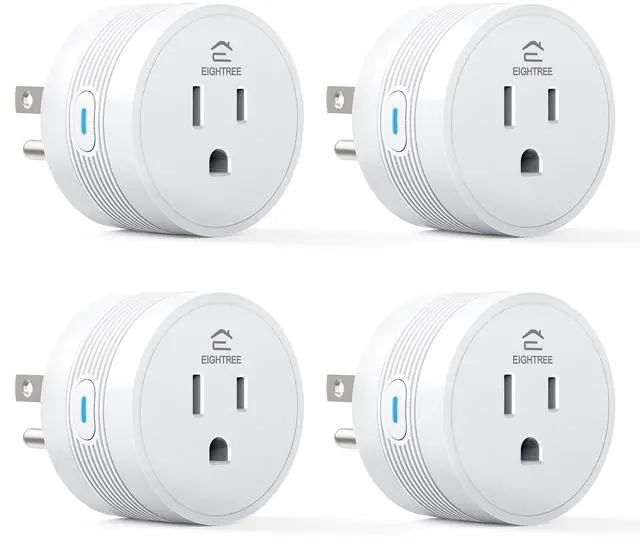


How to Choose Eightree Smart Plug
 Basic Smart Plug |  Remote Control Outlet |  Zigbee Smart Plug |  2.4GHz Mini Smart Plug |  5GHz Mini Smart Plug |  5GHz Outdoor Smart Plug |  Matter Smart Plug | |
|---|---|---|---|---|---|---|---|
Customer Reviews | — | — | — | — | — | — | — |
Price | — | — | — | — | — | — | — |
Model No. | ET01 | RP10 | ET12 | ET10 | ET15 | ET75 | ET06 |
Rated Voltage | 120V~ | 120V~ | 120~ | 120V~ | 120V~ | 120V~ | 120V~ |
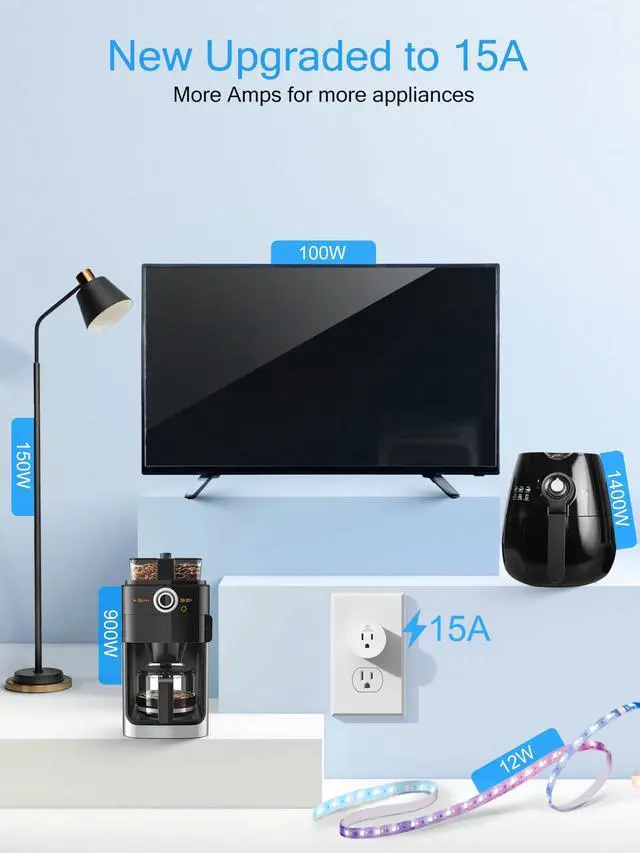
Max. Load | 15A | 15A | 15A | 15A | 15A | 15A | 10A |
Required Network Band | 2.4GHz Only | No Need | 2.4GHz Only | 2.4GHz Only | 2.4GHz & 5GHz | 2.4GHz & 5GHz | 2.4GHz Only |
Connection Method | Bluetooth & Wi-Fi | No Need | Wi-Fi | Bluetooth & Wi-Fi | Bluetooth & Wi-Fi | Bluetooth & Wi-Fi | Bluetooth & Wi-Fi |
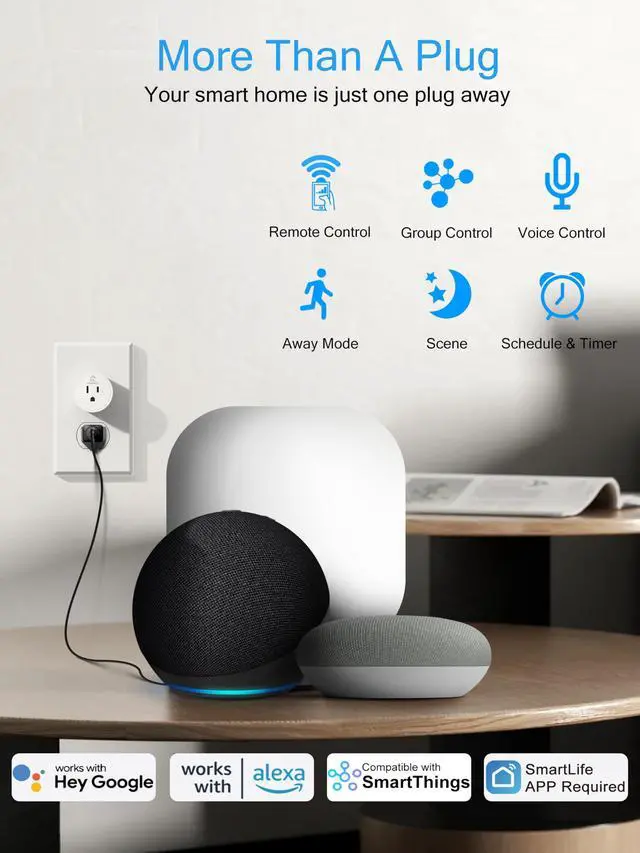
Works with Alexa | ? | ? | ? | ? | ? | ? | ? |
Compatible with Google Home | ? | ? | ? | ? | ? | ? | ? |
Compatible with SmartThings | ? | ? | ? | ? | ? | ? | ? |
Specialty | High Quality-Price | Plug-and-Play | Low Power Consumption | Easily Exist Side-by-Side | Compact & Energy Monitoring | IP44 Waterproof | With No Extra Apps Required |
Requirements | With Other Apps via Smart Life | No Wi-Fi, No App | Need A Zigbee Gateway | With Other Apps via Smart Life | With Other Apps via Smart Life | With Other Apps via Smart Life | Need a Hub Supported Matter |
Number of Packages | 1 Pack, 2 Packs, 4 Packs | 3 Packs, 5 Packs | 1 Pack, 2 Packs, 4 Packs | 1 Pack, 2 Packs, 4 Packs | 1 Pack, 2 Packs, 4 Packs | 1 Pack | 1 Pack, 2 Packs, 4 Packs |
Product Status | In Stock | In Stock | In Stock | In Stock | In Stock | In Stock | In Stock |
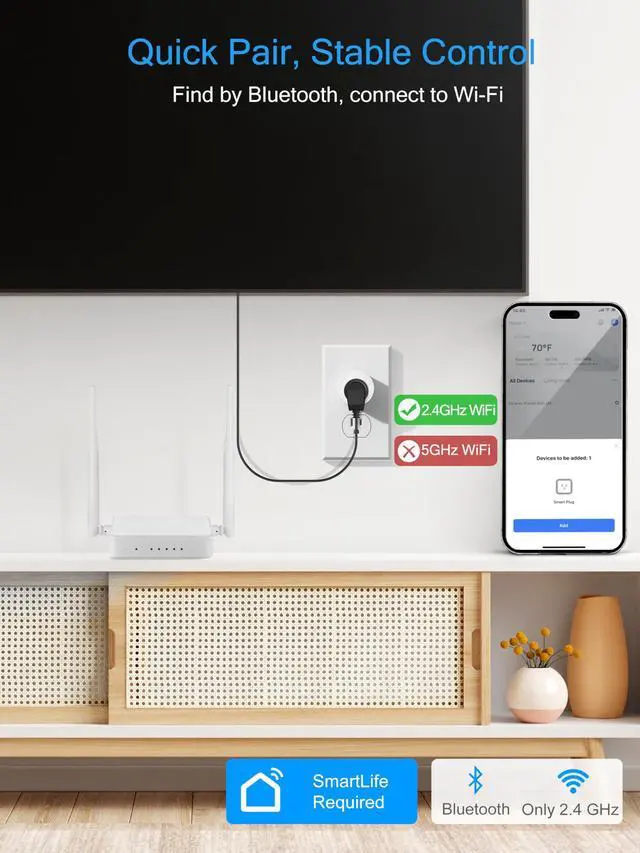
Small tips for a successful network connection?
1, 2.4 Ghz only Wi-Fi network
2, Using BLE mode, turn on your phone's Bluetooth, our plug will automatically find it, and the Smart Life APP will pop up prompt for a connection
3, The blink mode of the indicator corresponds connection method
How can I connect to my dual-band router?
1, Please turn off 5GHz networking before first connecting
2, Split the router network into two frequency bands of 2.4Ghz and 5ghz
3, Purchase Eightree's exclusive 5GHz smart plugs directly: B0C5MN39C9, B0C9H2MK7T, B0C9GJJBR9
What should I do about after-sales issues?
1, Contact the seller directly through the order
2, Email to the after-sales email address on the box, state the problem and order number

Swipe left to learn more ???
About Eightree
Eightree is an up-and-coming brand established in 2021, dedicated to product development and manufacturing in the field of smart home. Our mission is to provide more convenient, high quality but affordable smart home solutions for people around the world.
Smart home never needs to be expensive, just enjoy the convenience that smart home brings to your life. Eightree is always at your service.

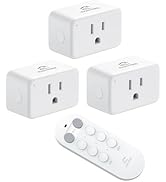
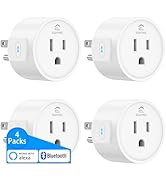
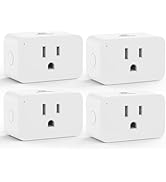
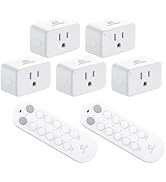
Special Outlets
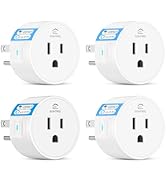
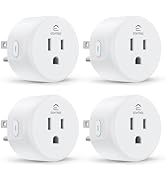
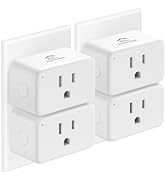
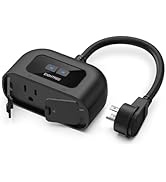
Basic Smart Plugs
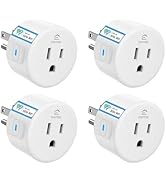
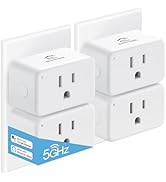
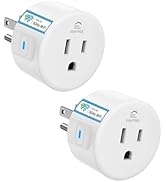

Smart Plugs Support 5GHz
Why do we love what we do?
We are deeply passionate about smart home technology and the positive impact it can have on people's lives. We find joy in creating convenient and comfortable living experiences for our customer.
What makes our products unique?
We offer comprehensive and high-performance smart home solutions that seamlessly integrate into your lifestyle. Our products stand out due to our unwavering commitment to detail and constant innovation.
Are our products high quality?
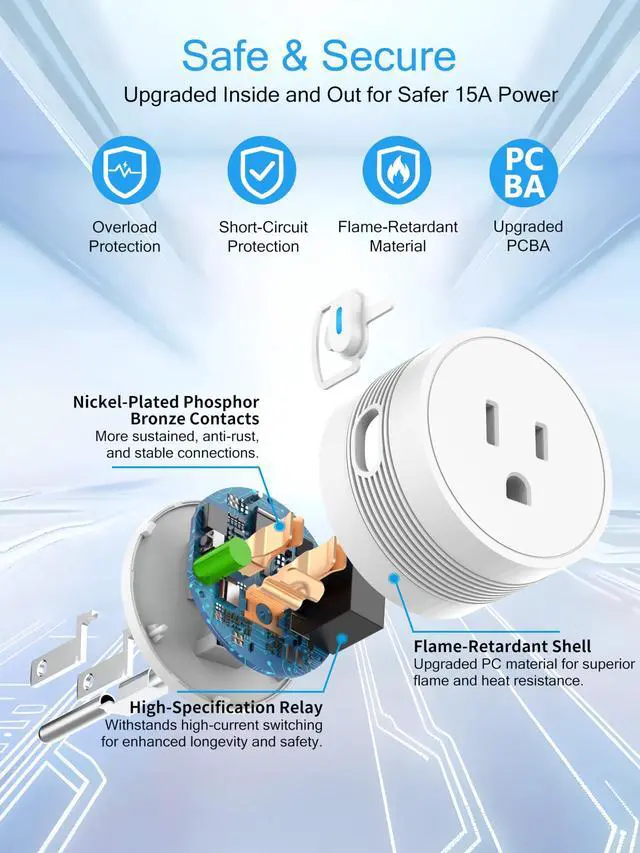
We select the finest materials & undergo rigorous testing processes to ensure exceptional durability & performance.


How to Choose Eightree Smart Plug
Basic Smart Plug | Remote Control Outlet | Zigbee Smart Plug | 2.4GHz Mini Smart Plug | 5GHz Mini Smart Plug | 5GHz Outdoor Smart Plug | Matter Smart Plug |
|---|---|---|---|---|---|---|
| Customer Reviews | ||||||
| — | — | — | — | — | — | — |
| Price | ||||||
| — | — | — | — | — | — | — |
| Model No. | ||||||
| ET01 | RP10 | ET12 | ET10 | ET15 | ET75 | ET06 |
| Rated Voltage | ||||||
| 120V~ | 120V~ | 120~ | 120V~ | 120V~ | 120V~ | 120V~ |
| Max. Load | ||||||
| 15A | 15A | 15A | 15A | 15A | 15A | 10A |
| Required Network Band | ||||||
| 2.4GHz Only | No Need | 2.4GHz Only | 2.4GHz Only | 2.4GHz & 5GHz | 2.4GHz & 5GHz | 2.4GHz Only |
| Connection Method | ||||||
| Bluetooth & Wi-Fi | No Need | Wi-Fi | Bluetooth & Wi-Fi | Bluetooth & Wi-Fi | Bluetooth & Wi-Fi | Bluetooth & Wi-Fi |
| Works with Alexa | ||||||
| ? | ? | ? | ? | ? | ? | ? |
| Compatible with Google Home | ||||||
| ? | ? | ? | ? | ? | ? | ? |
| Compatible with SmartThings | ||||||
| ? | ? | ? | ? | ? | ? | ? |
| Specialty | ||||||
| High Quality-Price | Plug-and-Play | Low Power Consumption | Easily Exist Side-by-Side | Compact & Energy Monitoring | IP44 Waterproof | With No Extra Apps Required |
| Requirements | ||||||
| With Other Apps via Smart Life | No Wi-Fi, No App | Need A Zigbee Gateway | With Other Apps via Smart Life | With Other Apps via Smart Life | With Other Apps via Smart Life | Need a Hub Supported Matter |
| Number of Packages | ||||||
| 1 Pack, 2 Packs, 4 Packs | 3 Packs, 5 Packs | 1 Pack, 2 Packs, 4 Packs | 1 Pack, 2 Packs, 4 Packs | 1 Pack, 2 Packs, 4 Packs | 1 Pack | 1 Pack, 2 Packs, 4 Packs |
| Product Status | ||||||
| In Stock | In Stock | In Stock | In Stock | In Stock | In Stock | In Stock |
Small tips for a successful network connection?
1, 2.4 Ghz only Wi-Fi network
2, Using BLE mode, turn on your phone's Bluetooth, our plug will automatically find it, and the Smart Life APP will pop up prompt for a connection
3, The blink mode of the indicator corresponds connection method
How can I connect to my dual-band router?
1, Please turn off 5GHz networking before first connecting
2, Split the router network into two frequency bands of 2.4Ghz and 5ghz
3, Purchase Eightree's exclusive 5GHz smart plugs directly: B0C5MN39C9, B0C9H2MK7T, B0C9GJJBR9
What should I do about after-sales issues?
1, Contact the seller directly through the order
2, Email to the after-sales email address on the box, state the problem and order number
Swipe left to learn more ???
About Eightree
Eightree is an up-and-coming brand established in 2021, dedicated to product development and manufacturing in the field of smart home. Our mission is to provide more convenient, high quality but affordable smart home solutions for people around the world.
Smart home never needs to be expensive, just enjoy the convenience that smart home brings to your life. Eightree is always at your service.
Special Outlets
Basic Smart Plugs
Smart Plugs Support 5GHz
Why do we love what we do?
We are deeply passionate about smart home technology and the positive impact it can have on people's lives. We find joy in creating convenient and comfortable living experiences for our customer.
What makes our products unique?
We offer comprehensive and high-performance smart home solutions that seamlessly integrate into your lifestyle. Our products stand out due to our unwavering commitment to detail and constant innovation.
Are our products high quality?
We select the finest materials & undergo rigorous testing processes to ensure exceptional durability & performance.
