


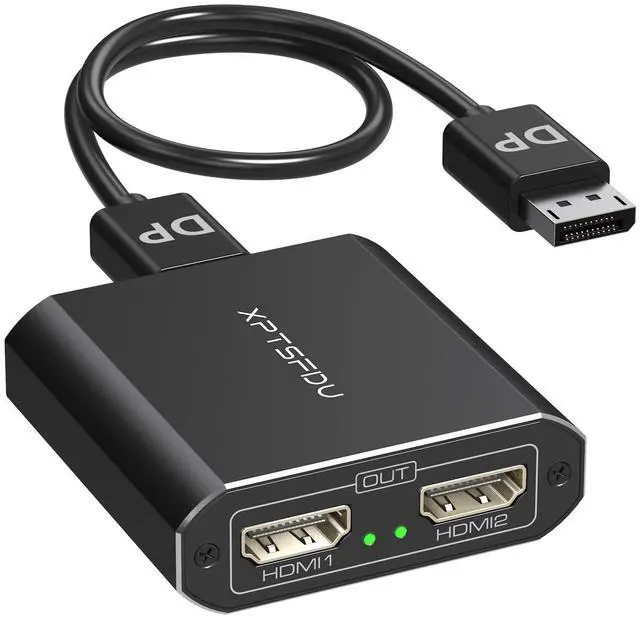
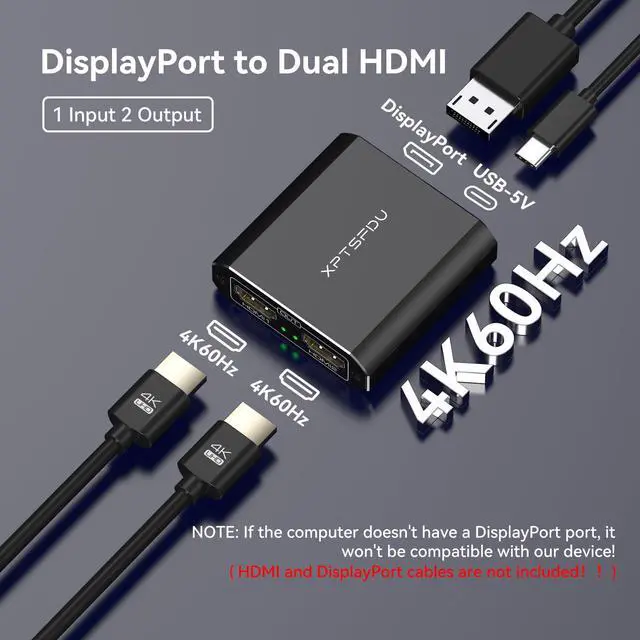
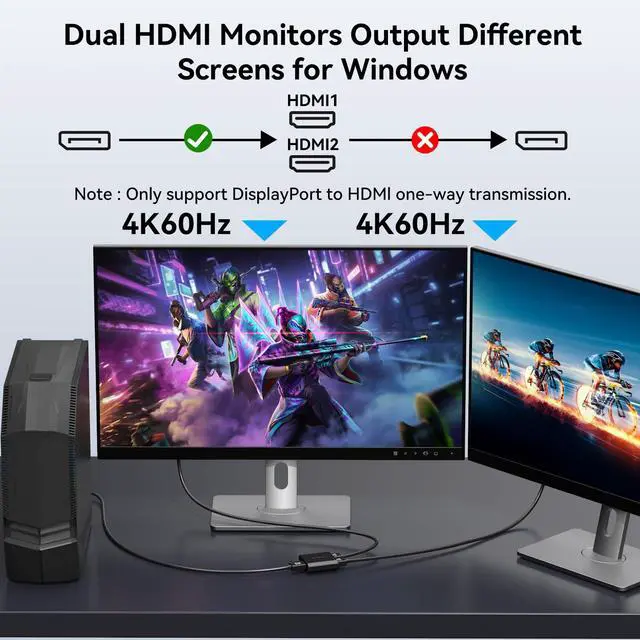
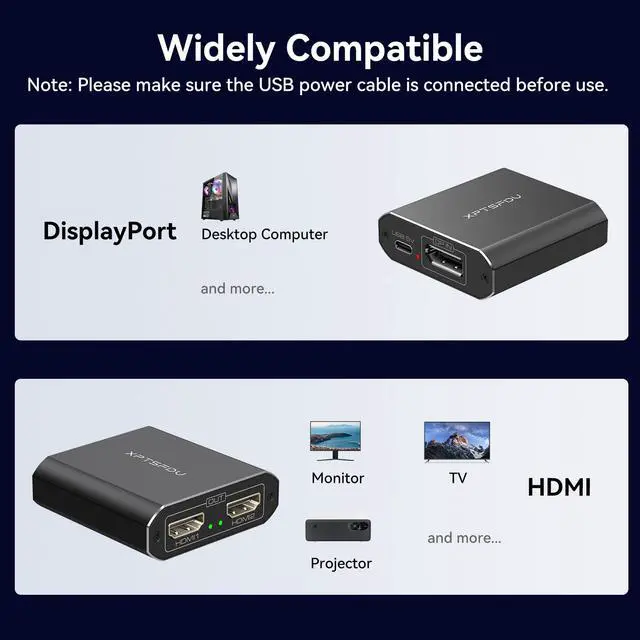
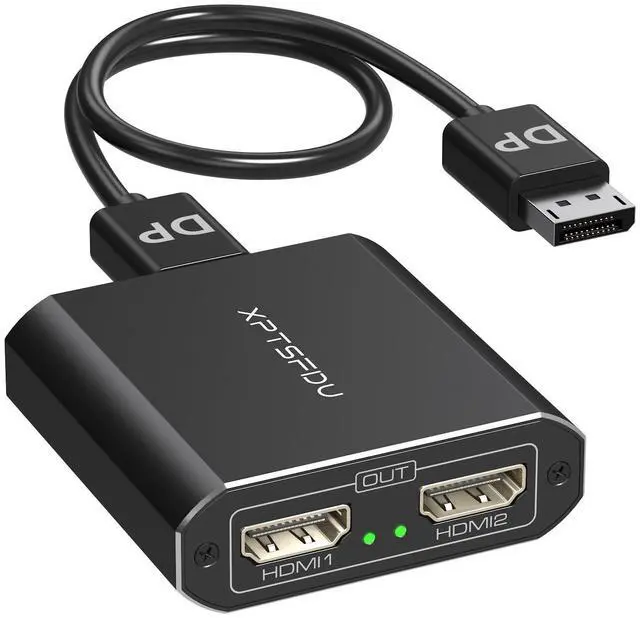


DisplayPort to dul hdmi Splitter
Merchant VideoImportant Note:
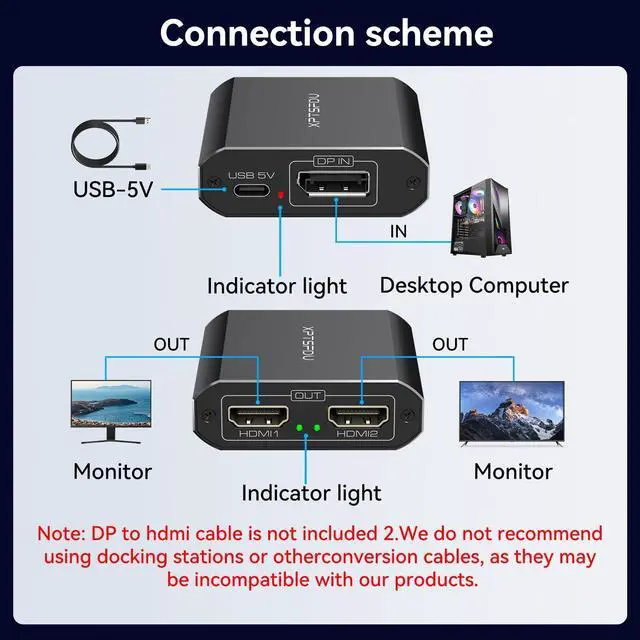
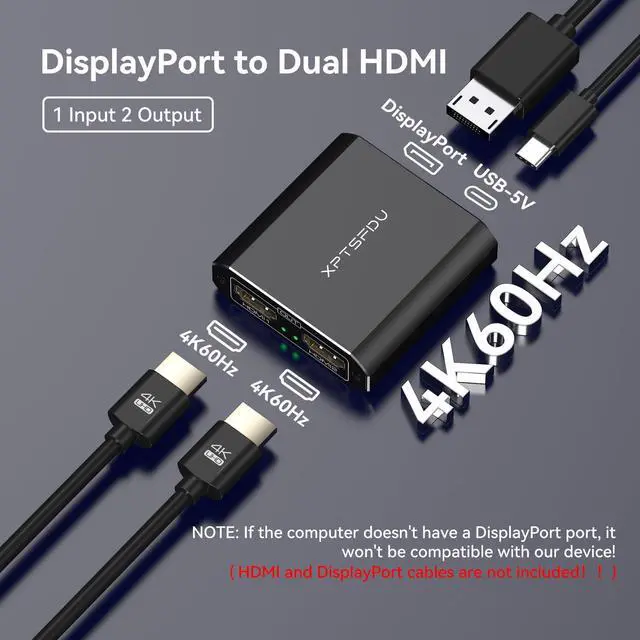
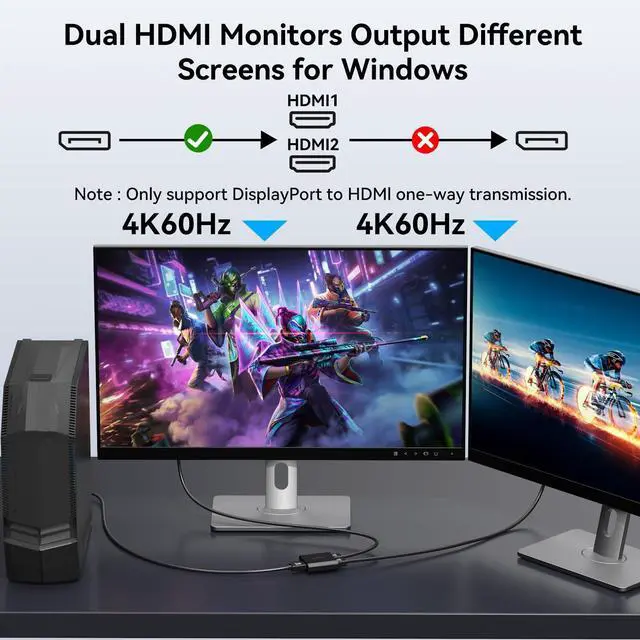
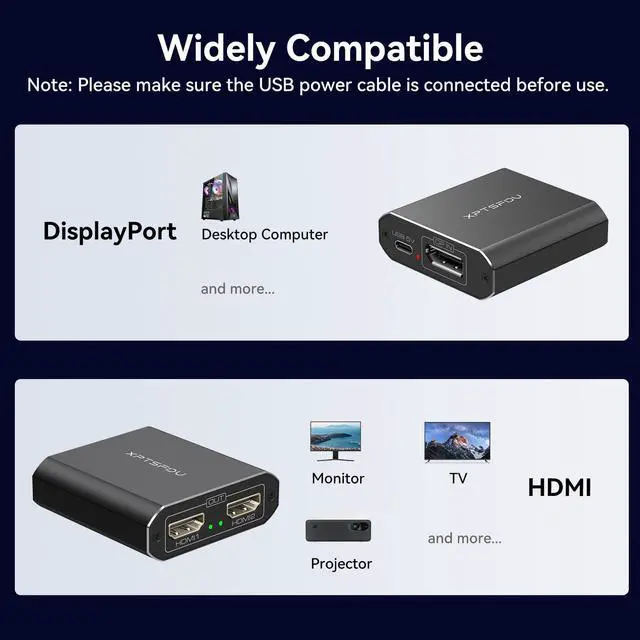
1. The DisplayPort splitter requires your computer to support the DP 1.4 version; the HDMI output cable supports the HDMI 2.0 version.
2. Please use a standard DP cable with DP 1.4 or higher version, and the length of the DP cable must not exceed 1.8 m; HDMI output cables must not exceed 5 m in length.
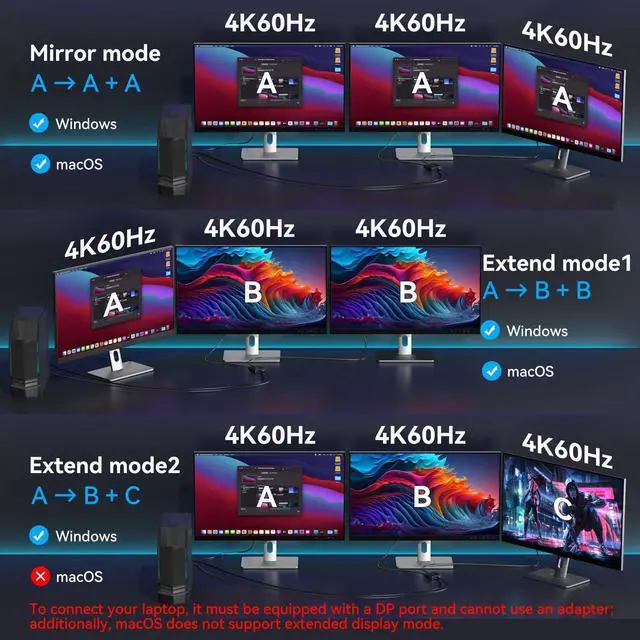
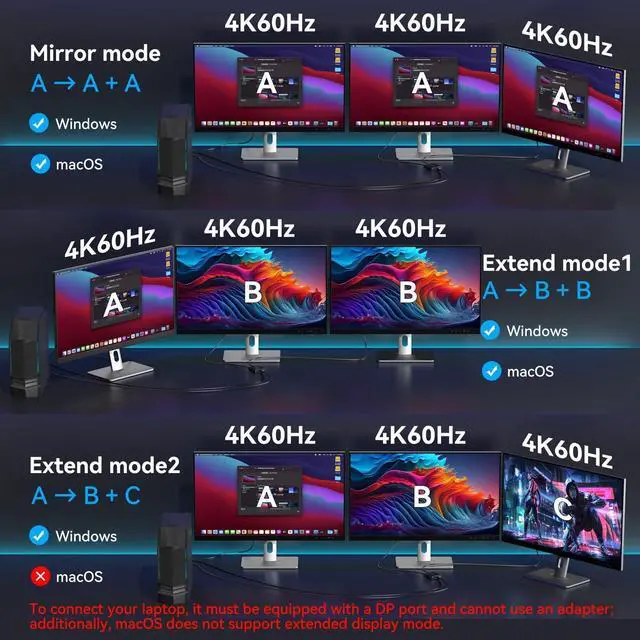
3. MacOS systems only supports SST and does not support MST, meaning they cannot extend two separate displays;
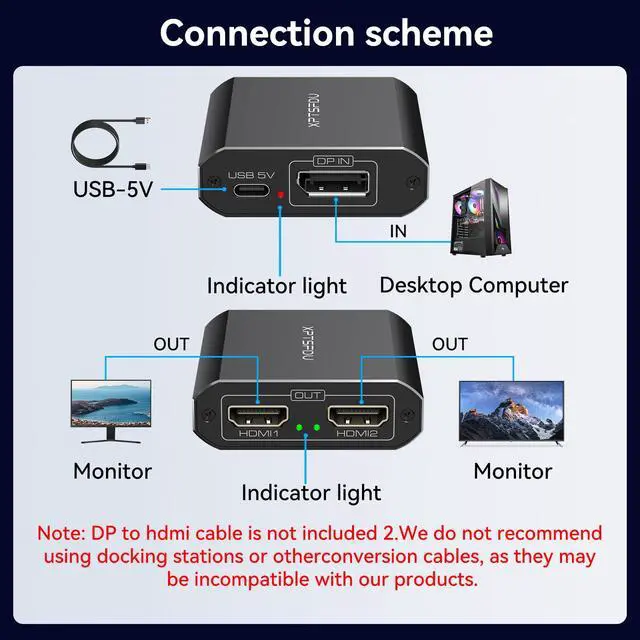
4. Connecting the computer to the product's DP input port using an HDMI-to-DP dock or adapter cable is not supported;
5. DP cables and HDMI cables are not included in the packaging;
6. Ensure that your computer's display settings are set to extended mode, and that the computer is connected to an external display and powered on.

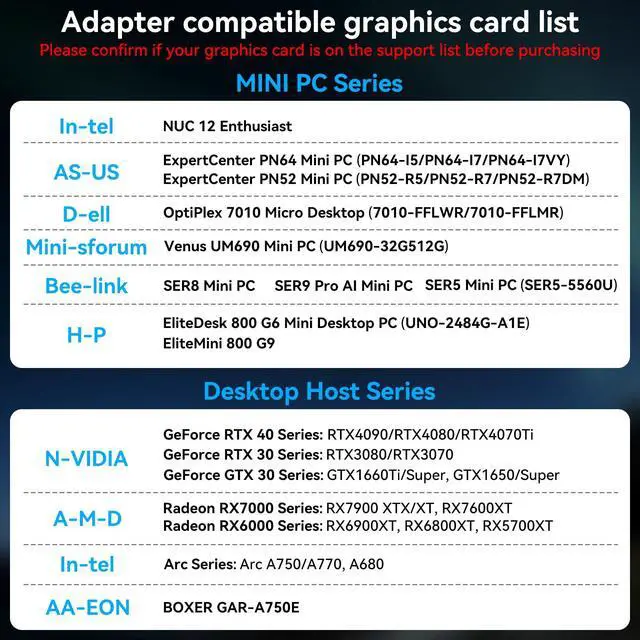
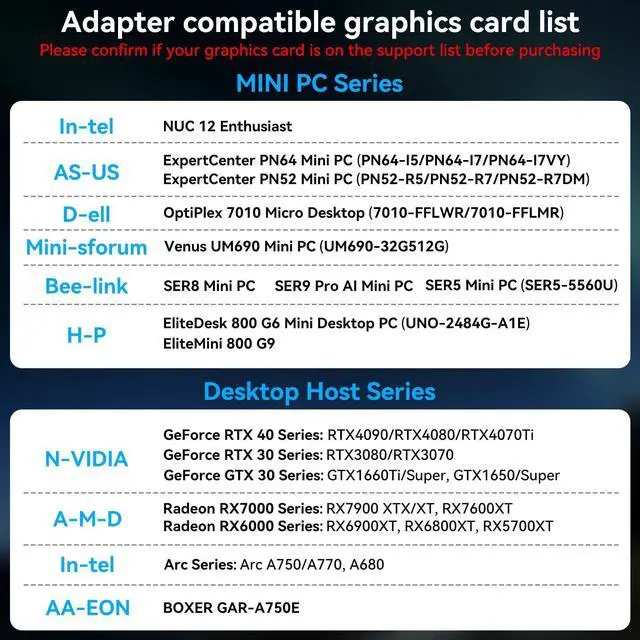
Please confirm compatibility between your laptop and the product using the images above before purchasing.


XPTSFDU Adapter
 DisplayPort to Dual HDMI |  DisplayPort to Dual DP |  DisplayPort to Triple DP |  USB C to Triple DP |  USBA or USBC to Dual HDMI |  USB C to Dual HDMI | |
|---|---|---|---|---|---|---|
Customer Reviews | — | — | — | — | — | — |
Price | — | — | — | — | — | — |
Computer Input | DisplayPort | DisplayPort | DisplayPort | USB C | USB C or USB A | USB C |
Monitor Output | 2*HDMI | 2*DisplayPort | 3*DisplayPort | 3*DisplayPort | 2*HDMI | 2*HDMI |
Power Supply | ? | ? | ? | ? | ? | ? |
Installation of Drivers | ? | ? | ? | ? | ? | ? |
Maximum Resolution | 4K60HZ | 4K120HZ | 4K60HZ | 4K60HZ | 4k30HZ+1080P | 4K60HZ |
Video Dandwidth | 18Gbps | 32.4Gbps | 18Gbps | 18Gbps | 12Gbps | 18Gbps |
Screen Display (Windows) | AAA/ABB/ABC | AAA/ABB/ABC | AAA/ABB/ABC | AAA/ABB/ABC | AAA/ABB/ABC | AAA/ABB/ABC |
Screen Display (MACOS) | AAA/ABB | AAA/ABB | AAA/ABB | AAA/ABB | AAA/ABB/ABC | AAA/ABB |
Operating System | Windows,Vista,XP and Mac OS. | Windows,Vista,XP and Mac OS. | Windows,Vista,XP and Mac OS. | Windows,Vista,XP and Mac OS. | Windows,Vista,XP and Mac OS. | Windows,Vista,XP and Mac OS. |


With industry-leading proprietary core technologies and a professional R&D team, XPTSFDU is committed to designing and manufacturing high-quality, customer-focused, high-quality products.
We specialize in audio and video converters and are constantly developing new products. Each product is carefully designed and professionally developed.
XPTSFDU has strict quality control and excellent after-sales service to solve customer problems efficiently!
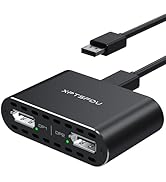
Displayport INPUT Splitter
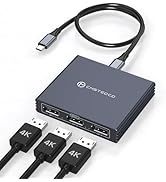
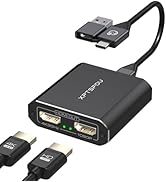
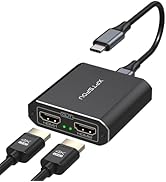
USB C INPUT Splitter
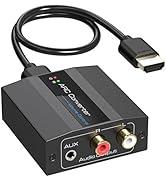
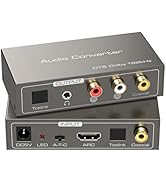
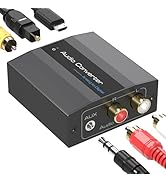
Audio Converter
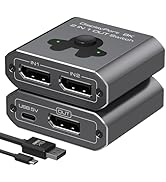
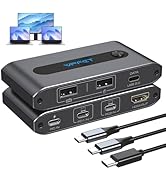
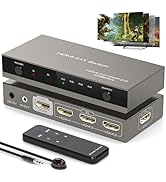
Switch
DisplayPort to dul hdmi Splitter
Merchant VideoImportant Note:
1. The DisplayPort splitter requires your computer to support the DP 1.4 version; the HDMI output cable supports the HDMI 2.0 version.
2. Please use a standard DP cable with DP 1.4 or higher version, and the length of the DP cable must not exceed 1.8 m; HDMI output cables must not exceed 5 m in length.
3. MacOS systems only supports SST and does not support MST, meaning they cannot extend two separate displays;
4. Connecting the computer to the product's DP input port using an HDMI-to-DP dock or adapter cable is not supported;
5. DP cables and HDMI cables are not included in the packaging;
6. Ensure that your computer's display settings are set to extended mode, and that the computer is connected to an external display and powered on.

Please confirm compatibility between your laptop and the product using the images above before purchasing.


XPTSFDU Adapter
DisplayPort to Dual HDMI | DisplayPort to Dual DP | DisplayPort to Triple DP | USB C to Triple DP | USBA or USBC to Dual HDMI | USB C to Dual HDMI |
|---|---|---|---|---|---|
| Customer Reviews | |||||
| — | — | — | — | — | — |
| Price | |||||
| — | — | — | — | — | — |
| Computer Input | |||||
| DisplayPort | DisplayPort | DisplayPort | USB C | USB C or USB A | USB C |
| Monitor Output | |||||
| 2*HDMI | 2*DisplayPort | 3*DisplayPort | 3*DisplayPort | 2*HDMI | 2*HDMI |
| Power Supply | |||||
| ? | ? | ? | ? | ? | ? |
| Installation of Drivers | |||||
| ? | ? | ? | ? | ? | ? |
| Maximum Resolution | |||||
| 4K60HZ | 4K120HZ | 4K60HZ | 4K60HZ | 4k30HZ+1080P | 4K60HZ |
| Video Dandwidth | |||||
| 18Gbps | 32.4Gbps | 18Gbps | 18Gbps | 12Gbps | 18Gbps |
| Screen Display (Windows) | |||||
| AAA/ABB/ABC | AAA/ABB/ABC | AAA/ABB/ABC | AAA/ABB/ABC | AAA/ABB/ABC | AAA/ABB/ABC |
| Screen Display (MACOS) | |||||
| AAA/ABB | AAA/ABB | AAA/ABB | AAA/ABB | AAA/ABB/ABC | AAA/ABB |
| Operating System | |||||
| Windows,Vista,XP and Mac OS. | Windows,Vista,XP and Mac OS. | Windows,Vista,XP and Mac OS. | Windows,Vista,XP and Mac OS. | Windows,Vista,XP and Mac OS. | Windows,Vista,XP and Mac OS. |
With industry-leading proprietary core technologies and a professional R&D team, XPTSFDU is committed to designing and manufacturing high-quality, customer-focused, high-quality products.
We specialize in audio and video converters and are constantly developing new products. Each product is carefully designed and professionally developed.
XPTSFDU has strict quality control and excellent after-sales service to solve customer problems efficiently!
Displayport INPUT Splitter
USB C INPUT Splitter
Audio Converter
Switch