




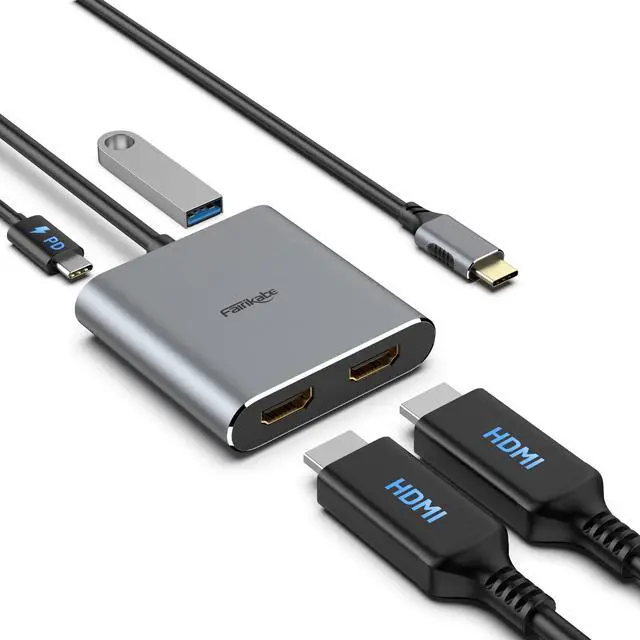
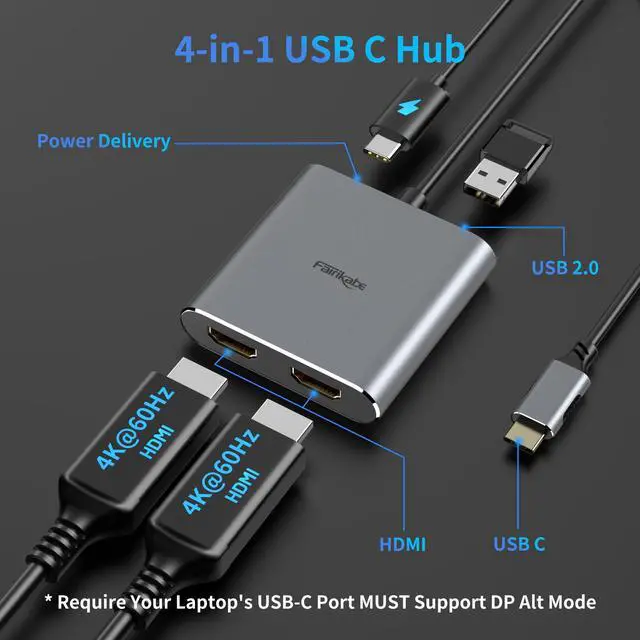
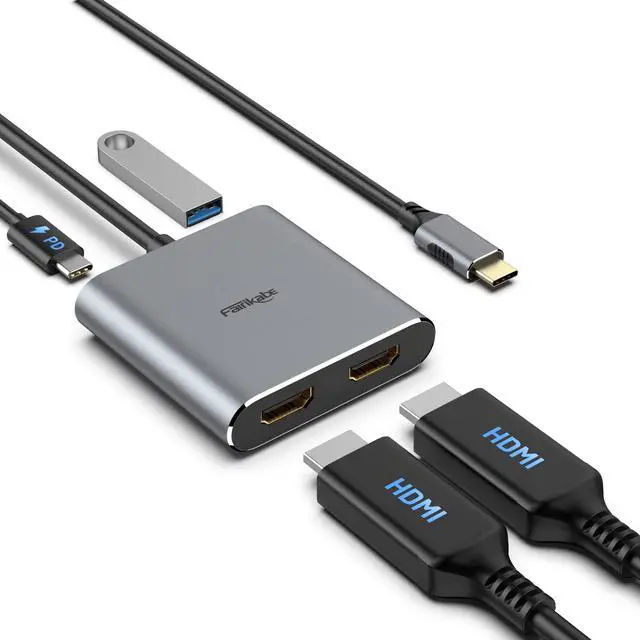
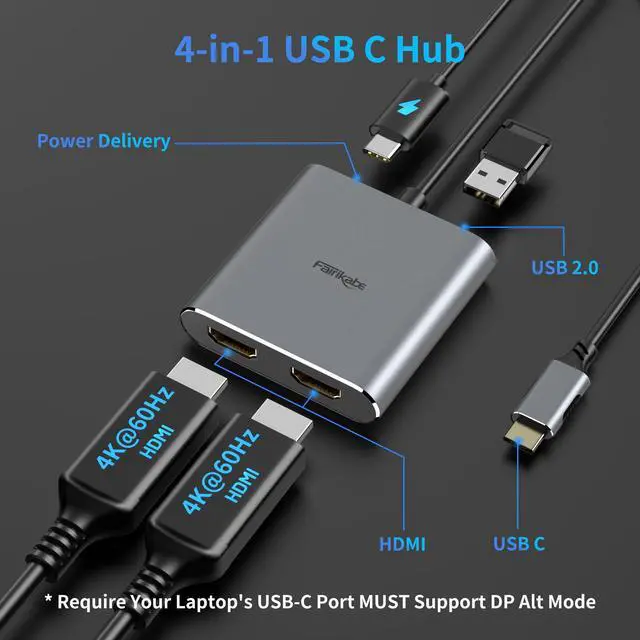
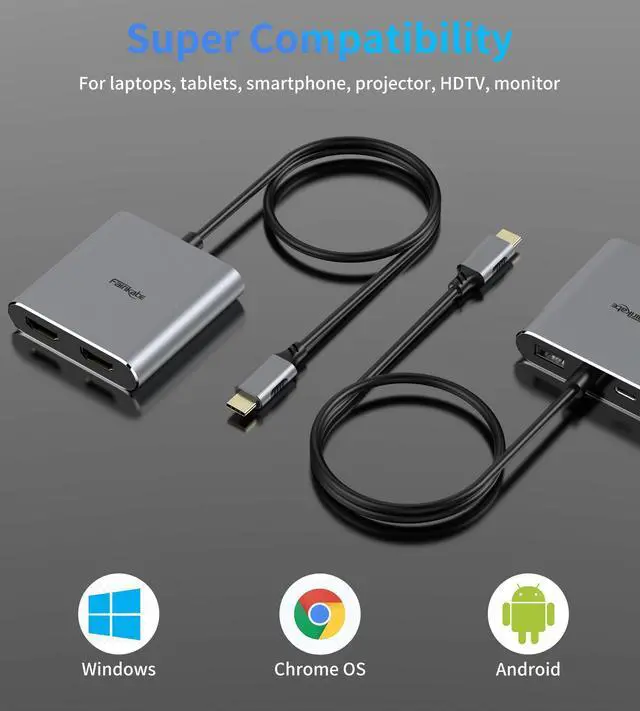


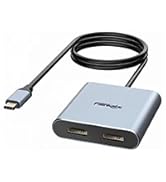
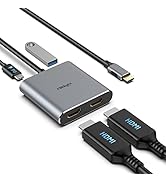
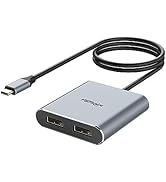
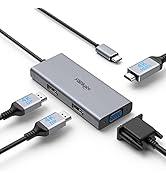
Fairikabe USB C Hub with Dual HDMI Monitors
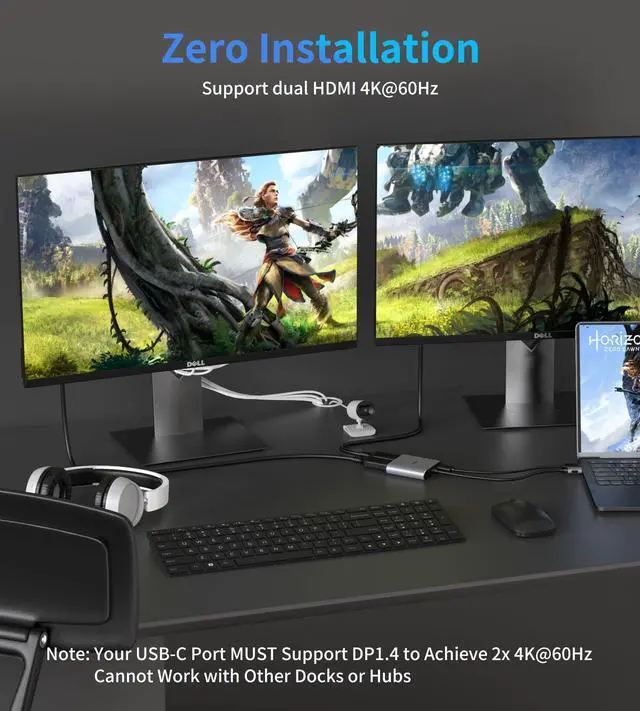
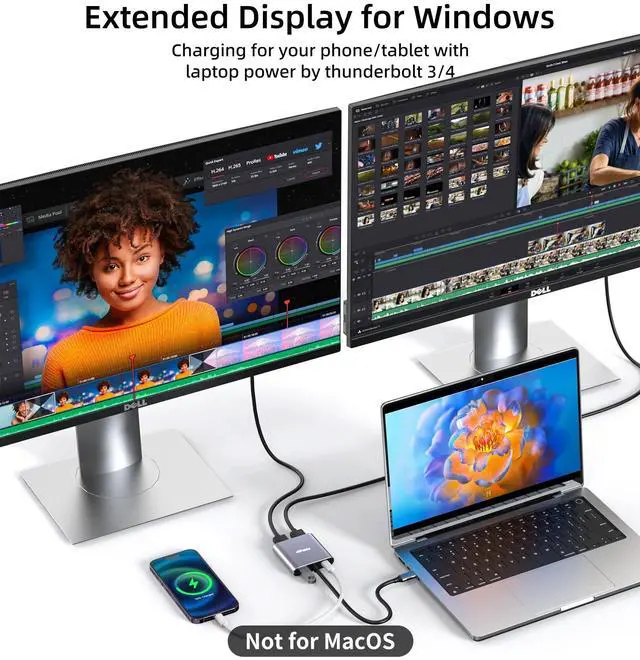
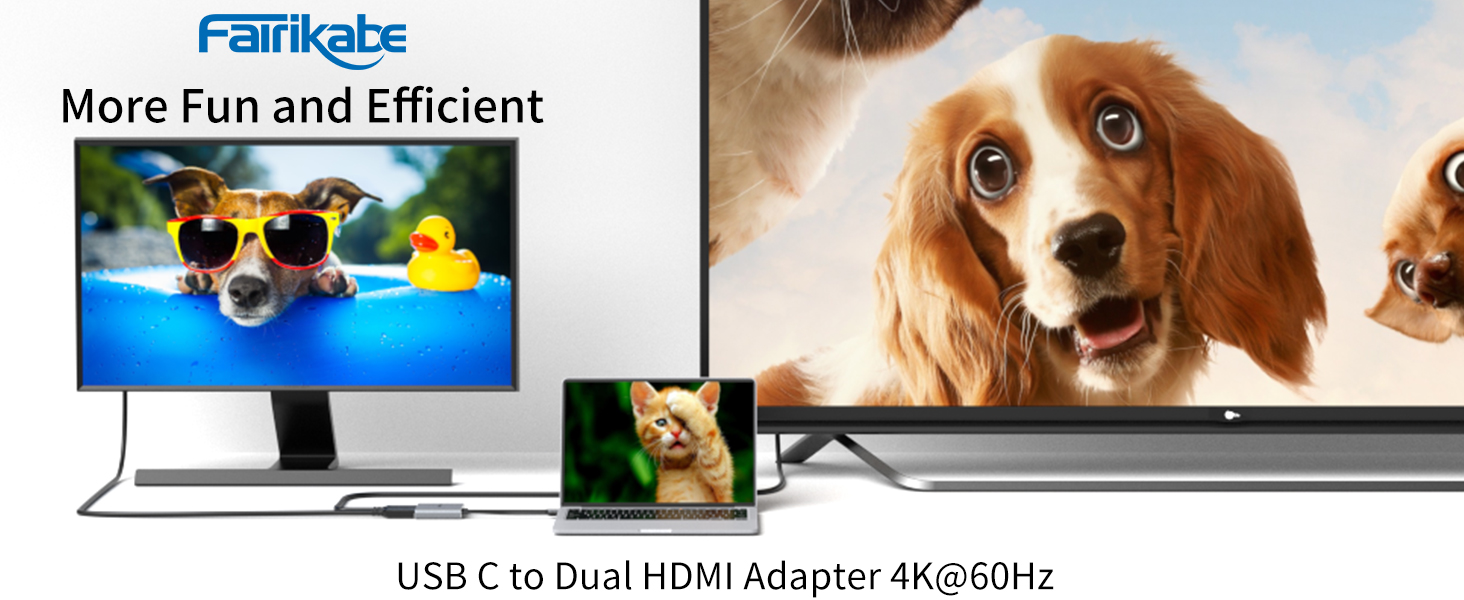
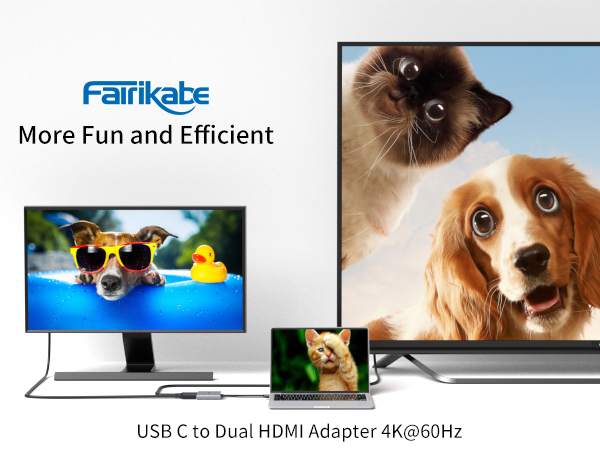
How do you feel about working on one screen and doing something you love on the other?
Fairikabe MST Hub allows you to control many things at the same time.
1
2
3
4
5
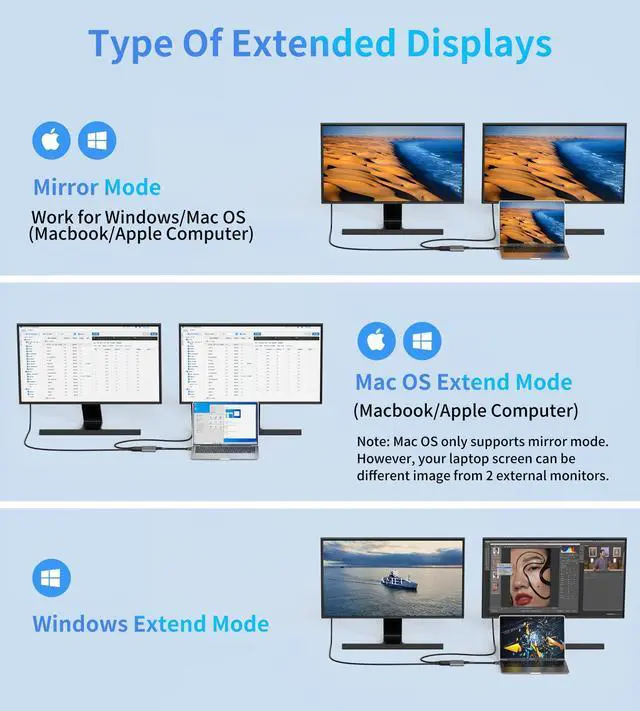
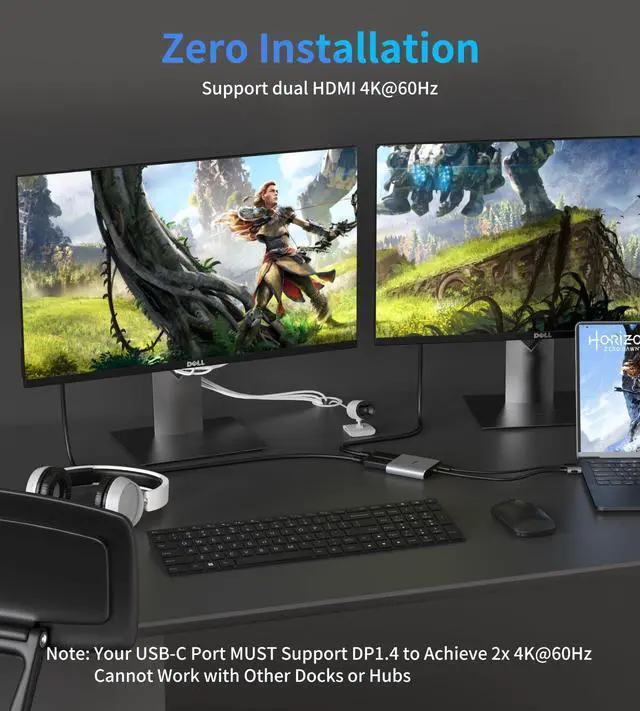
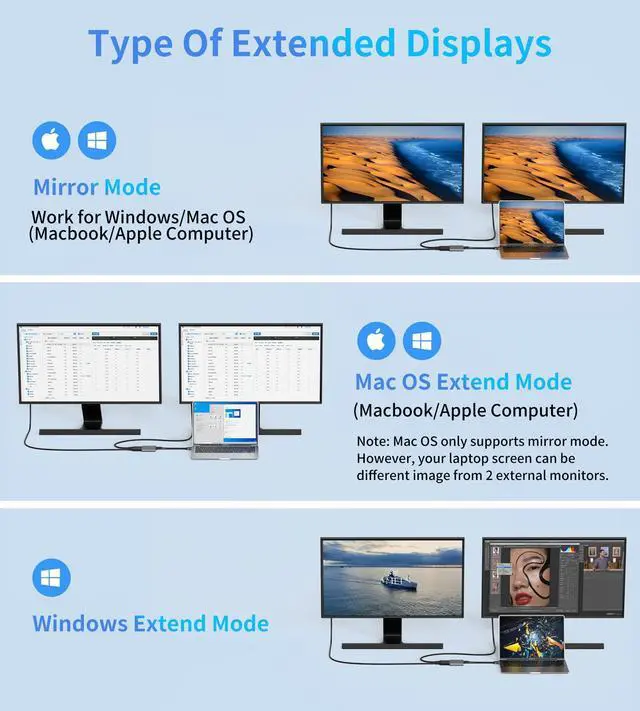
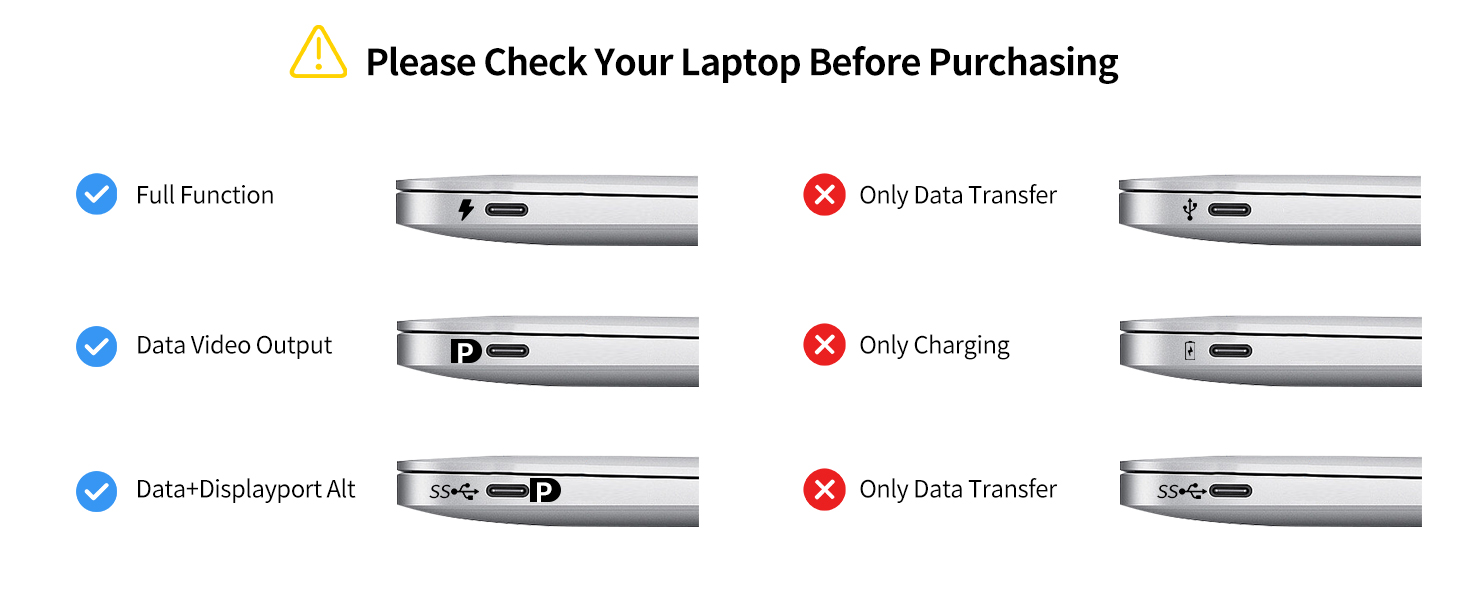
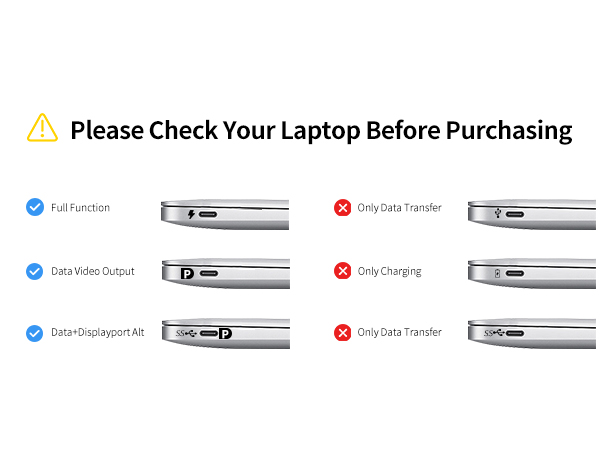
*** Please check if your laptop owns a USB Type-c Thunderbolt 3/4 port and support DisplayPort Alternate Mode; On Mac Devices, ONLY support Mirror Mode, CAN NOT Extend Two Different Screen, Due to Mac OS Limitation***
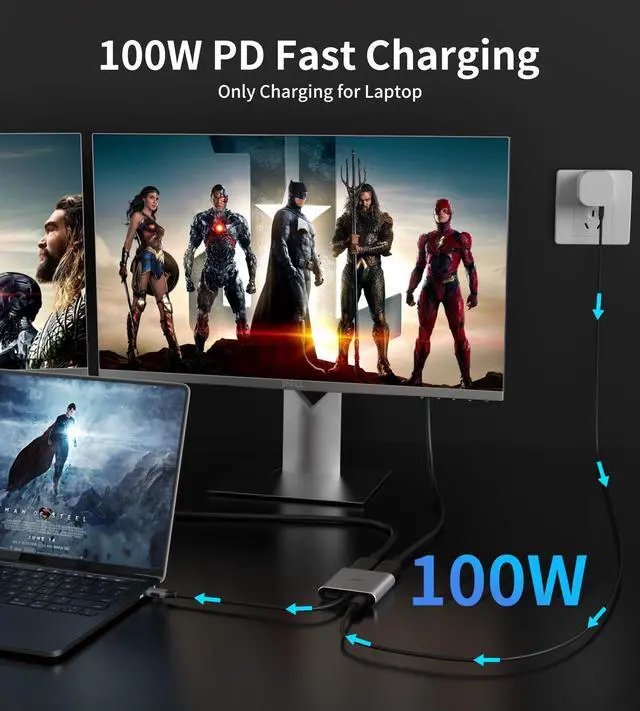
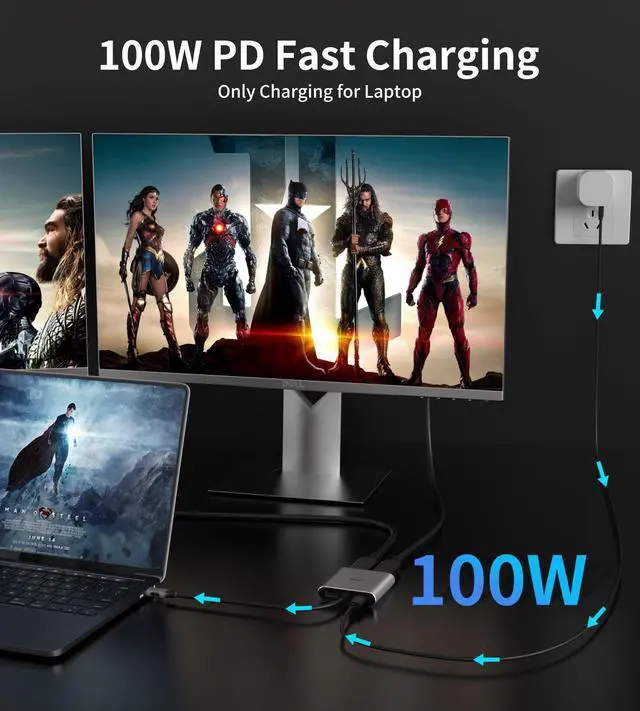
Charge Laptop(Below 100W) & Charge Phone/Tablet with Laptop Power
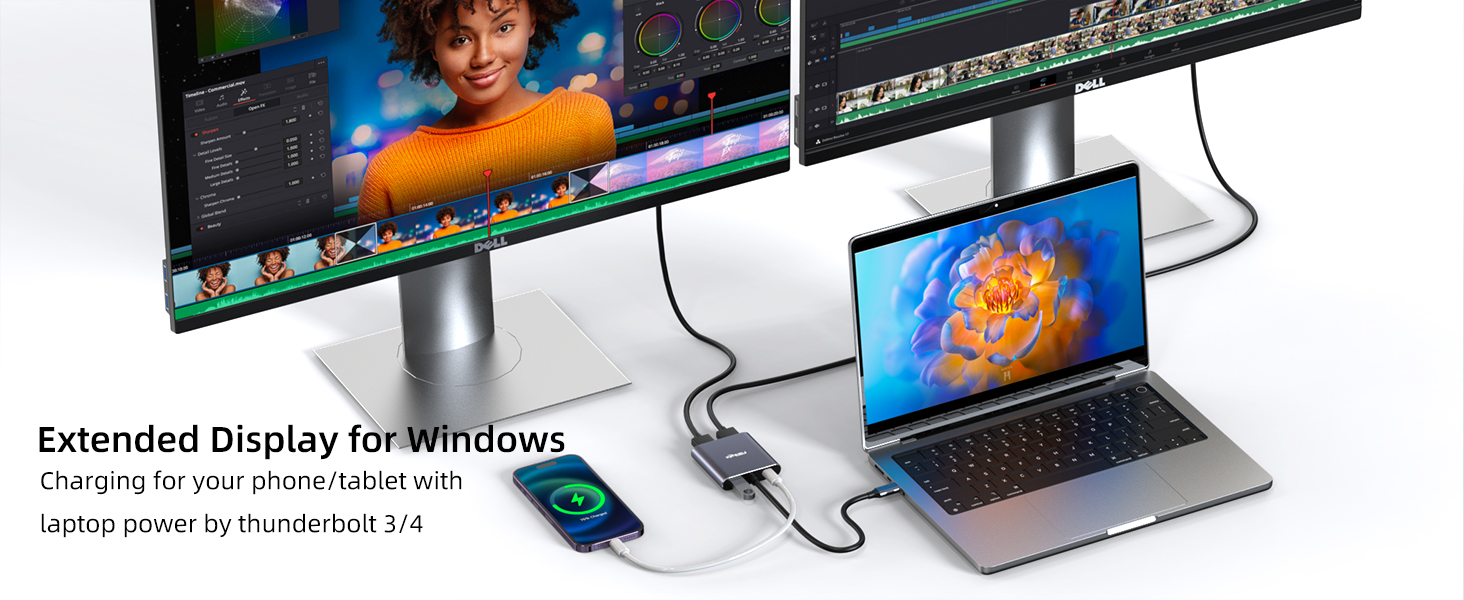
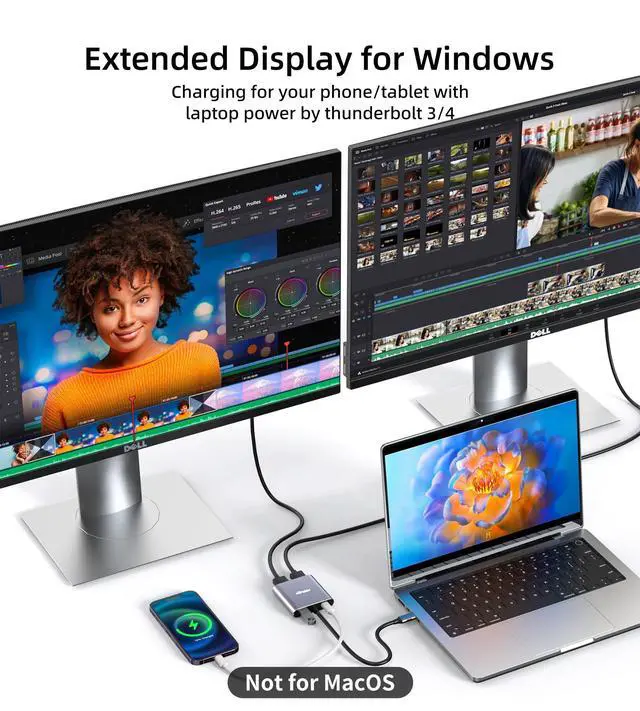
USB-C Port can charging your laptop with your original charger, also can charging your phone or tablet with laptop power by thunderbolt 3/4
1. No Driver or software is required
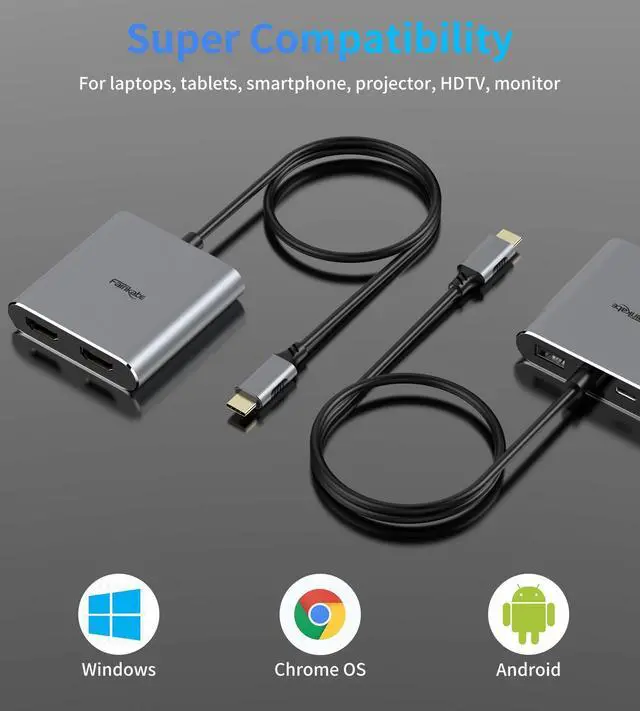
2. Require laptop USB-C port support DP Alt Mode or display function
3. Support Mode: AAA, ABB, ABC( ABC not for MacOS)
The Difference Between Windows/MacOS/iPadOS
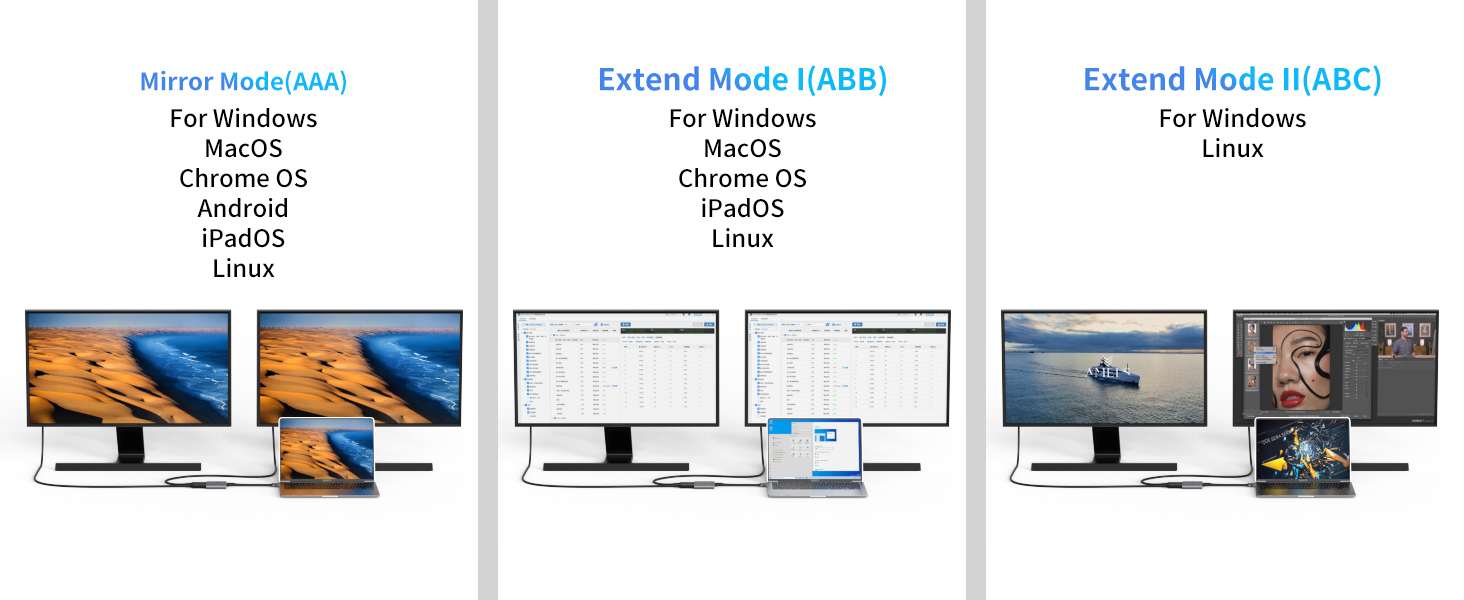
When testing the split screen, pay attention to right-click on the computer desktop and select "Display Settings" and select "Extend these two screens". When the screens displayed on the two monitors are different, confirm that the split screen function is OK.
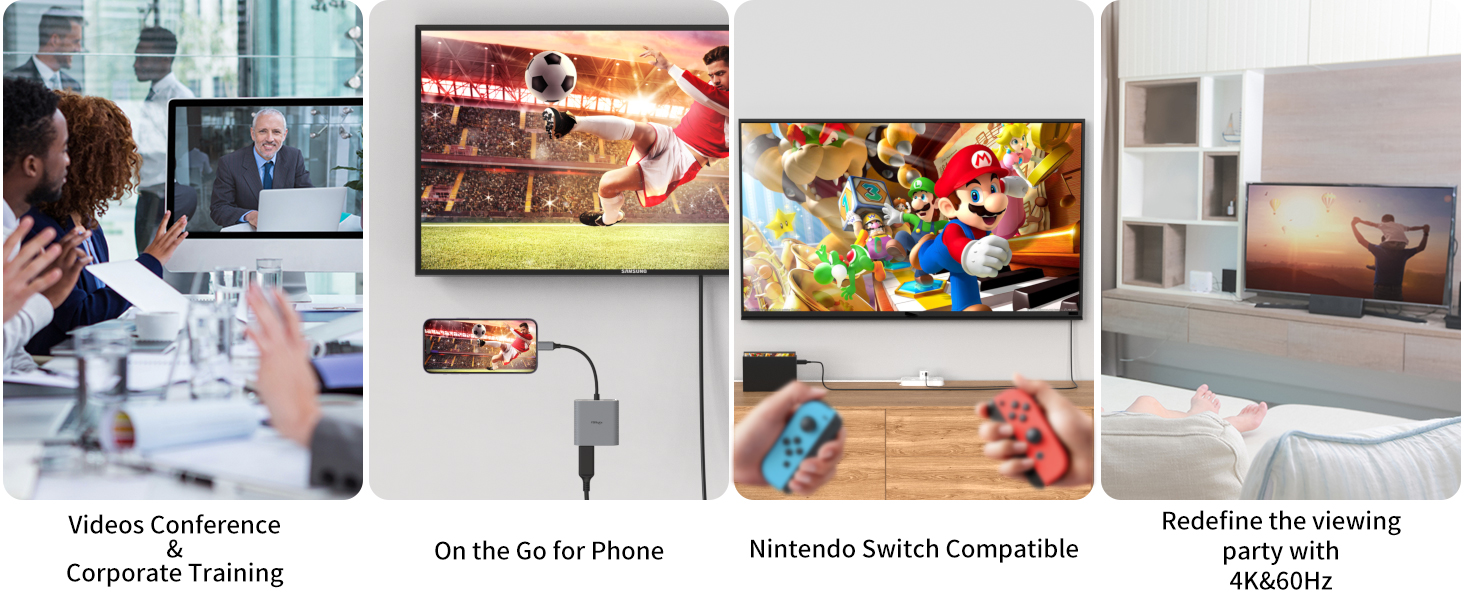
A Great Helper for Office Work, Business Trip
Trouble Shooting


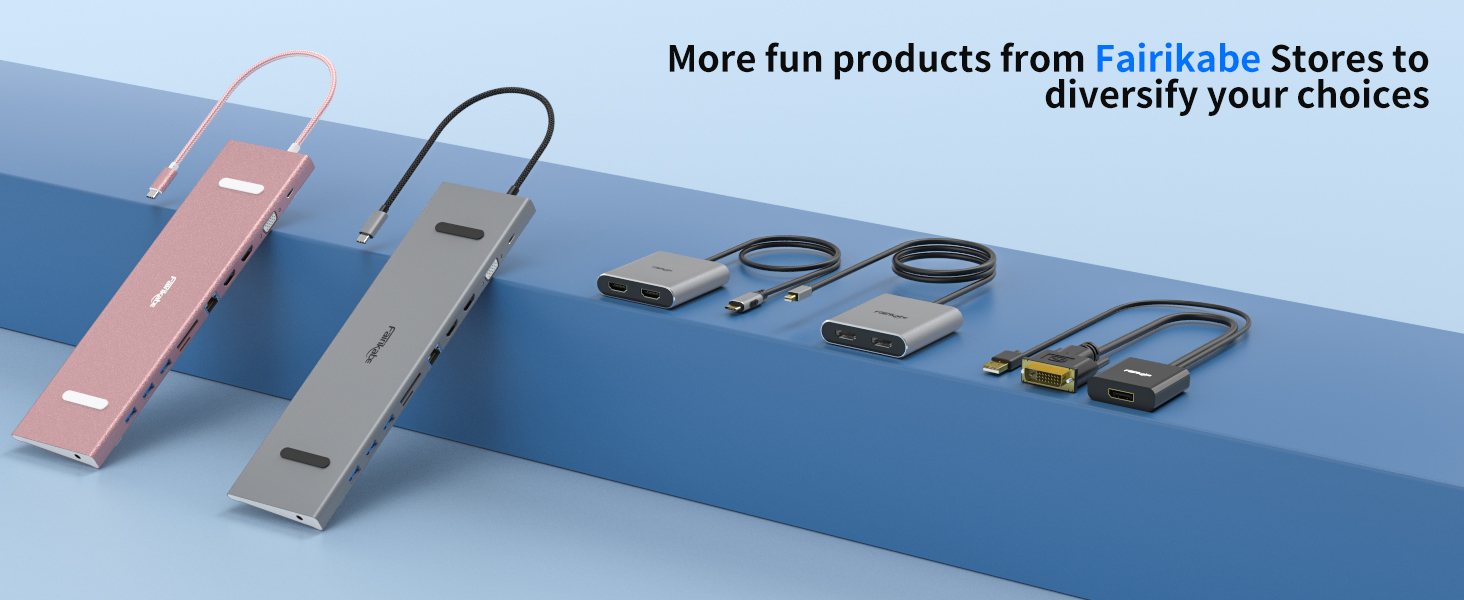
Fairikabe provide variaty of connection solutions for your work and entertainment. Such as audio and video accessories, network connections, data transfer etc. Offer much convenience to surfing on big screen, and expand the connections of your laptop.
There will be amazing items keep poping out, we are always open to your voice, keep growing with us.
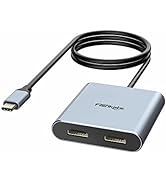
Display Splitter
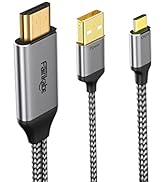
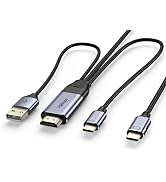
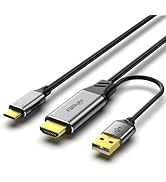
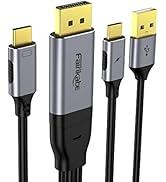
Cable for USB C Monitor
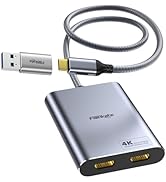
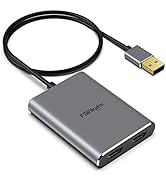
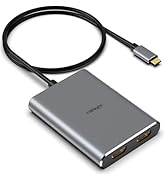
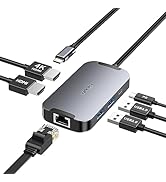
Extend Display for MacOS
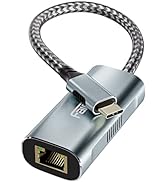
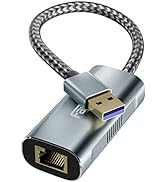
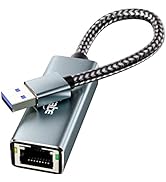
USB Ethernet Adapter
Extend Display for WinOS
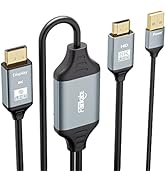
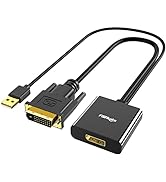
![fairikabe Active HDMI to Displayport Cable 4K@60Hz [6.6FT/2M, Uni-Directional], HDMI in to DP Out...](//c1.neweggimages.com/sellingpilot/modules/product/a-plus/5eca416ad7516432acdb7fcd35c7e0c2673de65c8171bd557a4959676ba03a85.jpg)
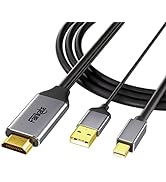
HDMI to DisplayPort Monitor
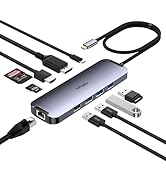
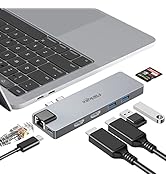
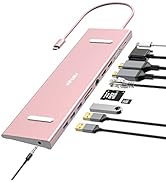
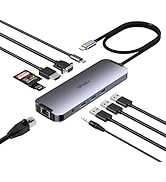
Laptop Dockings
![fairikabe Active HDMI to Displayport Cable 4K@60Hz [6.6FT/2M, Uni-Directional], HDMI in to DP Out...](http://c1.neweggimages.com/sellingpilot/modules/product/a-plus/5eca416ad7516432acdb7fcd35c7e0c2673de65c8171bd557a4959676ba03a85.jpg)
Fairikabe USB C Hub with Dual HDMI Monitors
How do you feel about working on one screen and doing something you love on the other?
Fairikabe MST Hub allows you to control many things at the same time.
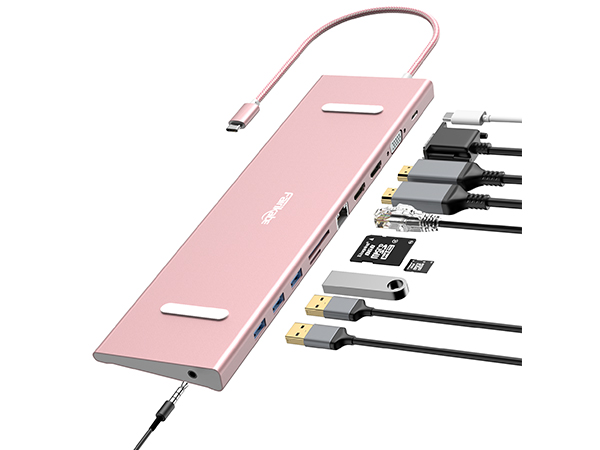
USB C Docking Station Dual Monitor/Triple Monitors
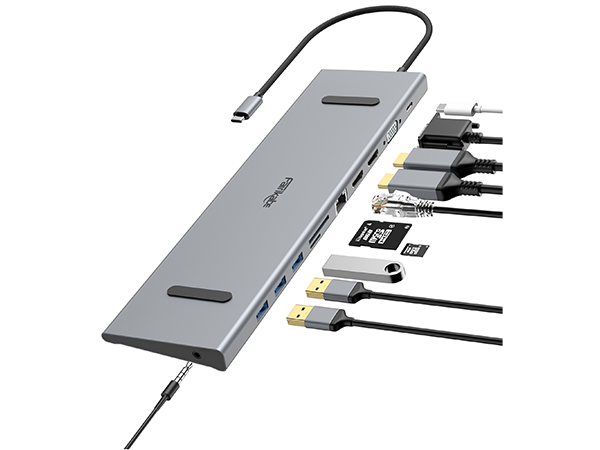
11 in 1 USB C Docking Station Dual Monitor
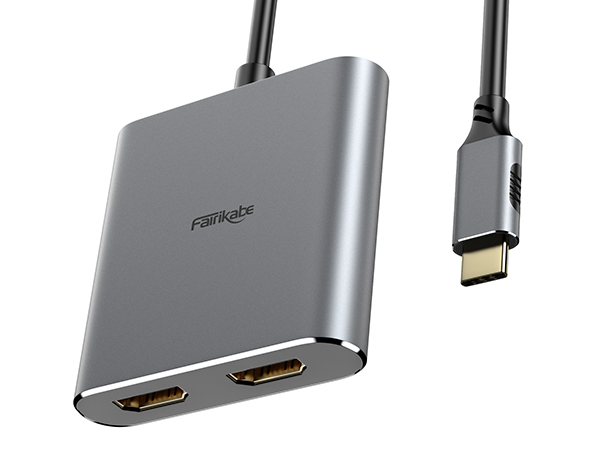
4 IN 1 USB C to Dual HDMI Adapter 4K@60Hz
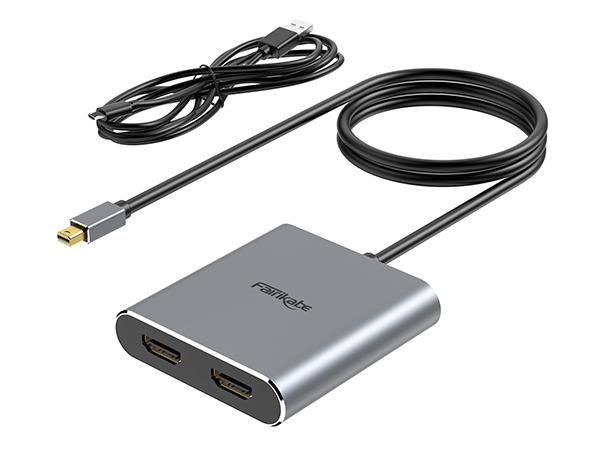
Mini Displayport to Dual HDMI
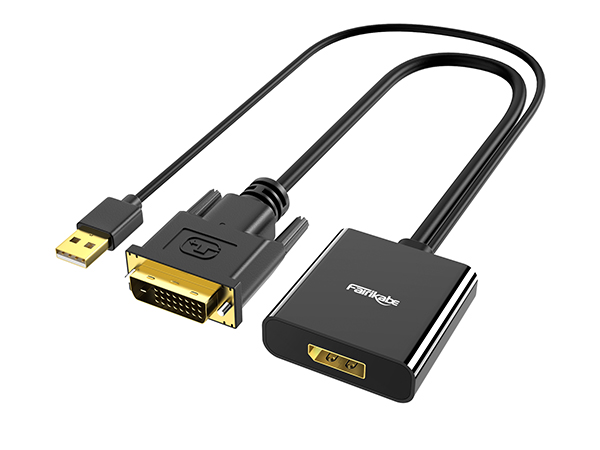
DVI to Displayport Adapter
*** Please check if your laptop owns a USB Type-c Thunderbolt 3/4 port and support DisplayPort Alternate Mode; On Mac Devices, ONLY support Mirror Mode, CAN NOT Extend Two Different Screen, Due to Mac OS Limitation***
Charge Laptop(Below 100W) & Charge Phone/Tablet with Laptop Power
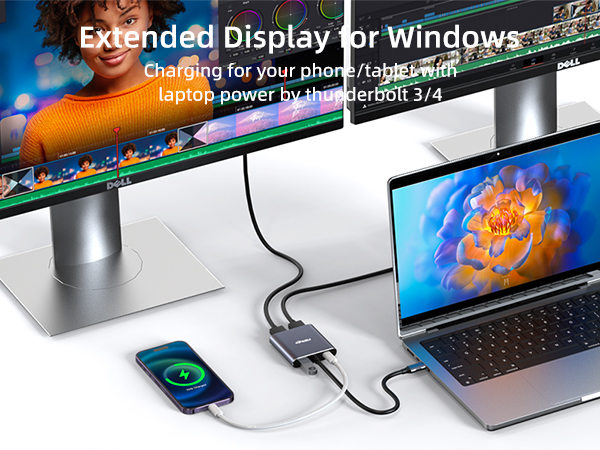
USB-C Port can charging your laptop with your original charger, also can charging your phone or tablet with laptop power by thunderbolt 3/4
1. No Driver or software is required
2. Require laptop USB-C port support DP Alt Mode or display function
3. Support Mode: AAA, ABB, ABC( ABC not for MacOS)
The Difference Between Windows/MacOS/iPadOS
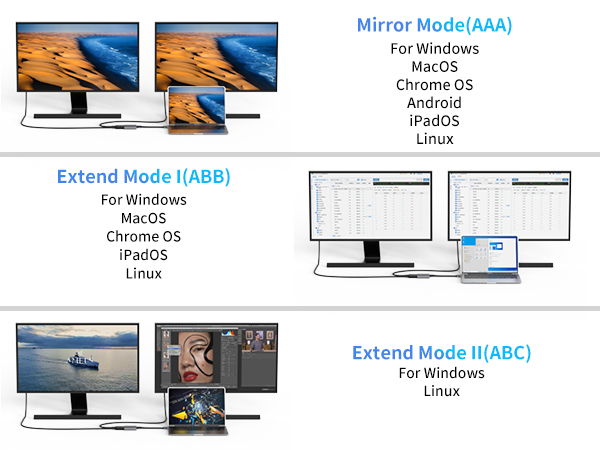
When testing the split screen, pay attention to right-click on the computer desktop and select "Display Settings" and select "Extend these two screens". When the screens displayed on the two monitors are different, confirm that the split screen function is OK.
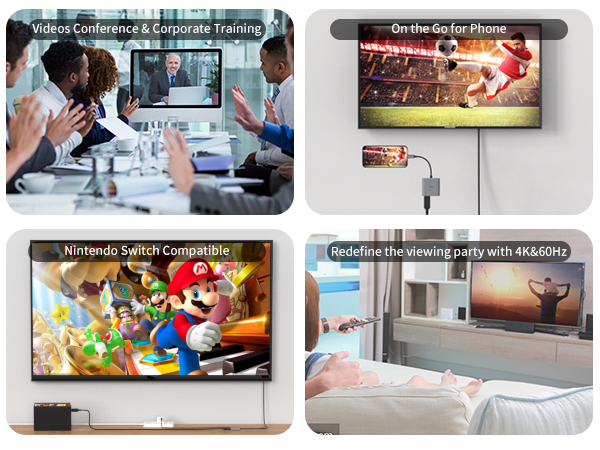
A Great Helper for Office Work, Business Trip
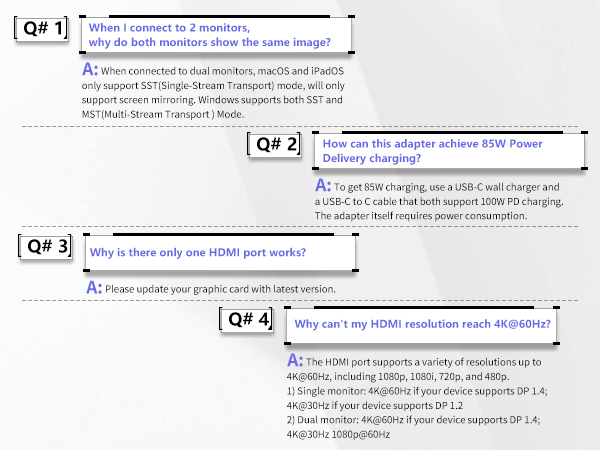
Trouble Shooting
Fairikabe provide variaty of connection solutions for your work and entertainment. Such as audio and video accessories, network connections, data transfer etc. Offer much convenience to surfing on big screen, and expand the connections of your laptop.
There will be amazing items keep poping out, we are always open to your voice, keep growing with us.
Display Splitter
Cable for USB C Monitor
Extend Display for MacOS
USB Ethernet Adapter
Extend Display for WinOS
HDMI to DisplayPort Monitor
Laptop Dockings
